

The AI assistant in WEDATA ERP

Your business, in your own words

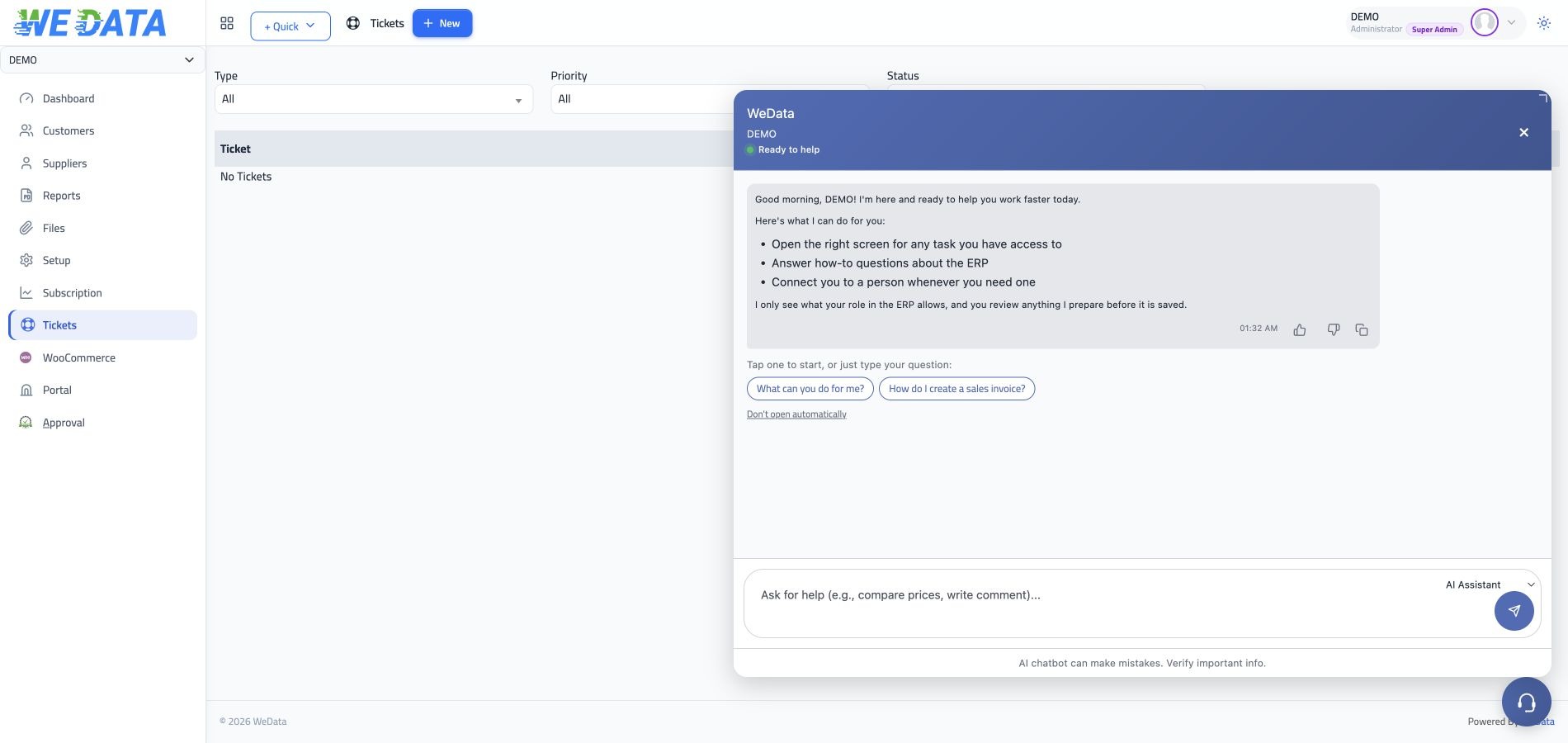
Discover the AI assistant options available in your WEDATA account. Supported questions, access to company records and any actions it can prepare depend on the enabled product, your user permissions and account setup. Contact WEDATA to confirm the functions available before relying on them for business decisions.

AI Assistant
AI assistant options vary by account
The assistant

Review available features

for your account

Ask about your data

Depending on your WEDATA product and user permissions, the assistant may support questions about selected business records. Confirm which records and functions are available in your account before relying on the answers.
AI Assistant

It prepares, you approve

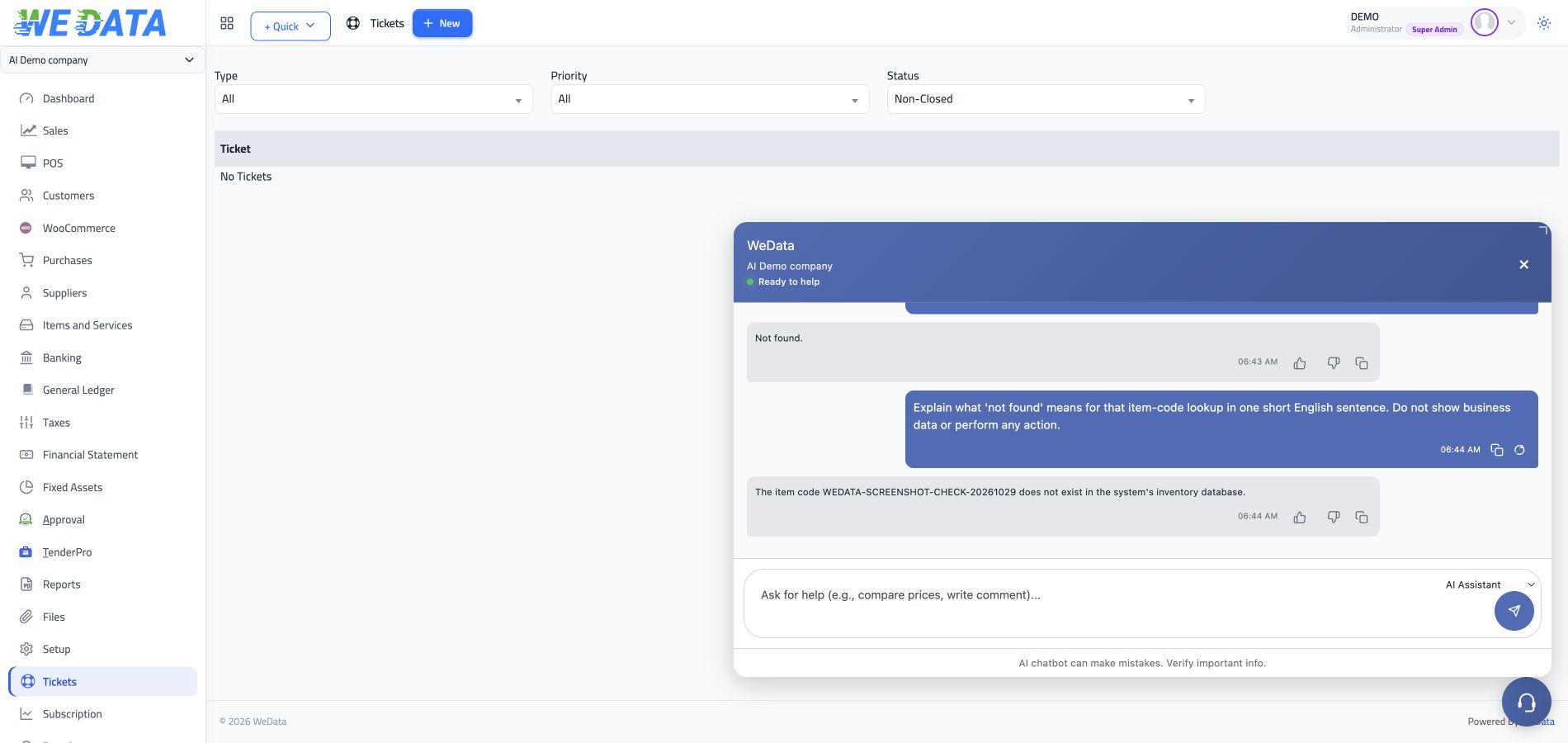
Where supported, the assistant may prepare information for a WEDATA form. Review the available actions and verify every field yourself before saving or posting anything.

AI Assistant

Account guidance

The assistant may help users locate account options or guidance where those functions are enabled. Confirm any suggested setting changes with your administrator before applying them.
AI Assistant

Getting help

For account or technical issues, use WEDATA's published support channels. Confirm which support options are included for your product and account.


AI Assistant
AI Assistant
AI assistant

Review available options

for your account

AI Assistant

In your language

Available languages and response behavior depend on the assistant version enabled for your account. Confirm language support with WEDATA before use.

AI Assistant

Document scan

If document-related tools are enabled for your account, check which formats and steps are supported. Verify all extracted details before using them in a record.

AI Assistant

Access controls

Available records and actions depend on your WEDATA configuration and each user's permissions. Confirm access rules with your administrator.

AI Assistant

Usage limits and pricing

Usage limits, pricing and any included messages depend on the current WEDATA offer and your account. Contact WEDATA for confirmed terms.

AI Assistant

Conversation history

Conversation storage and retention depend on the version and settings enabled for your account. Confirm the applicable privacy and retention settings with WEDATA.

AI Assistant

Multiple models

AI services and model options, if available, depend on the WEDATA configuration used for your account. Ask WEDATA which options are enabled.
AI Assistant
Availability

Available tools depend

on your WEDATA setup

The functions available to the assistant depend on your WEDATA product, edition, configuration and user permissions. Confirm specific actions and any connected services with WEDATA before relying on them.

  • AI Assistant
    Availability varies by setup
  • AI Assistant
    Review actions before saving
FAQ

Frequently asked questions

about the AI assistant

What users ask most before switching on the assistant.

  • Which assistant functions are available to me?

    Available questions, data access and actions depend on your WEDATA product, edition, account configuration and user permissions. Contact WEDATA to confirm the functions enabled for your account before use.

  • How should I verify an assistant answer?

    Check important information against the original record and confirm any calculations or decisions with the responsible person in your organization.

  • What data can the assistant access?

    Data access depends on the product configuration and permissions assigned to the signed-in user. Ask your administrator which records are available to the assistant.

  • Which languages are supported?

    Language support and response behavior depend on the assistant version enabled for your account. Confirm supported languages with WEDATA.

  • What does the assistant cost?

    Pricing, included usage and subscription terms depend on the current WEDATA offer. Contact WEDATA for confirmed pricing and usage limits.

Confirm your AI assistant options

Contact WEDATA to confirm available functions, access requirements and pricing for your product and account.

Get started now

Join a global network of top professionals.

  • At least 8 characters

Already have an account?

Choose your role to get started

This helps us set up the right experience for you.

Choose a username

This will be used in your profile and public links. Username can’t be changed later. Please choose carefully.

Reset password

Enter your email address and we'll send you a link to reset your password.

Go back to

تصفّح WEDATA

Browse WEDATA