
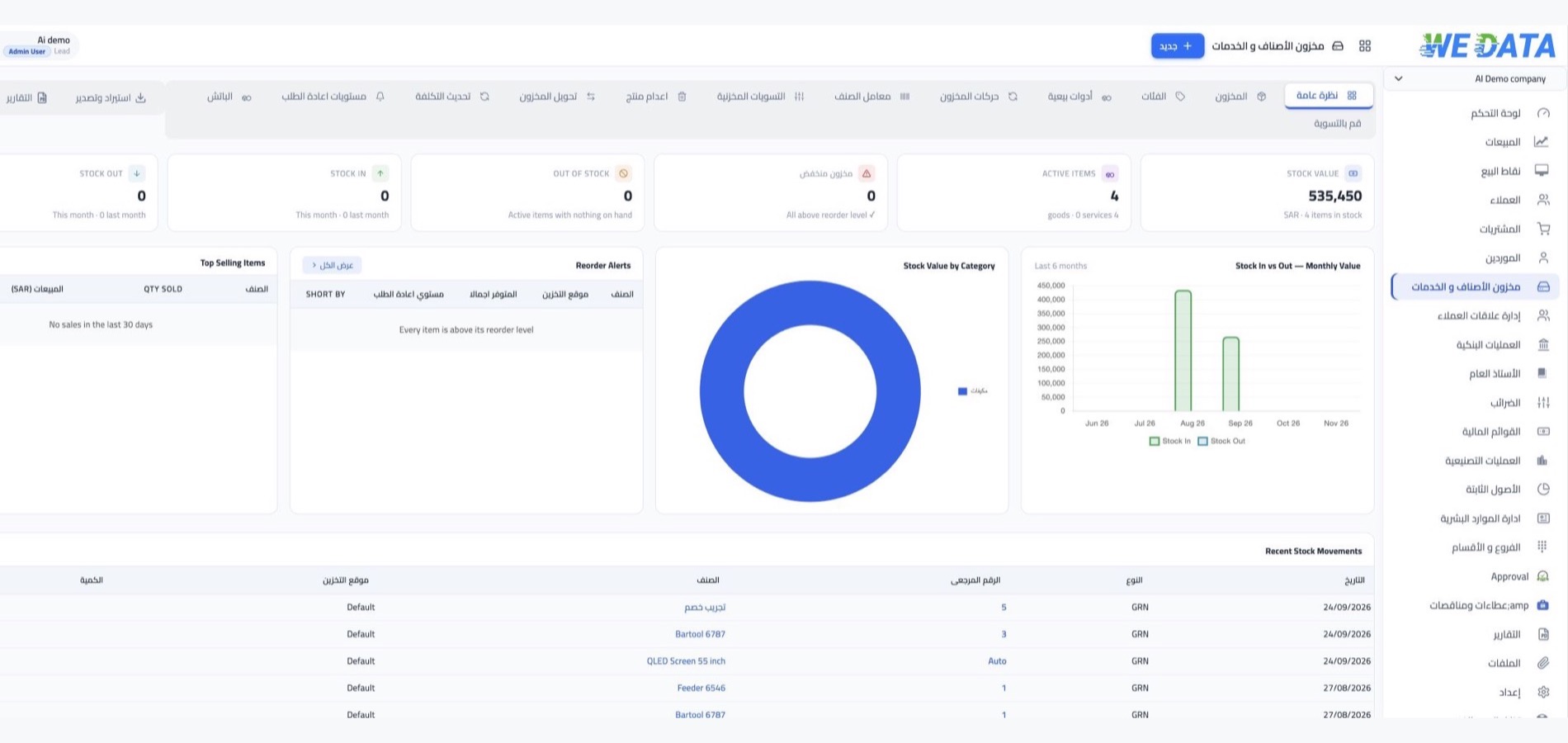



Items and warehouses
Maintain item records and warehouse locations, then review stock balances by location using the inventory views available in your WEDATA edition. Available item fields, attachments and reports depend on your product and account configuration.
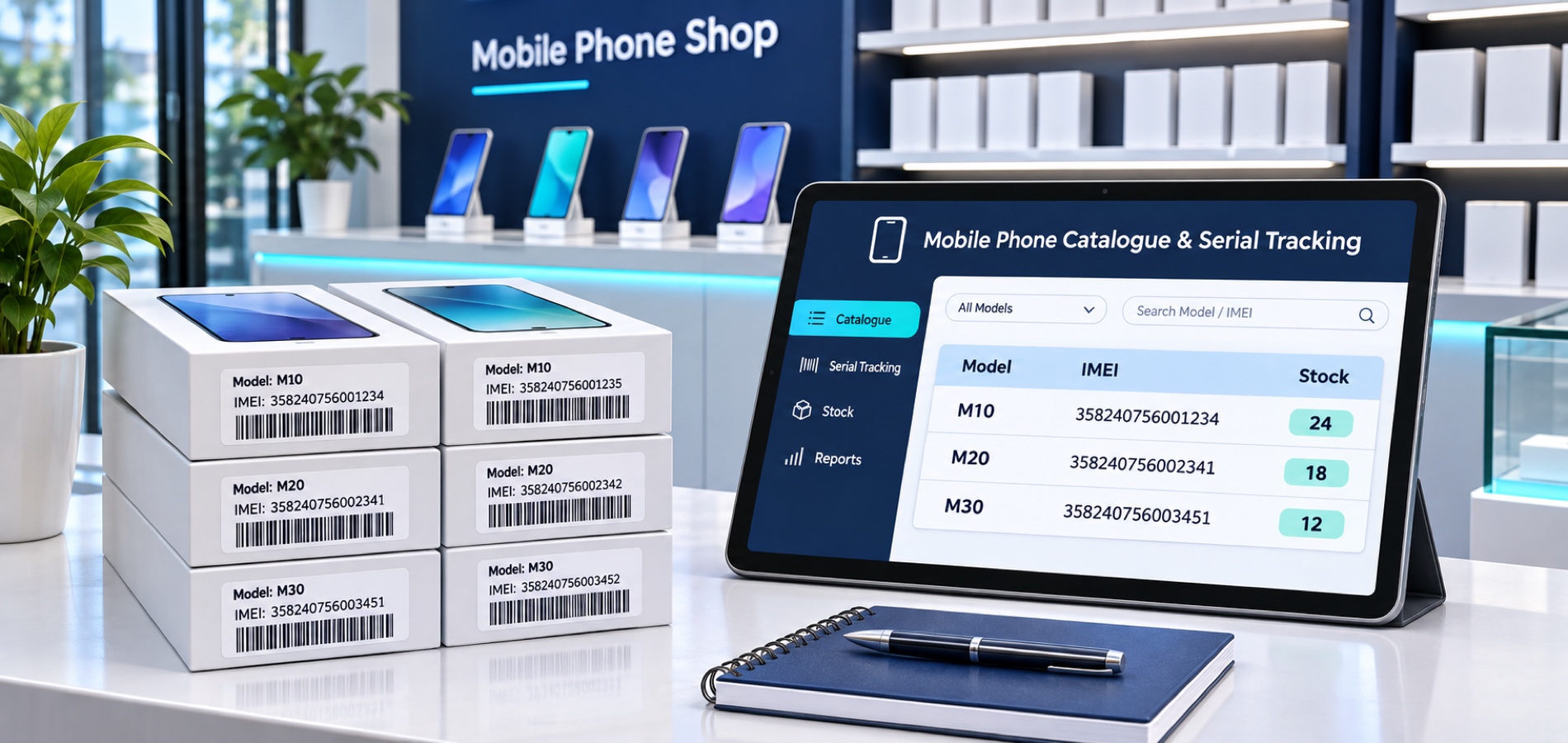
Stock movements and notes
Record receipts, deliveries, transfers and stock adjustments using the inventory workflows available in your WEDATA edition. The fields, validation and movement inquiries can vary by product and configuration; review each entry before saving.
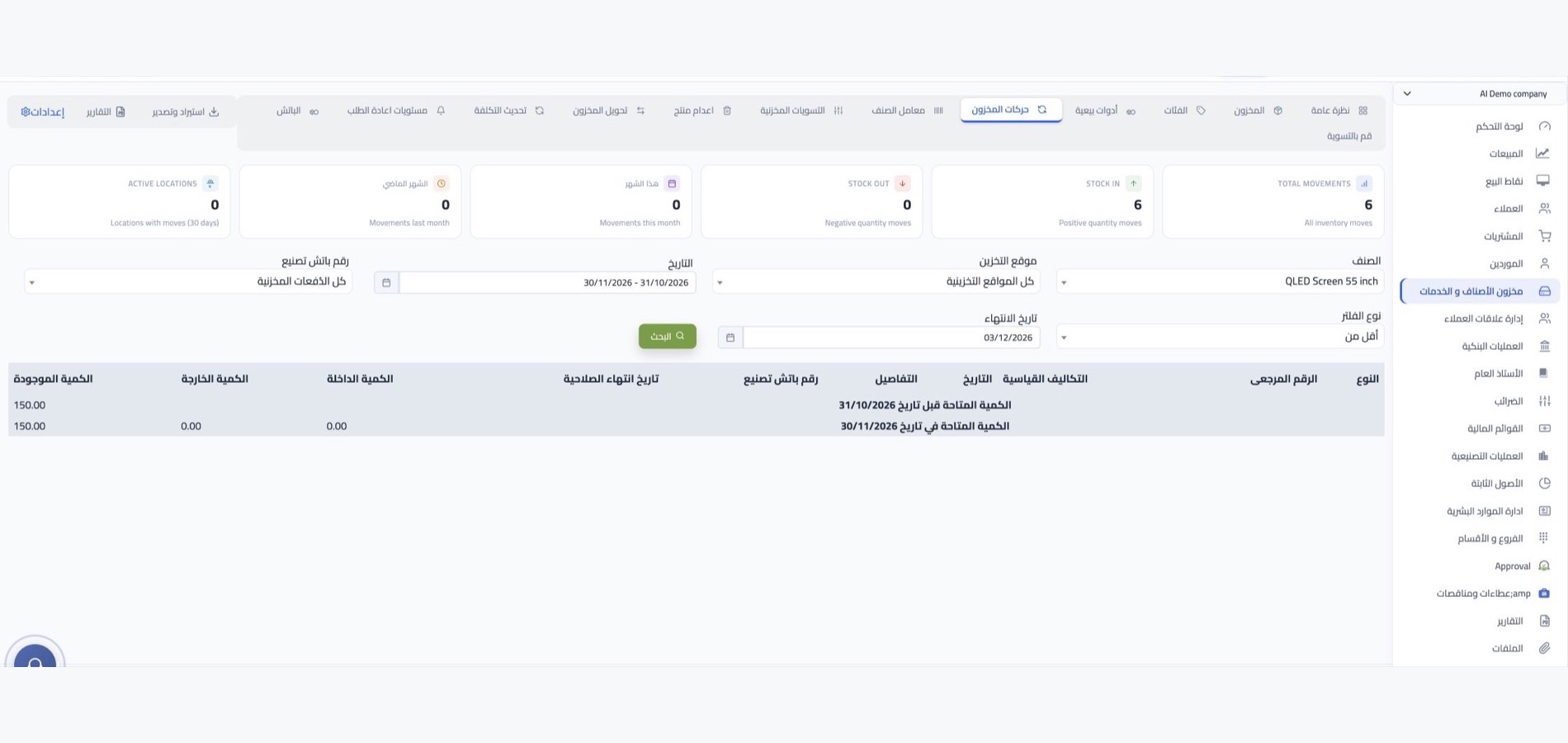
Stock counts and opening balances
Use stock-count and opening-balance workflows where available in your edition. The steps and supported data-entry or import options depend on your configuration; contact WEDATA to confirm the options available to your business.
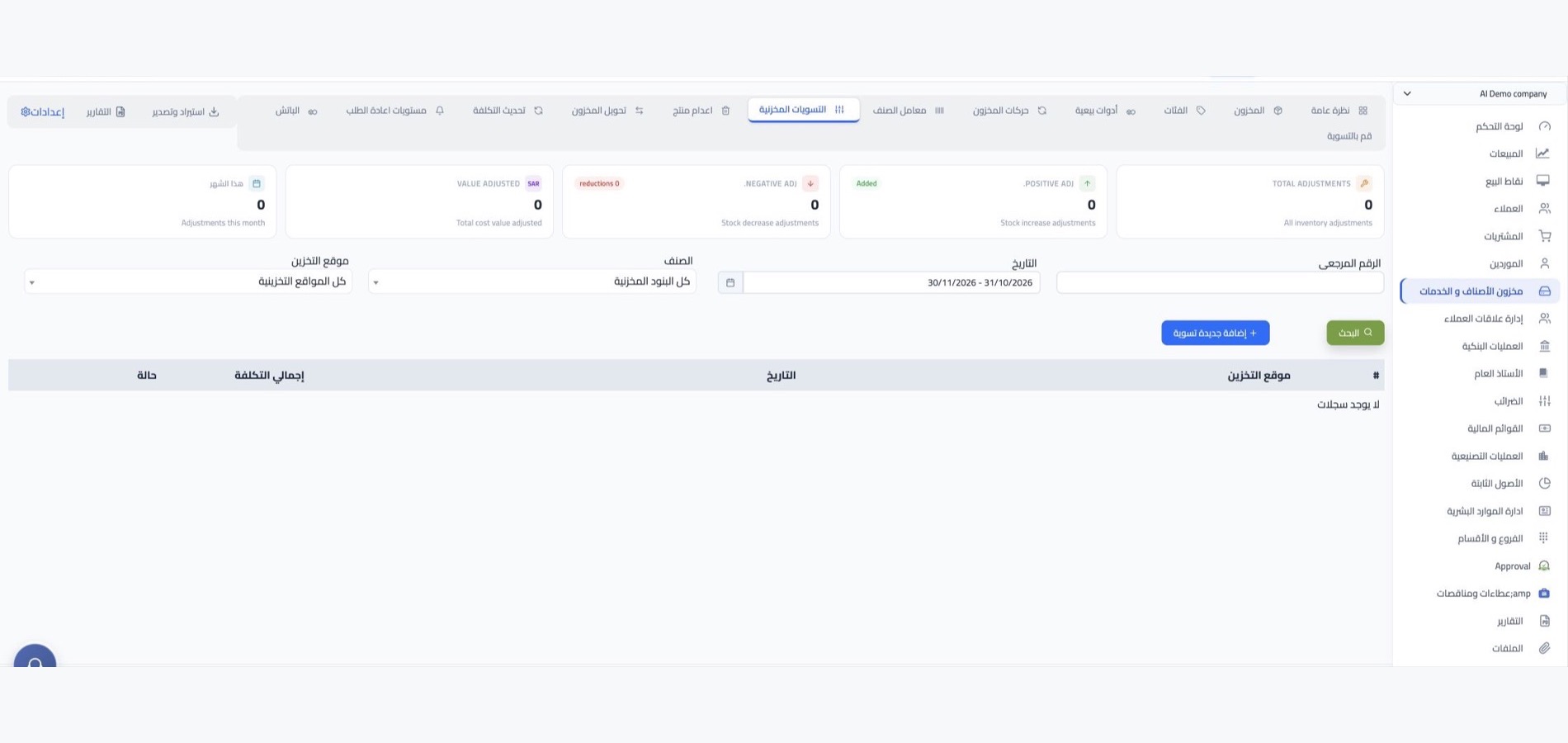
Instalments and due dates
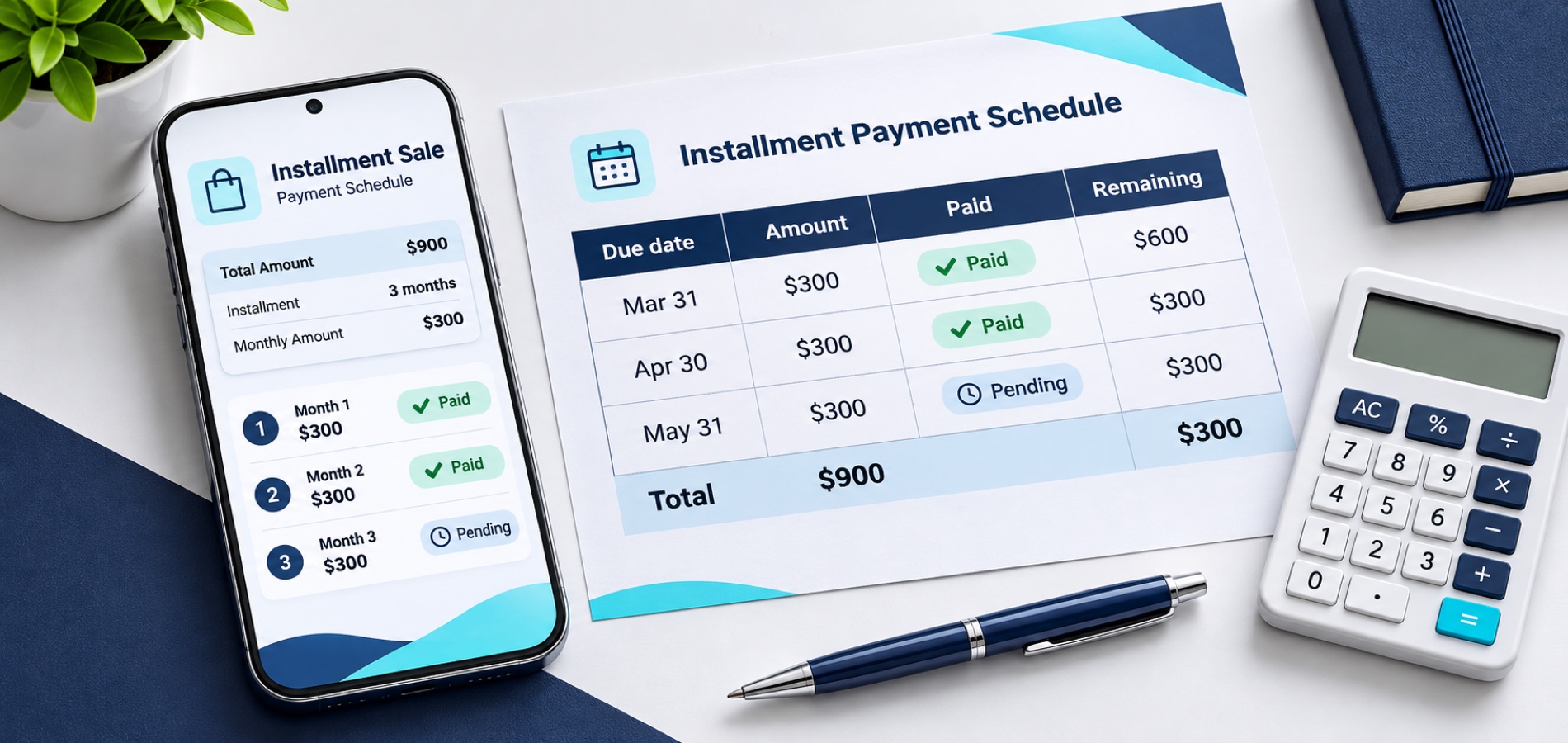
Review phone payment dates, collected instalments and remaining amounts using the tools available in your WEDATA edition and account configuration. The image illustrates an example payment schedule.


Services and virtual items
Service and virtual item handling, including how stock balances behave, depends on your product configuration. Contact WEDATA to confirm which item types and workflows are available in your edition.

Sales kits and bundles
Kit and bundle handling depends on the inventory and sales functions available in your WEDATA edition. Confirm whether component stock updates are supported in your configuration.

Prices and cost
Item pricing and cost fields vary by your WEDATA product and account configuration. Confirm which price lists, currencies and customer-specific options are available for your edition.

Categories and units
Item categories and units depend on the inventory functions available in your WEDATA edition. Confirm whether alternate units and conversions are supported for your account.

Reorder levels
Where configured, set reorder thresholds per item or warehouse. Any alert or purchase-request workflow depends on your edition and setup; confirm availability with WEDATA.

Stock reports
Inventory reports and valuation details vary by WEDATA product and account configuration. Contact us to confirm the reports available to your business.
-
Sales, purchasing and accounts

-
Points of sale and online stores