

Transaction sharing in WEDATA ERP
One link for whoever it concerns
Share quotations, sales orders, deliveries, invoices and payments with your customers, purchase orders with your suppliers, and bank movements with whoever reviews them. All are encrypted links sent by email, WhatsApp or as a direct link.

More than 8 years of experience in business solutions
Features
Every transaction has a link
you share securely
Preparing the document to share
Before sending, the transaction is built with your customer's details and your company's details, and the items or services with their prices in a clear table. The other party receives a tidy document they read without extra explanation, in the same form your team sees in the system.
Sales transactions
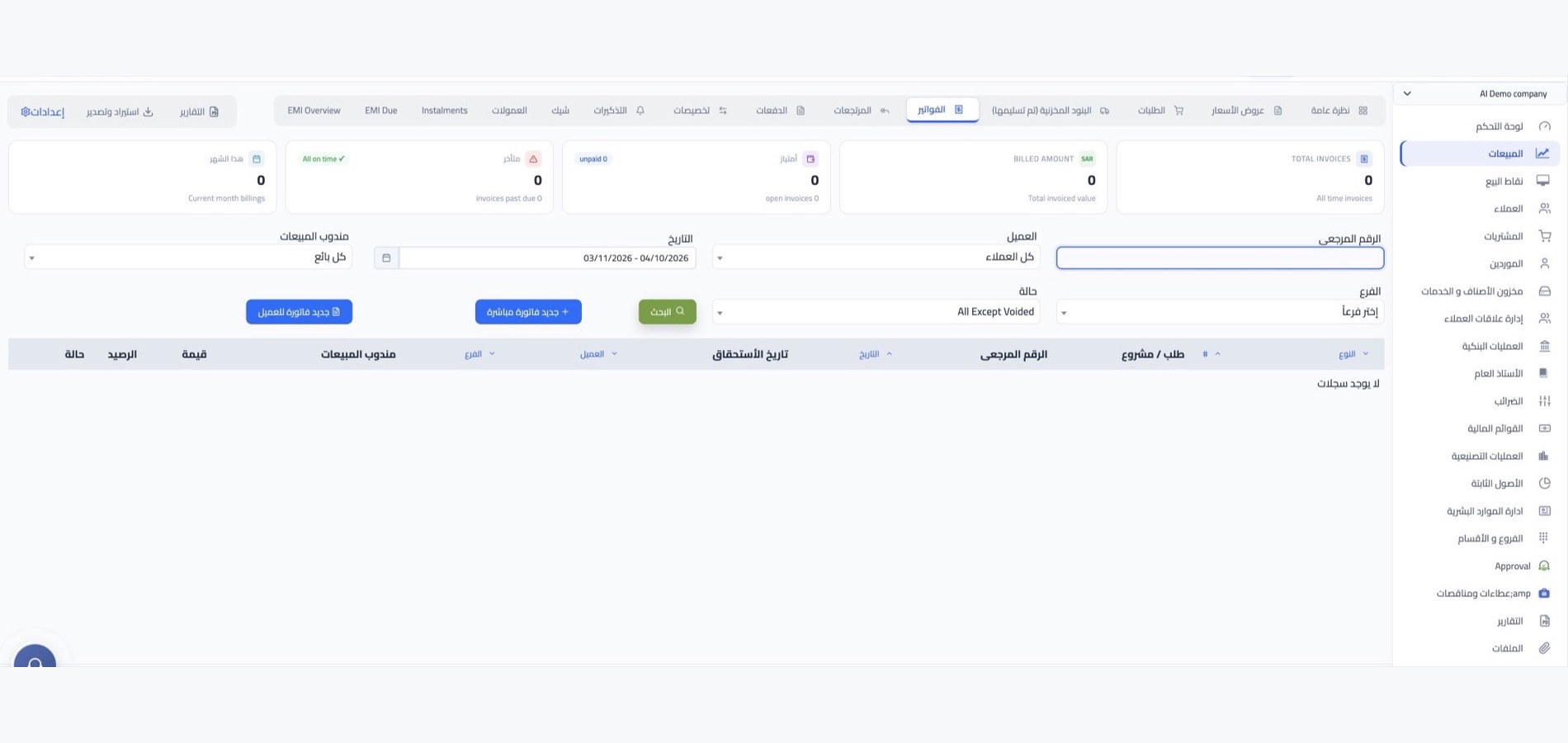
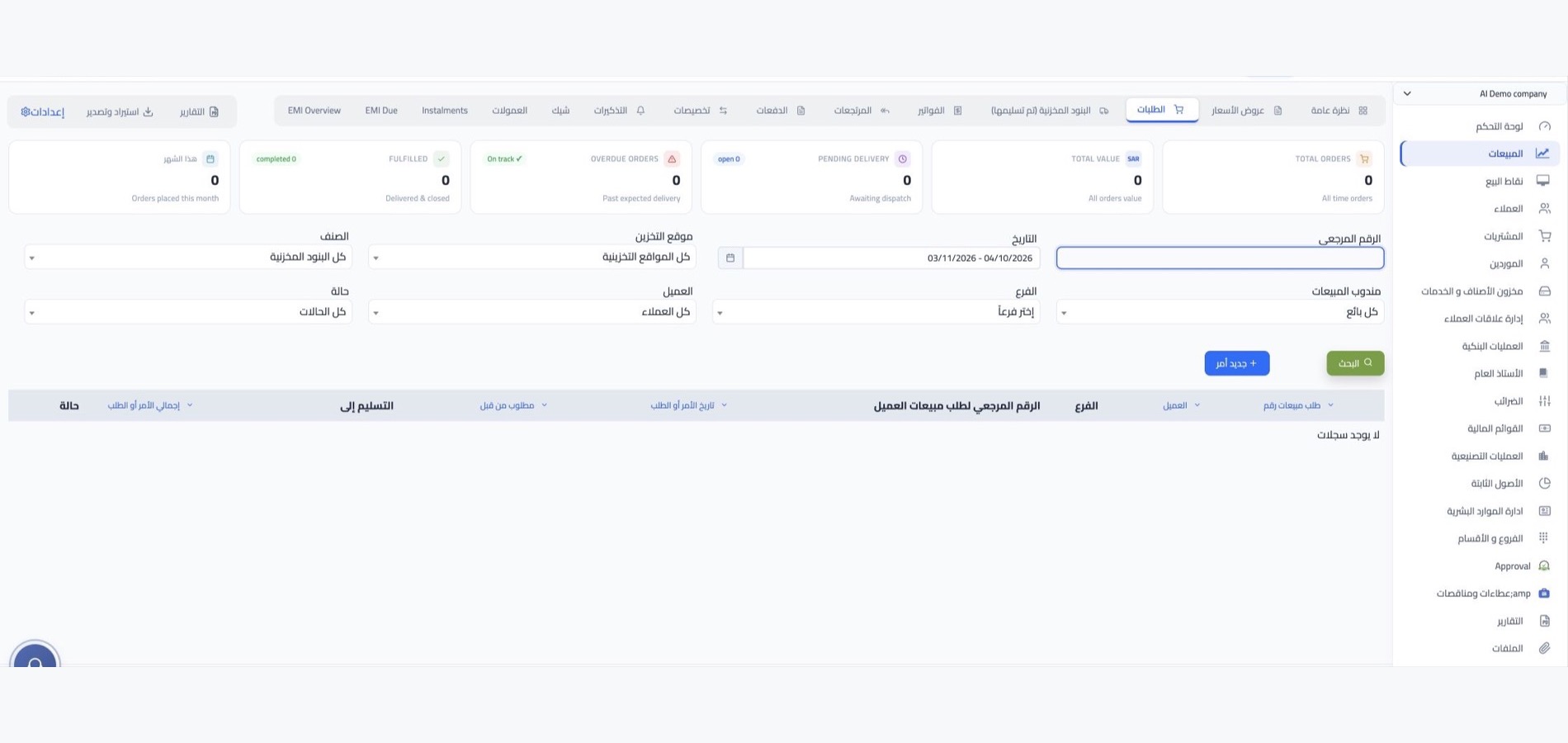
From the quotation to the order, delivery, invoice and payment, every document in the sales cycle has its own encrypted link you send to your customer. They follow their order, confirm what they received and review their invoice without asking your team for a copy.
Purchase orders
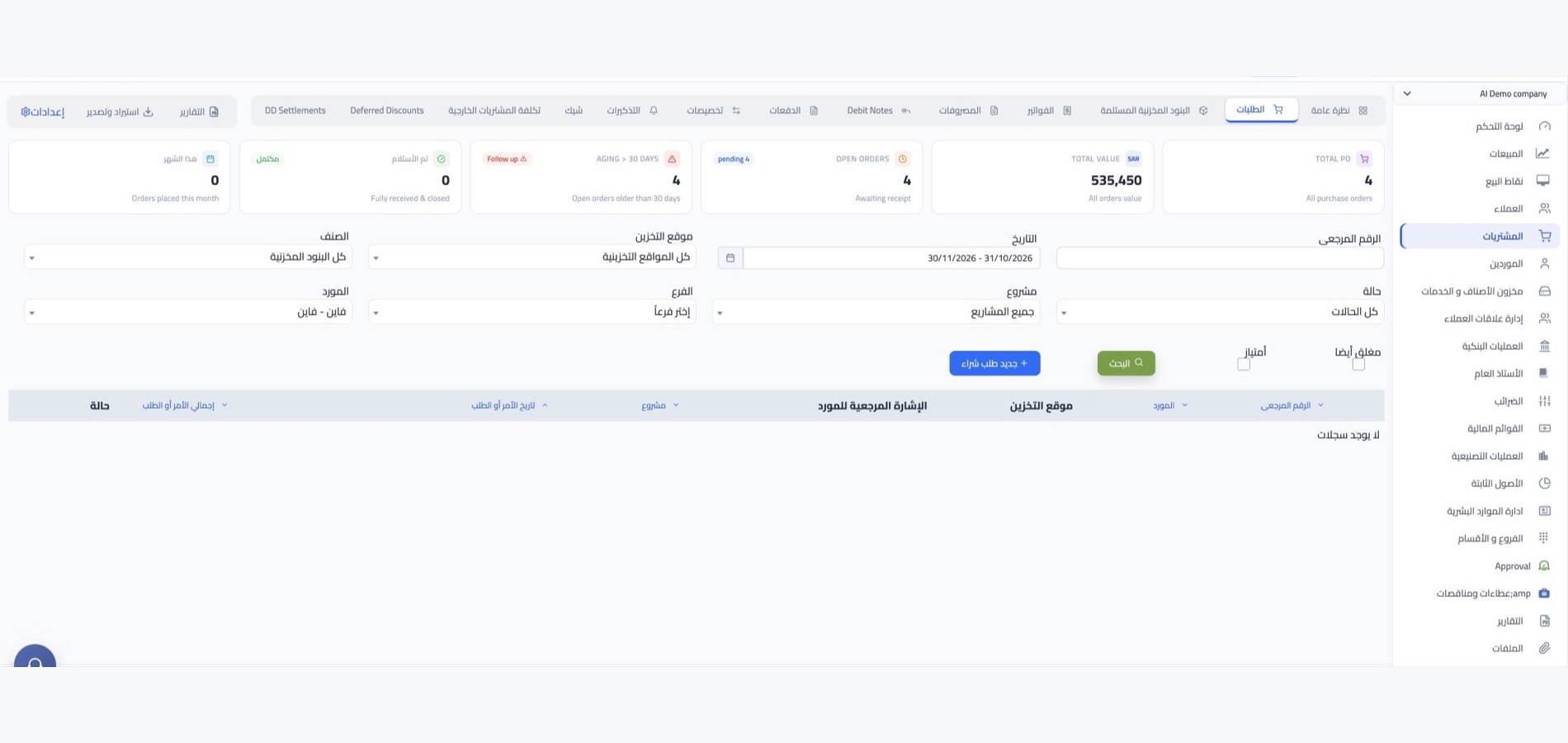
The purchase order is shared with the supplier through an encrypted link too, so they see what is required with the quantities and prices as you recorded them. Send it through whichever channel suits the supplier: email, WhatsApp, or any messaging tool you paste the link into.
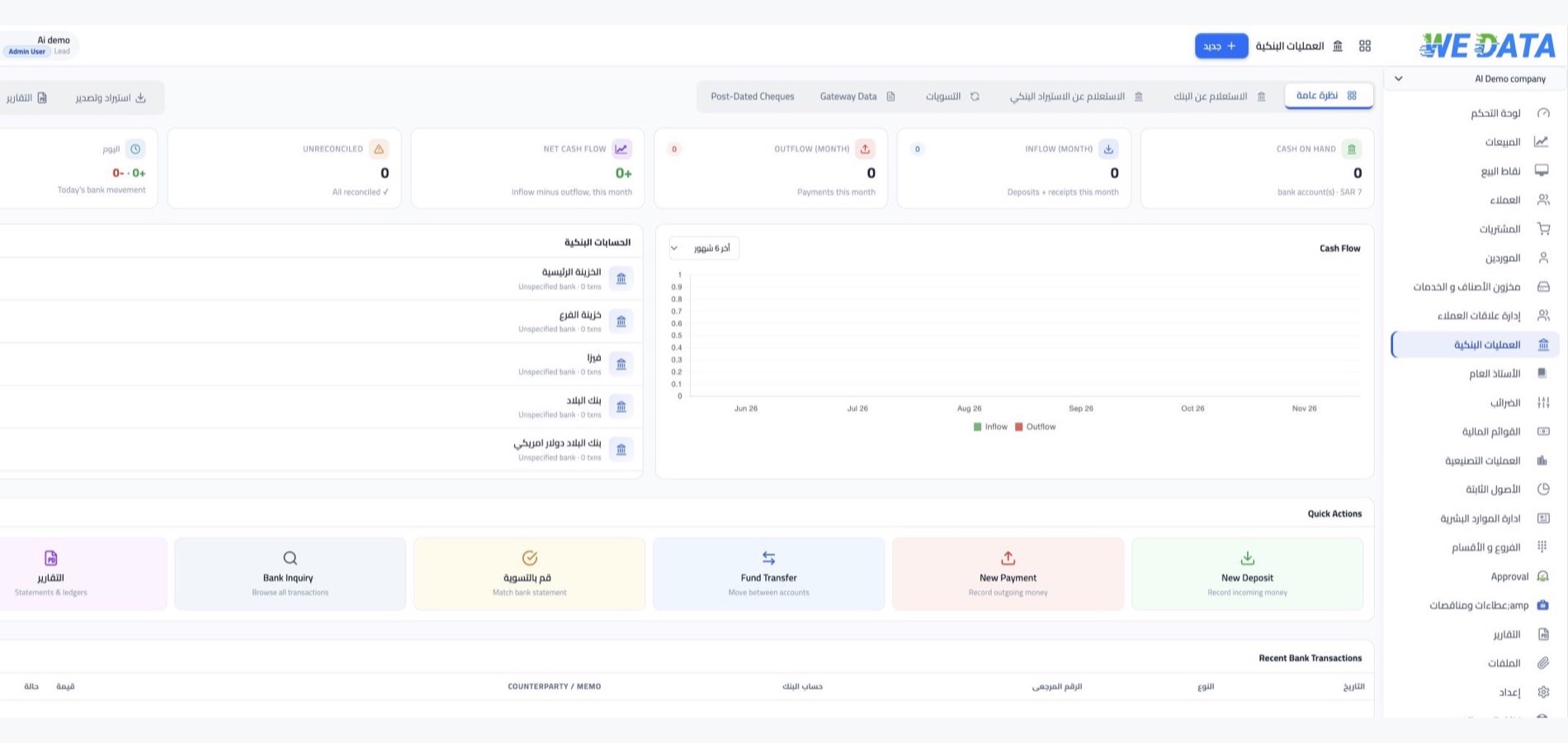
Bank movements
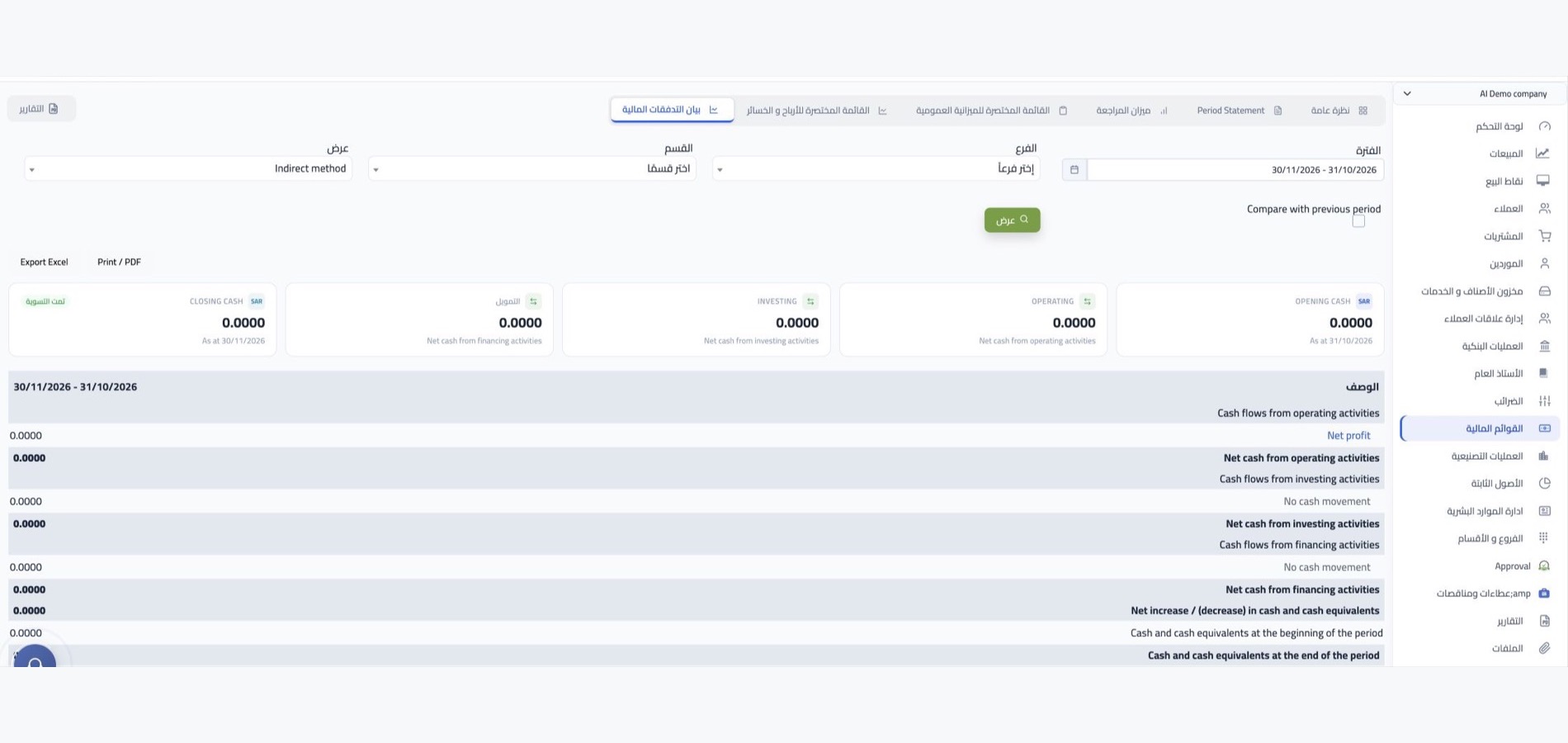
Bank payments and deposits have public encrypted links as well. Share the payment movement with the supplier you paid, or the deposit movement with the customer who transferred the amount, instead of photographing receipts and sending them in scattered chats.

More tools
What makes sharing
secure and easy
Encrypted links
Every sharing link is public and encrypted, so the document reaches only whoever you sent it to.
Email and WhatsApp
Send the transaction from its screen directly by email or WhatsApp in one click.
Customer portal
A portal your customer opens themselves to follow their documents and download them without messaging your team.
E-invoicing
E-invoices compliant with Saudi and Egyptian regulations, issued and shared with your customer in their approved format.
Edit before sending
Edit all or part of the transaction's details, then share its latest version.
Reports to share
Customer, balance and receivables reports in Excel and PDF, ready to send outside the system.
Integrations
Sharing works with
your sales channels
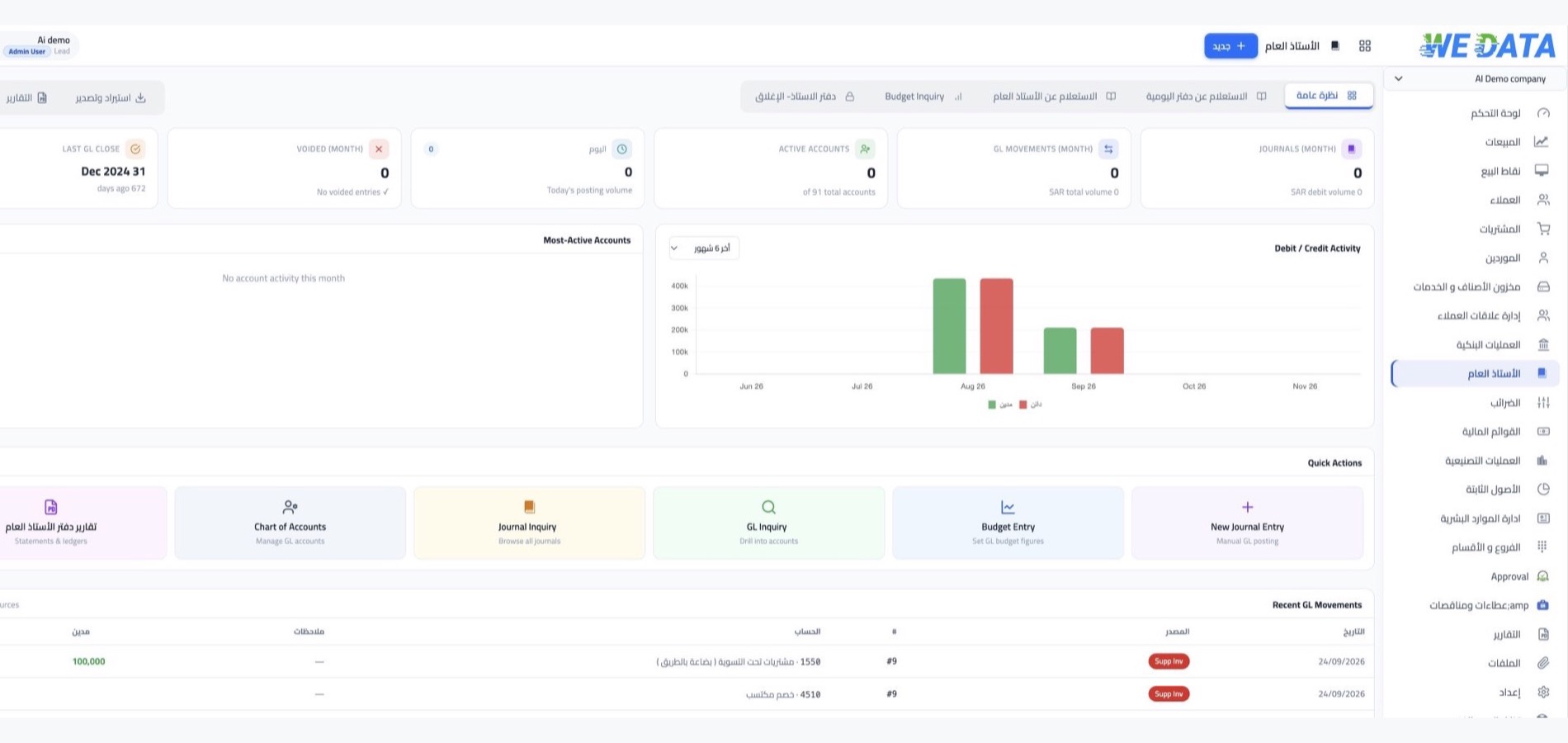
The transactions you share come from the system itself: your online store's orders, point of sale invoices and bank movements. Integration with more than 400 apps such as WordPress, Shopify and Salla makes every order a shareable transaction.
-
Online stores and points of sale
-
E-invoicing and mobile apps
FAQ
Frequently asked questions
about transaction sharing
Questions customers ask before starting to share their documents with customers and suppliers.
-
What does the recipient see when opening the link?
They open the document as you recorded it: your company's details and theirs, and the required lines with their quantities and prices in a tidy table. They open it from the link directly with no login needed.
-
How do I send the transaction to the customer?
From the transaction's own screen you send it by email or WhatsApp, or copy the direct link and put it in any chat. No manual export and no files to attach every time.
-
Can I edit the transaction after sending it?
Yes. You edit all or part of the document's details from its screen, then share its latest version. The transaction can be deleted as long as it has not yet created an accounting entry.
-
Can I share the purchase order with the supplier?
Yes. The purchase order has an encrypted link like the sales documents; you copy it and send it to the supplier by any messaging tool, and they open it and see the required items, quantities and prices.
-
Can the customer see their previous transactions?
Yes. From the customer portal they open their invoices, orders and payment history and download what they need, so they do not wait for your team's reply every time they ask for a copy of an old document.
Share your transactions with whoever it concerns
Send your quotes, invoices and purchase orders through encrypted links from WEDATA ERP, and let your customers and suppliers see their documents without waiting for a reply from your team.