
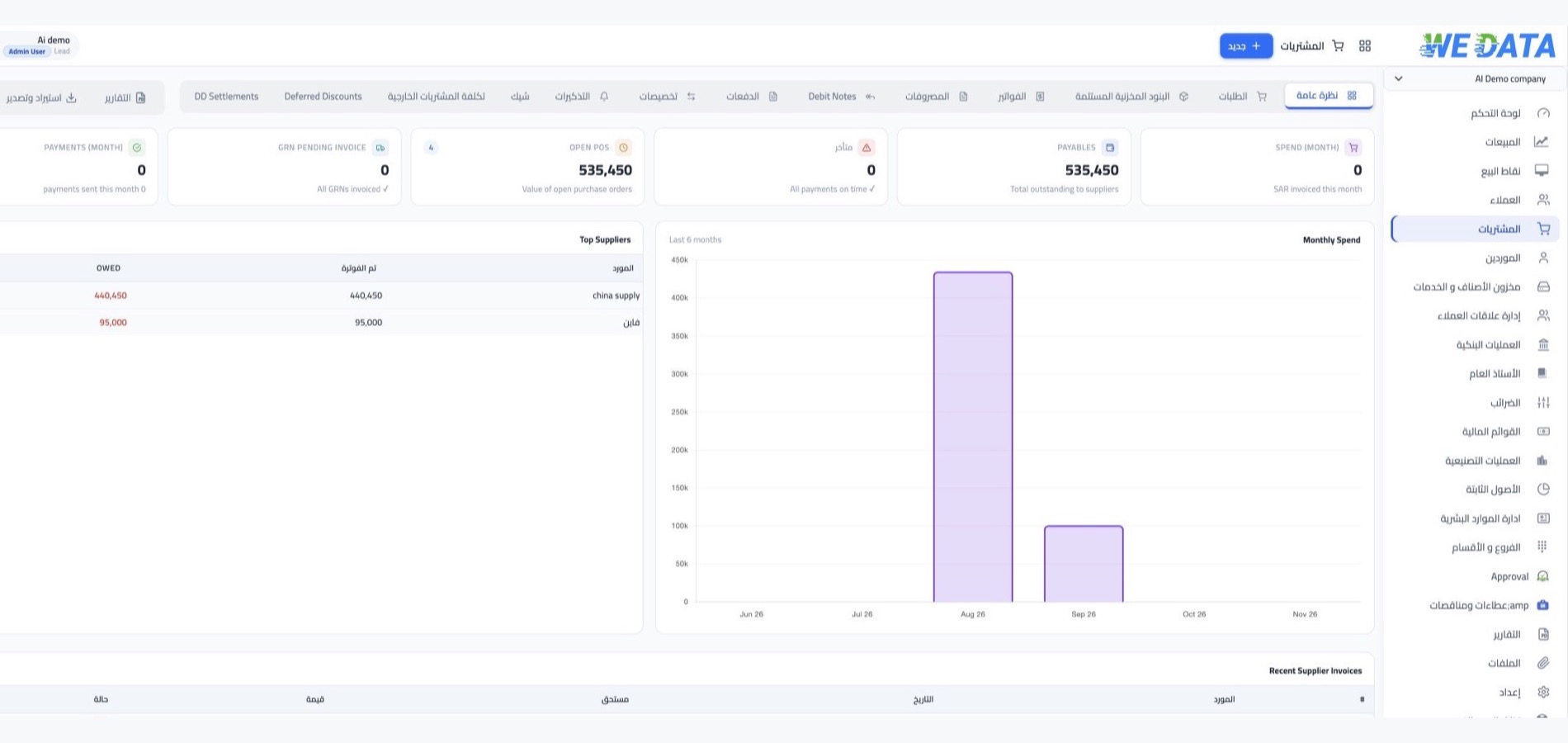

Purchases management in WEDATA ERP
From requisition to payment
One central place for the whole purchasing cycle: requisitions, purchase orders, goods receipts, supplier invoices, payments and returns. A configurable workflow and automatic approvals save time and cut errors.

More than 8 years of experience in business solutions
Features
A complete purchasing cycle
on one screen
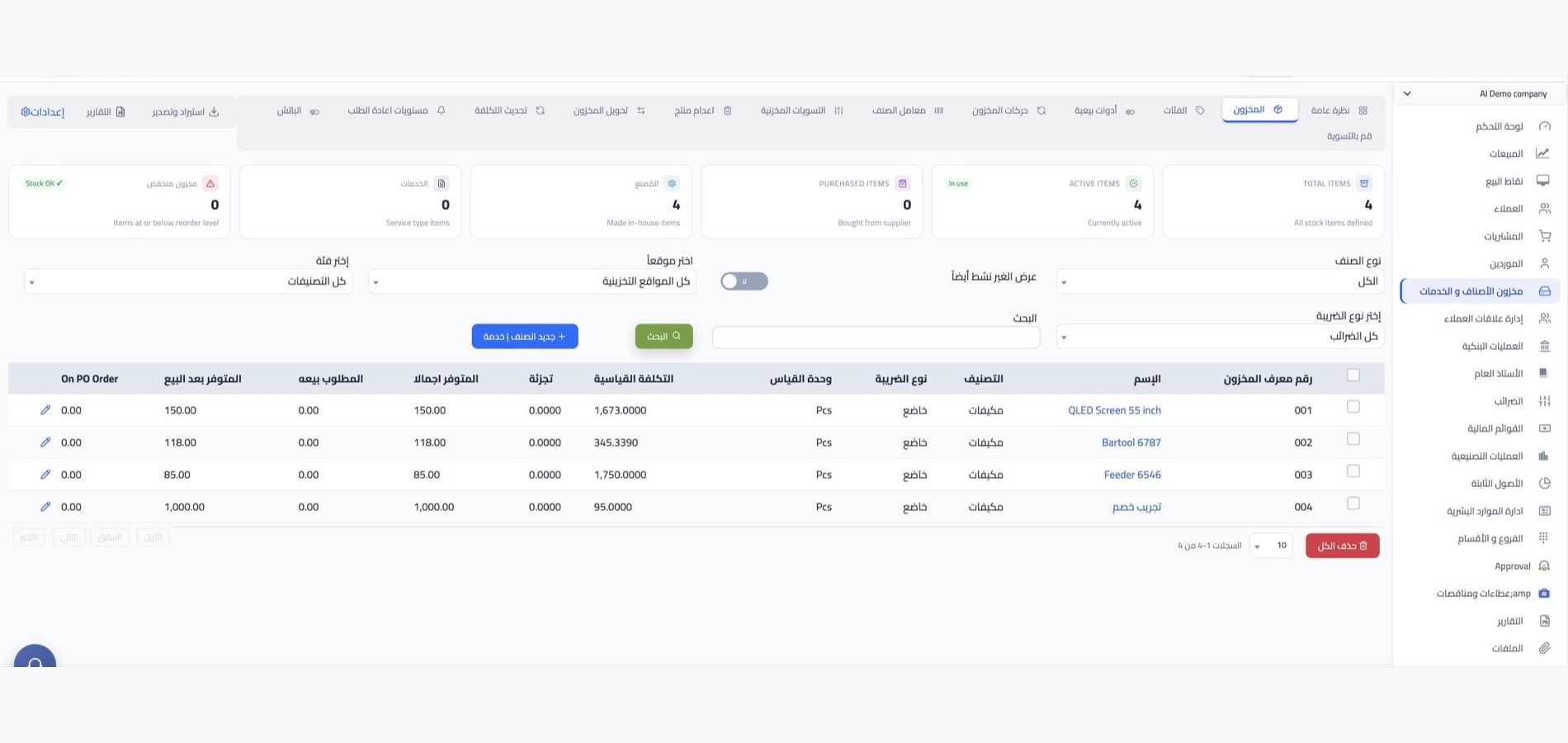
Purchase requisitions
Set a reorder level for every item in every warehouse, and when the balance drops below it the system adds the item to the requisition automatically. Review the requisition, then convert it into a purchase order directly with no re-entry.
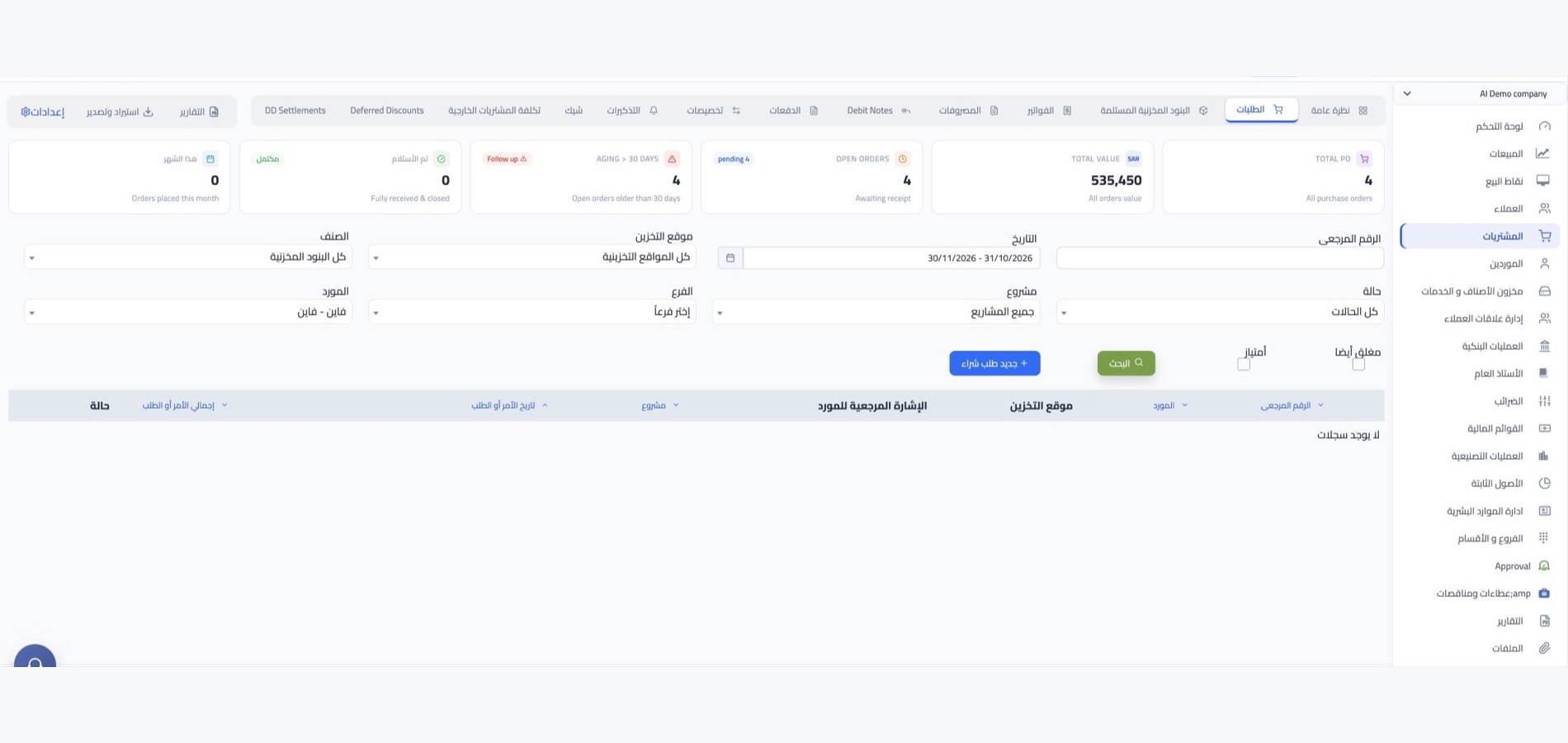
Purchase orders
Create the purchase order with the supplier, items, quantities, expected delivery date and payment details, then send it to the supplier so goods arrive on time. Record a prepayment on the order, or defer payment until the invoice, and issue the goods receipt from the order itself.
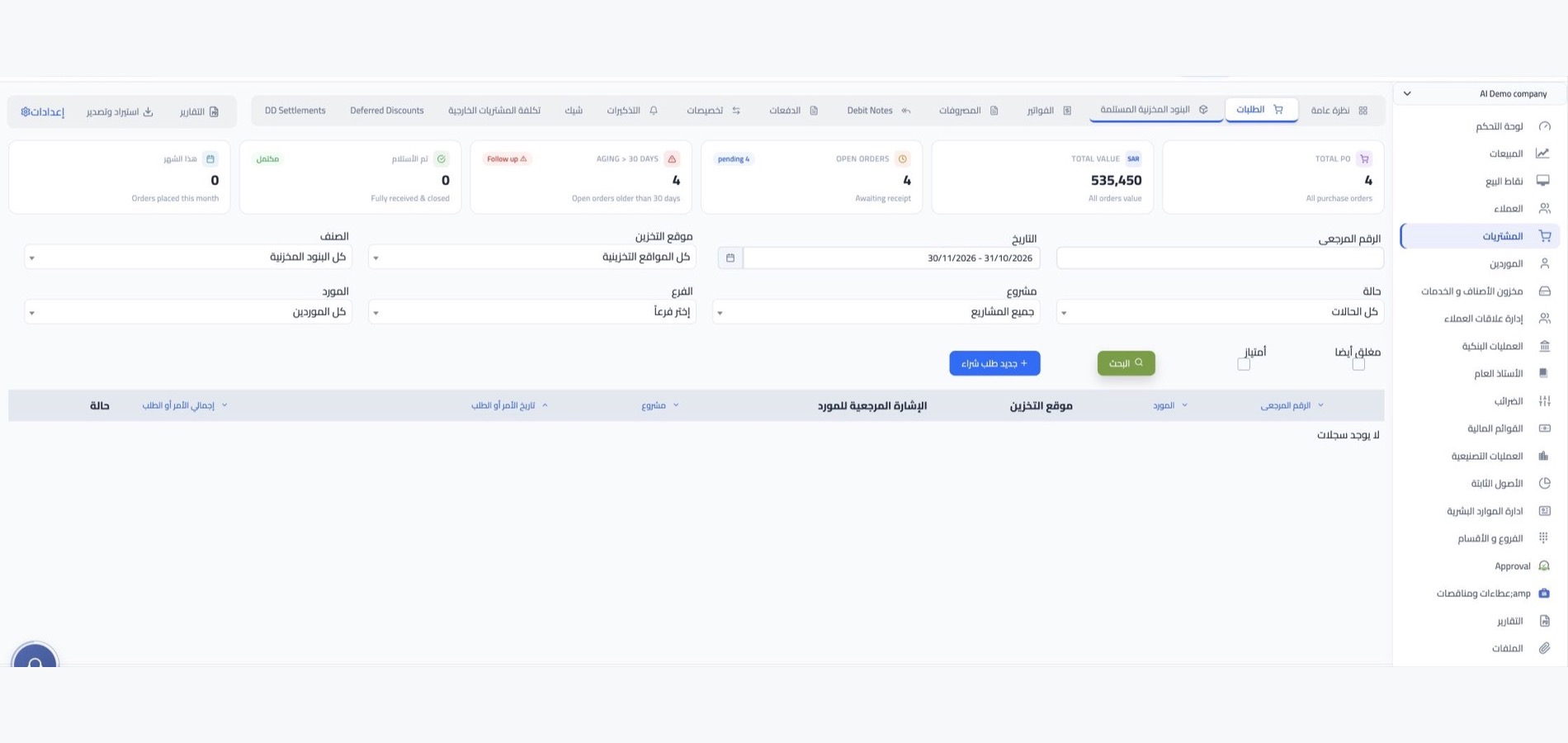
Receipts and invoices
Record goods received with a receipt note from the order or directly, with batch numbers, serial numbers, expiry and warranty dates. The receipt updates the purchase cost and standard cost of items automatically, then you issue the purchase invoice from the receipt or create a direct invoice, tax inclusive or exclusive.
Supplier payments and returns
Pay several invoices with one payment, or one invoice in several payments, and re-allocate payments at any time to follow unpaid and overdue amounts. When defective goods arrive, issue a debit note to the supplier, with a cash refund or a credit balance you can allocate to other invoices.

More tools
Everything that makes purchasing
faster and more accurate
Direct expenses
Record service expenses as a direct expense without a purchase invoice, allocate payments to them, with journal entries for expenses.
Quick entries
Ready templates for recurring expenses such as rent, electricity and phone that cut entry time without re-typing.
Landed cost and shipping
Add extra shipping costs to the standard cost of received items through the landed cost and shipping calculator add-ons.
Invoice discounts
A fixed-amount or percentage discount applied to the purchase invoice value, alongside shipping costs.
Purchasing reports
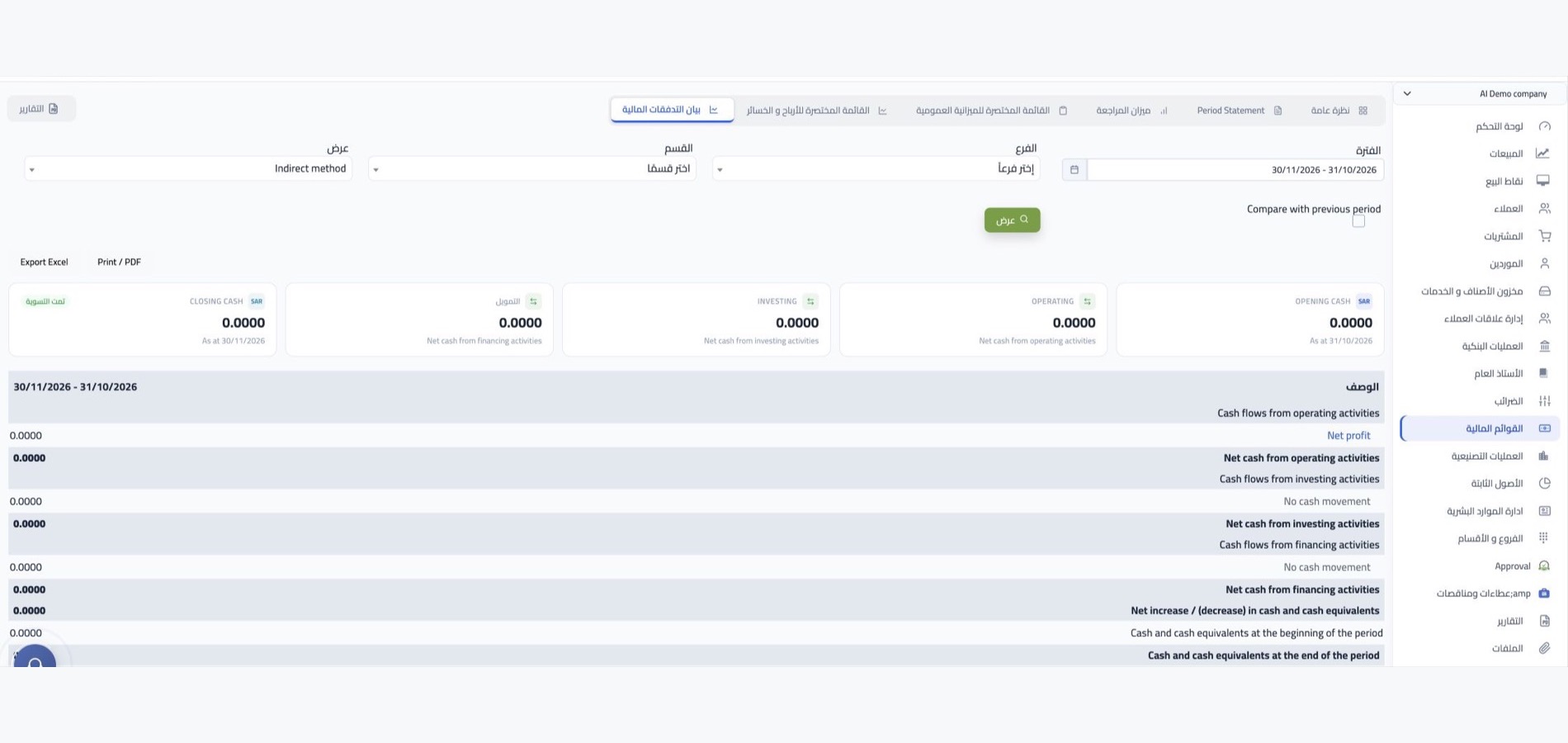
Supplier balances, aged payables, supplier trial balance, outstanding receipts, and order, return and payment summaries.
Attachments and sharing
Attach supporting documents to any transaction, and share the invoice or order with the supplier by public encrypted link.
Integrations
Linked to stock, accounts
and points of sale
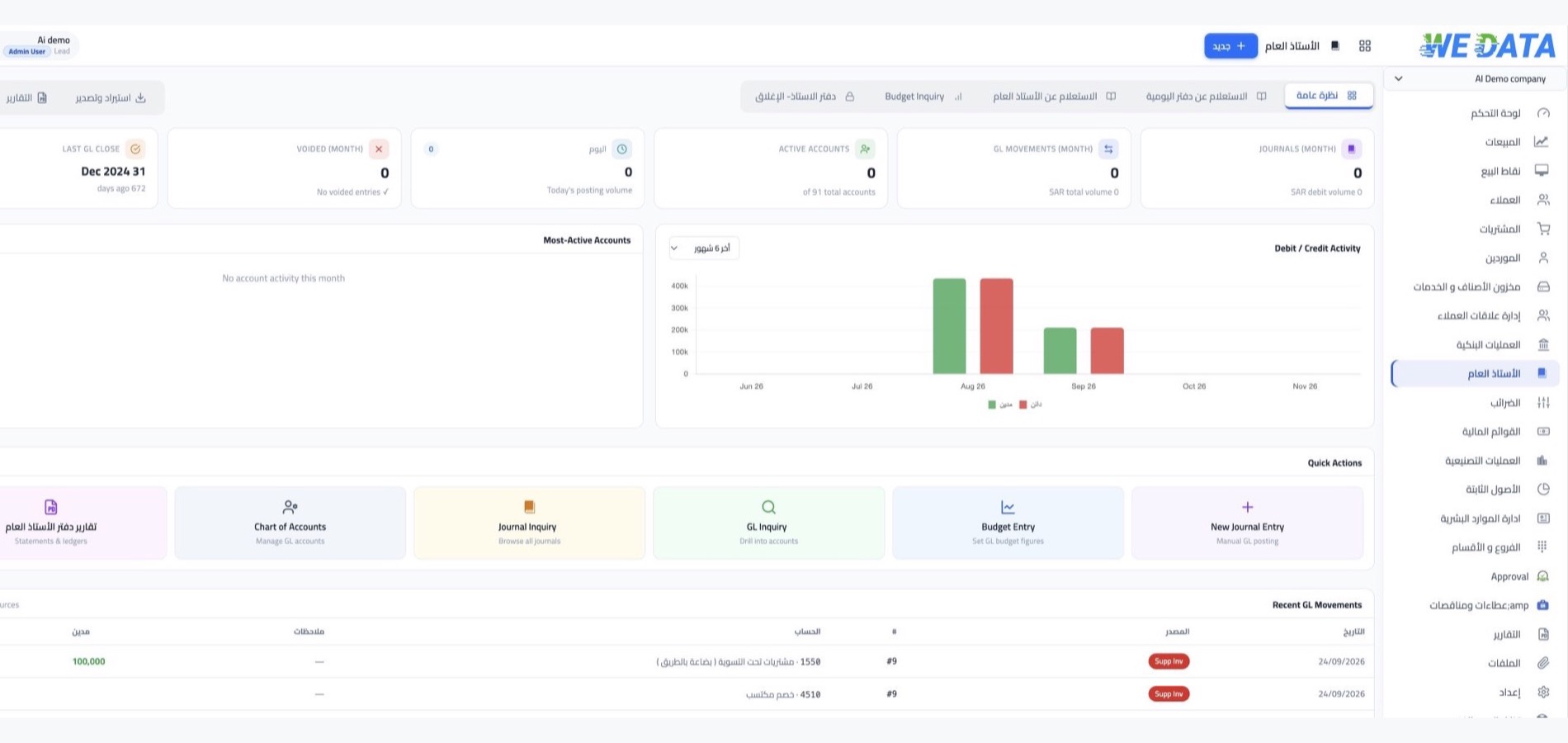
Every goods receipt updates stock and item costs, and invoices and payments are reflected in the accounts automatically. Tune purchasing flows to suit your points of sale, and your stock stays synced with your stores on WordPress, Shopify and Salla.
-
Stock and accounts
-
Points of sale and online stores
FAQ
Frequently asked questions
about purchases management
Quick answers to what customers ask most before getting started.
-
Can a purchase order be raised automatically when stock runs low?
Yes. As soon as an item's balance drops below its reorder level, the system adds it to the requisition, and you keep the step of reviewing and generating the purchase order from it.
-
Can I record a prepayment to a supplier before the invoice?
Yes. From the purchase order you record a prepayment or deposit to the supplier, or choose to pay on credit after the invoice, then allocate the payment to the invoice when it is issued.
-
How do I handle defective or short deliveries?
You issue a debit note to the supplier to return the goods, either as a cash refund or a credit balance you can allocate to another invoice. If a quantity arrives short, the receipt note shows what is still due from the supplier to follow up.
-
How do I follow what I owe suppliers and overdue invoices?
Every invoice has a clear status: unpaid, paid, partially paid or overdue. Supplier reports, from balances to aged payables, give a full picture of what is due to each supplier and when.
-
Can I record expenses without a purchase order?
Yes. You can create a direct invoice or a direct expense without a purchase order and allocate payments to it directly. For recurring expenses you use quick entries instead of entering the journal every time.
Ready to control your purchasing cycle?
Start your free trial of WEDATA ERP today and follow your purchases from requisition to supplier payment.