

Taxes in WEDATA
Organize records and review available settings
Use WEDATA to organize sales and purchase records and review the tax settings available in your account. Tax obligations and available categories, reports, invoice fields and workflows vary by business, product, edition and account configuration. Confirm your applicable requirements with a qualified tax adviser and verify available functions with the WEDATA team before relying on them.

More than 8 years of experience in business solutions
Features
Calculate the tax and file the return
with no manual spreadsheets
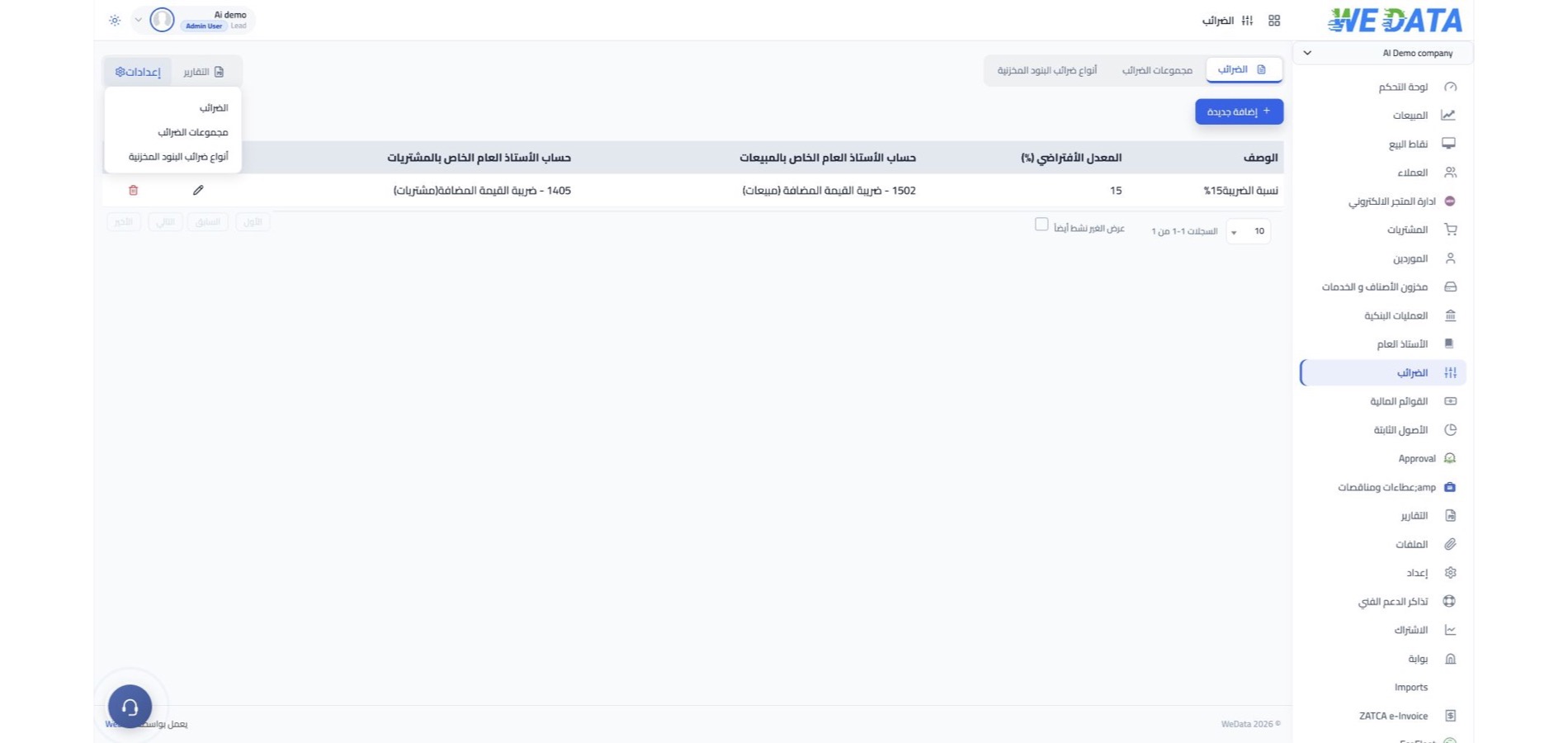
Value added tax
You collect value added tax on your sales, deduct the tax you paid on your purchases, and the difference is the net tax due to the tax authority. The rate differs by country and by the kind of goods, so it is defined in the system as your country's law requires.
Goods and services tax
Goods and services tax is a value added tax levied on the supply of goods and services. It unifies several indirect taxes such as sales tax, service tax and excise into one tax, with slabs that differ by the nature of what is supplied.
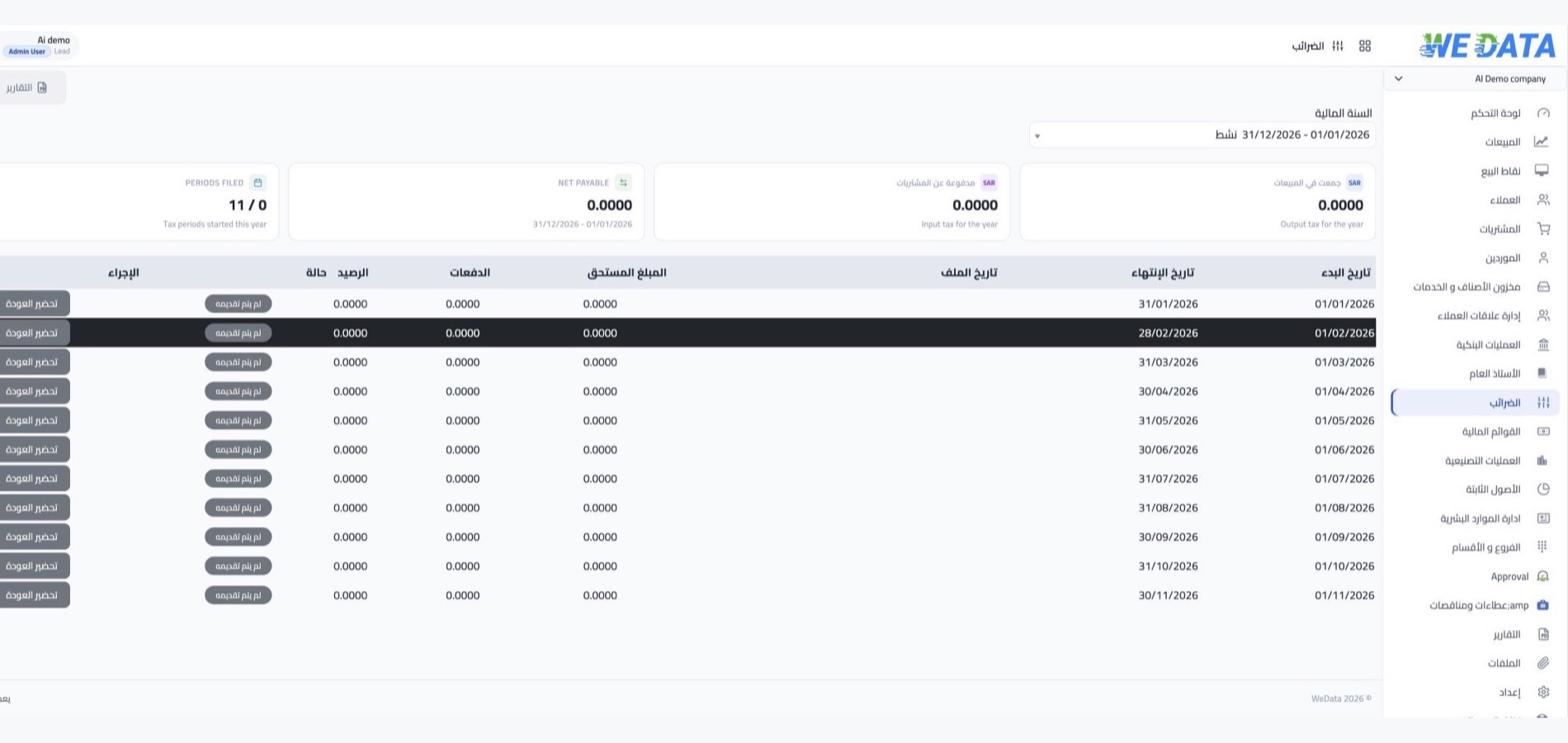
Tax period and return
Set the filing period your country's law requires: one month, two months, three months, half a year or a full year. This frequency is set in company settings, with the option of a custom filing date.

Payment and refund
Comparing input tax on your purchases with output tax on your sales gives the period's result: tax due from you or tax refundable. Then record a bank payment when due, or a bank deposit on refund.


More tools
Tools that ease your compliance
with the tax authorities
E-invoicing
Issue your invoices electronically to meet the requirements of ZATCA and the Egyptian e-invoicing system.
Tax reports
A detailed tax report and a summary one, with report formats that differ by your country and the tax you apply.
Tax in several countries
The system is built for value added tax and goods and services tax, serving companies operating in India, the UAE and the Gulf states.
Period closing after filing
No new movements are accepted on the dates of a period whose return was approved, so its figures stay as filed.
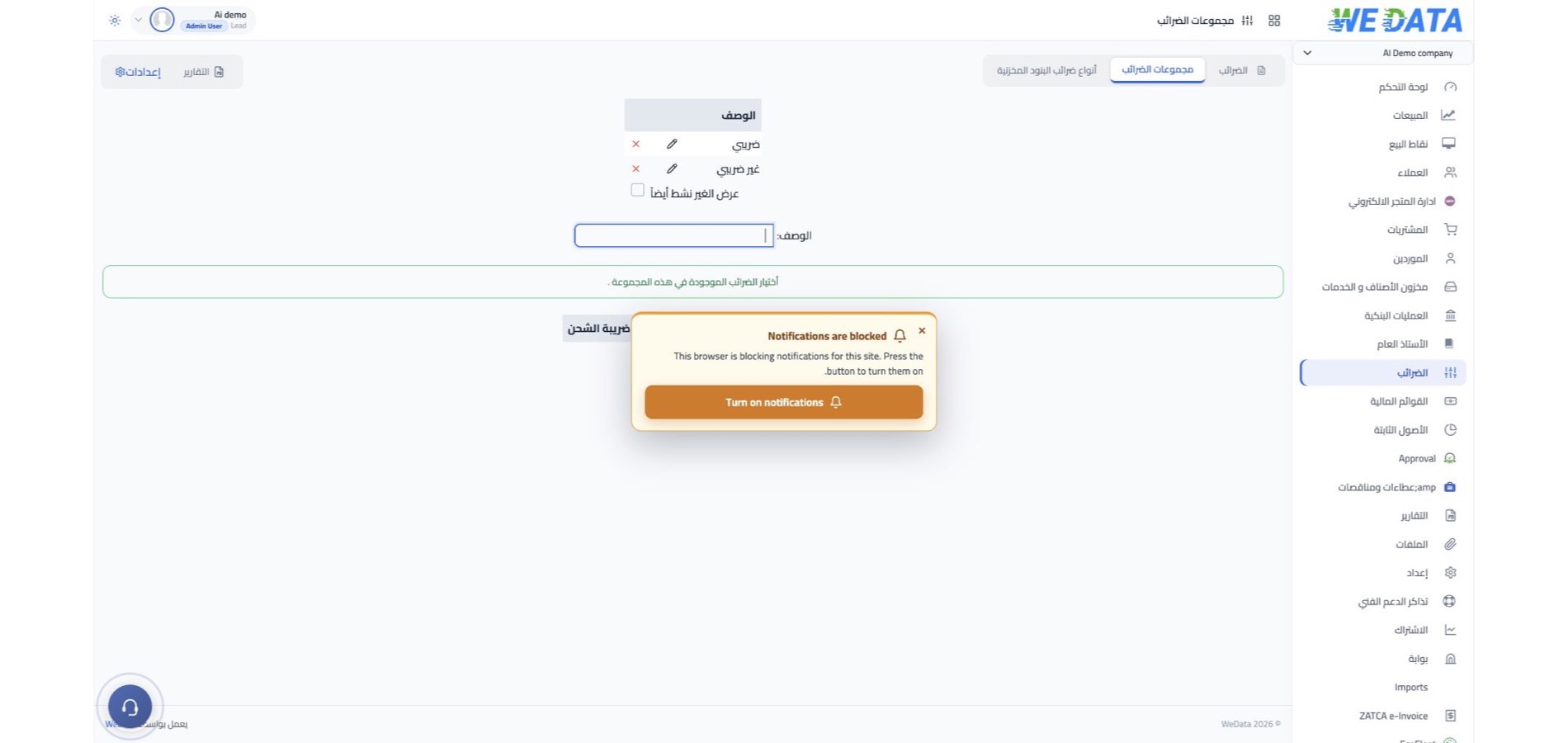
Tax at item level
Tax is calculated automatically on every line of a sales or purchase invoice with no manual entry.
Tax planning and compliance
Tax planning and filing on time reduce the tax burden and spare your company fines and penalties.
Integrations
Connected to your invoices
and bank accounts
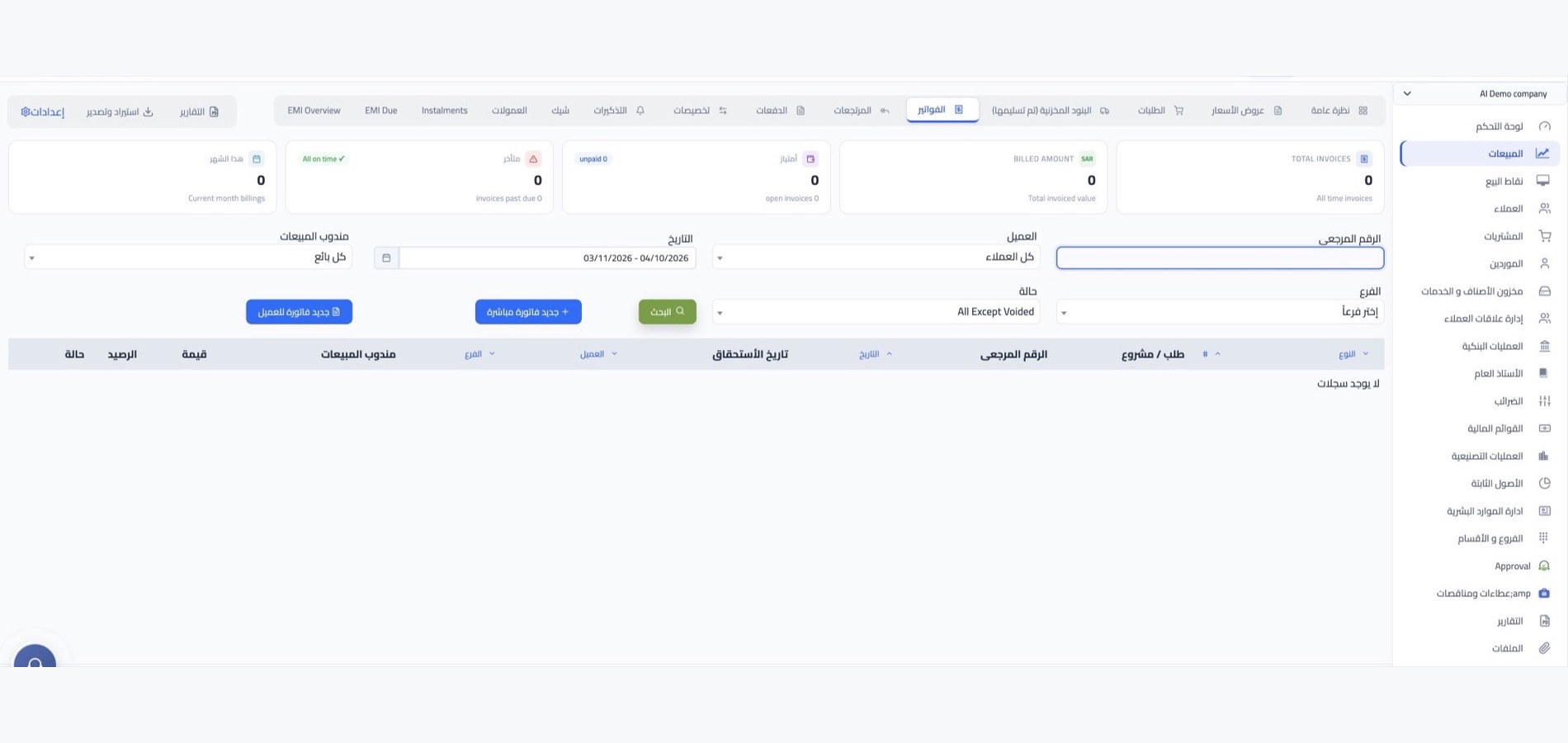
Tax reaches the return from sales and purchase invoices, points of sale, online stores and mobile apps. Payment or refund is recorded on your bank accounts inside the same system.
-
Accounts, banks and e-invoicing
-
Points of sale and WordPress, Shopify and Salla stores
FAQ
Frequently asked questions
about taxes and returns
Answers to what companies ask most before setting up their tax settings.
-
Does the system support VAT and GST?
Yes. The system works with both tax regimes at the same time, and you choose for every company the regime and rates its country's law requires. This is what allows companies in different markets to run on the same platform.
-
How do I set my company's tax period?
The tax frequency is set once in company settings and applies to all following periods. If you need a different date, set a custom filing date for the period you want.
-
What happens after the return is approved?
Once the period is approved and its return filed, entry on its dates is closed, so no new movements change the figures of a return already filed. Paying the tax remains available at any time afterwards.
-
How is the amount due or refundable calculated?
Input tax is subtracted from output tax at the end of the period. If output is higher the tax is due and paid with a bank payment; if input is higher it is refundable and recorded as a bank deposit.
-
Are invoices compliant with e-invoicing in Saudi Arabia and Egypt?
Yes. Invoices issued from the system meet the e-invoicing requirements adopted in Saudi Arabia and Egypt, and their tax enters the tax period's result automatically.
Review your available tax tools
Contact the WEDATA team to confirm which tax settings, reports and workflows are available for your product and account. Verify applicable tax obligations and filing requirements with a qualified tax adviser.