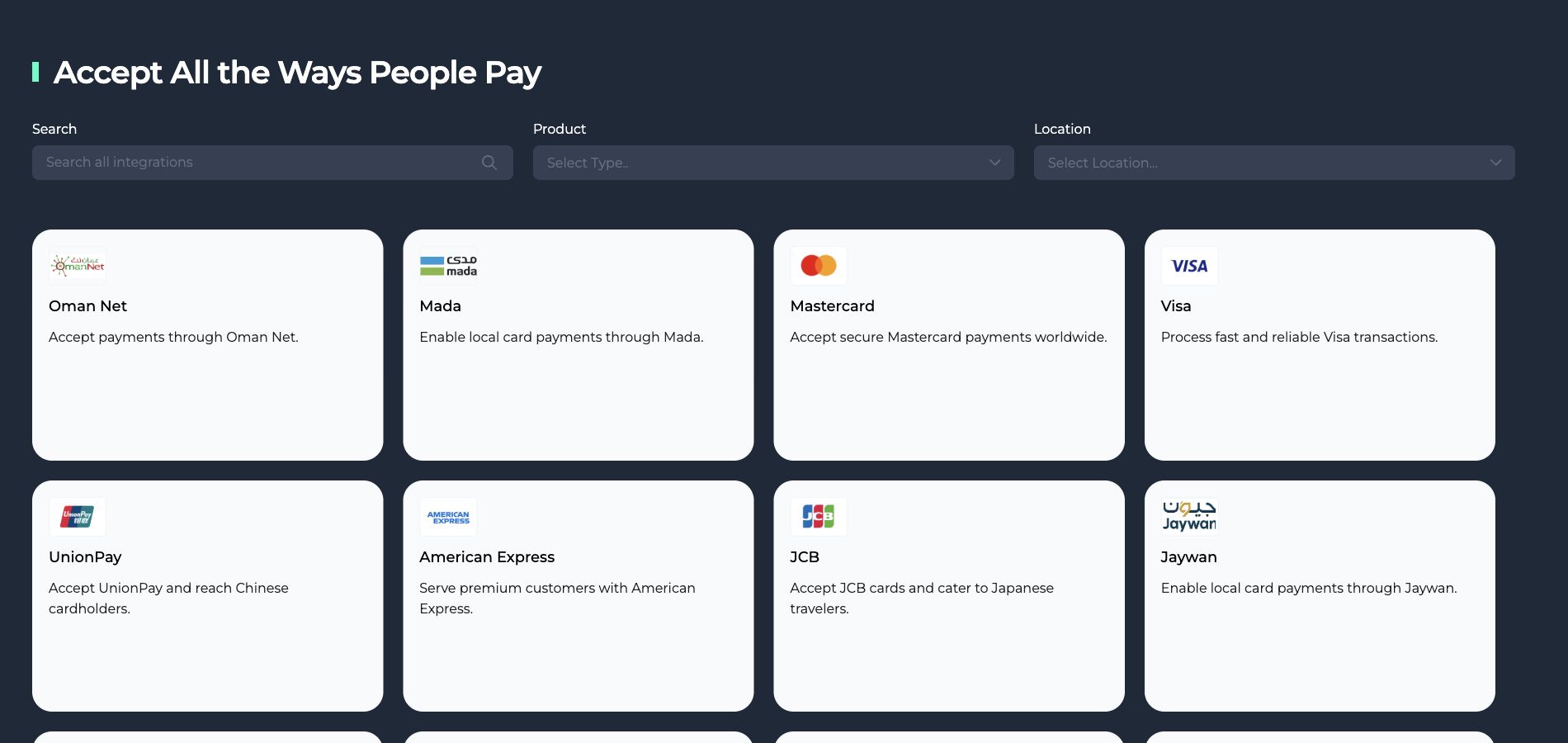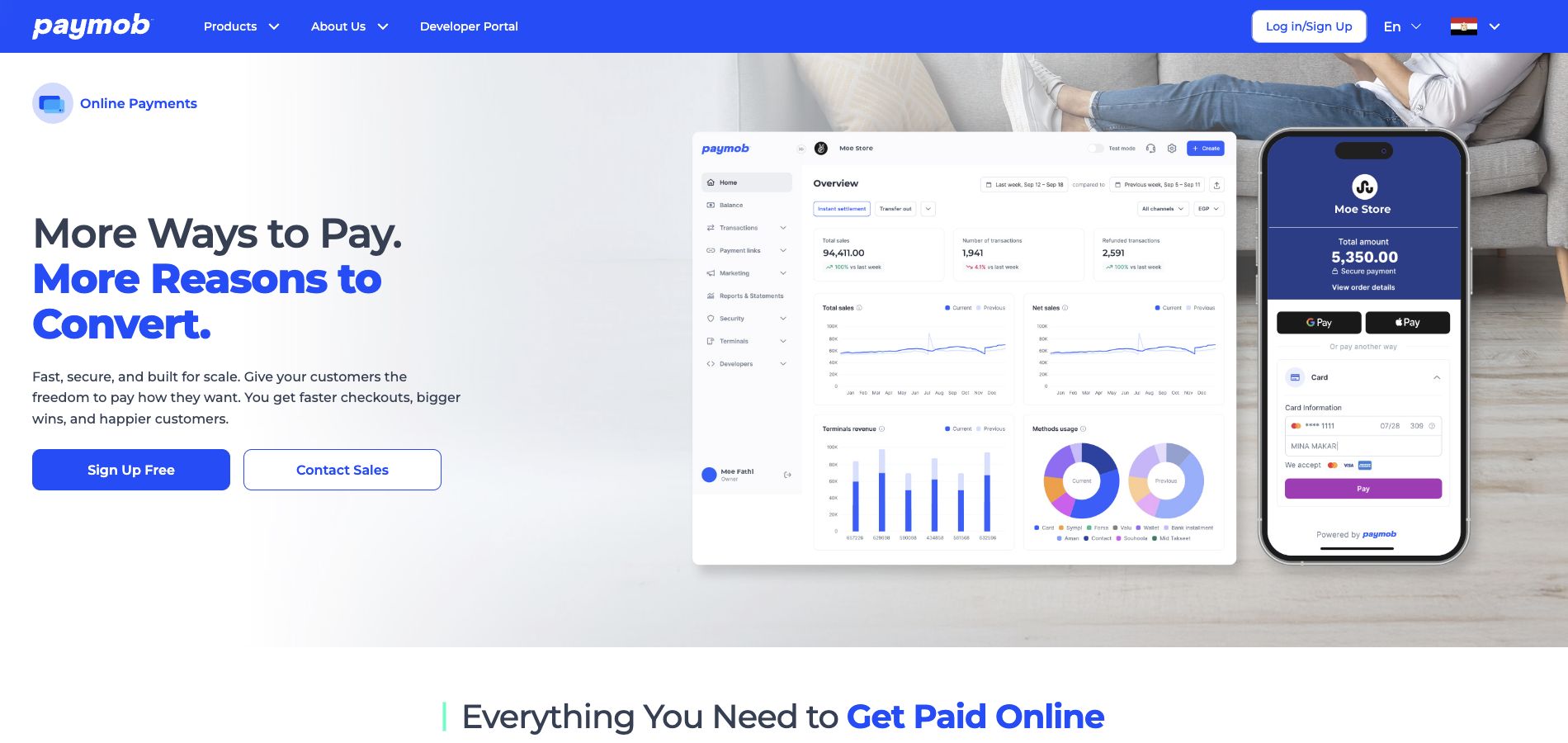

Define your payment flow
Identify the payment channels and countries relevant to your business. Then confirm that Paymob supports them for your merchant account and that your WEDATA edition includes the required connection before proceeding.
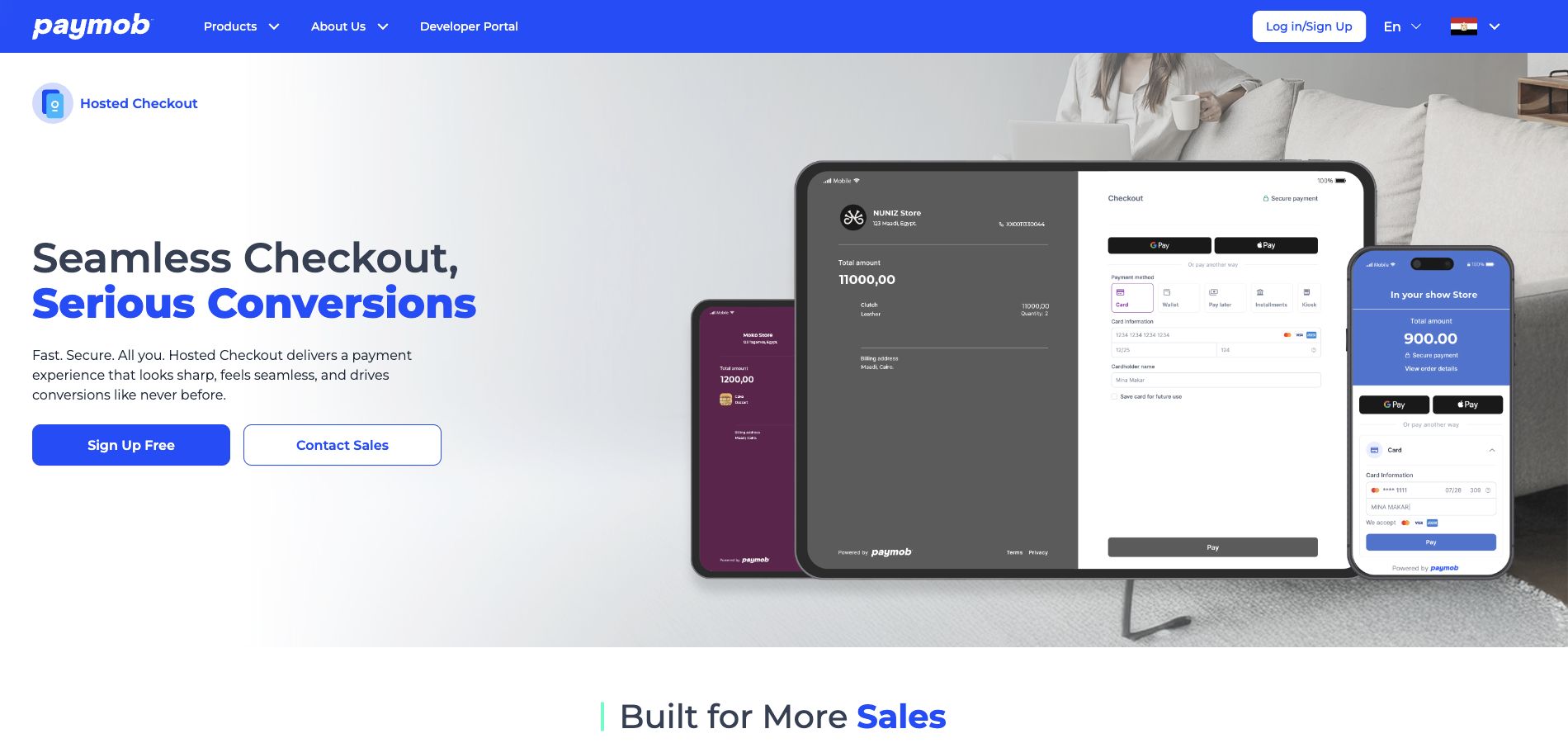
Confirm integration availability
Ask WEDATA to confirm whether a Paymob connection is available for your product edition and configuration. Review any required setup steps before relying on the connection for live payment collection.
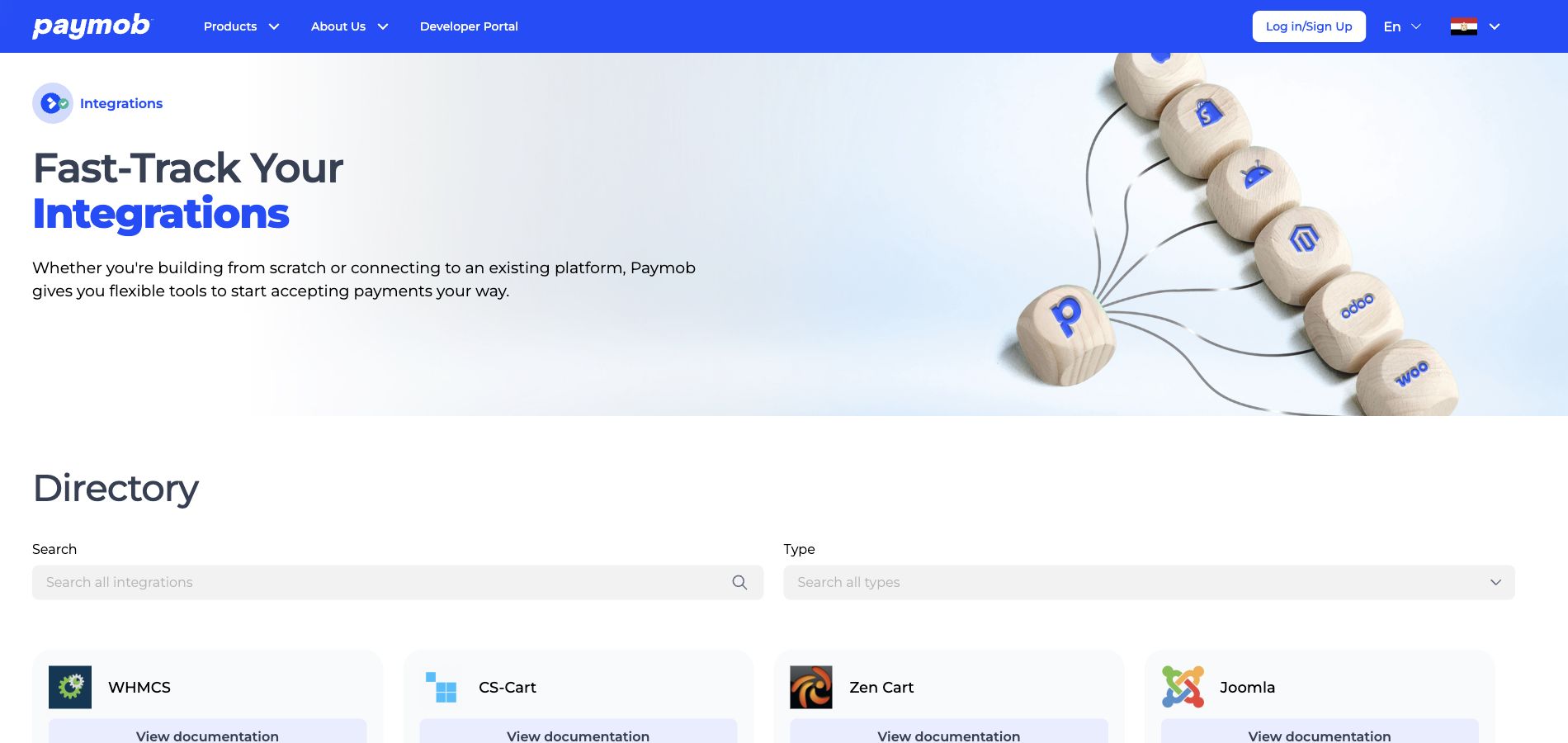
Review settlements and records
Before activation, confirm how Paymob payments are settled and recorded in your WEDATA account. The available flow and reporting depend on the approved integration, product edition and merchant-account setup.
Confirm supported markets and methods
Paymob availability, countries and payment methods must be checked for your business and merchant account. Do not assume the service is supported in every market or WEDATA edition; confirm current eligibility before activation.