

Service office management
Manage your service office with WEDATA
From customer requests to financial follow-up
Organize customer, service and request details alongside invoices and operating expenses. WEDATA helps connect day-to-day service follow-up with your records, based on the features available in your edition and account setup. Contact us to learn what fits your office.

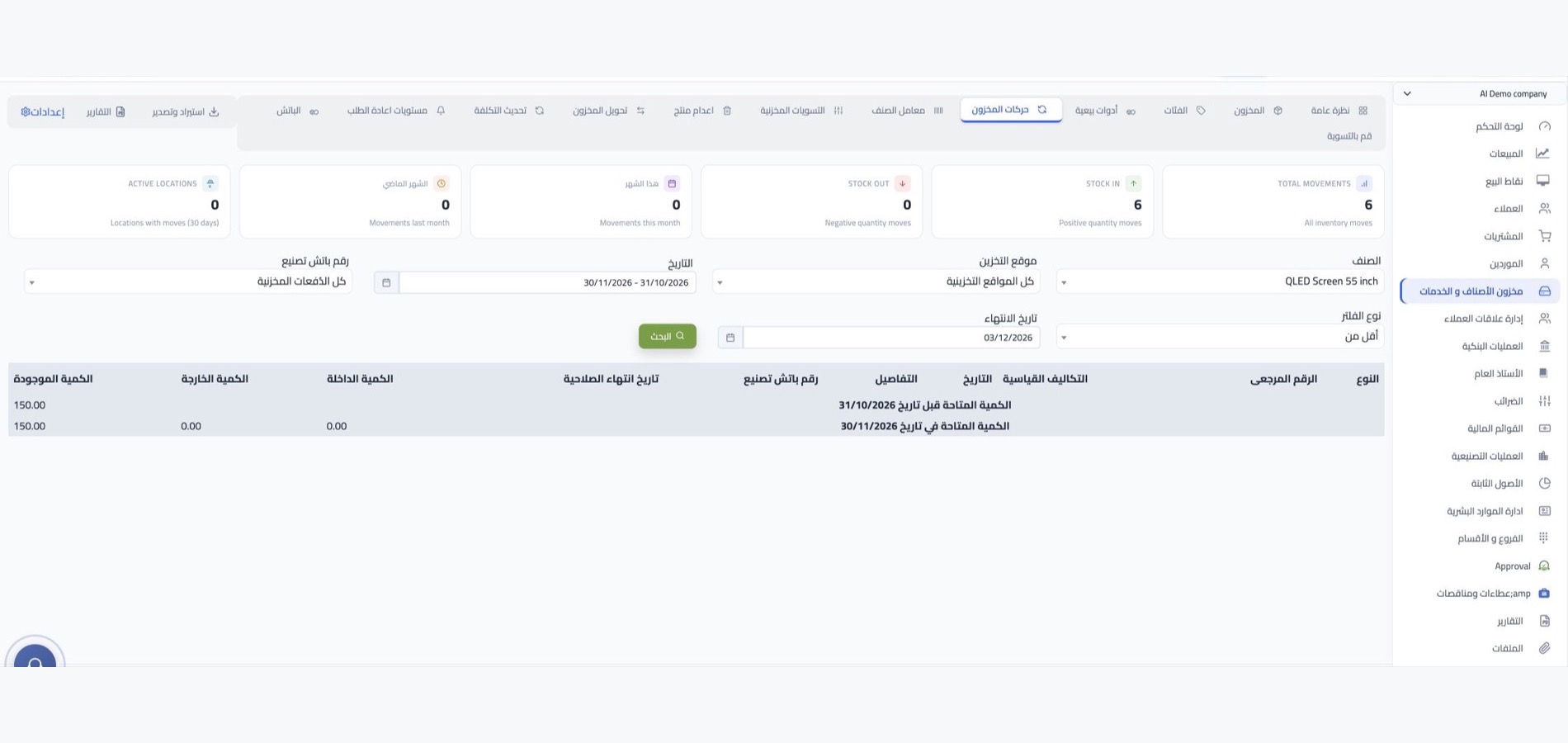
Inventory management at a glance
Service management
A clear view of every request
from intake to completion
Follow services, requests, customers and expenses through a connected workflow. Available tools depend on your WEDATA edition and account setup.
Customer and service records
Create clear records for your customers and the services your office provides. Keep key details together so staff can review what each service includes and how to follow up.
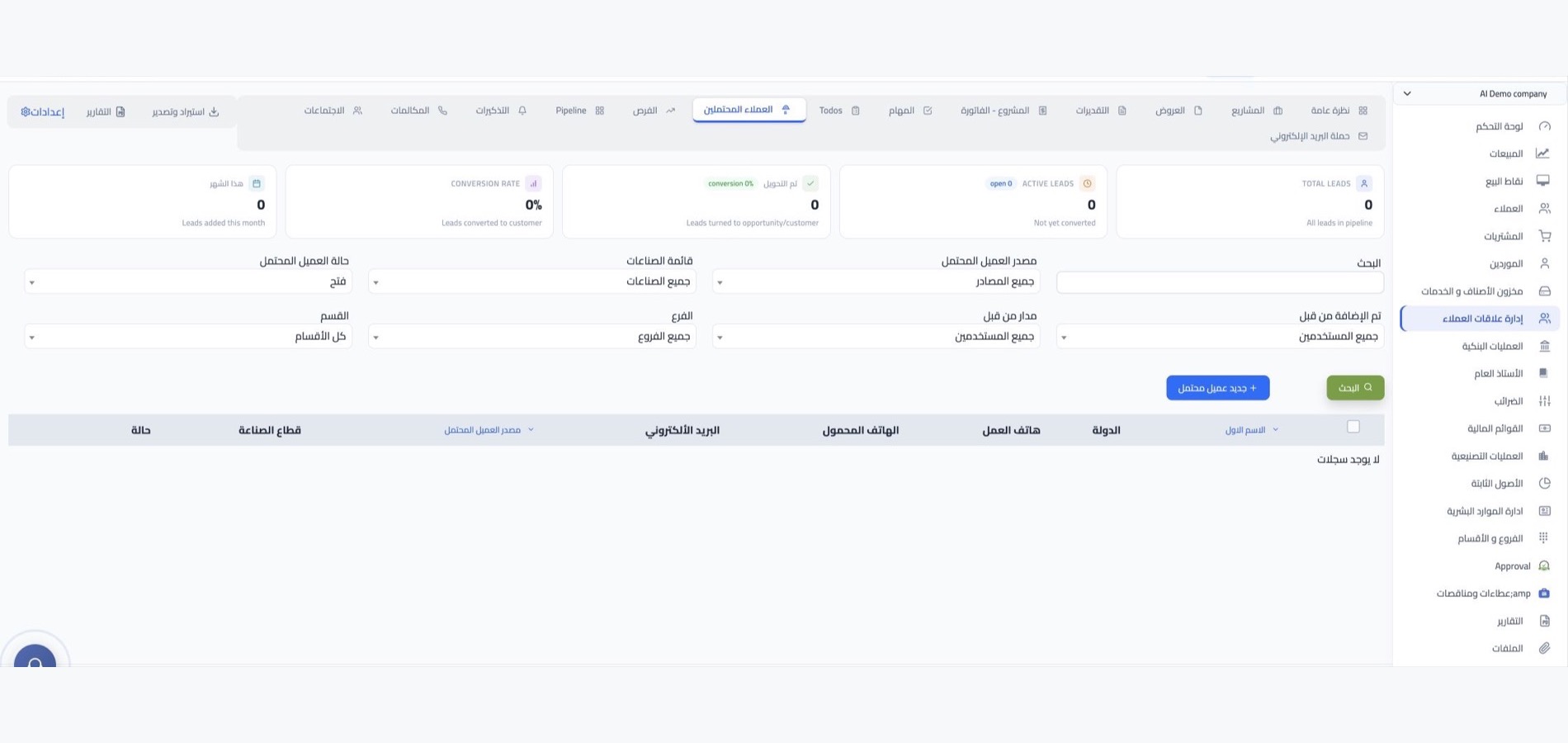
Service requests and follow-up
Record each customer request and review its status and next steps through completion, using the task management tools available in your WEDATA edition and account setup.
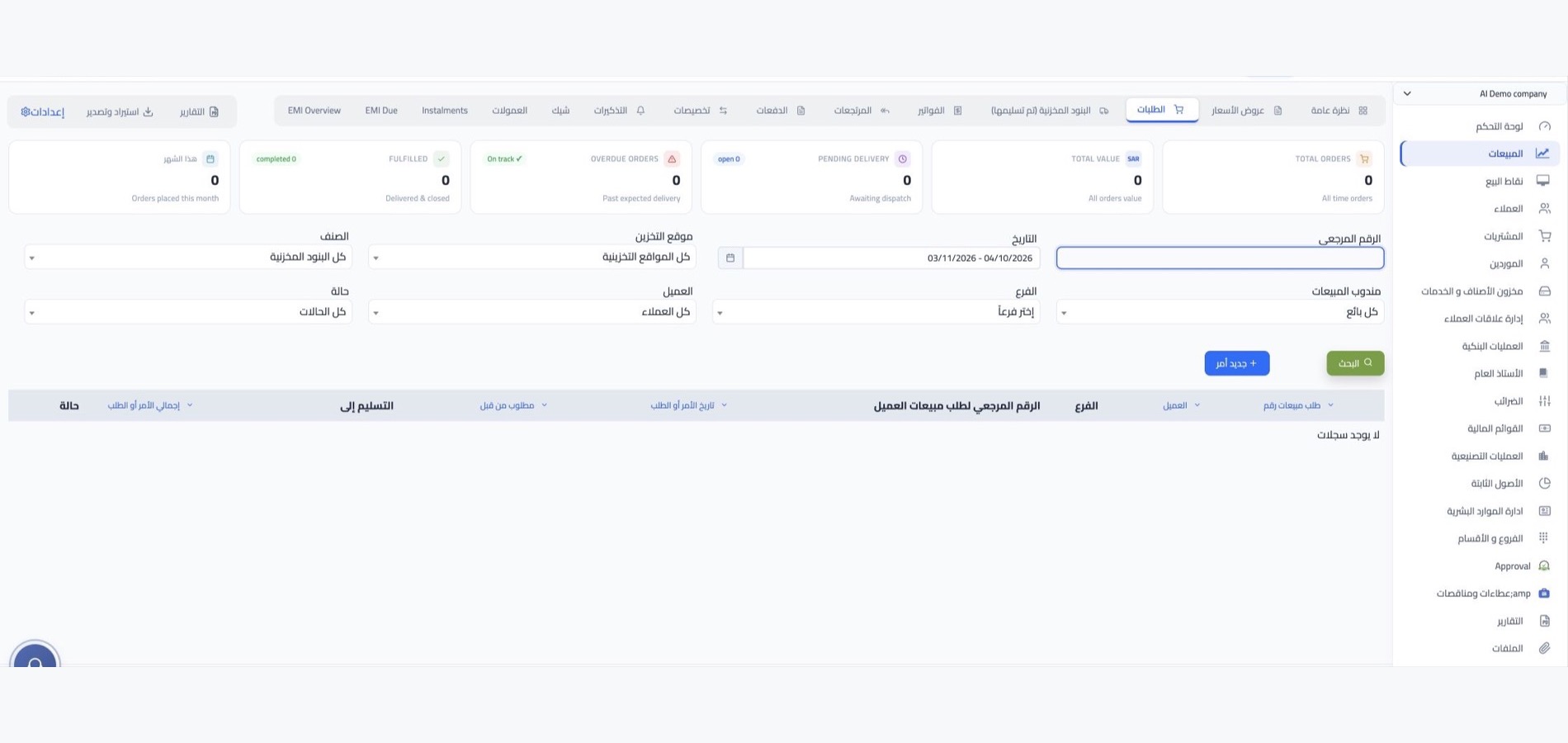
Appointments and workflow stages
Plan service appointments and related tasks. Clarify the steps and responsibilities for each request so your team can review daily work and follow progress.
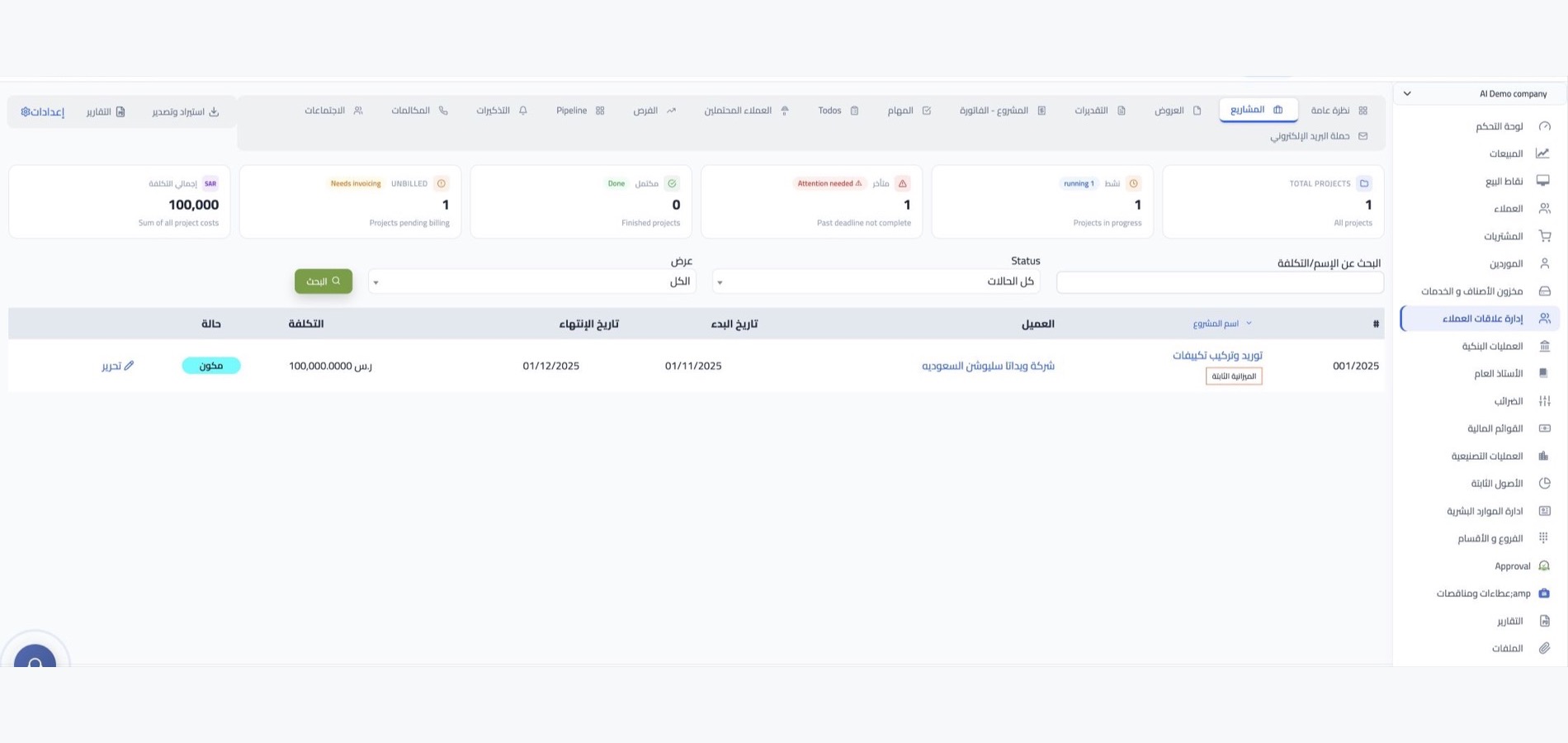
Invoices, collections and expenses
Review service income and operating expenses using the financial records available in your WEDATA edition. Supported invoice and collection workflows vary by account configuration.

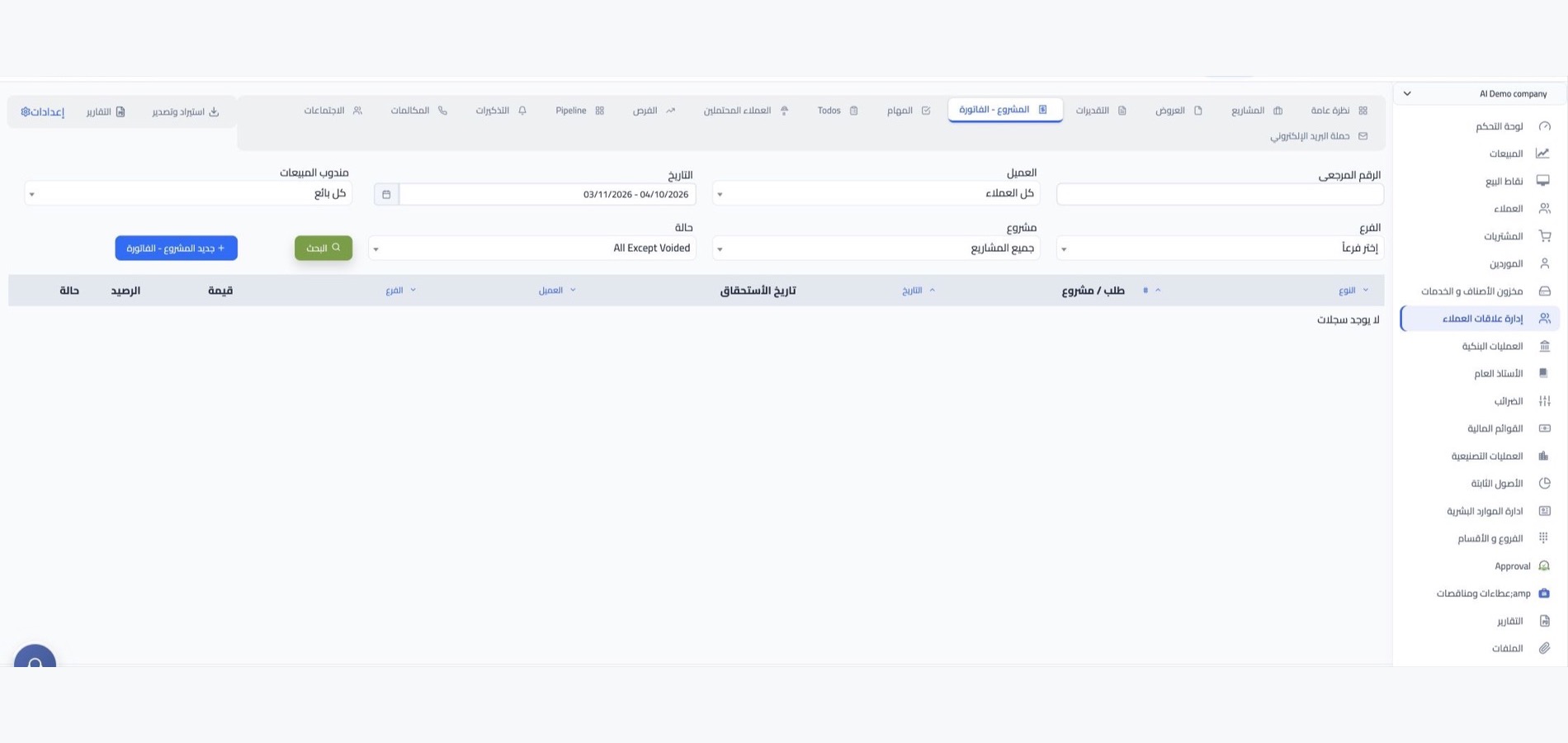
Office management
Tools for organized daily work
and service follow-up
Keep customer, service, request and expense details organized so your team can review the office’s daily operations.
Customer files
Keep customer contact details and service notes in organized records that are easy to review when following up on a request.
Appointments and tasks
Organize service appointments and daily tasks, then review what is due, completed or needs attention using the tools available in your WEDATA edition.
Service catalog
List the services your office provides, with clear descriptions and key details to support request setup and consistent communication with customers.
Invoices and collections
Track service invoices and related payments through the billing and collection options available in your WEDATA edition and account setup.
Operating expenses
Record expenses related to salaries, services and daily operations in the financial records available in your WEDATA edition.
Office performance reports
Review service requests, income and expenses through the operational and financial reports available in your WEDATA account configuration.

Connected workflows
Link service activity with financial records
using the tools available in your account
Review service income and operating expenses alongside customer records. Available reports and integrations vary by WEDATA edition and account setup; contact us to confirm the options for your office.
-
Sales and invoicing
-
Accounts and expenses
Frequently asked questions
FAQs for service offices
Customers, services and office operations
Answers about organizing customer records, service requests, appointments, invoices and operating expenses.
-
Can I organize customer and service records?
You can keep customer and service details, contact information and notes together, then review each customer’s records using the options available in your WEDATA edition and account configuration.
-
How can I track service requests through completion?
Record each customer request, its current status and the steps it needs. You can review what is complete and what still needs follow-up using the task and service tools available in your account.
-
How can I organize service appointments and tasks?
Arrange appointments and tasks linked to each service, highlight what needs attention and review the next steps. Available scheduling and task features vary by WEDATA edition and account setup.
-
Can I issue invoices and track collections?
You can review invoices and related payments through the billing and collection options included in your WEDATA edition. Available finance features depend on your account configuration; contact us to confirm what is enabled.
-
How can I review office income and operating expenses?
Review recorded service income and operating expenses through the financial reports available in your WEDATA edition. Report details depend on your product and account configuration.
Get your office organized
Ready to organize your service operations?
Keep customer requests, service details, invoices and operating expenses organized with WEDATA. Contact us to learn which tools are available in your edition and account setup.