


Kiosk Self-Service Terminals
A smoother, faster customer experience
Explore Kiosk devices designed for self-service workflows connected with WEDATA POS. Before selecting a device, confirm its model, operating system, payment and printing options, and required integrations with your account setup. Capabilities vary by device, software version, and available integration.

Preview
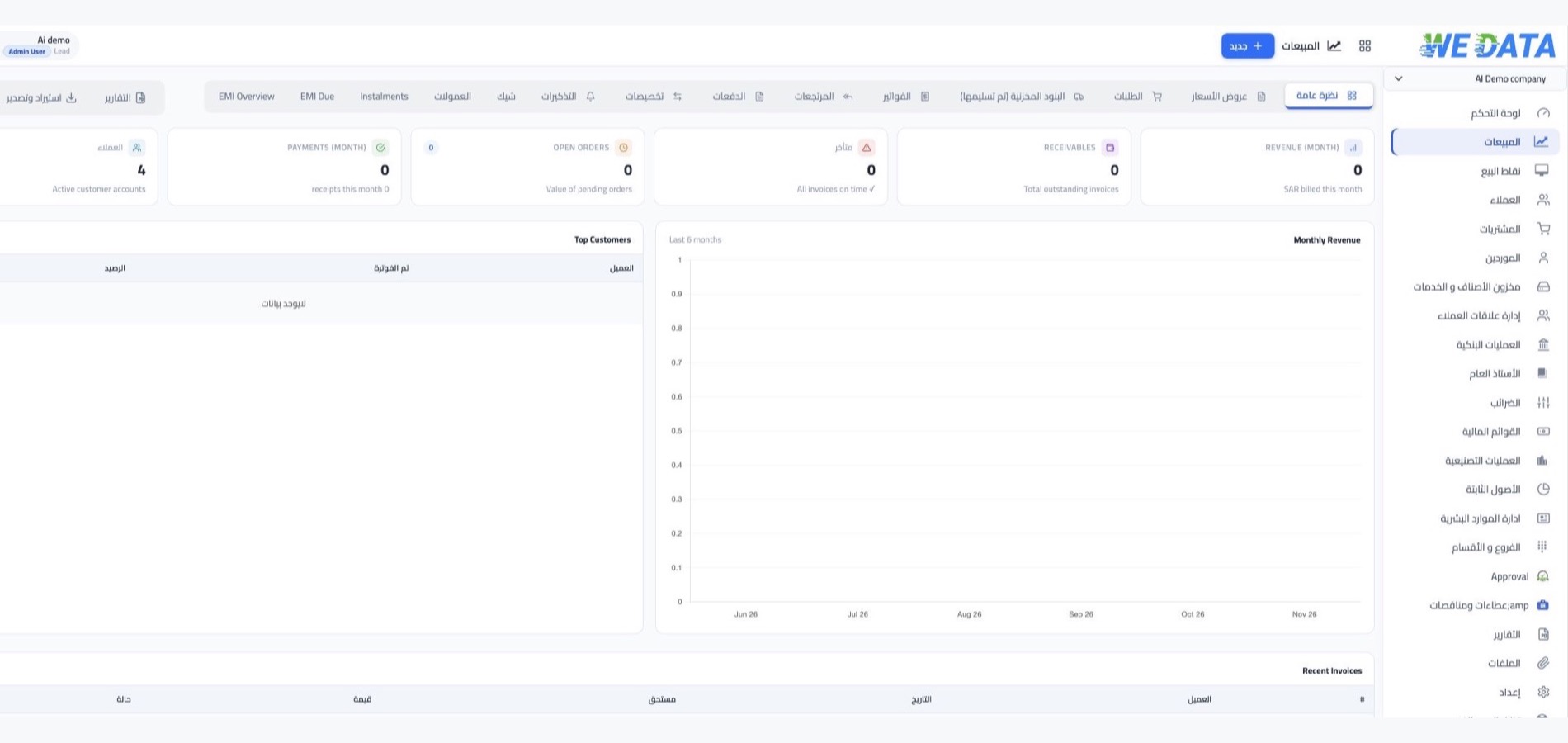
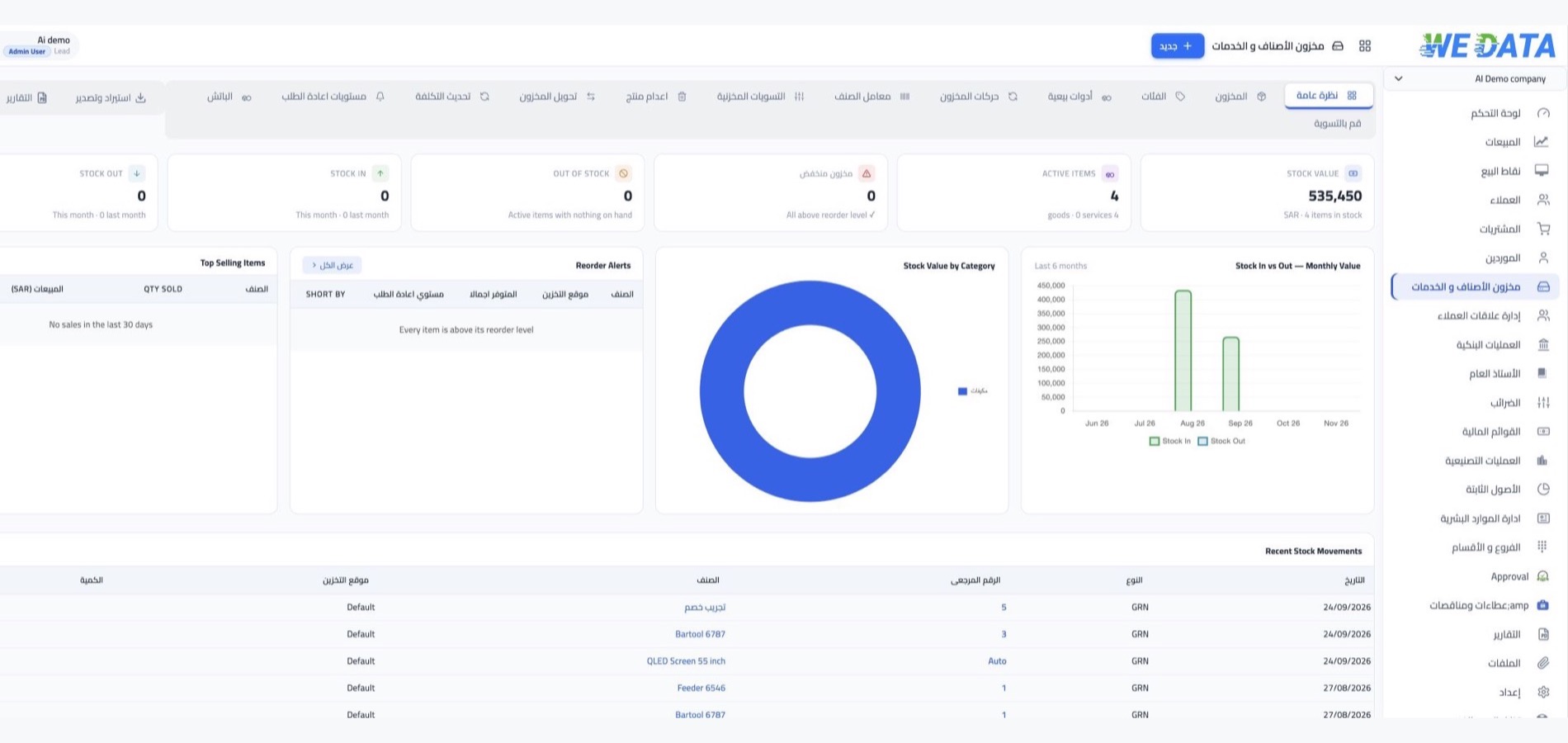
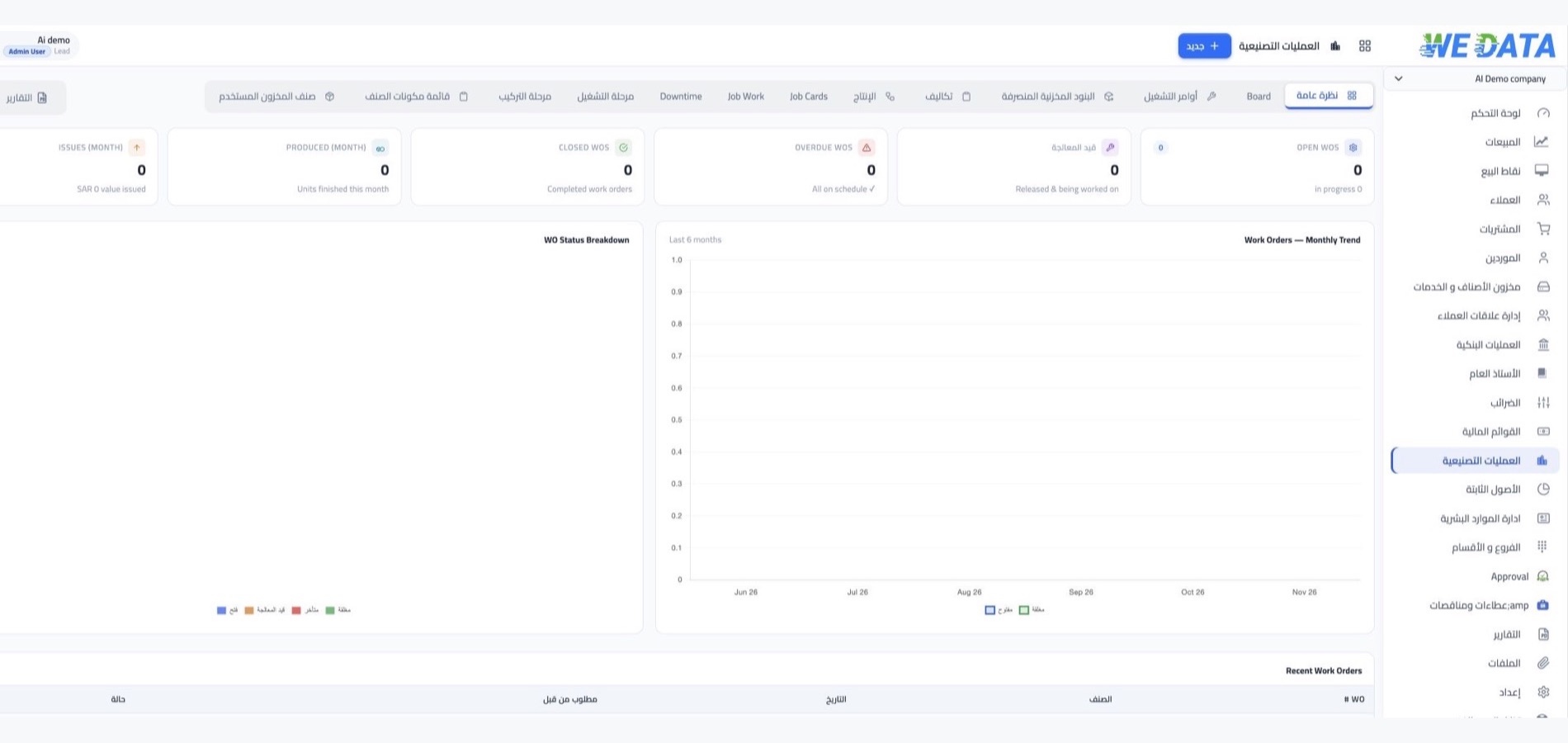
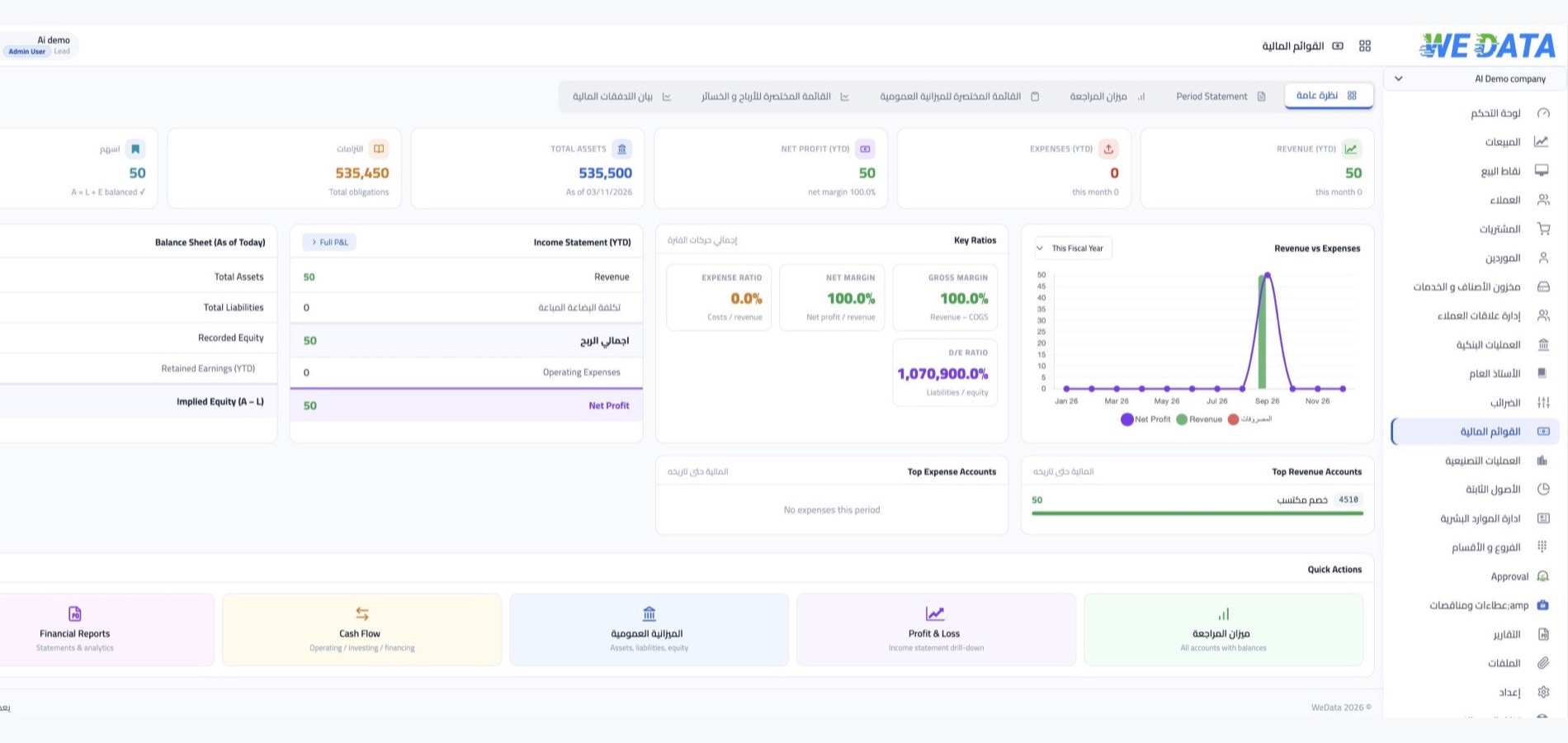
Kiosk device screenshots
Check compatibility before you begin


More than 8 years of experience in business solutions
Self-Service
Kiosk terminals connected to your point of sale
A practical setup starts with checking compatibility
Product and service display
Check how products or services will appear on the Kiosk screen and whether they can be updated from your system. Options depend on the device model and available integration.
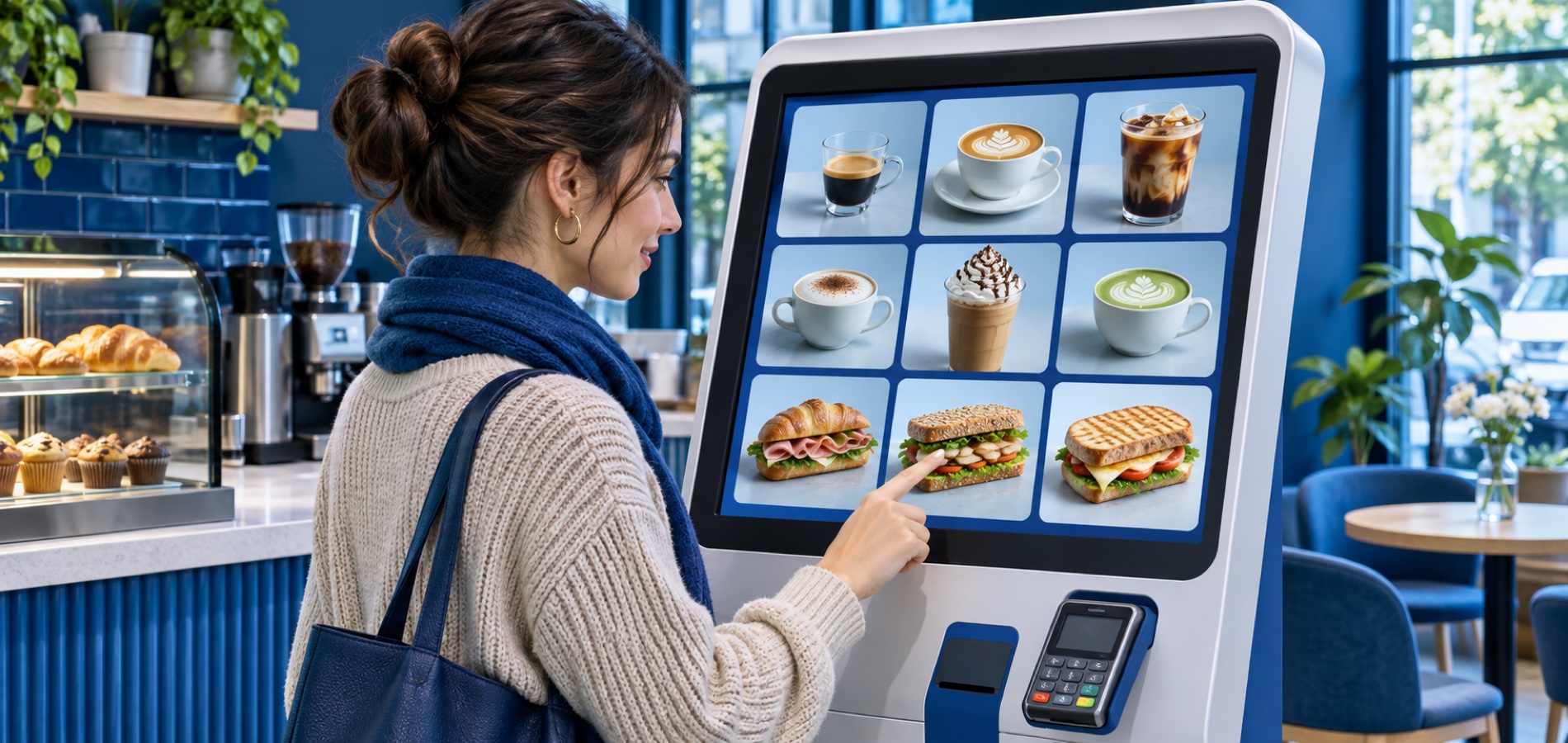
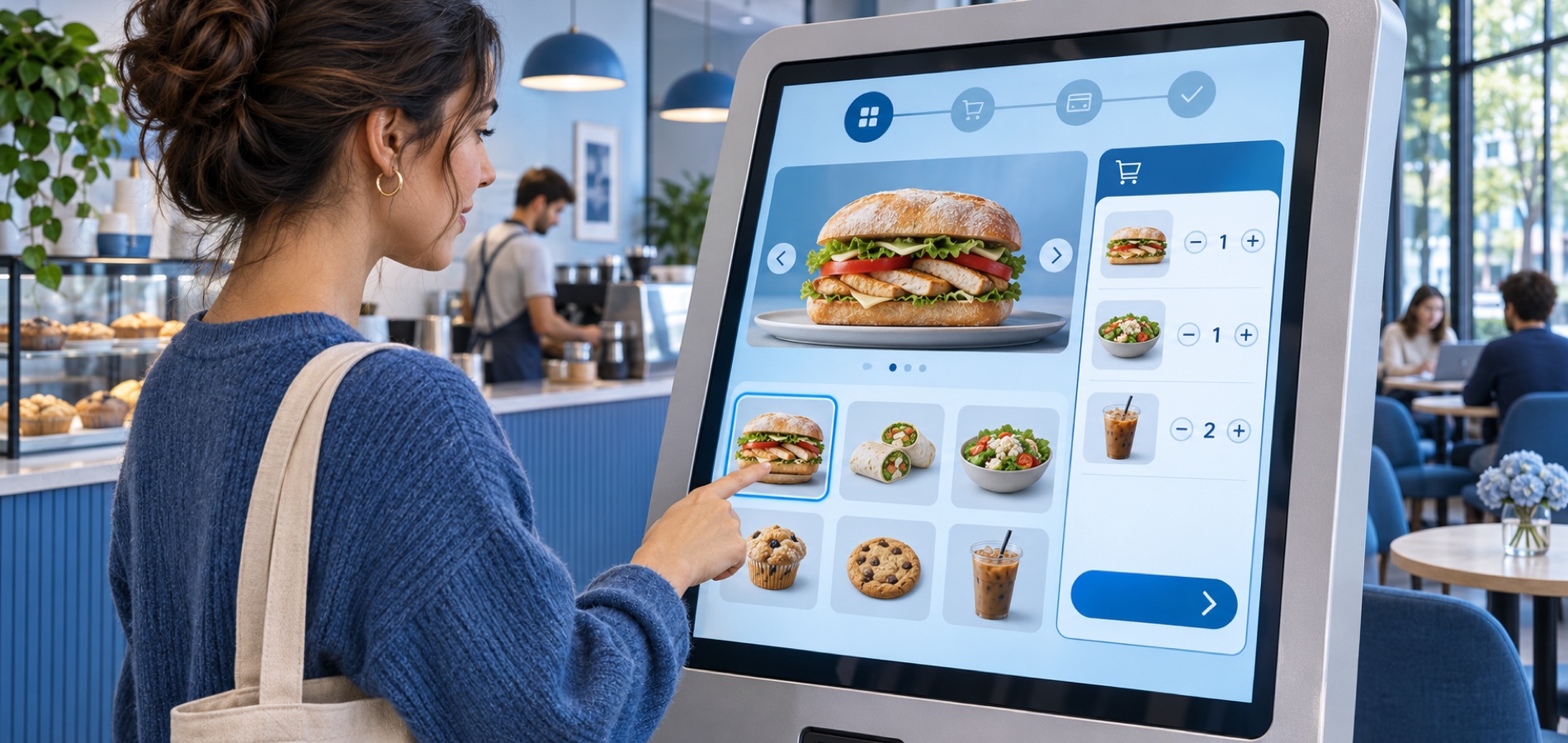
Order entry
Confirm how a customer's selections move from the Kiosk to your point-of-sale or connected system before launch. The workflow depends on the device setup and integration.
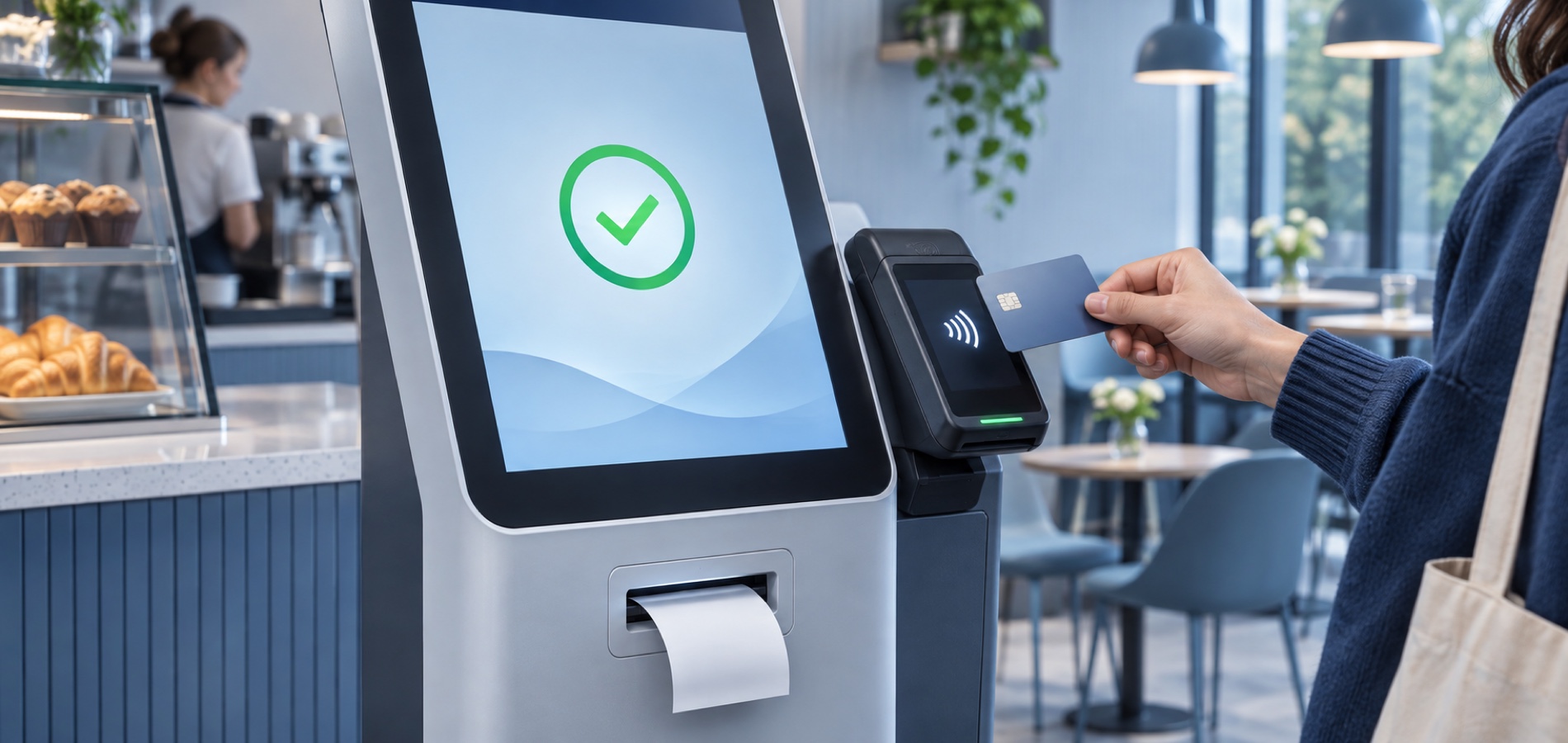
Payments and printing
Check whether the device supports your preferred payment method and receipt printer. Compatibility depends on the model, payment provider, and available integration.
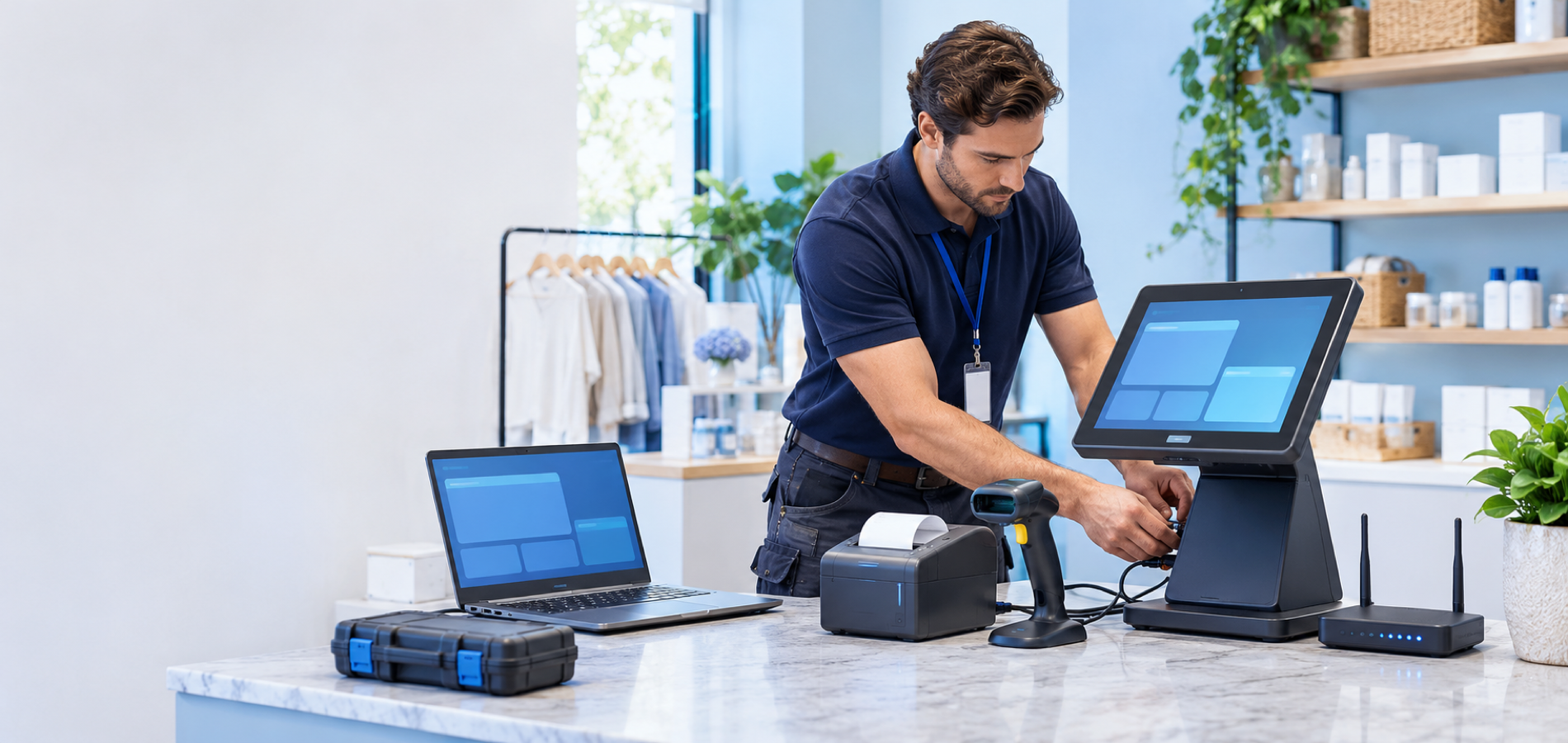
Device setup and support
Plan for power, network access, maintenance, and technical support for each device before installation.

Planning and compatibility
Prepare your Kiosk setup
Review these points before launch
Hardware compatibility
Check the device model, operating system, peripherals, and supported integrations against your WEDATA setup before ordering.
Network and installation
Confirm the required network connection, power supply, and installation location to support reliable daily operation.
Device requirements
List the device model, screen size, operating system, peripherals, and intended use so compatibility can be reviewed before purchase.
Maintenance and support
Agree on maintenance responsibilities, technical support availability, and replacement parts needed to keep the device operating.
Procurement and follow-up
Share your use case and device specifications with WEDATA to review available sourcing, setup, and support options.
WEDATA setup review
Ask WEDATA to review your device model and intended workflow against available integrations before purchase or installation.
Compatibility and integration
Check compatibility with WEDATA POS
Confirm features before ordering
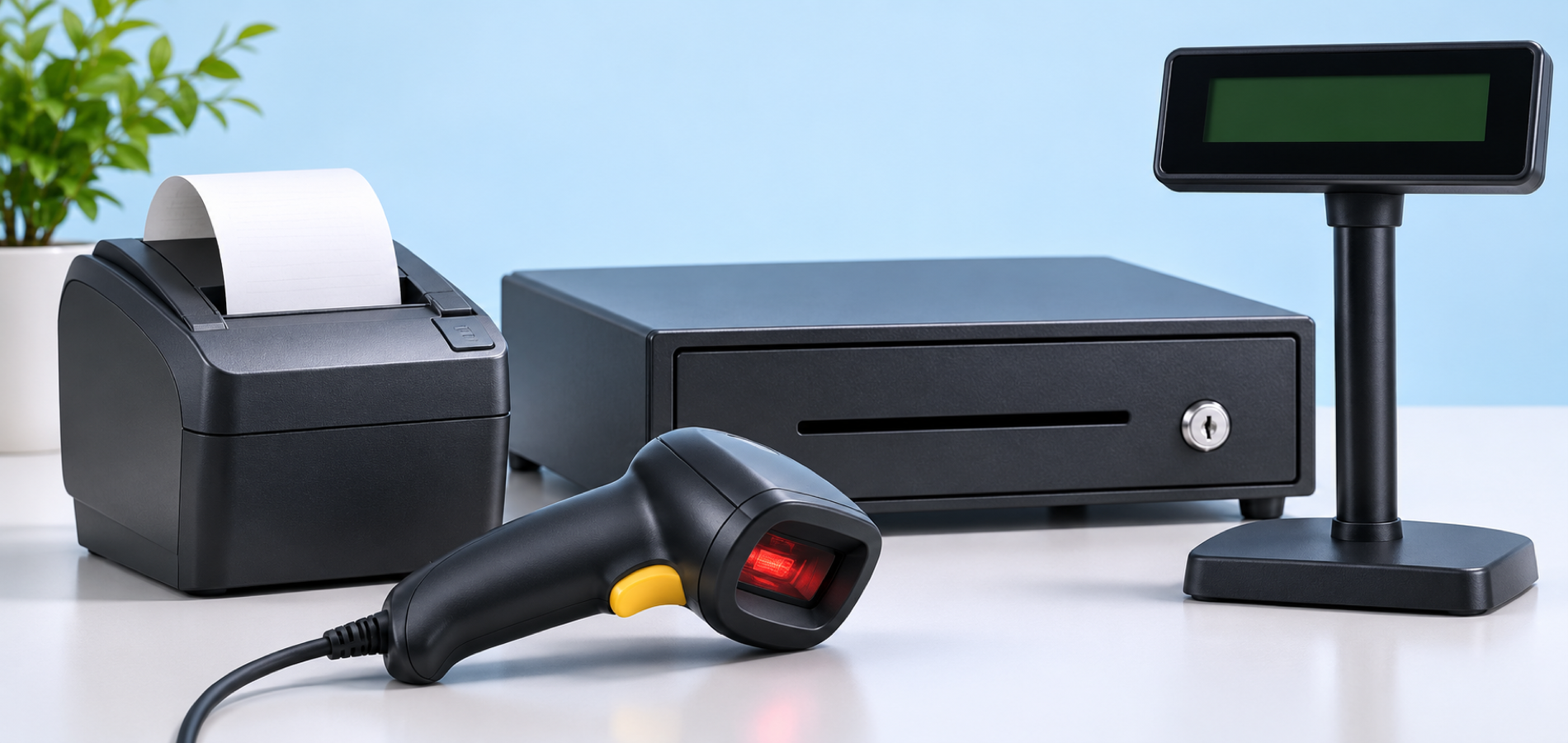
Before choosing a Kiosk, review the device model, operating system, payment and receipt-printing needs, and the intended connection to WEDATA. Supported options depend on the device, software version, and available integration.
-
WEDATA POS system
-
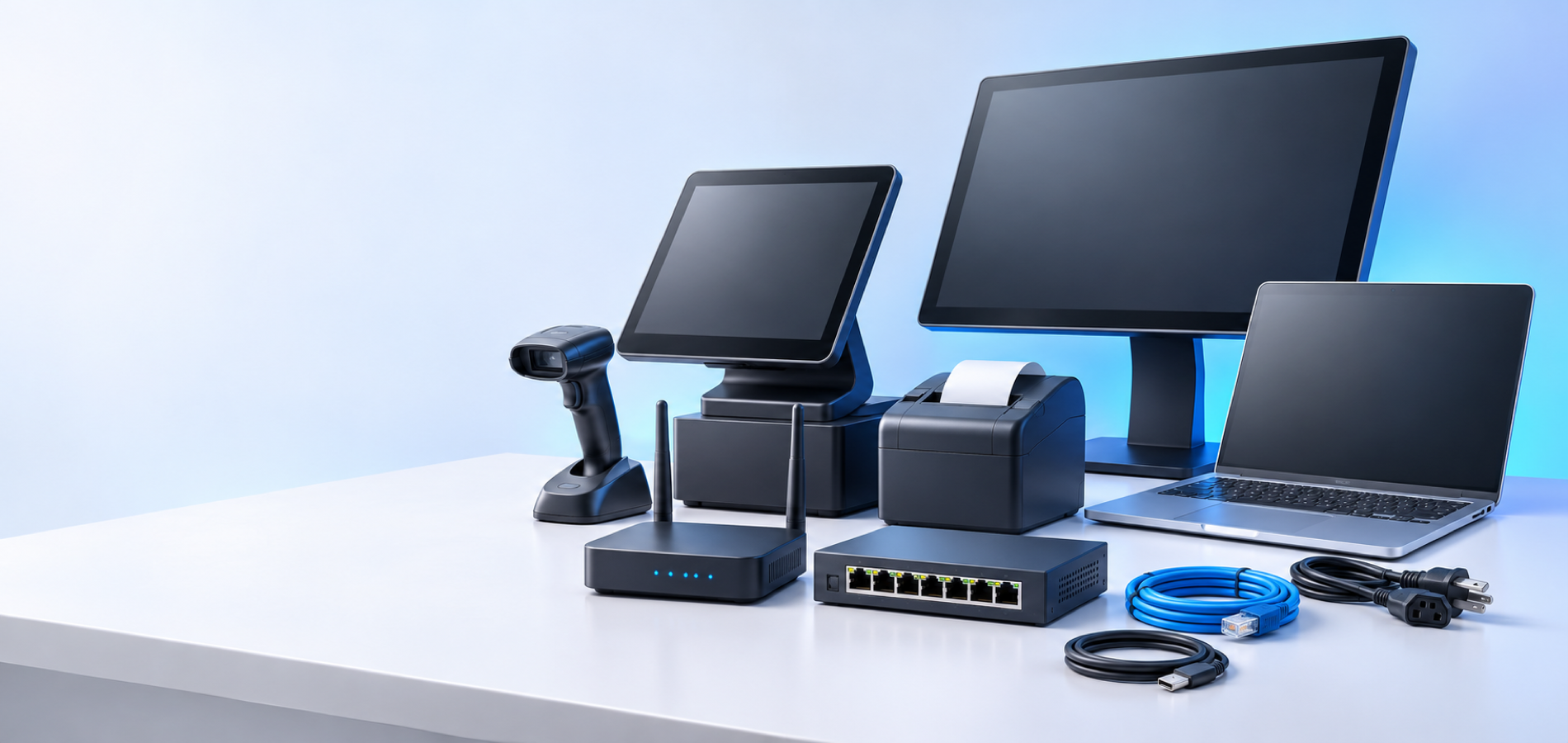
Payments, printing, and peripherals
Activities
Fits these activities
and more
FAQ
Kiosk device FAQs
Before ordering and installation
Answers to common questions about planning a self-service Kiosk setup.
-
What is a Kiosk device?
A Kiosk is a self-service device or screen that lets customers complete selected steps on their own. Available functions depend on the device model, software, peripherals, and integrations.
-
Will it work with WEDATA POS?
Confirm that the device model, software version, and intended setup are compatible before ordering or installation. Contact WEDATA with the device details for a requirements review.
-
Does it support electronic payments and receipt printing?
Support depends on the Kiosk model, payment provider, printer, and available integration. Confirm compatibility for your chosen setup before purchasing.
-
What details are needed to check compatibility?
Share the device model, operating system, screen size, peripherals, intended use, and required connection so the setup can be reviewed.
-
How do I get started with a Kiosk?
Contact WEDATA with your use case and device model or specifications. We can review compatibility and available integration requirements before you begin.
Prepare a self-service Kiosk for your business
Share your use case and device specifications with WEDATA. We can review compatibility and available integration options before you get started.
