

Advanced manufacturing activities with WEDATA

From raw materials to finished goods

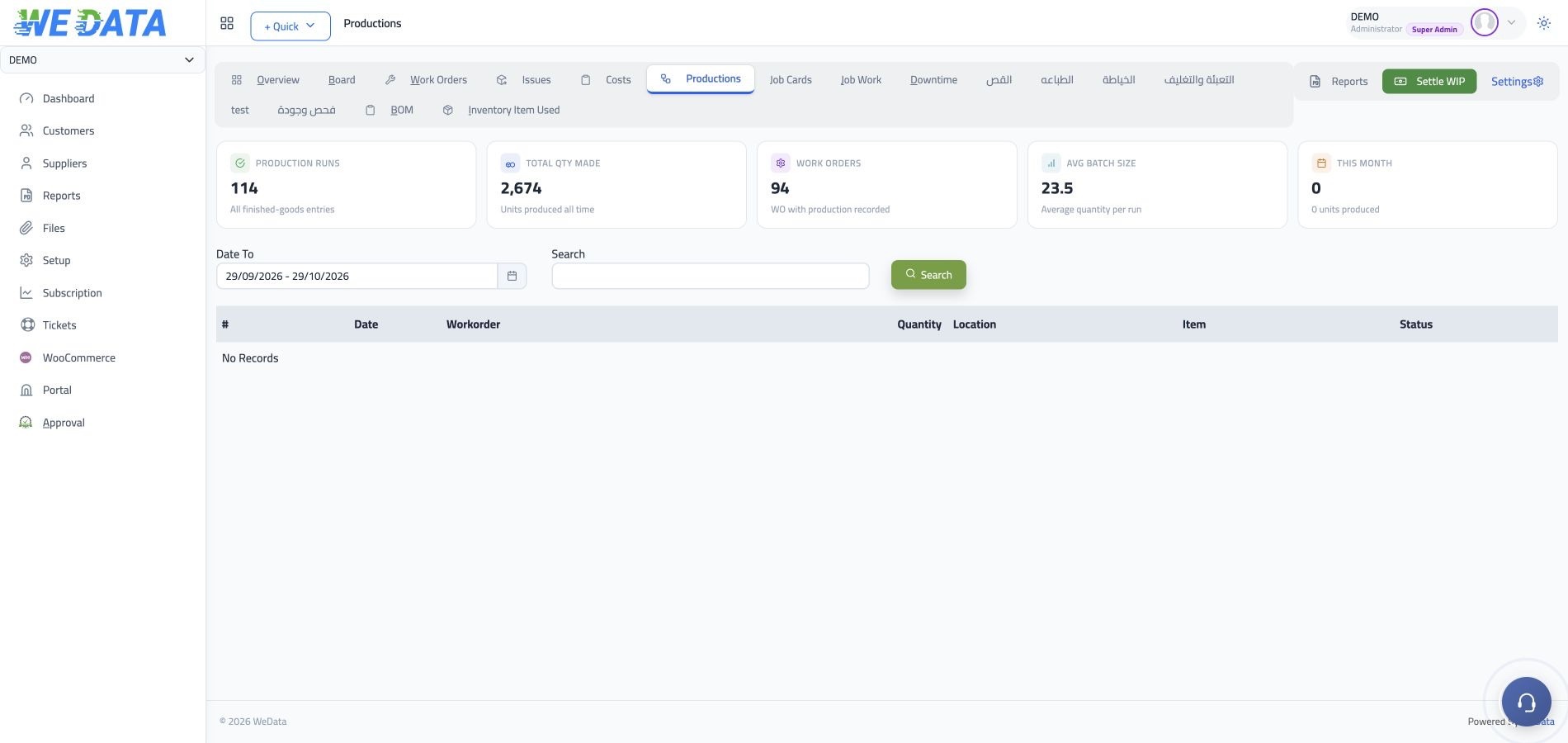
Plan each production order, define its bill of materials, record raw material issues, add related production costs, and register completed quantities into the warehouse. The manufacturing screens shown on this page are from the WEDATA system.

Advanced Manufacturing Activities
More than 8 years of experience in business solutions
How it works

One work order

drives all of production

Work orders

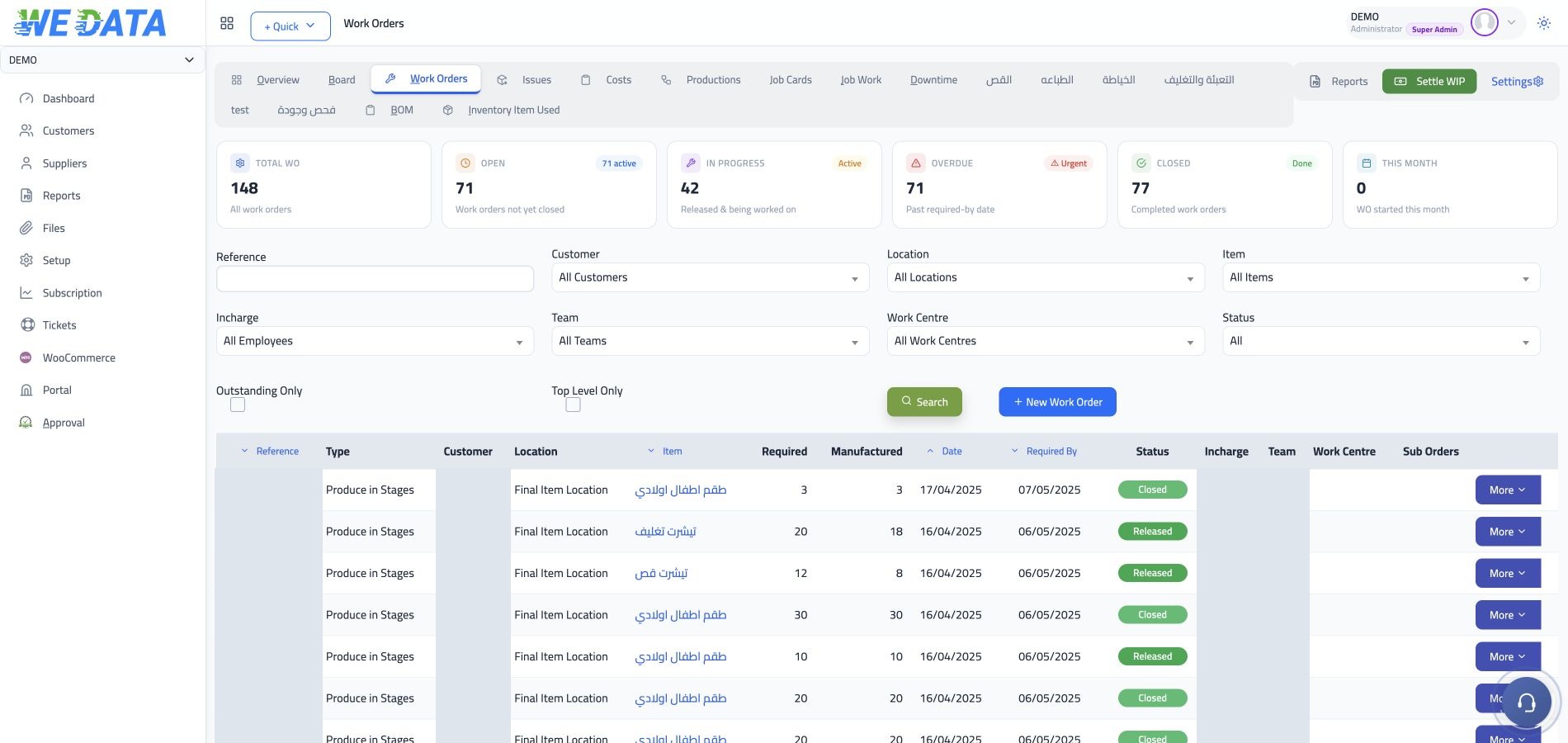
Production starts only with a work order for the product, which makes the manufacturing path clear and gathers everything about it underneath. Create the order from the manufacturing screen with the customer and order details, or generate it directly from a recorded sales order.
Advanced Manufacturing Activities

Bills of material

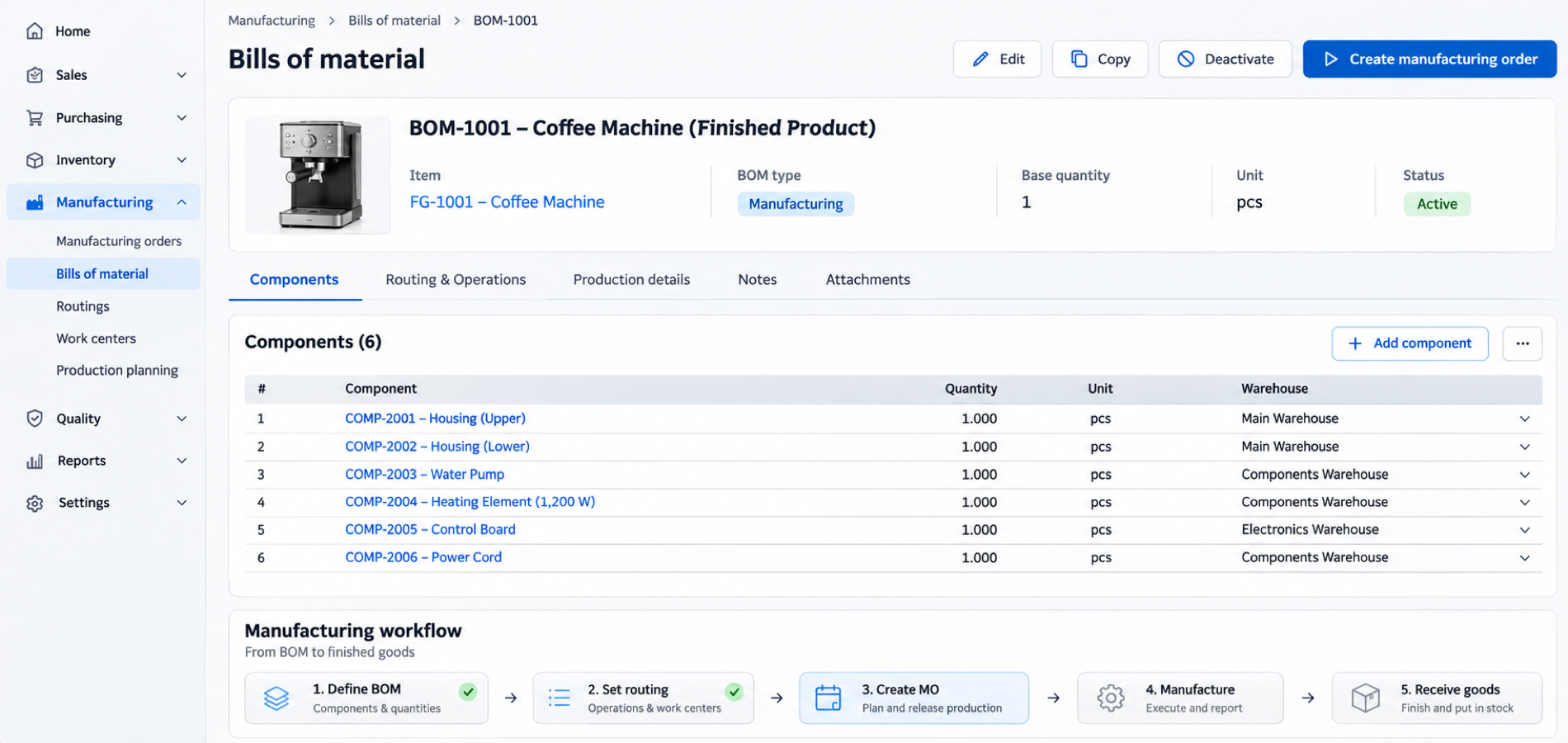
The bill of materials defines in advance what one unit of the product needs: the component item, its quantity and its unit of measure. It is defined for any manufacturable item, and system settings decide whether the bill is applied automatically or by hand.
Advanced Manufacturing Activities

Issuing raw materials

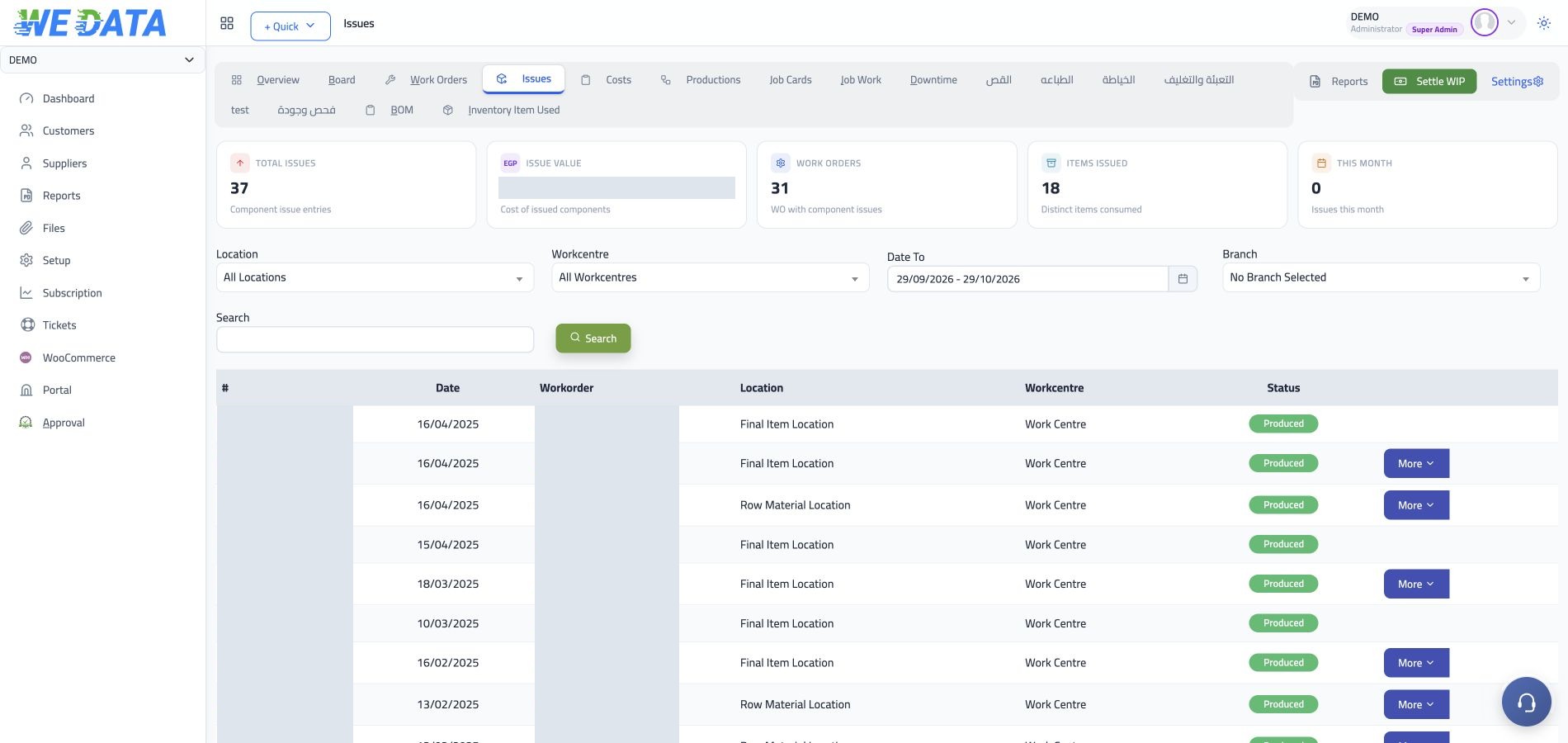
Raw materials are issued from stock to each work order separately based on its bill of materials, so what every order consumed is visible. If the product needs a special specification, add items outside the approved bill before recording production.
Advanced Manufacturing Activities

Finished production

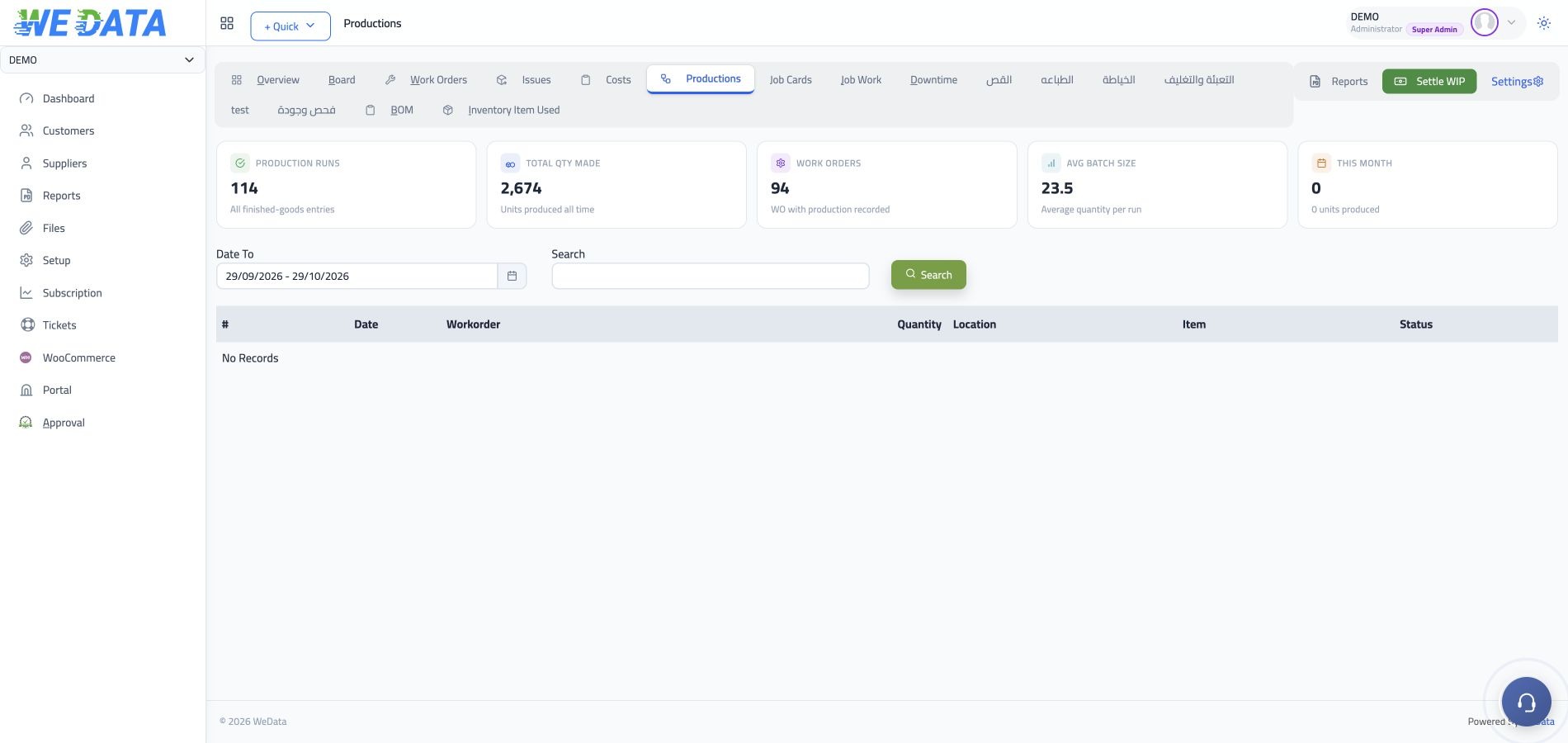
You finish by recording the ready quantities on the production screen, so they enter the warehouse and become sellable stock. One order accepts more than one production run, and as soon as the required quantity is met it closes automatically.

Advanced Manufacturing Activities
Supporting capabilities

Details that control cost

and document every step

Advanced Manufacturing Activities

Additional costs

Record indirect costs and labour charges on the work order itself, so they enter the product's cost.

Advanced Manufacturing Activities

Stock locations and work centres

Every component has its stock location and the work centre that consumes it, and the finished product a location it enters.

Advanced Manufacturing Activities

Manufacturing tabs

One page with tabs that gathers all manufacturing activity, so you move between them without leaving the screen.

Advanced Manufacturing Activities

Linked order transactions

Move from the work order to the issues, costs and production that branch from it, and work on several transactions together.

Advanced Manufacturing Activities

Attachments and documents

Attach files and supporting documents to any transaction, from any window you are working in.

Advanced Manufacturing Activities

Work order reports

Ready reports to follow orders, bills of material and issue movements, with the work order printed when needed.

Advanced Manufacturing Activities
Integrations

Manufacturing connected across WEDATA

From production orders to stock and costs

Manufacturing orders connect material issues, finished production, inventory movements and related costs in the system. Review the transactions linked to each order and follow recorded quantities from raw materials to finished goods.

  • Advanced Manufacturing Activities
    Production costs
  • Advanced Manufacturing Activities
    Inventory movements
FAQ

Frequently asked questions

about manufacturing management

What is asked most before switching on the manufacturing module.

  • What work order types does the system support?

    Three types: assembly, disassembly and detailed manufacturing. You choose the type when creating the order according to the process, and the order remains the reference for all the issues, costs and production linked to it.

  • Is the bill of materials applied automatically or entered by hand?

    Both options are available, and which one you work with is set in system settings. Either way, the bill defines the components, their quantities and units of measure before raw materials are issued to the work order.

  • How are additional costs charged to the product?

    The system records two kinds: indirect costs and labour charges, including the fee of an outside expert or consultant. Every amount is posted in the journal to the work order itself, so the cost per produced unit is correct.

  • When does a work order close?

    The order stays open while the quantity is incomplete, so you record production in runs as the product is ready. Once the full required quantity is entered, the system closes the order automatically with no extra step.

  • How do I follow what was done on work orders?

    Open the manufacturing reports to see orders issued, the materials defined for every product, and what left stock on every order. The order itself can be printed, and its costs reviewed from the journal entries.

Run your production line on the system

Try WEDATA ERP free and follow every work order from raw material issue to the finished product entering the warehouse.

Get started now

Join a global network of top professionals.

  • At least 8 characters

Already have an account?

Choose your role to get started

This helps us set up the right experience for you.

Choose a username

This will be used in your profile and public links. Username can’t be changed later. Please choose carefully.

Reset password

Enter your email address and we'll send you a link to reset your password.

Go back to

تصفّح WEDATA

Browse WEDATA