

Customer relationship management in WEDATA ERP
From lead to project
A module that gathers your leads, opportunities, proposals and projects in one place. Follow every customer regularly, discuss details in comments, and break the work into tasks, until the opportunity becomes a delivered project and a collected invoice.

More than 8 years of experience in business solutions
Features
The whole customer journey
from first interest to collection
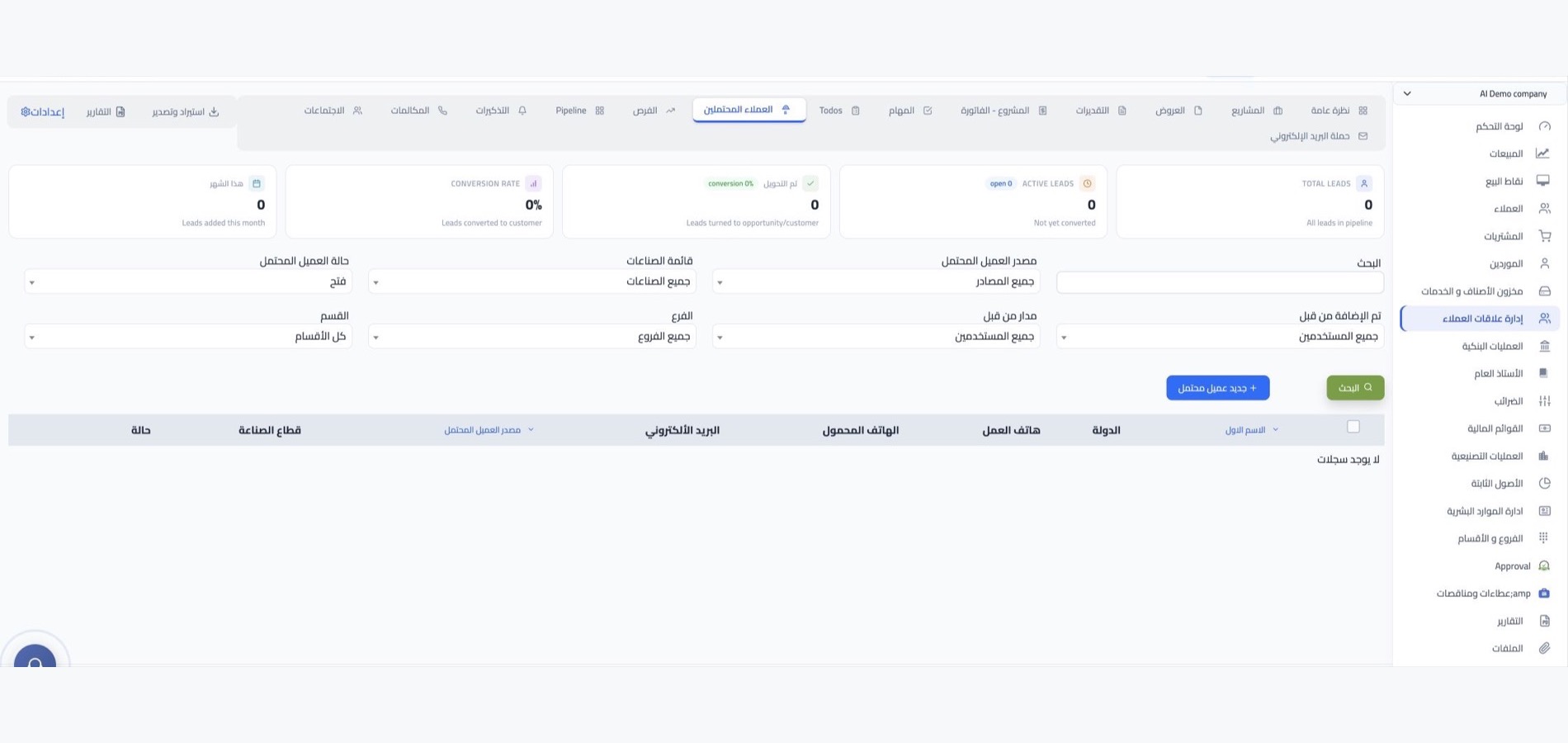
Leads
Recording a lead is the first step towards a new deal. Keep their details and contact in one list and keep following up regularly. Not every opportunity closes at once, but regular follow-up turns a share of these leads into actual deals.

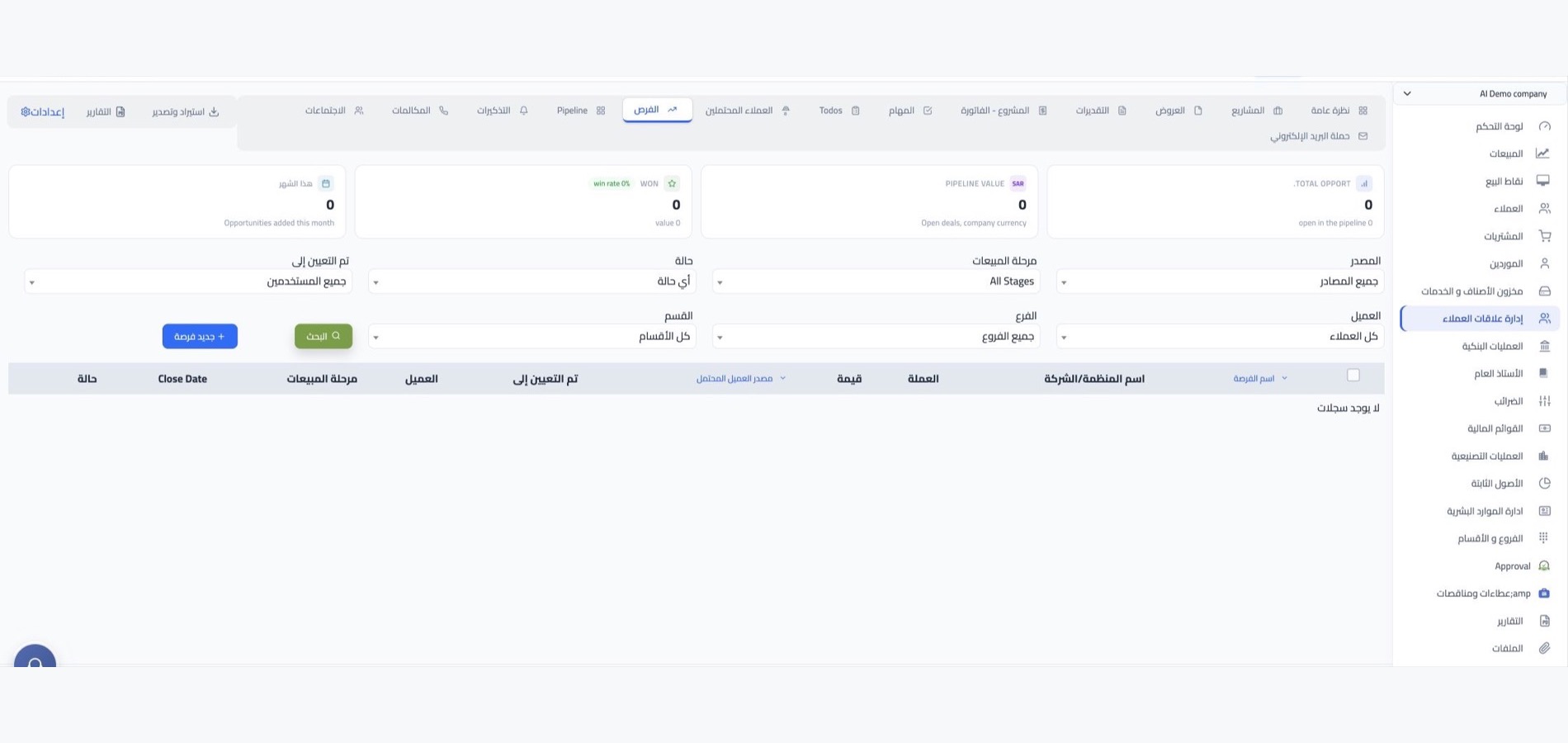
Opportunities and proposals
An opportunity is a specific deal with an interested customer: you prepare a proposal and share it with them, and set the expected close date and sales type. On approval, the sales order is prepared from the quotation or the proposal with no re-entry.
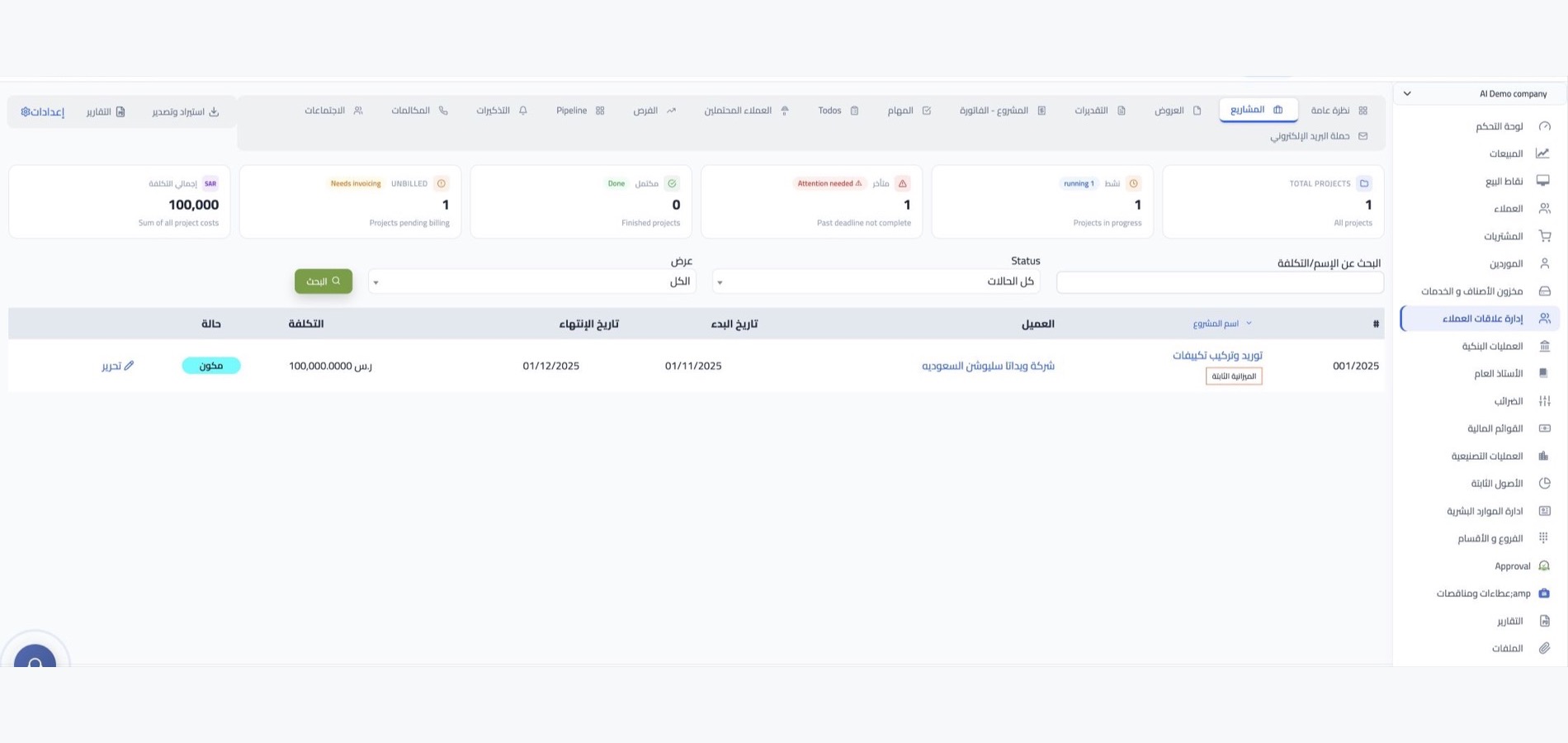
Projects and tasks
Custom work for your customer is managed as a project of its own: you create it in the customer's name and break it into tasks whose progress you follow. Every project and task has a comment space for discussion and recording what was done, so delivery details stay inside the project record rather than scattered across chats.
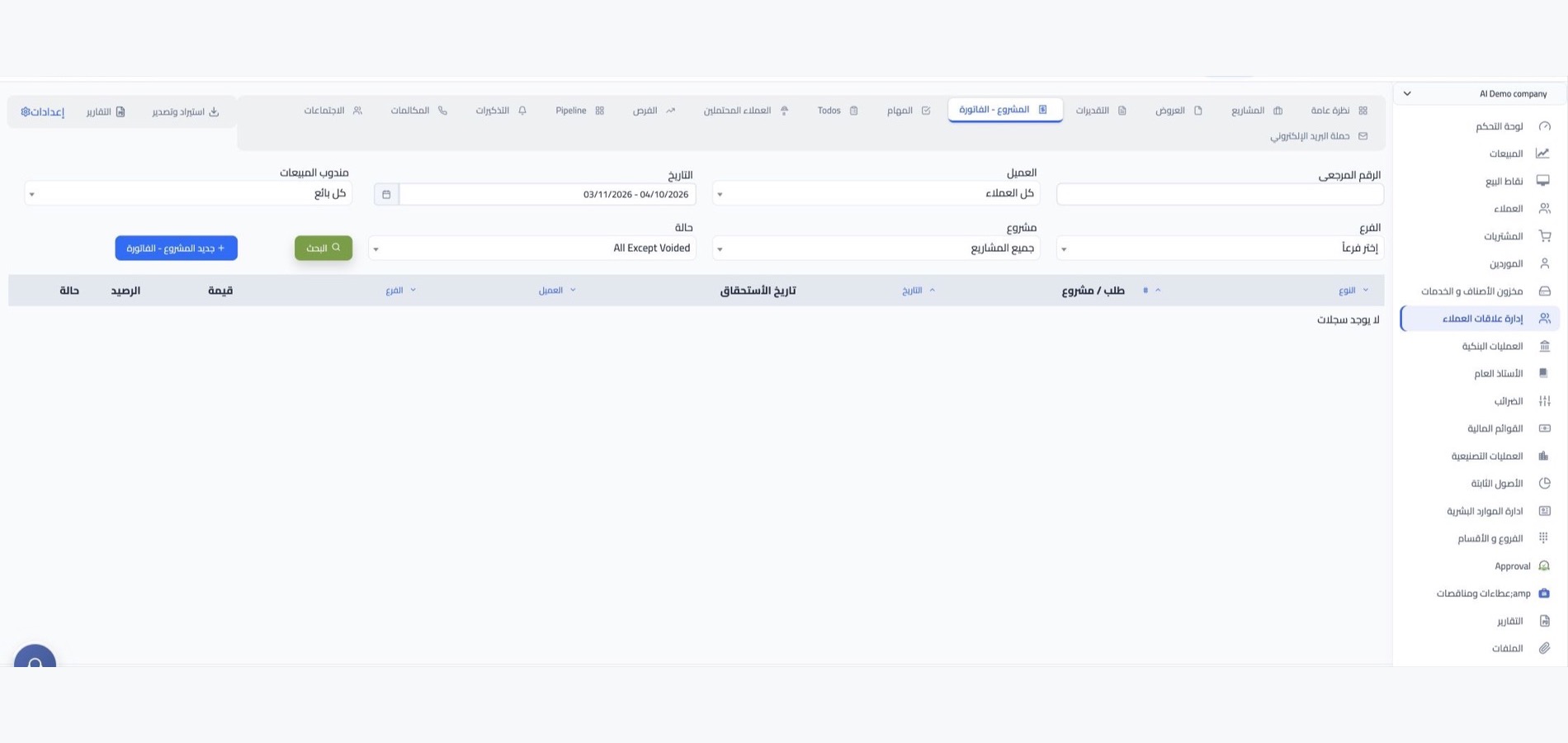
Project invoices and collection
Billable projects get a project invoice in the customer's name, and their payments are recorded on it until fully paid. Follow what is paid and remaining on every invoice, set the payment term so the due date is calculated, and change payment allocations whenever you need.

More tools
Small details that make the difference
in closing the deal
Coupons and shipping calculator
Add-ons that support your sales: a discount coupon you give the customer, and a calculator to estimate shipping cost.
Recurring invoices
Daily, weekly or monthly invoices issued to your regular customers without recreating them every time.
Customer classification and areas
Areas, groups, credit status and sales types such as retail and wholesale organise your customer base and make it easy to filter.
Salespeople
Record your salespeople, each with their own break-even point and the option to link them to a point of sale.
CRM reports
Three ready reports: leads, project invoices and proposals, in Excel and PDF.
One screen with tabs
Tabs that gather sales activity on one page, and buttons that suggest the next action in every transaction.
Integrations
Connected to the rest of the system
and to your sales channels
An accepted proposal becomes a sales order, then an invoice and a payment reflected in your accounts with no second entry. Your customers' orders reach you from points of sale and from your store on WordPress, Shopify or Salla.
-
The sales cycle and accounts
-
Your online store and points of sale
FAQ
Frequently asked questions
about customer relationship management
Questions sales teams ask before moving their customer follow-up to the system.
-
What is the difference between a lead and an opportunity?
A lead is initial interest that needs follow-up to mature; an opportunity is a specific deal with a proposal and an expected close date. So the two lists are managed separately: one feeds the other, and an opportunity ends in a sales order on approval.
-
Can project work be managed and invoiced from the system?
Yes. Any custom work for a customer can be created as a project and broken into tasks, then an invoice issued in the customer's name and their payments recorded on it until the project closes fully collected.
-
How does the team follow what goes on inside each project?
Comments are where discussion happens: every member writes their note on the project or the task itself, so details are not lost in outside messages. Supporting documents are attached to the record from its screen directly.
-
How do I organise my customer base in the system?
By areas, groups, credit status and sales type, retail or wholesale, tax inclusive or exclusive. This classification makes it easy to filter customers and reach the segment you want to follow up.
-
Which reports are available in customer relationship management?
The leads report, the project invoices report and the proposals report. All export as Excel and PDF for review outside the system or sharing with your team.
Ready to follow up your customers regularly?
Try WEDATA ERP free, and follow your leads, opportunities, projects and their invoices from one place.