
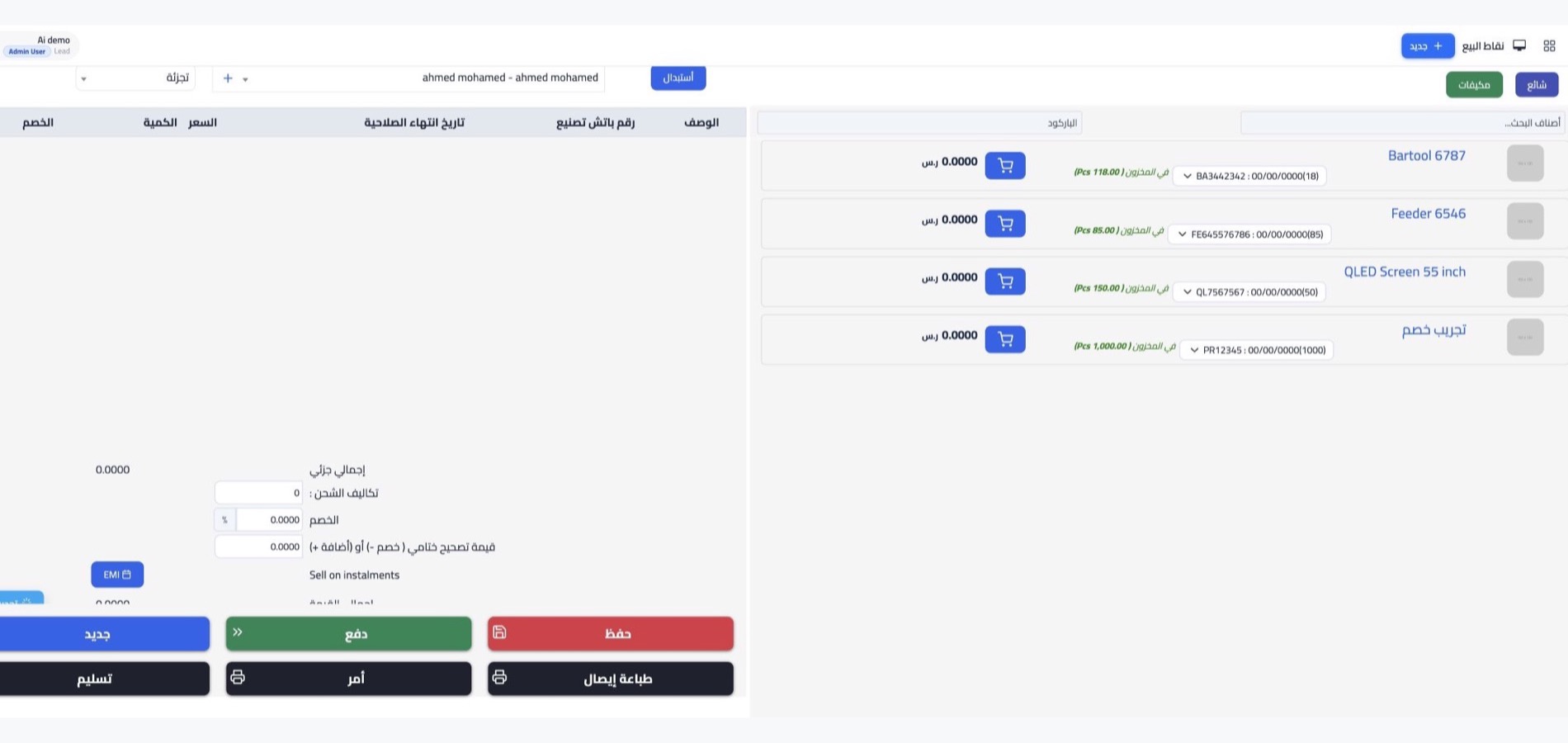



Sales and payment screen
Start selling by scanning the barcode or picking the item from the dropdown list, and use the grid screen if you have few items. Accept payment in cash, by card or from the phone, and follow sales, balances and customer data moment by moment.
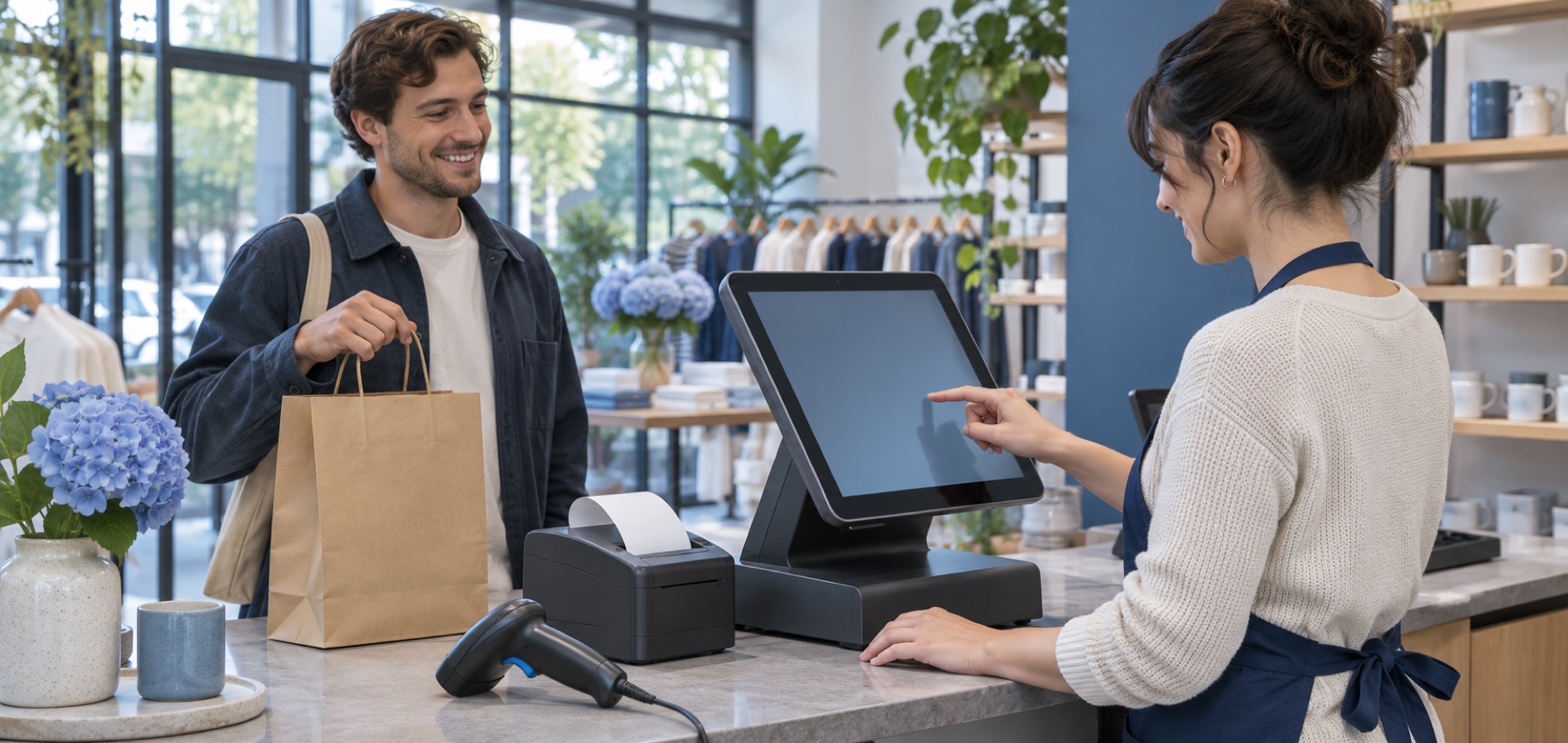
Returns and refunds
Record the return against the original sales invoice, so the items are received back into stock and the amount refunded to the customer if they had paid it. The whole process completes in a few steps.
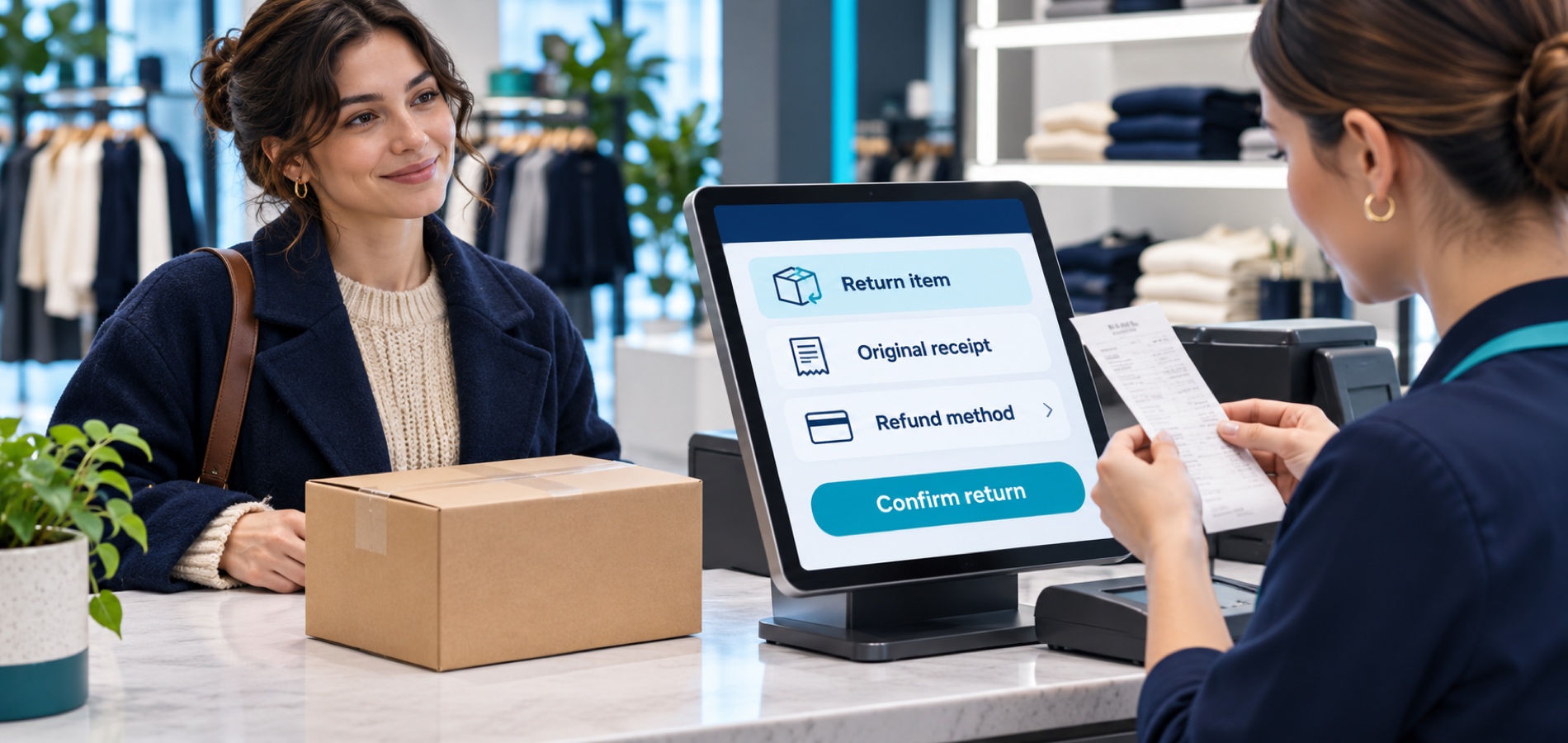
Point of sale receipts
After every transaction print a receipt on thermal paper carrying the date and time, items, price per item, discounts, taxes and the total paid. Sizes and formats vary with the printer and paper size used.
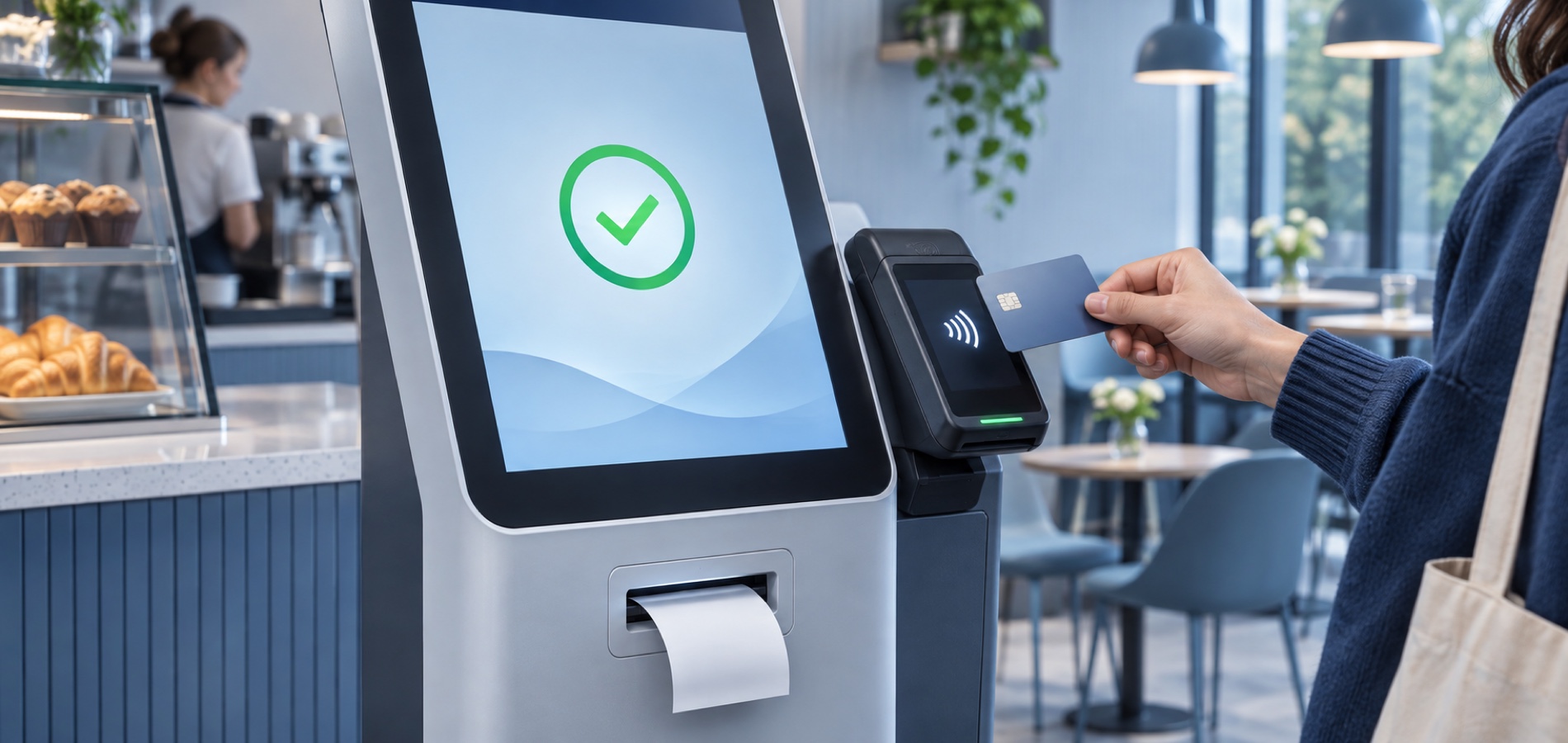
Mobile and desktop apps
Run the point of sale from an Android app that uses the phone's barcode scanner and a Bluetooth printer and prints the same receipts as the web version. For those who prefer a computer, a desktop app is available from the Windows app store that speeds up barcode entry and invoicing.

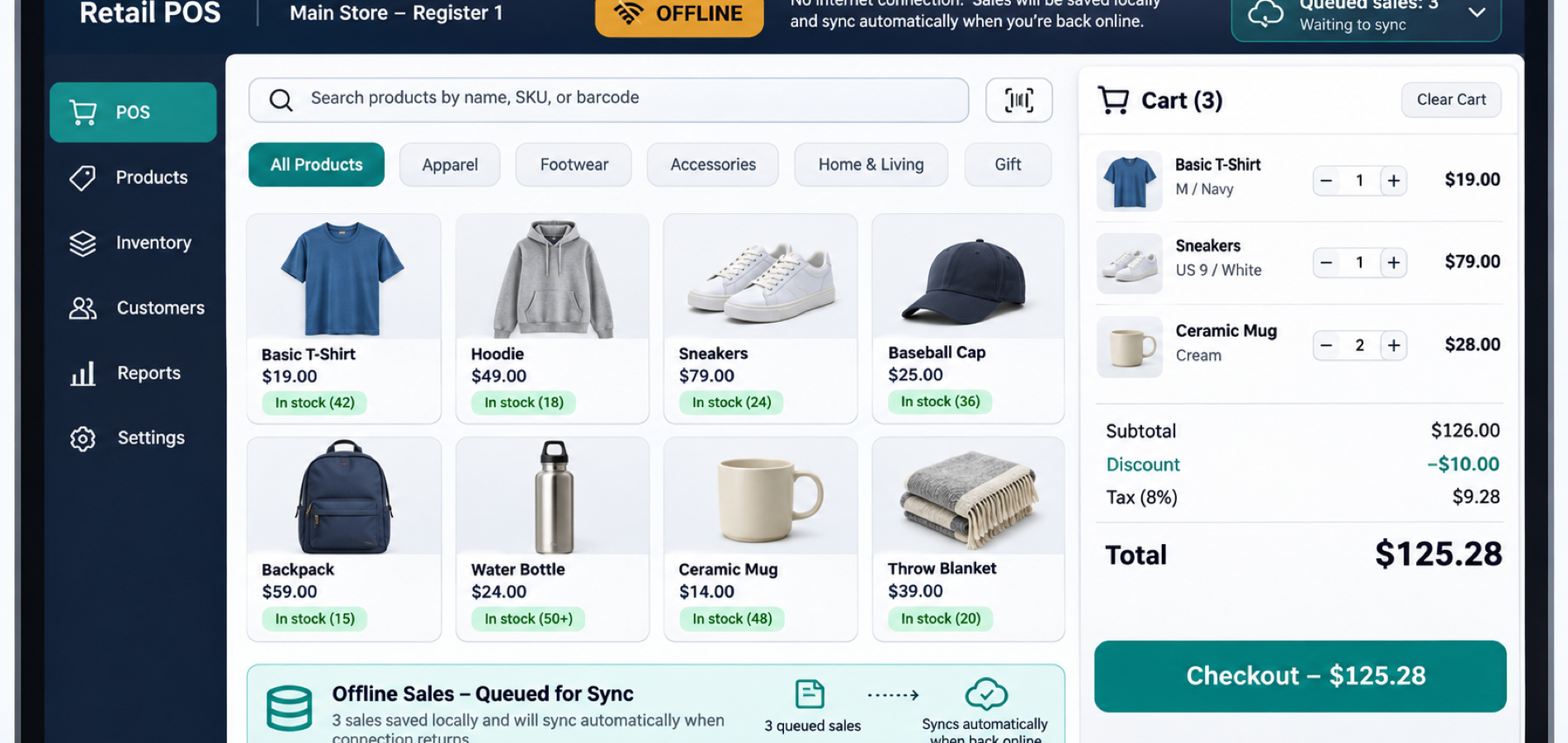

Register hardware
Cash drawer, barcode scanner and receipt printer work with the software in one point of sale.

Terminal settings
Set for every terminal the sales type, cash or credit, its bank accounts and the stock location linked to it.

Salespeople and permissions
Create salesperson accounts and grant them access, and link every salesperson to the stock location they sell from.

Branches and stock locations
Define a stock location per branch, and run your points of sale in all branches inside one system.

Point of sale reports
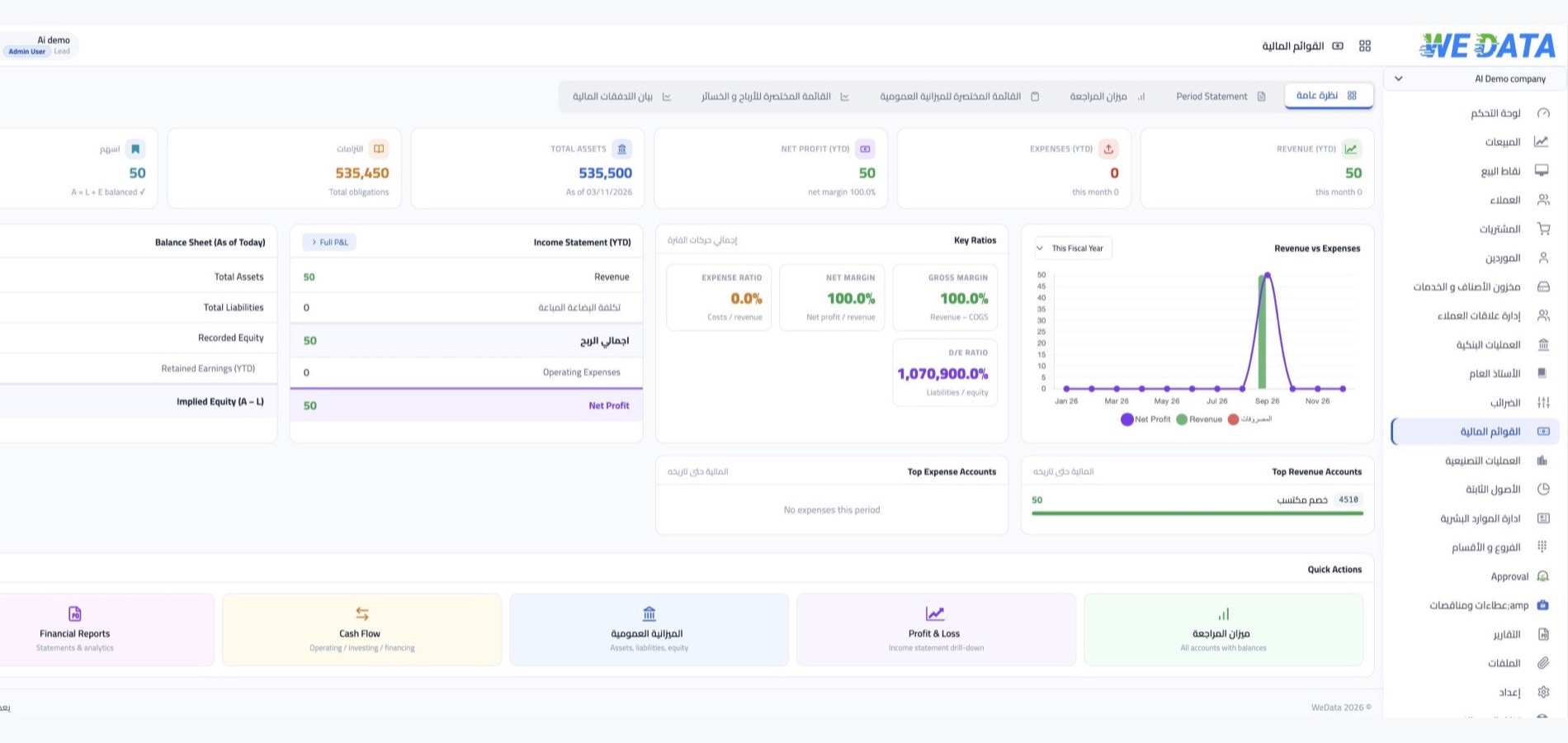
Salesperson summary, daily point of sale sales, and the point of sale balances report in one place.

Multiple transactions and attachments
Tabs on one page gather your transactions, move you between a transaction and its links, and let you attach documents from the view window.
-
Stock and branch accounts

-
Online store and e-invoicing