
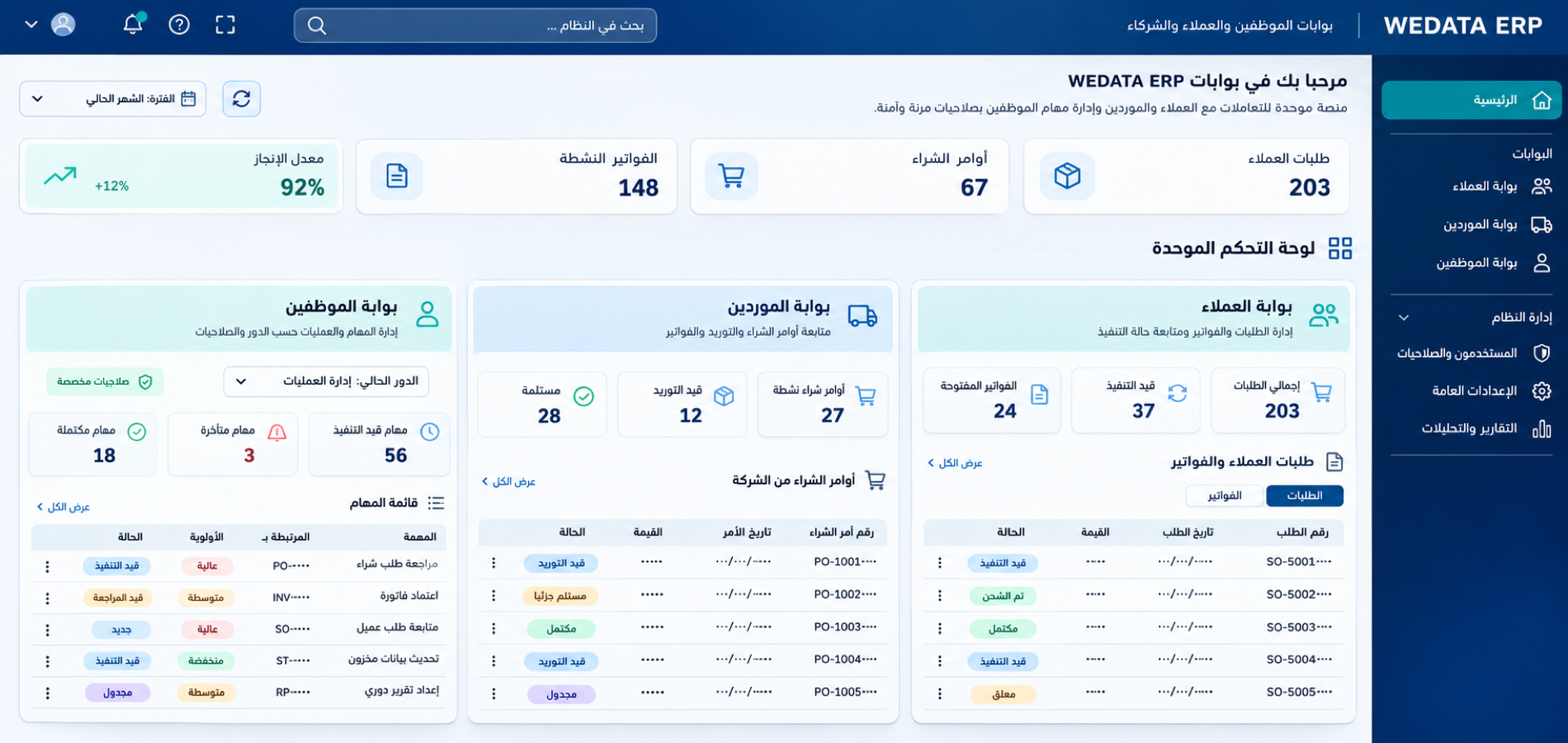

Employee and customer portals in WEDATA ERP

Every party has its own space

A module that opens a window for your customers, suppliers and team onto what concerns each of them inside your system. The customer follows their orders and invoices, the supplier reviews their purchase orders, and the employee works only within their permissions.

Employee & Customer Portals
More than 8 years of experience in business solutions
Features

A portal for every party

with its own permissions

Customer portal

Your customer has a space they log into with their account to find their orders, invoices and payment history, and download what they need themselves. They no longer have to message your team to know what is due and what has been paid.
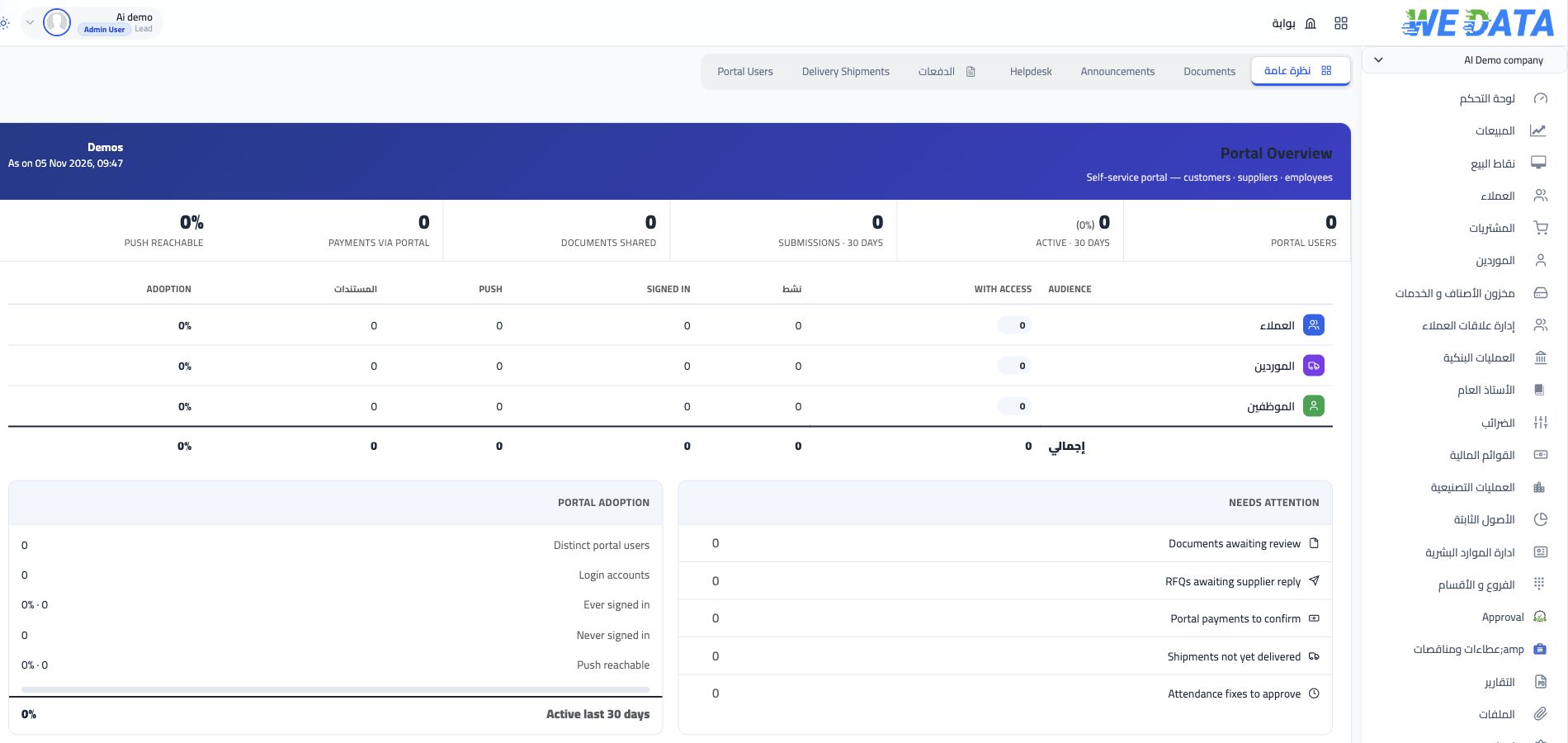
Employee & Customer Portals

Supplier portal

The supplier has their own side of the portal, where they open the purchase orders addressed to them and see items, quantities and prices as you approved them. Message exchange about what was ordered and when drops, and there is one reference between you.
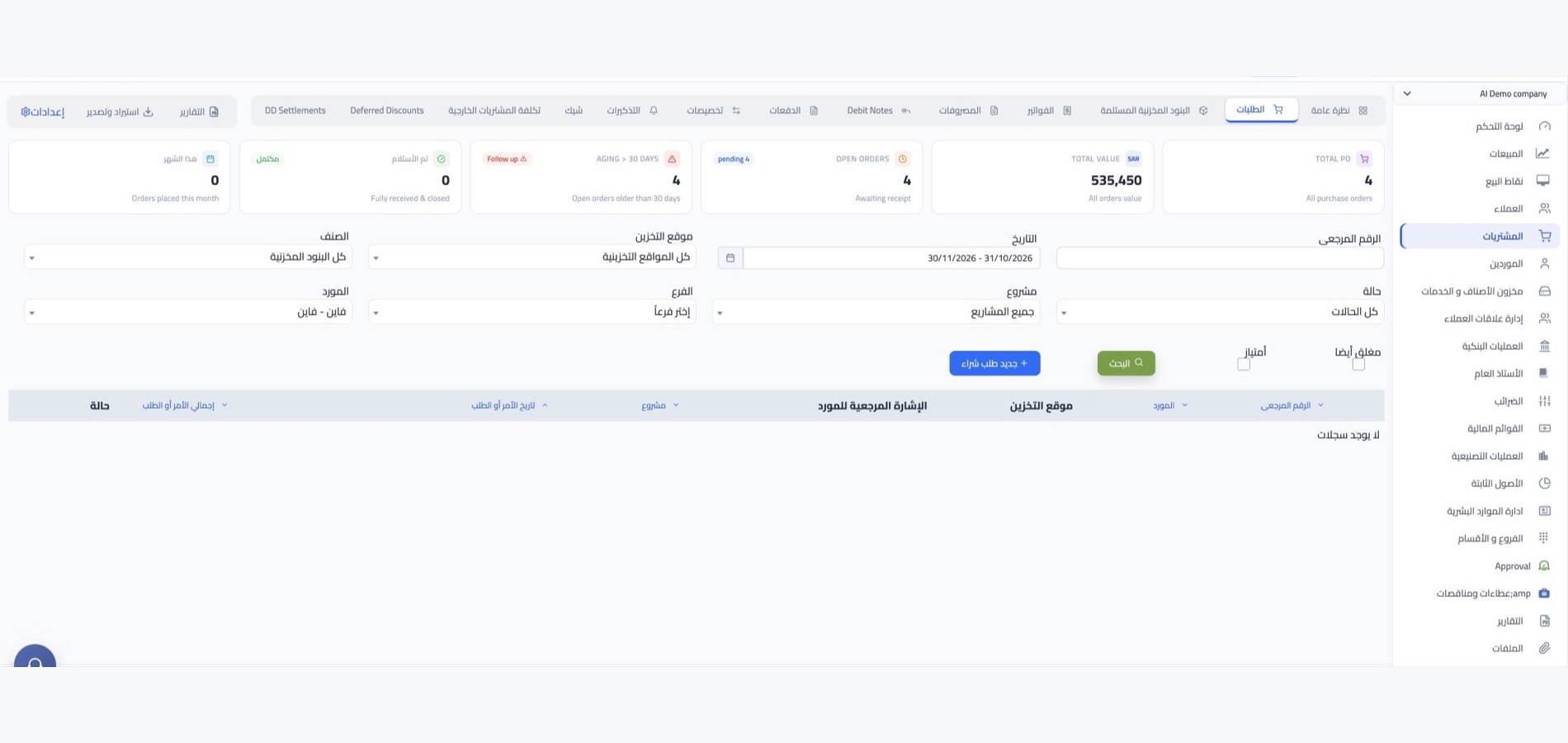
Employee & Customer Portals

Employee permissions

Inside the company, access is built on the role: who opens sales, who sees purchasing, accounts or employee affairs. Permissions are adjusted whenever the role changes, so nobody sees more than their work requires.
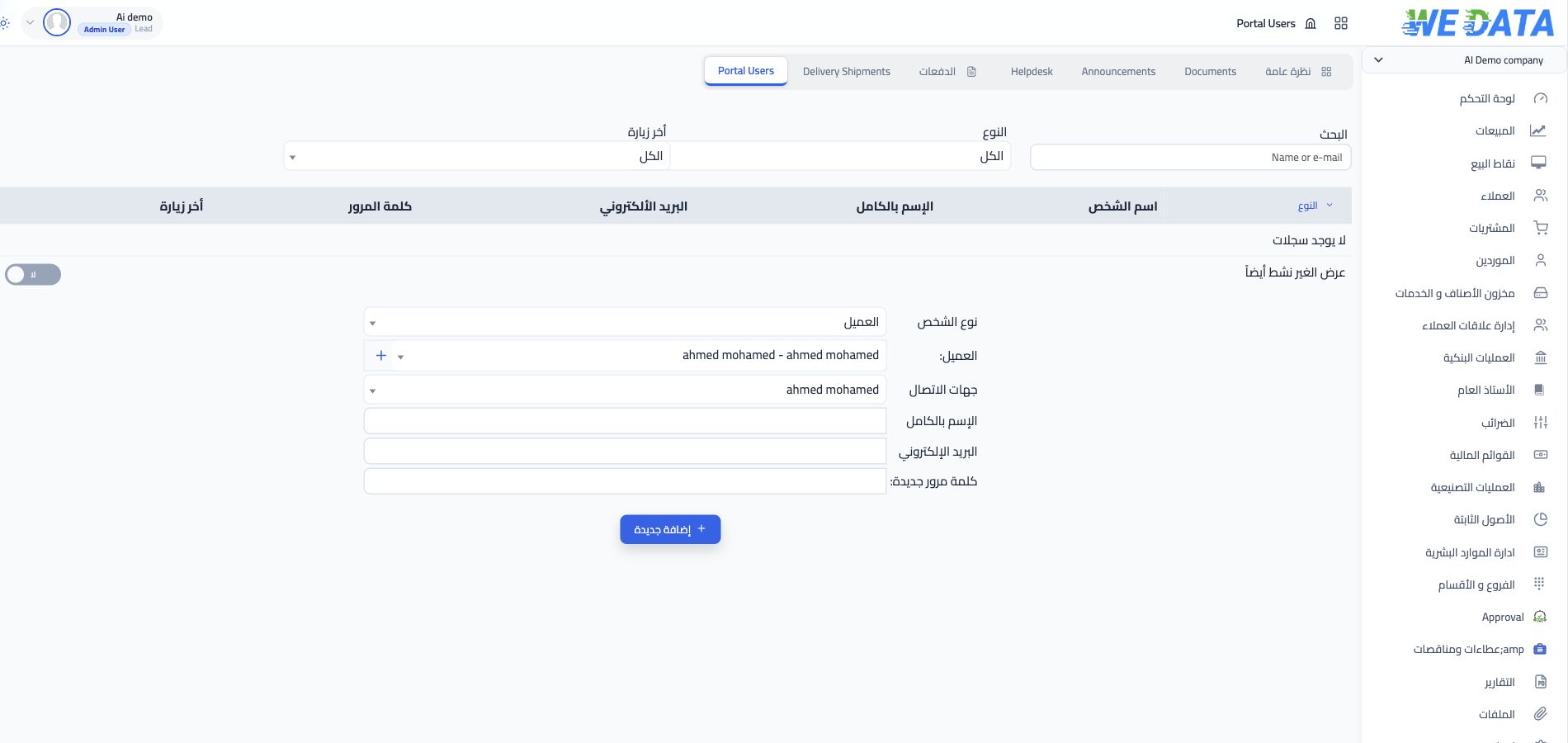
Employee & Customer Portals

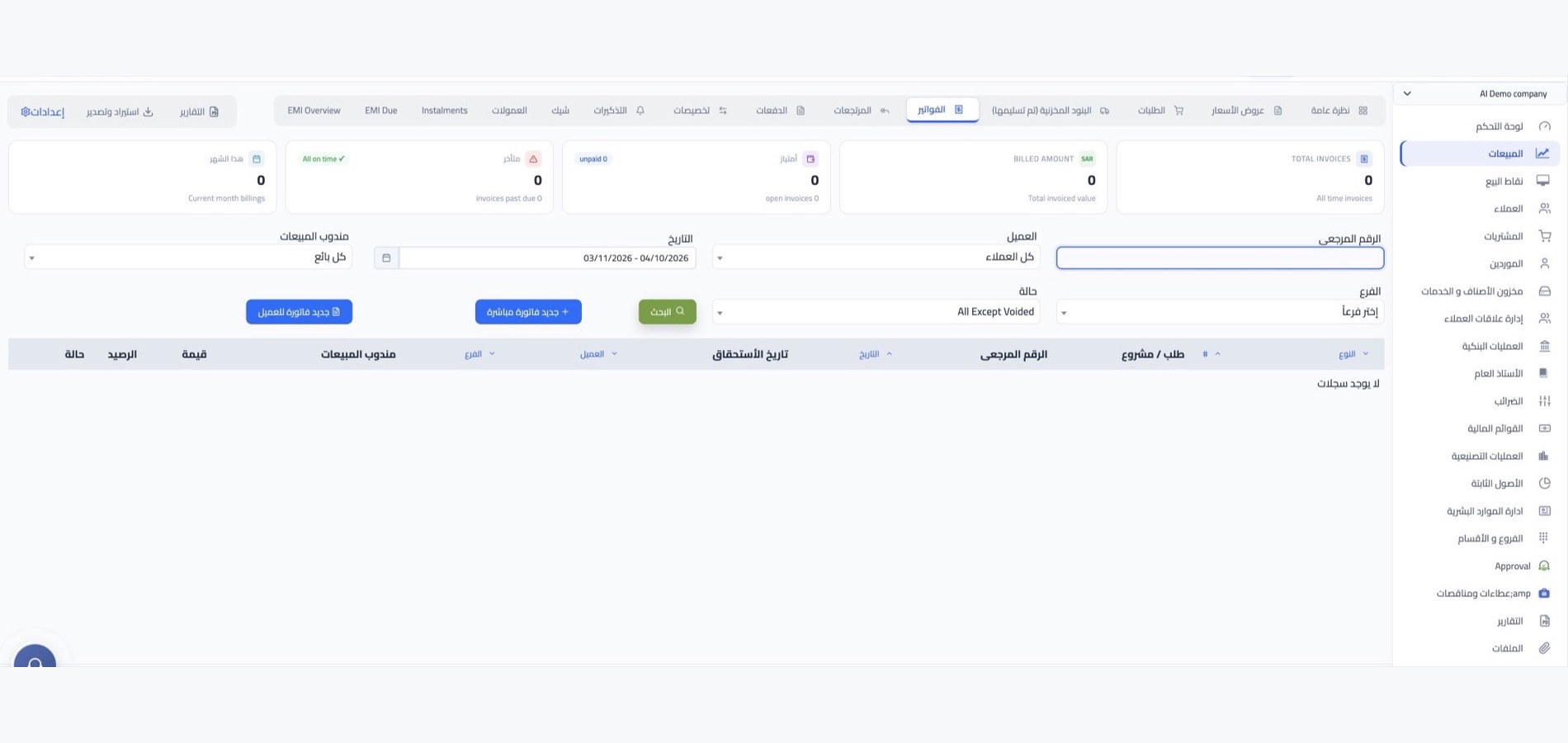
Links without an account

Not everyone you deal with wants an account. So every transaction has an encrypted link you send by email or WhatsApp or paste into any chat, and the recipient opens that document alone without logging in.

Employee & Customer Portals
More tools

Details that make use easier

for every user

Employee & Customer Portals

Instant data sync

What changes in the system appears to the customer, supplier and employee at the same moment.

Employee & Customer Portals

Access from any device

Opens from a computer, phone or tablet browser with no software to install.

Employee & Customer Portals

Multiple companies and branches

More than one company and branch in one system, each with its own users and data.

Employee & Customer Portals

Data with no double entry

The portal reads from the sales, purchasing and accounts modules directly, so you never enter your data twice.

Employee & Customer Portals

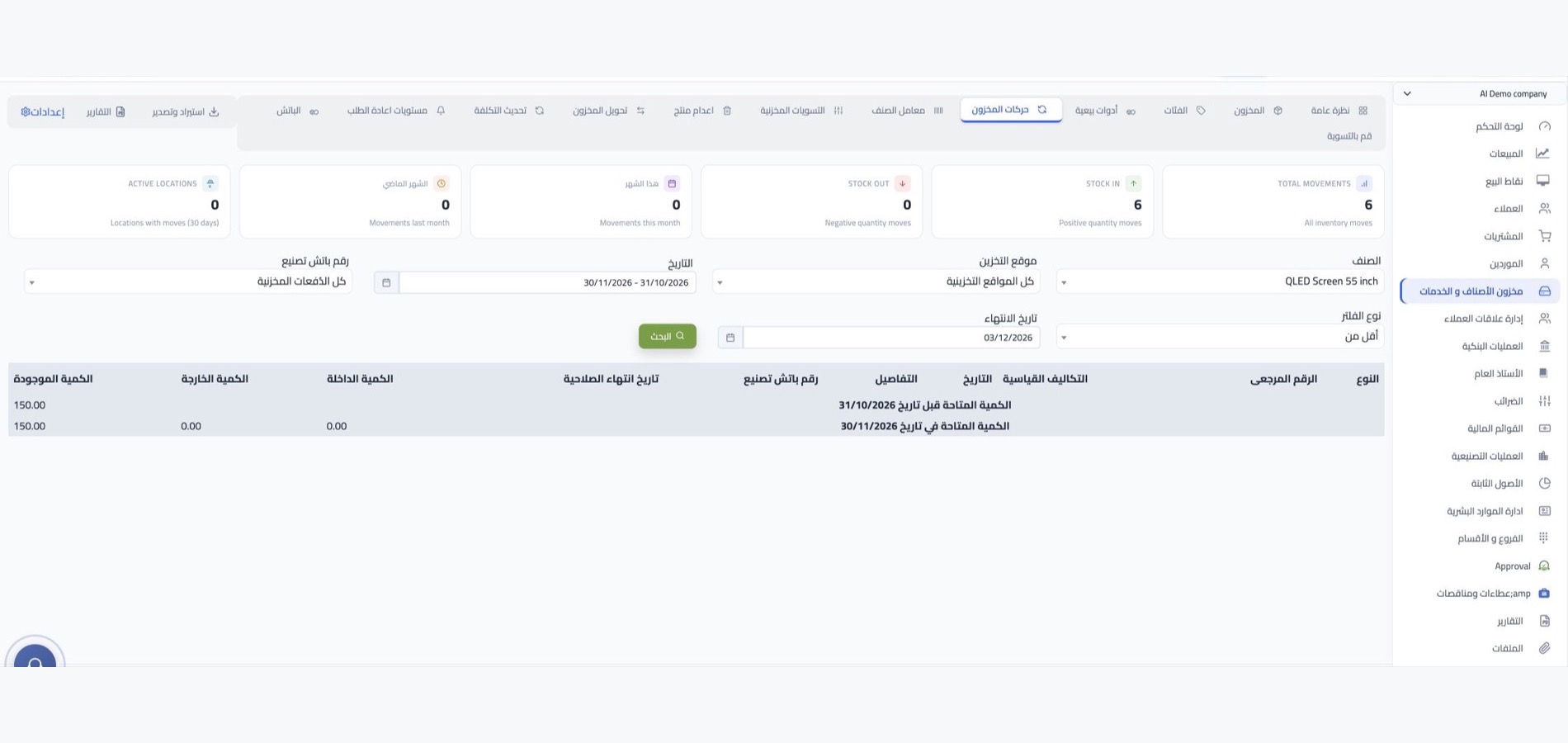
Document downloads

A copy of the document is available to download from inside the portal at any time.

Employee & Customer Portals

Send by email and WhatsApp

Send your customer their document's link from the transaction screen itself in one click.
Employee & Customer Portals
Integrations

Connected to your channels

and your system's modules

What appears in the portal comes straight from its source: your store's orders on WordPress, Shopify or Salla, point of sale sales, and e-invoices with their accounting entries.

  • Employee & Customer Portals
    From the store and register to the portal
  • Employee & Customer Portals
    Accounts and e-invoicing
FAQ

Frequently asked questions

about portals and permissions

What business owners ask before opening their data to their customers, suppliers and teams.

  • What is the difference between the customer portal and a transaction link?

    The portal is a permanent space the customer logs into with their account to find all their orders, invoices and payments. The link carries one document you send to someone without an account, and the recipient sees nothing else.

  • What does the customer see inside their portal?

    Their invoices, orders and the payments they made to you, and they can download their copy of any of them. Nothing about another customer or any part of your company's internal data is shown.

  • Does the supplier have a portal like the customer?

    Yes, the module covers customers and suppliers together. The supplier logs in with their account to see the purchase orders sent to them in detail, instead of asking about every line in a separate message.

  • How do I control what each employee sees?

    With role-based permissions. You set for every employee which modules and screens they open, and review it whenever their role changes or they move to another team.

  • Does the portal work from a phone?

    Yes. The portal is cloud-based with a design that adapts to small screens, so your customer reviews their invoice away from the office, and your employee follows their work from their phone within their permissions.

Open your portal to customers and team

Start with WEDATA ERP and let every party reach what concerns them: your customer, your supplier and your employee, each within their limits.

Get started now

Join a global network of top professionals.

  • At least 8 characters

Already have an account?

Choose your role to get started

This helps us set up the right experience for you.

Choose a username

This will be used in your profile and public links. Username can’t be changed later. Please choose carefully.

Reset password

Enter your email address and we'll send you a link to reset your password.

Go back to

تصفّح WEDATA

Browse WEDATA