
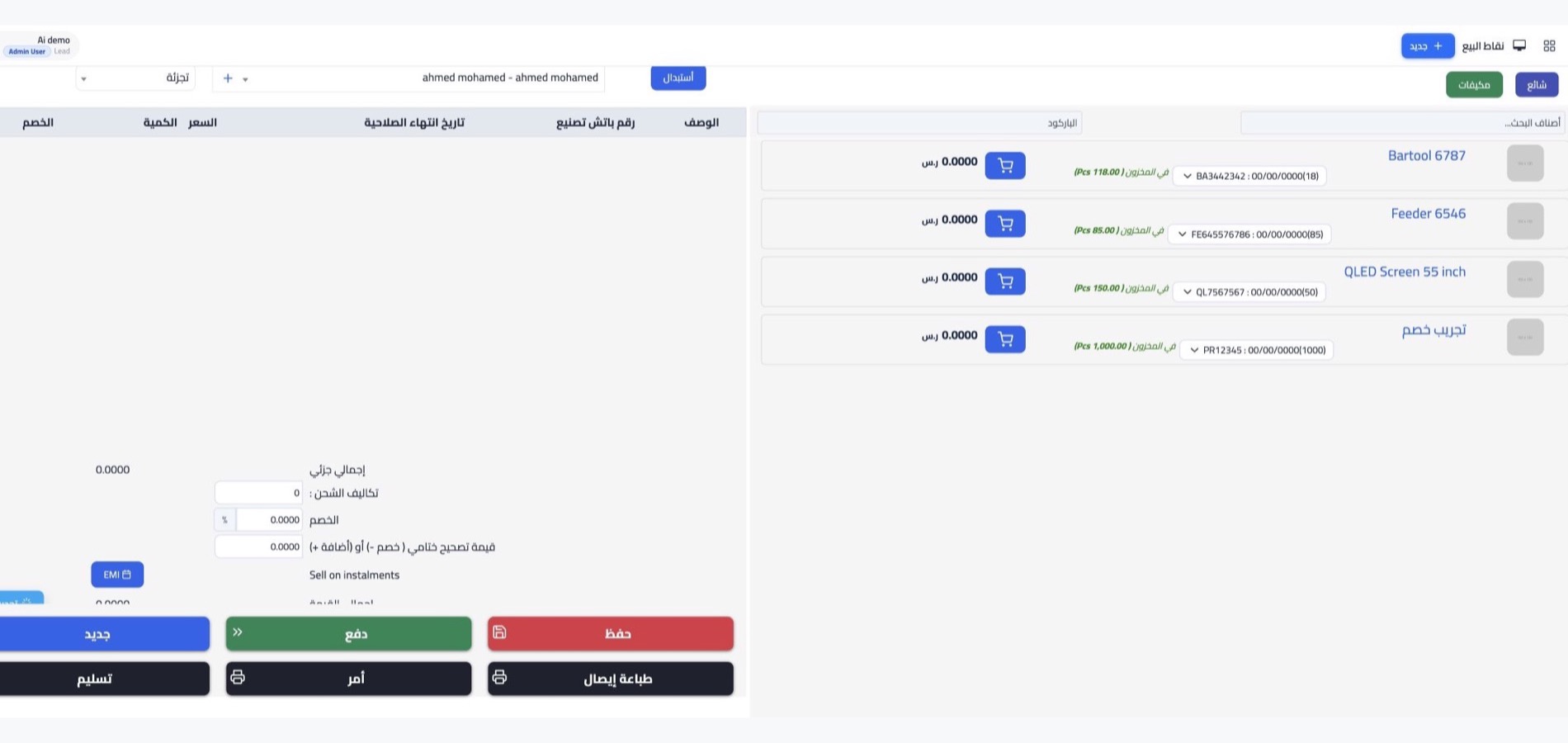

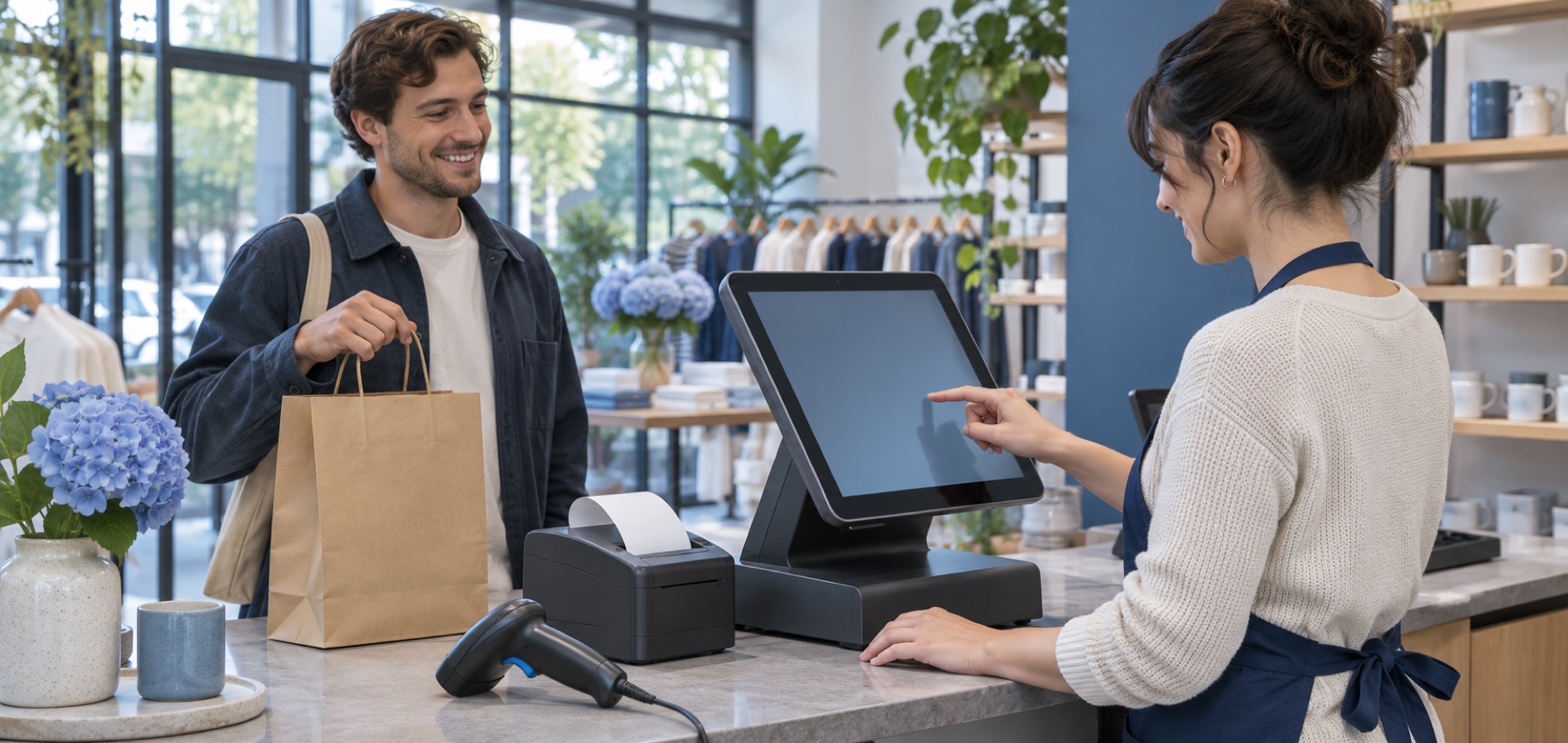
Point of sale for daily sales
A clear checkout for your team
Use WEDATA POS to support in-person checkout and keep sales activity organized with your wider business records. Available devices, payment methods and workflows depend on your product and account setup; confirm the exact configuration with WEDATA.

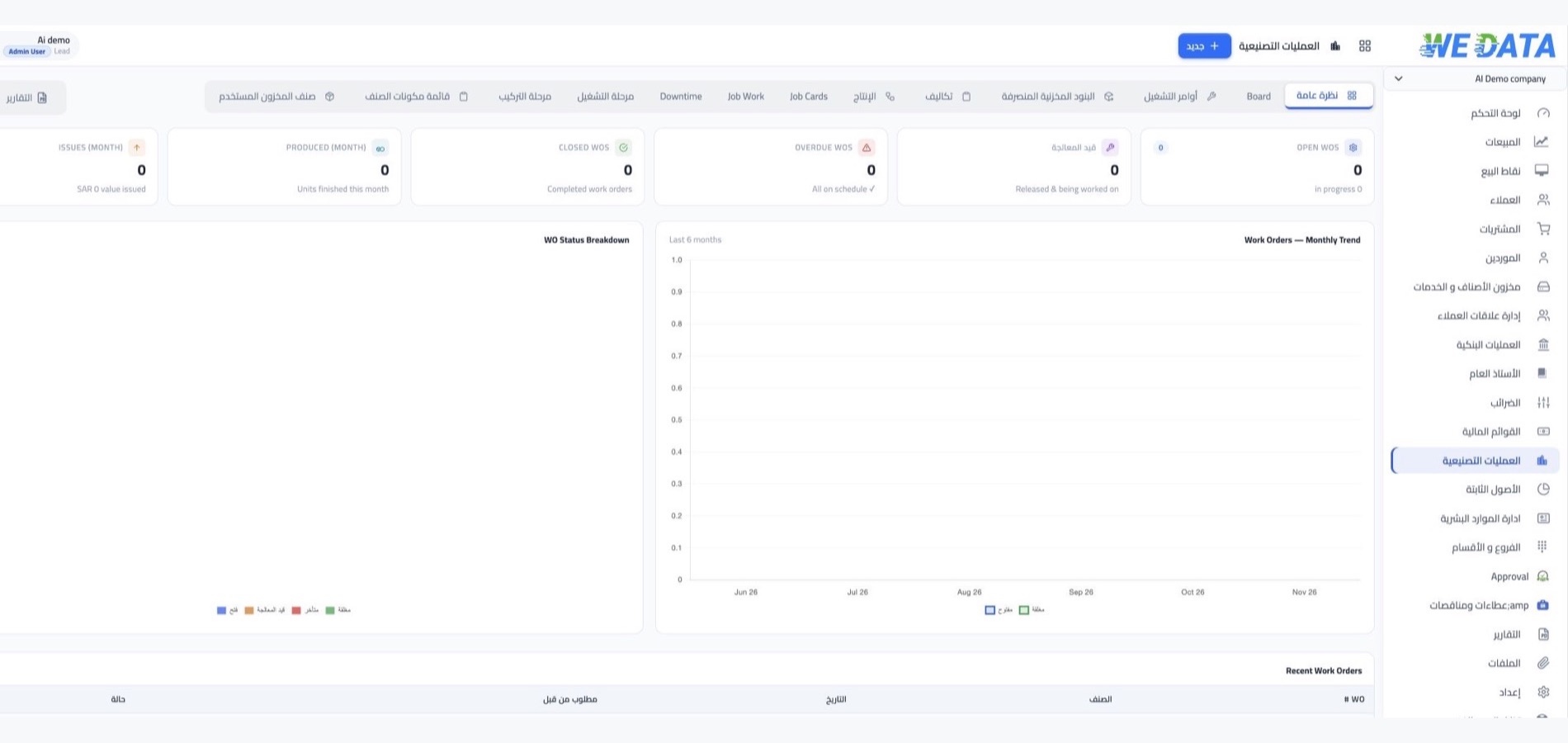
WEDATA ERP preview
Explore example screens
from WEDATA ERP


Point-of-sale workflow overview
Point of sale
Support everyday checkout
with organized sales records
Review the sales workflow and available tools for your WEDATA product. Features may vary by edition and account configuration; confirm which options are available before use.
Checkout and sales records
Support in-person sales and review transaction records using the functions available in your WEDATA account. Confirm the payment methods and workflows enabled for your product.
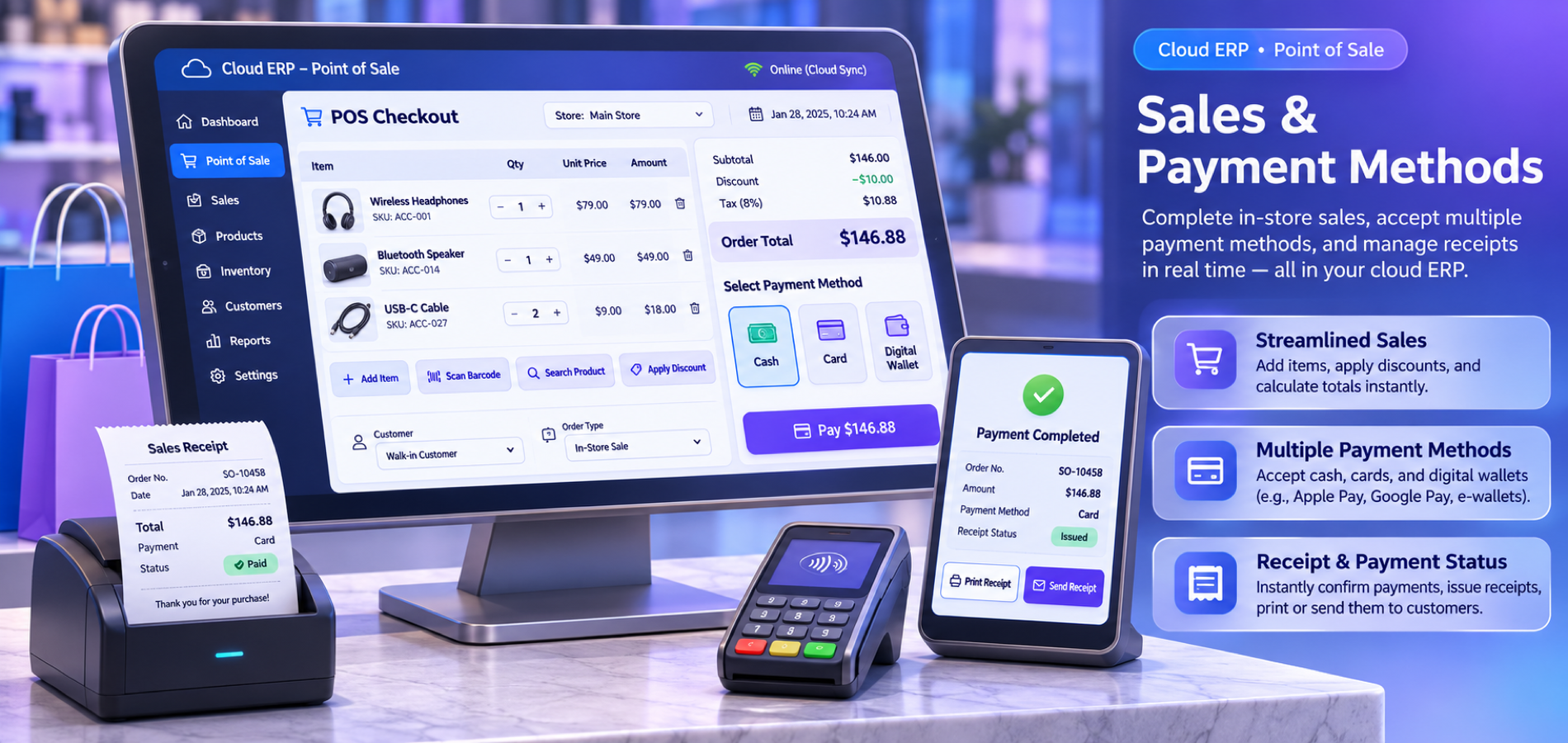
Sales and payment methods
Set up the payment methods and checkout steps enabled for your location. Availability depends on the devices, payment provider and configuration chosen for your account.
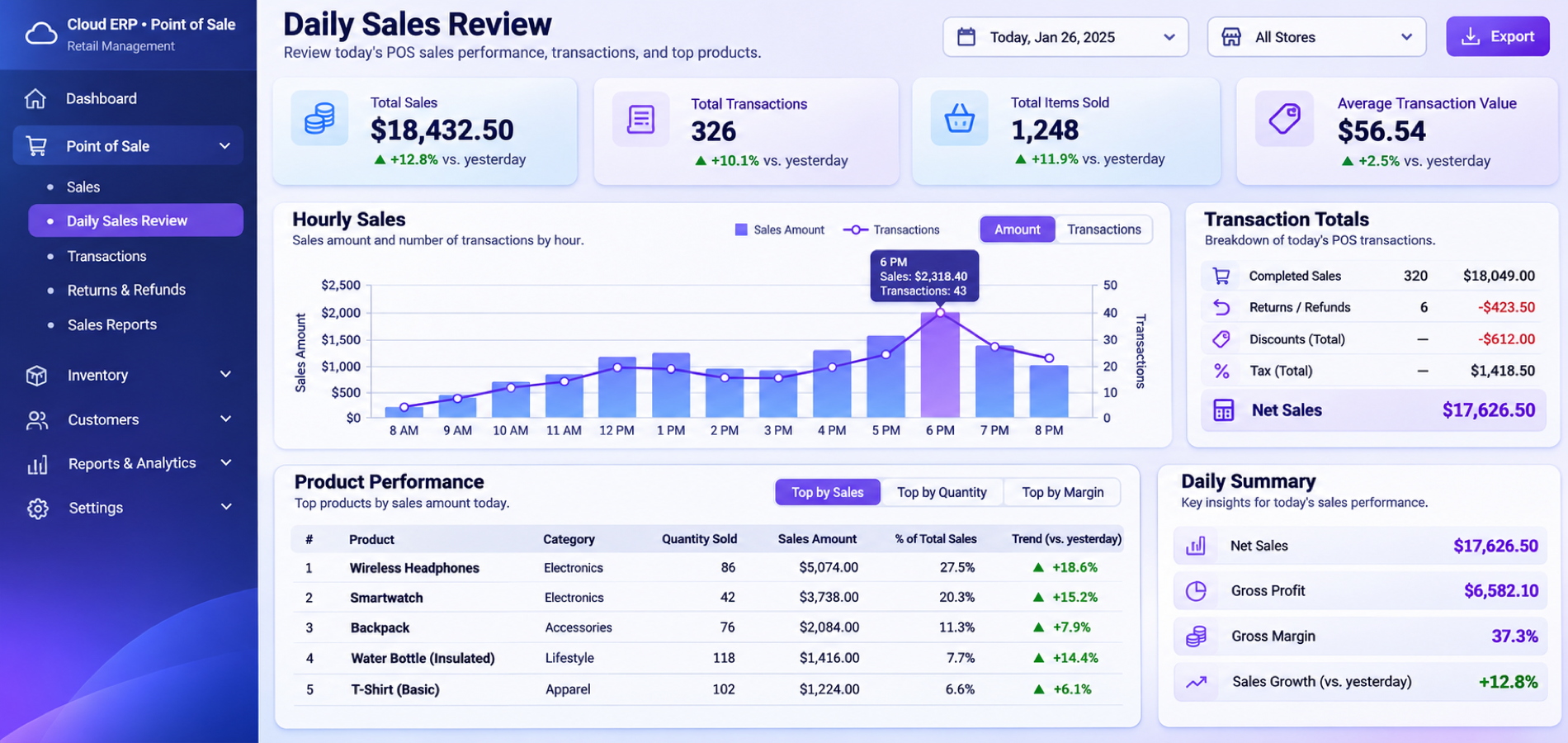
Sales review
Review sales activity using the reports available in your account. Report details and export options depend on your product setup.
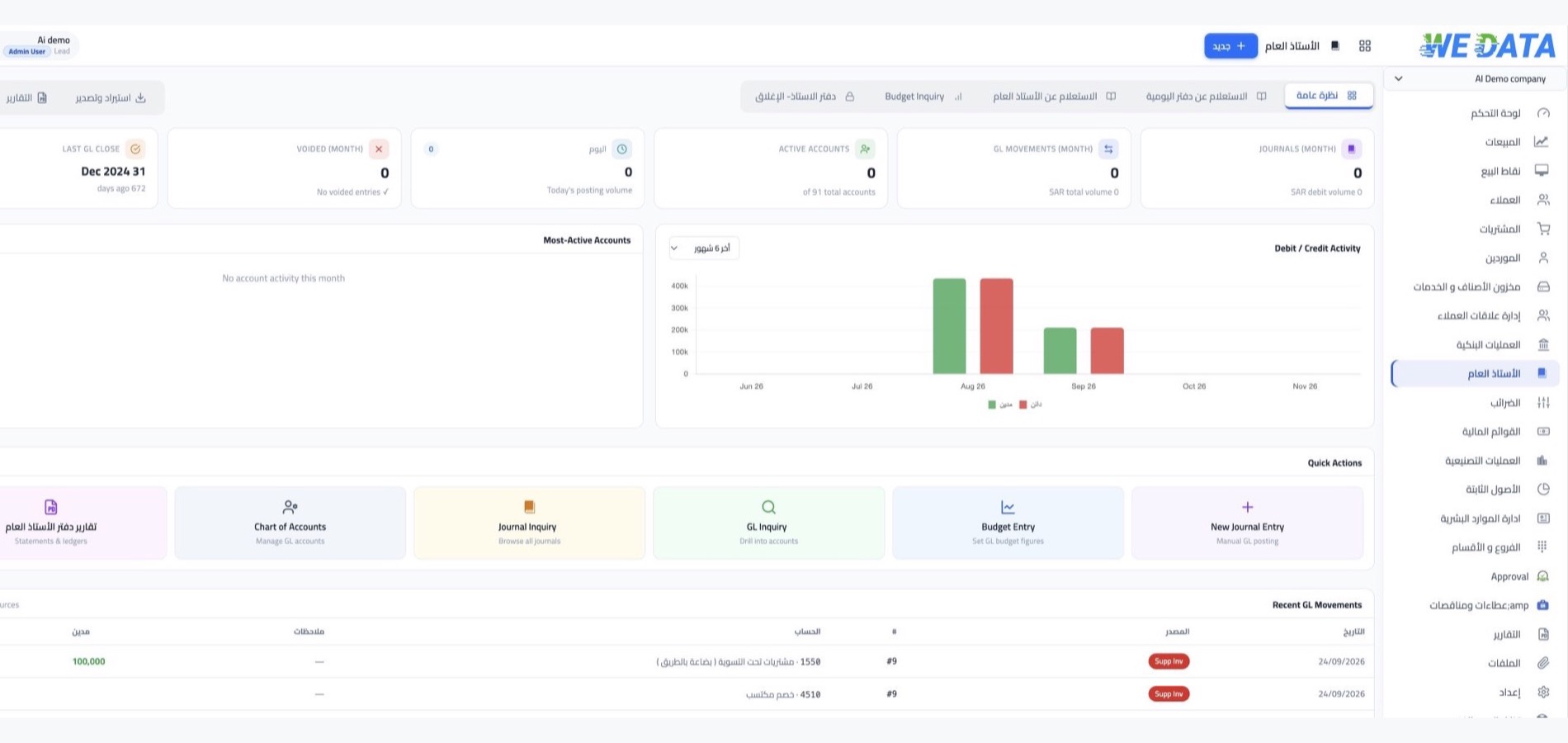
Account configuration
Review the options enabled for your account with WEDATA. Device compatibility, payment setup, pricing and account terms should be confirmed before activation.

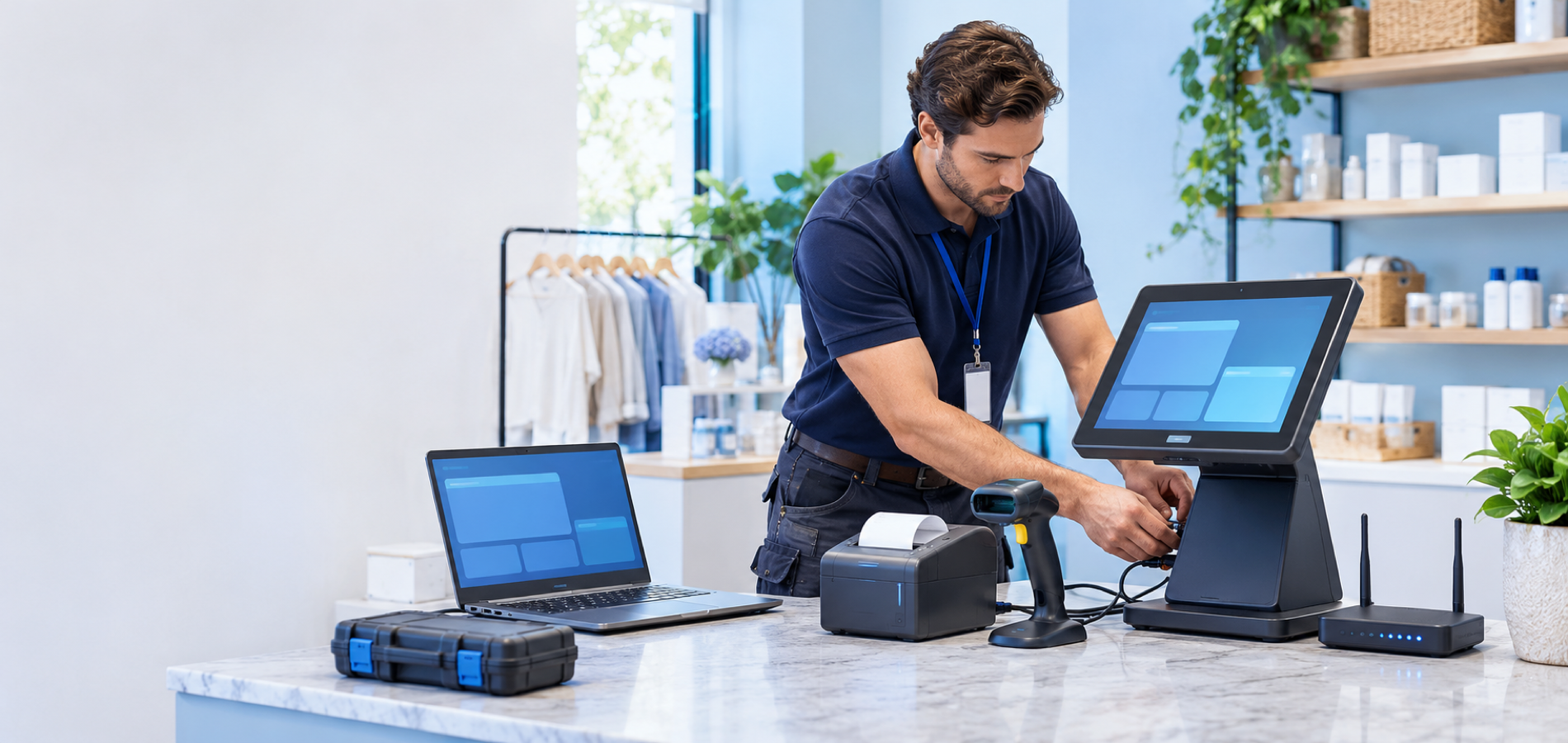
Why WEDATA
A POS for your team
and daily sales
Review the sales, payment and record-keeping options available in your WEDATA setup. Available functions depend on your product and account configuration.
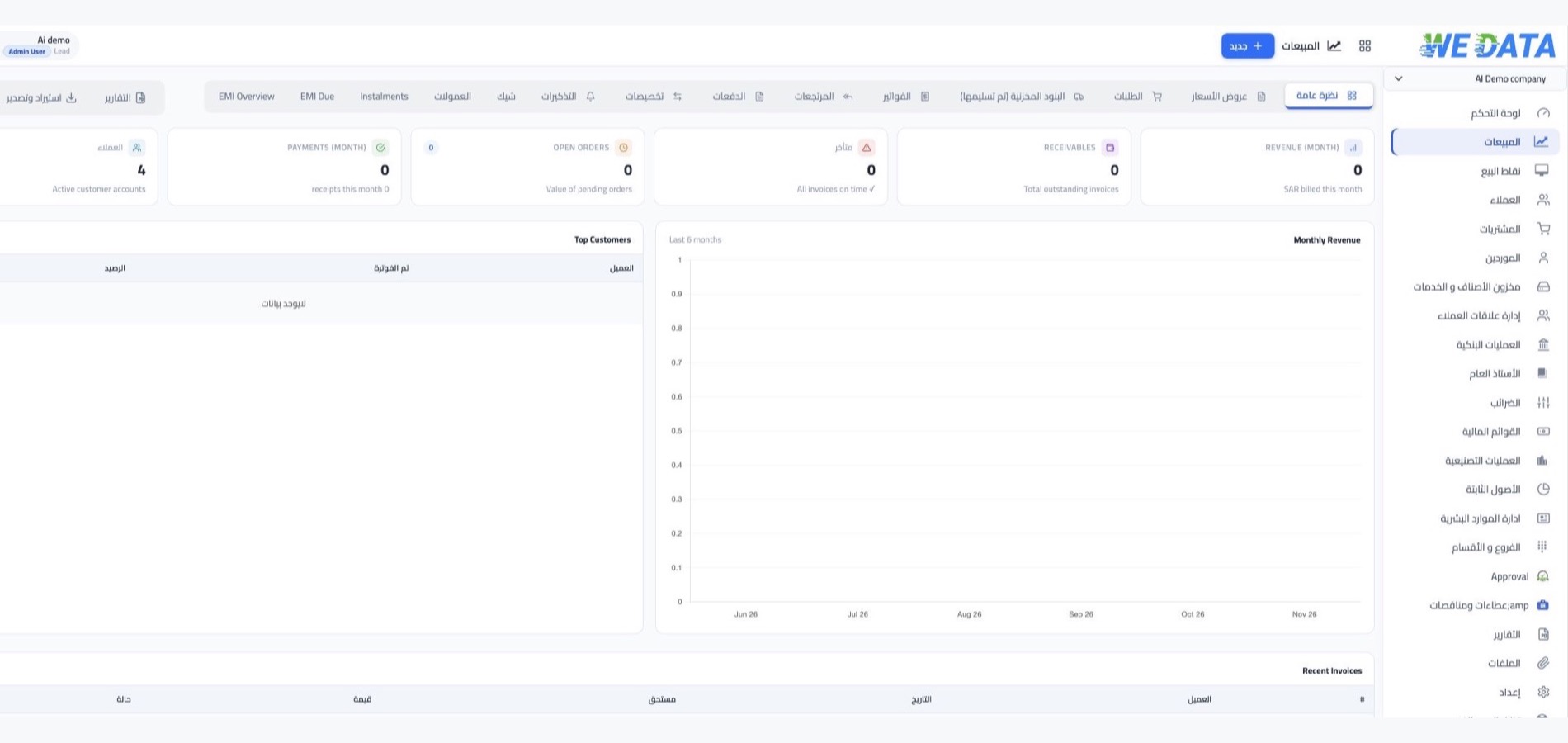
Sales overview
Review recorded sales activity for the period you choose, using the reports and options available in your account setup.
Team setup
Review the user and permission options available for Point of Sale in your account.
Review transaction details
Review the recorded sale details before approval, according to the workflow and permissions configured for your account.
Available payment methods
Review the payment options that may be configured for your business, after confirming their compatibility with the product and provider.
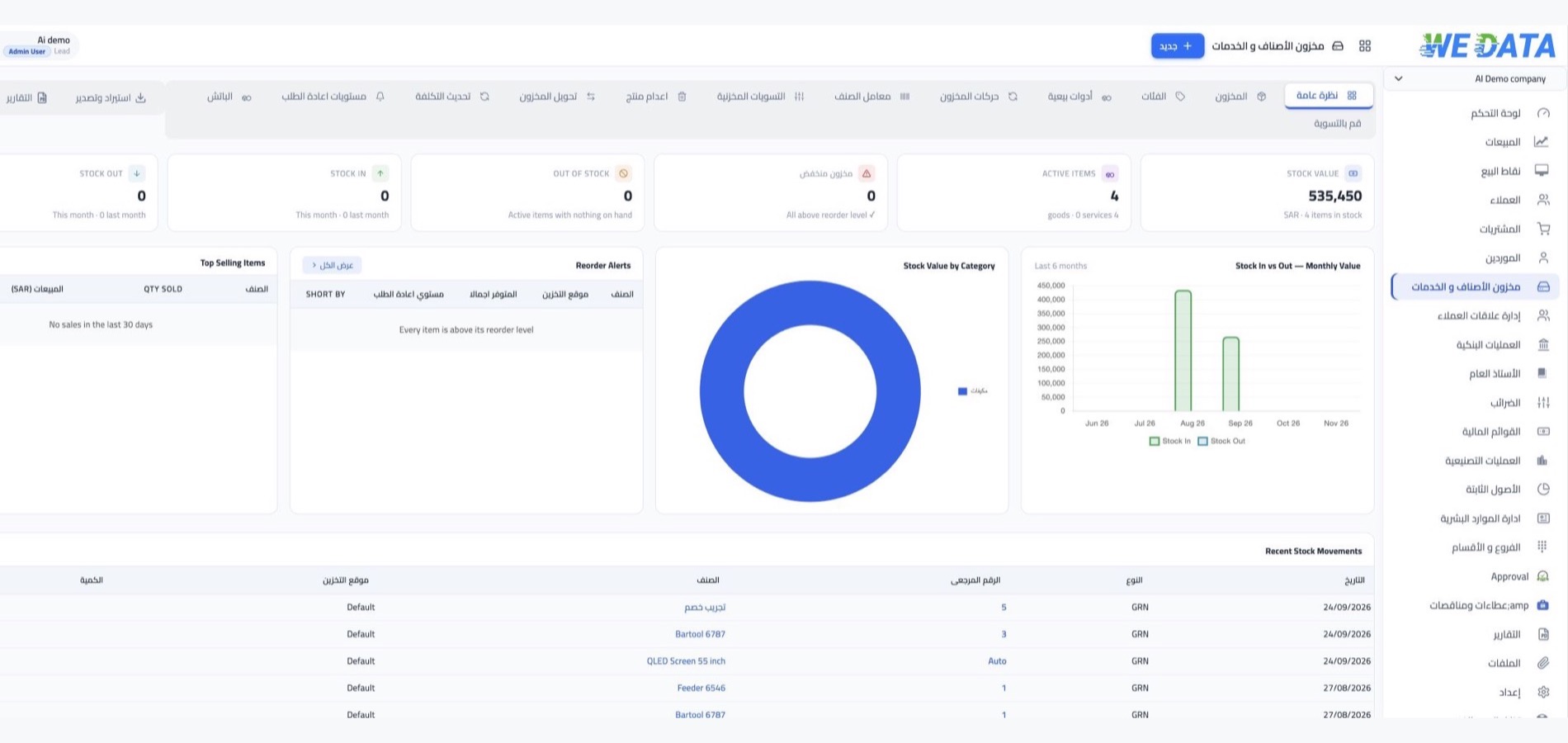
Sale details
Review the items recorded in a sale using the data and options available in your edition.
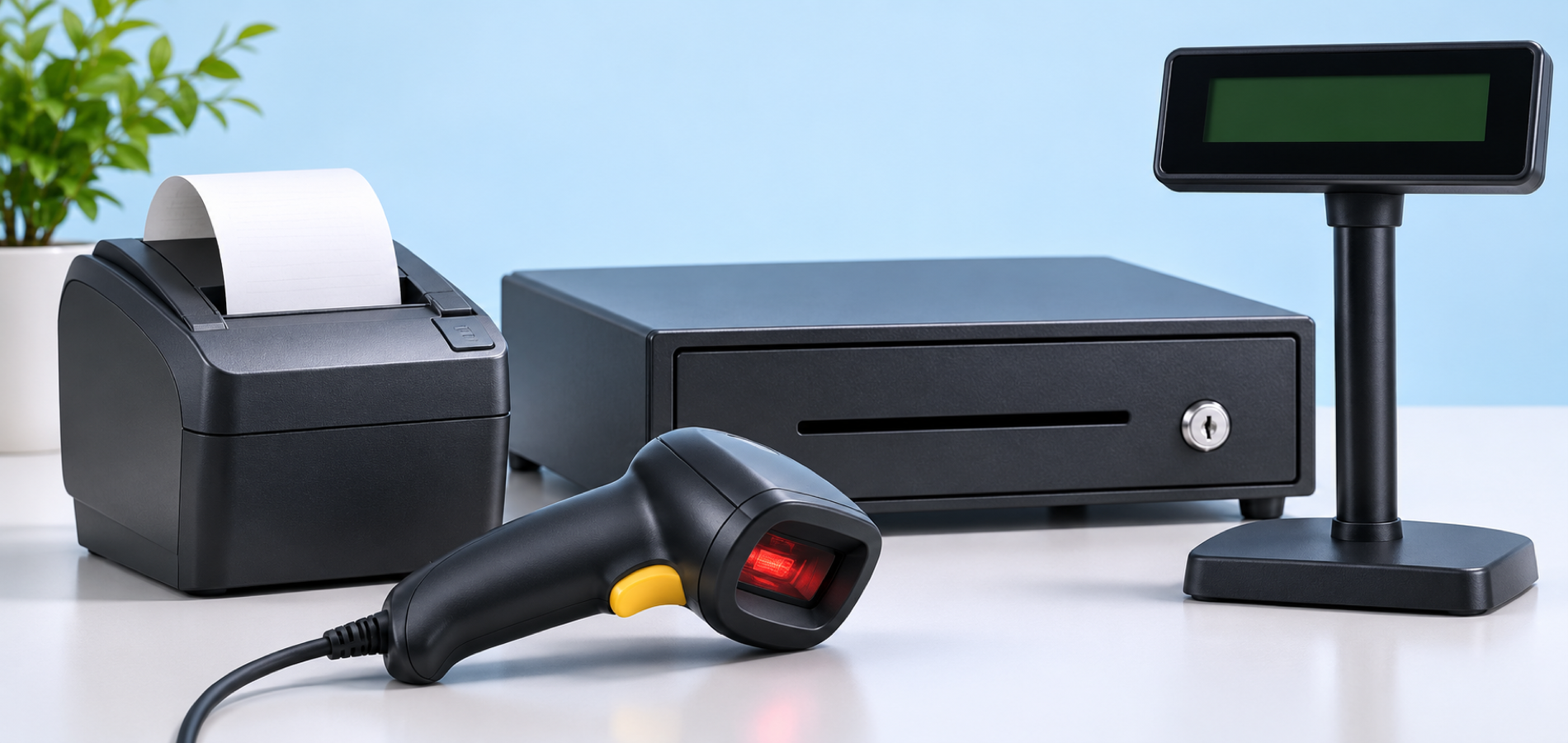
Device setup
Identify suitable devices for your business after checking compatibility with the Point of Sale product and your account configuration.
Connected services
Review your setup
before activation
Available integrations and payment workflows depend on your WEDATA product, devices, payment provider and account configuration. Confirm the specific services available for your account with WEDATA before making a purchase or activation decision.
-
Sales and payments
-
Service and support
Activities
Fits these activities
and more
FAQ
Frequently asked questions
about POS and checkout
Common questions about setting up and using point-of-sale workflows with WEDATA. Available functions depend on your product, devices and account configuration.
-
Which payment methods can I use at checkout?
Available payment methods depend on the payment providers and options enabled for your account. Contact WEDATA to confirm which methods are supported for your product and location.
-
Which devices are compatible?
Device compatibility depends on the WEDATA product, software version and equipment model. Share your intended setup with our team to confirm suitable options before purchasing.
-
How are sales transactions recorded?
Sales records and reports depend on the functions available in your WEDATA product and account configuration. Contact our team to confirm which details and reporting options are included.
-
Can I review reports for my sales?
The reports available vary by product and account setup. Ask our team which sales summaries, filters and export options are available for your account.
-
What should I confirm before setup?
Confirm supported devices, payment methods, pricing, service terms and the specific options available for your WEDATA product and location before activation.
Set up a POS workflow for your business
Contact WEDATA to discuss the point-of-sale options, devices and payment setup available for your account.