

Zakat, Tax and Customs
Review your Saudi tax records
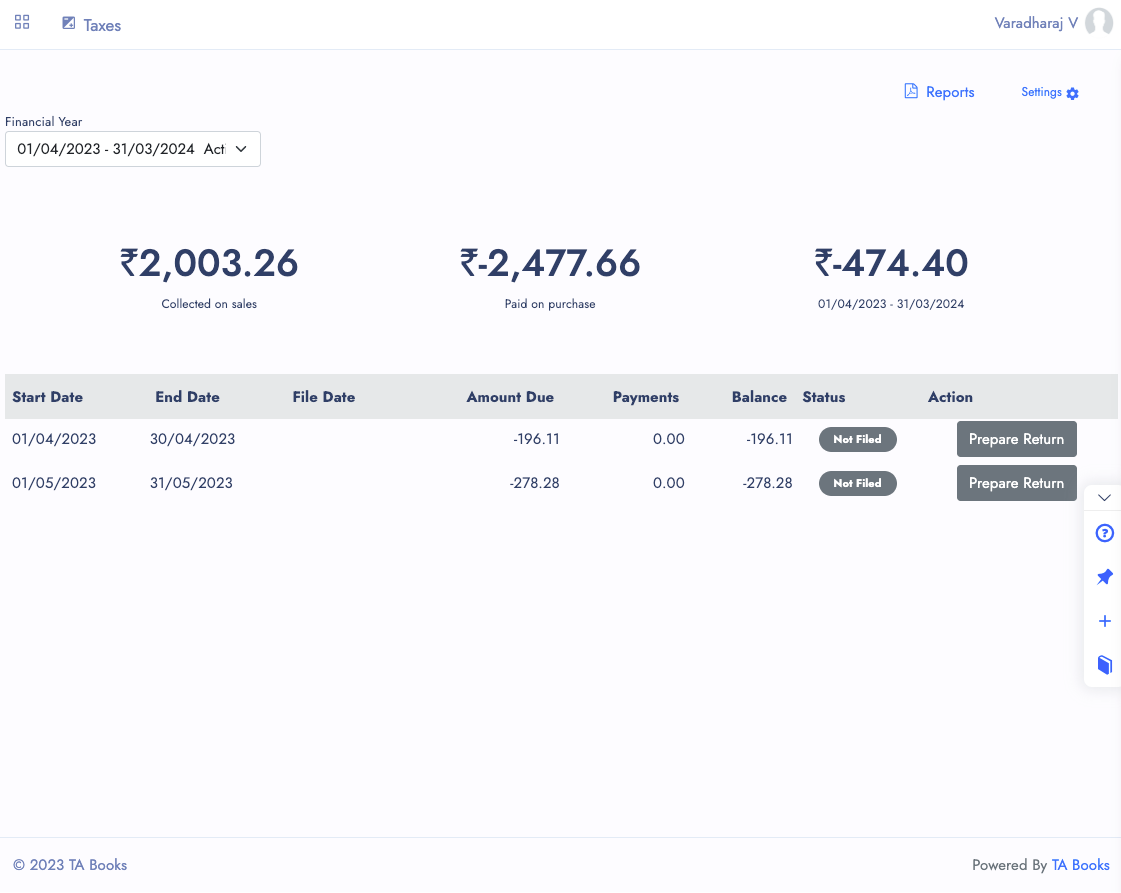
Use WEDATA to organize sales and purchase records and review the tax settings available in your account. Tax obligations and filing requirements depend on your business and current ZATCA rules. This page does not confirm ZATCA approval or direct submission; verify available product functions before relying on any electronic process.

Features
Review available tax records
and account settings
Available tax settings, reports and filing steps depend on your product configuration and current Saudi requirements. Confirm applicable rules with ZATCA or a qualified adviser.
VAT settings
VAT treatment depends on applicable Saudi rules and the configuration of your WEDATA account. Confirm rates and transaction treatment for your business with a qualified adviser before relying on any calculation.
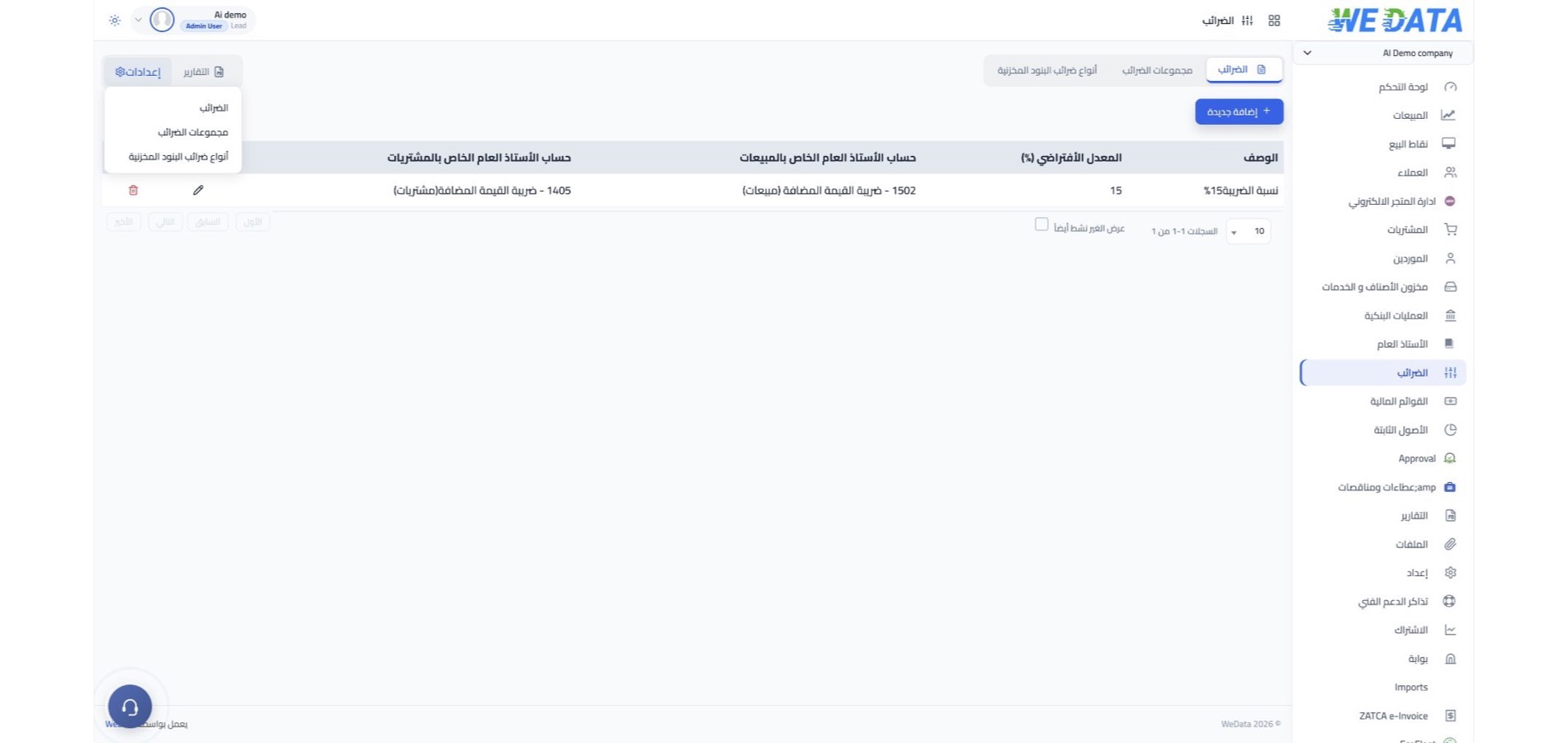
Tax categories and settings
Tax categories and rates depend on current Saudi requirements and your account configuration. Ask WEDATA to confirm the available settings for your product before use.
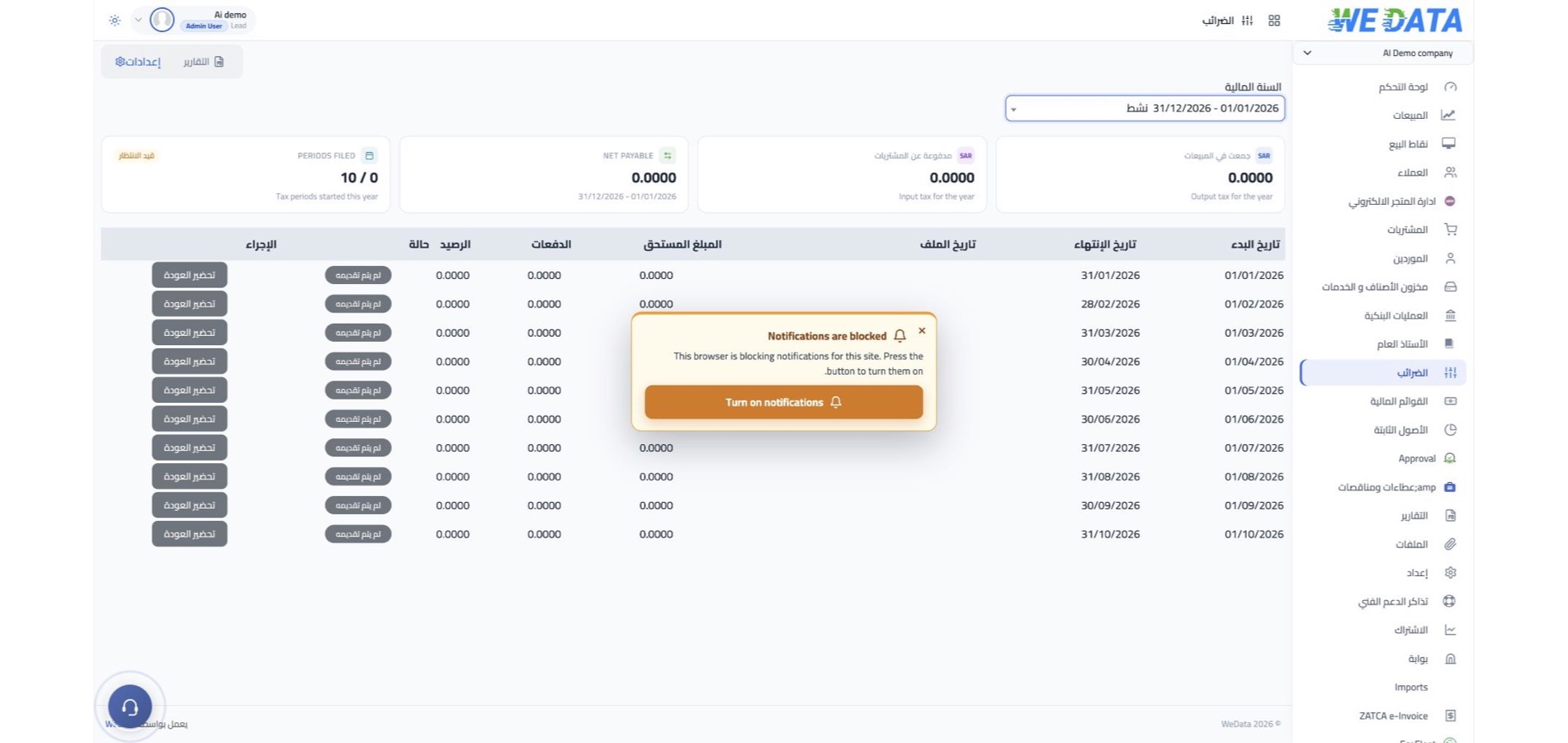
Filing periods and records
Filing periods depend on your business obligations under current Saudi rules. Confirm the applicable deadlines with ZATCA or a qualified adviser; the period controls available in WEDATA depend on your product and account configuration.
Payments and refunds
Record tax-related payments or refunds according to the accounting functions available in your WEDATA account. Confirm the applicable amounts, filing status and payment process with a qualified Saudi tax adviser or ZATCA.

Additional information
Review tax records and
account settings before relying on them
Verify tax categories, filing duties and supported workflows for your product and current Saudi requirements with WEDATA and a qualified adviser.
Electronic invoice requirements
Electronic invoicing rules and supported workflows vary by jurisdiction and product configuration. Confirm current Saudi requirements and any supported process with ZATCA and WEDATA before relying on direct transmission.
Tax reports
Reports vary by product and account. Confirm which reports and formats are available before using them to prepare a filing.
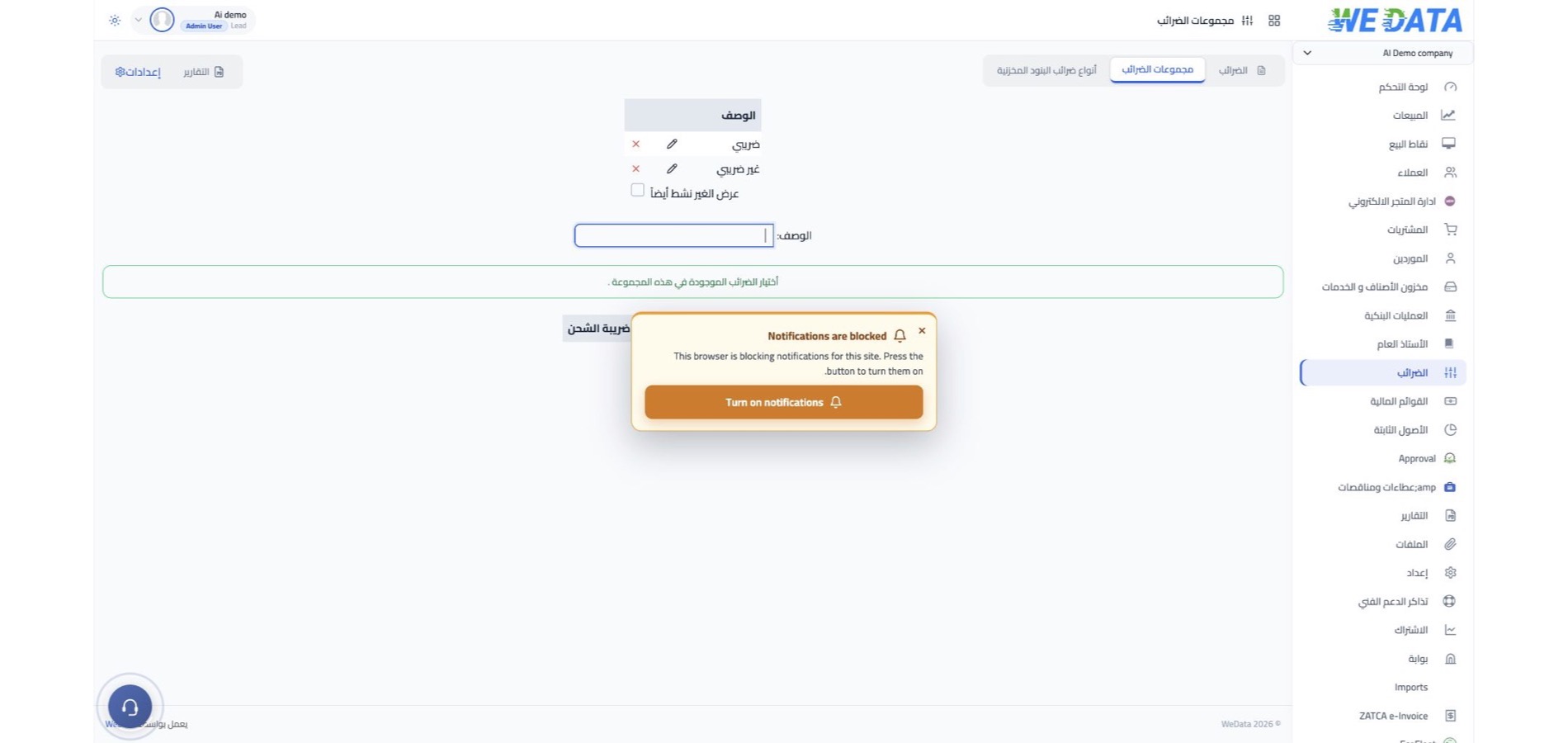
Country-specific tax settings
Tax requirements differ by country. Confirm the jurisdictions, tax categories and settings supported by your WEDATA product and account before relying on it for cross-border operations.
Period controls and records
Period controls and record-change rules depend on your product and account. Confirm the available controls and your recordkeeping obligations before relying on them.
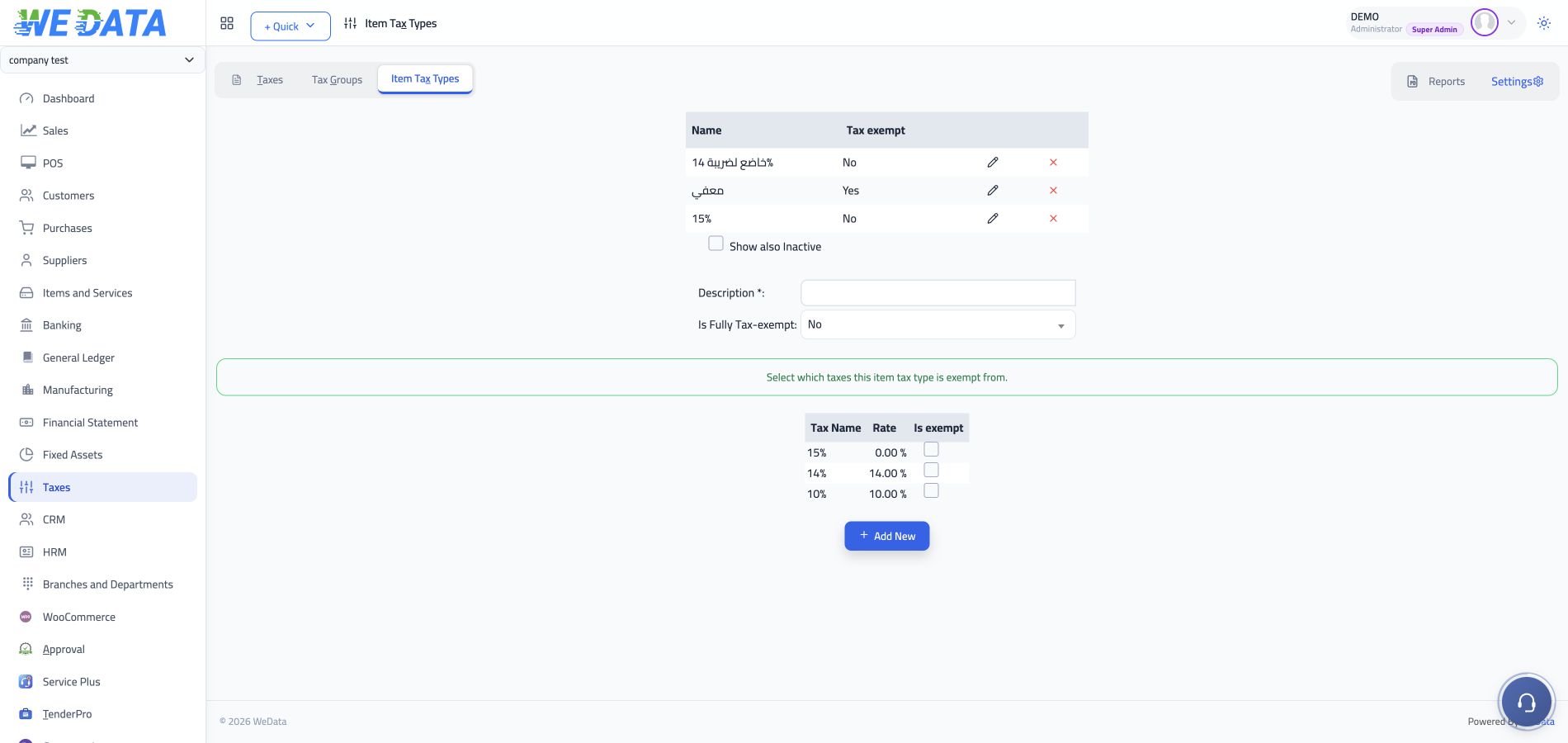
Tax treatment by item
The tax rules and item-level settings available in WEDATA depend on your product configuration and current Saudi requirements. Confirm their behavior with WEDATA and a qualified adviser before applying them to invoices.
Tax compliance information
Use current information from ZATCA or a qualified Saudi adviser to verify filing obligations and due dates. WEDATA information does not replace tax advice or guarantee that penalties will be avoided.

Integration options
Review available connections
for records and workflows
Data sources and links to invoices or bank accounts depend on your WEDATA product, edition and account configuration. Contact WEDATA to confirm any specific integration before relying on it for tax records or payments.
-
Invoice and accounting workflows
-
Other connections vary by account
Frequently asked questions
Tax and filing questions
For Saudi businesses
Check which tax settings and workflows are available for your WEDATA account, and confirm official filing obligations with ZATCA or a qualified adviser.
-
Which tax categories and calculations are available?
Available tax categories and calculations depend on your WEDATA product, edition and account configuration. Confirm the supported categories and their treatment for your business with WEDATA and a qualified Saudi tax adviser, and verify current obligations with ZATCA.
-
How do I confirm my filing period?
Filing frequency and due dates follow your business obligations under current Saudi rules. Check your ZATCA account or consult a qualified adviser. Available period controls in WEDATA depend on your product and account setup.
-
What should I do after submitting a return?
After a return is submitted, check its status and any required payment, correction or follow-up steps in your ZATCA account. Available WEDATA functions depend on your product and configuration; confirm official status and requirements with ZATCA.
-
How can I review an amount due or refundable?
Any amount due or refundable depends on the transactions, applicable tax treatment and current Saudi rules. Review the calculation and supporting records available in your WEDATA account, then reconcile them with your documents and ZATCA guidance or a qualified adviser.
-
Does WEDATA submit e-invoices to ZATCA?
Do not assume that direct submission is included. Supported e-invoicing workflows depend on the WEDATA product, edition and account configuration. Confirm any specific integration with WEDATA and verify current requirements with ZATCA before relying on it.
Need to review your tax setup?
Organize sales and purchase tax records in WEDATA. Available reports and workflows depend on your product, edition and account setup. Confirm Saudi filing obligations with ZATCA or a qualified adviser.