
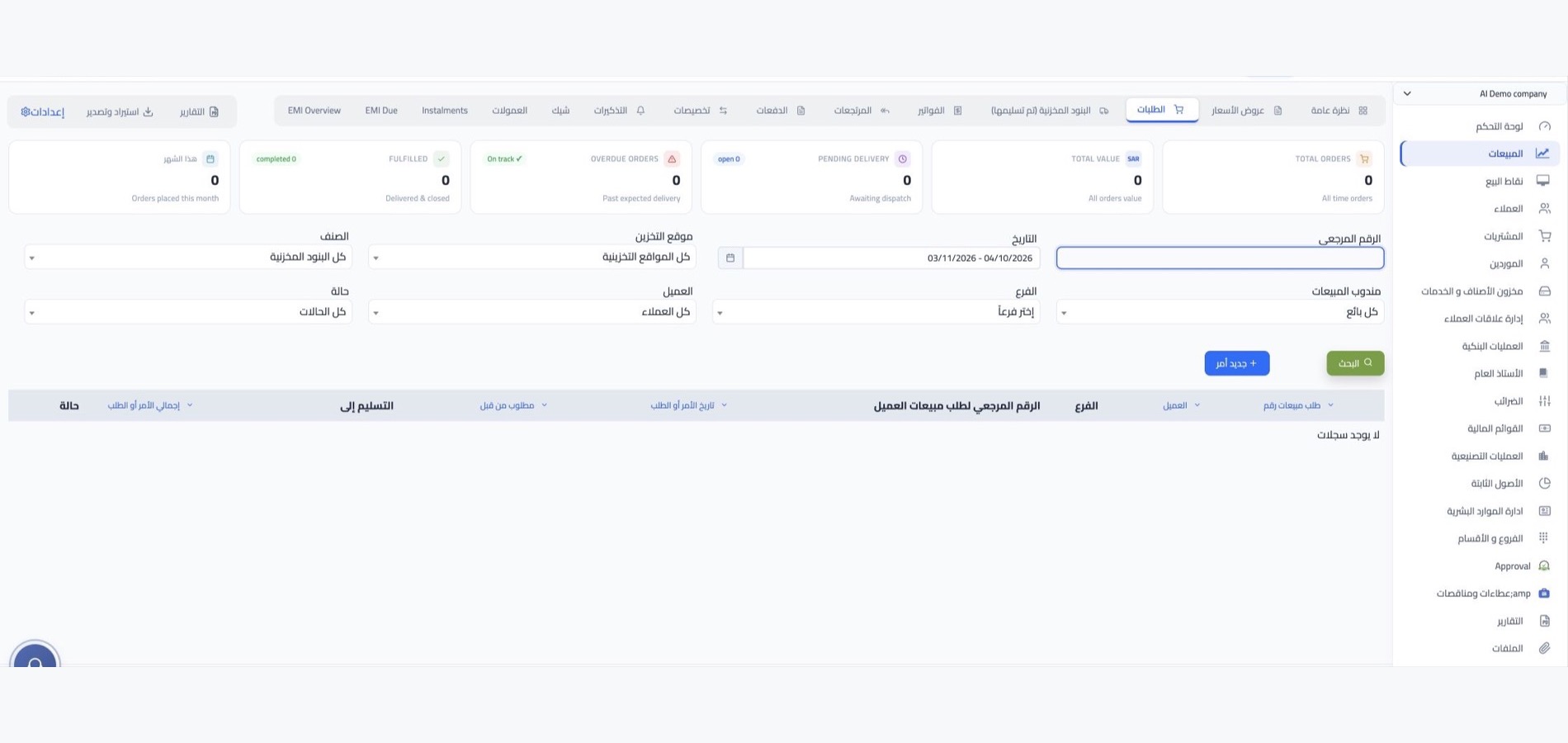

Mada payments with WEDATA
From payment acceptance to reconciliation
Manage Mada payment flows alongside your business operations with WEDATA. Keep transaction records, settlements, and accounting entries organized in one place. Available payment methods and integrations depend on your WEDATA edition, gateway setup, and provider configuration.

Mada payments at a glance
Mada payments
Clear payment tracking
and reconciliation
Review payment activity and available settlement details in one place. Features and reporting depend on your WEDATA edition, gateway setup and provider configuration.
Mada payment transactions
Review transaction records linked to your Mada gateway. Available fields, payment methods and connection options depend on your provider setup and WEDATA edition.
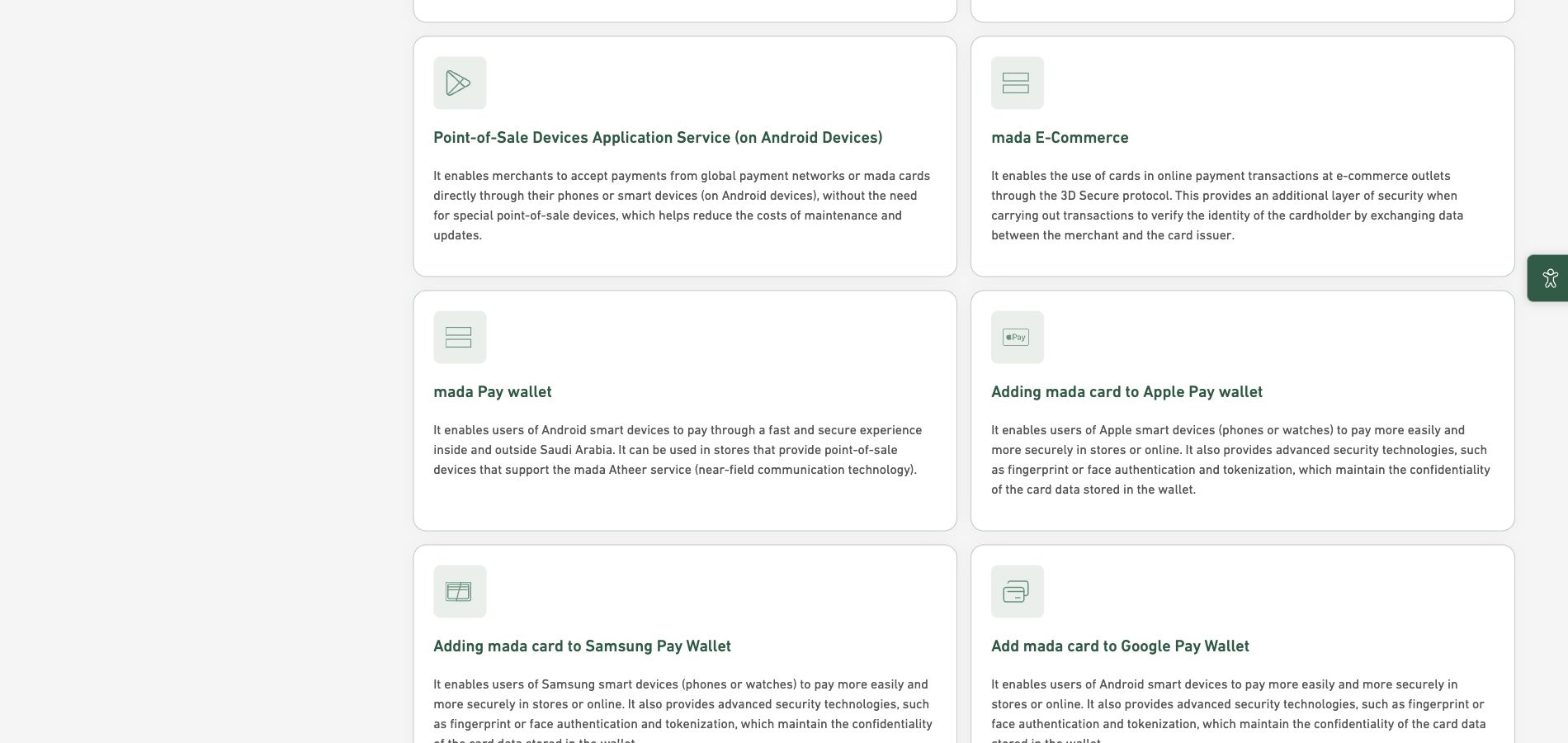
Payment activity and records
Keep payment activity organized and review transaction records through the options available in your account. Available details and gateway connections depend on your provider and setup.
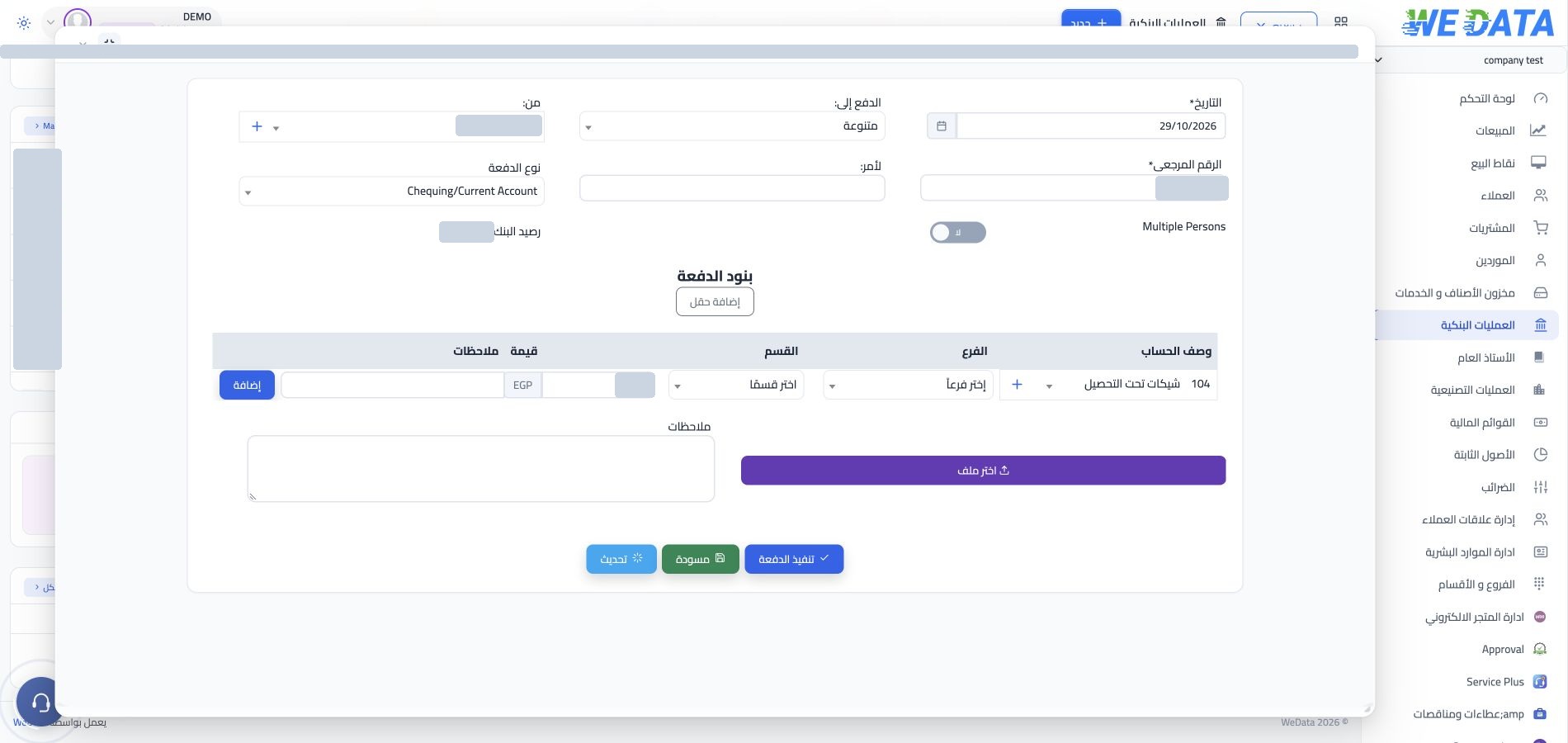
Settlement and payment status
Review settlement information and payment status where available. Settlement timing, reporting details and supported workflows depend on your payment provider and account configuration.
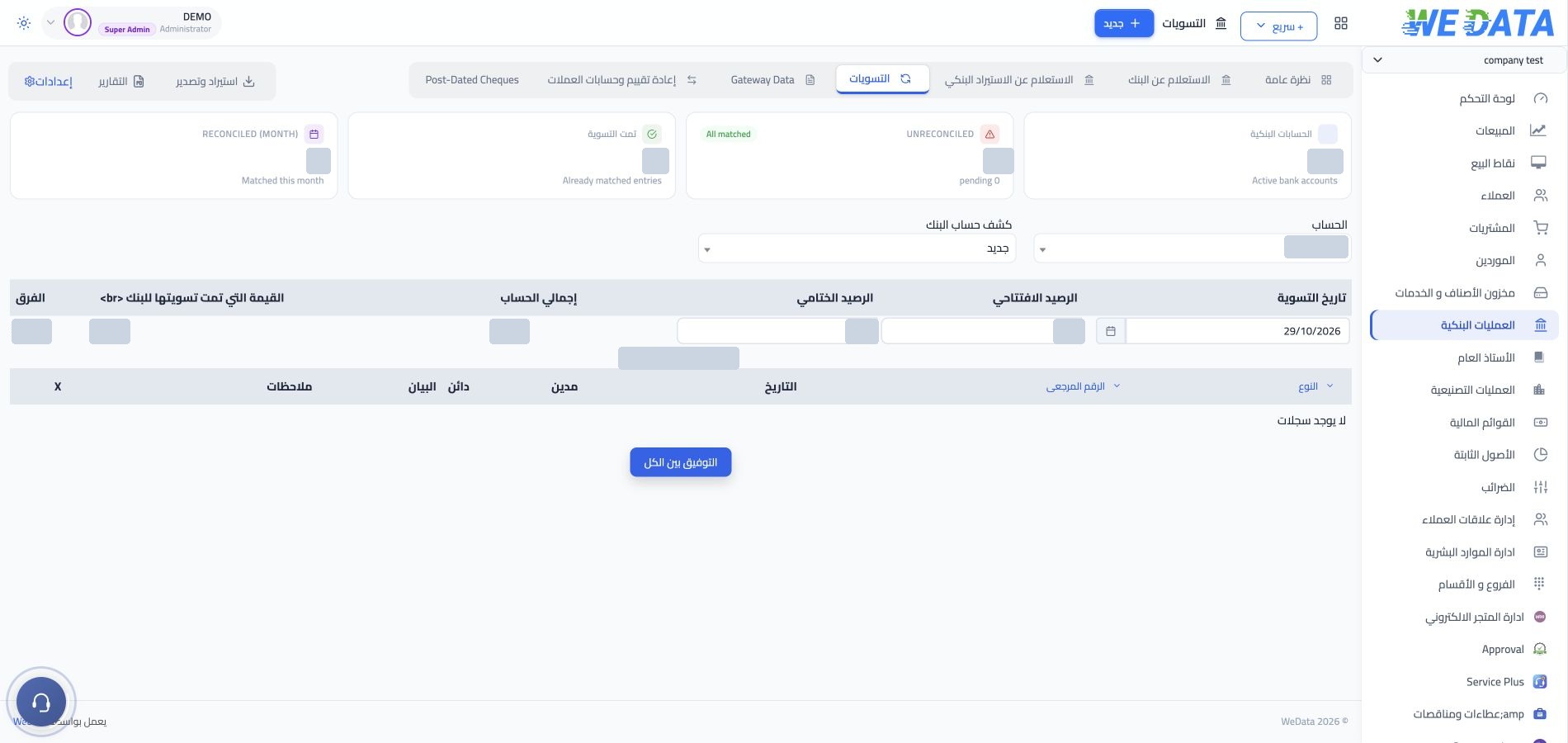
Payment records and reports
Review the transaction details and reports available in your account. Export options and reporting fields vary by payment provider, WEDATA edition and account setup.

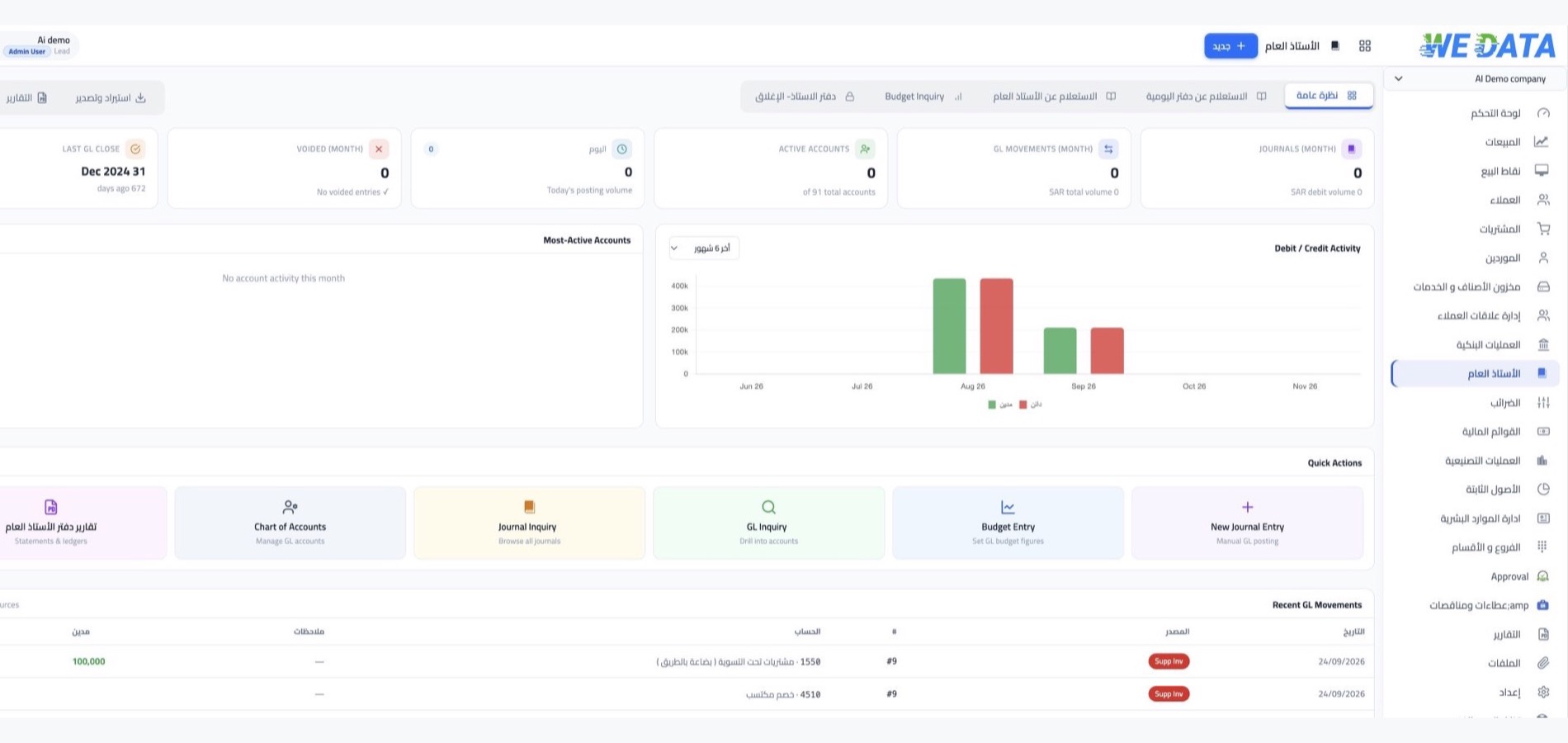
Payment tools
More ways to manage
your Mada activity
Explore the payment information and account options available to your business. Features vary by gateway provider, WEDATA edition and configuration.
Payment methods and connections
Review the payment methods and gateway connections available for your account. Compatibility depends on your payment provider, WEDATA edition and setup.
Payment account setup
Prepare the account information required by your payment provider and confirm the steps needed to connect Mada with WEDATA. Setup requirements vary by provider.
Fees and activation requirements
Fees, provider requirements and activation steps vary by your acquiring bank and payment agreement. Review the applicable terms with your provider before connecting the service.
Transaction details
Review the transaction details recorded for each payment, including the information made available by your payment provider and account configuration.
Transaction tracking
Follow the transaction information available to your account and review payment status where supported. The level of detail depends on your provider, integration and WEDATA configuration.
Payment reconciliation reports
Review settlement and transaction reports available in your account. Report details and export options depend on your payment provider, WEDATA edition and account setup. Contact us to confirm what is available.
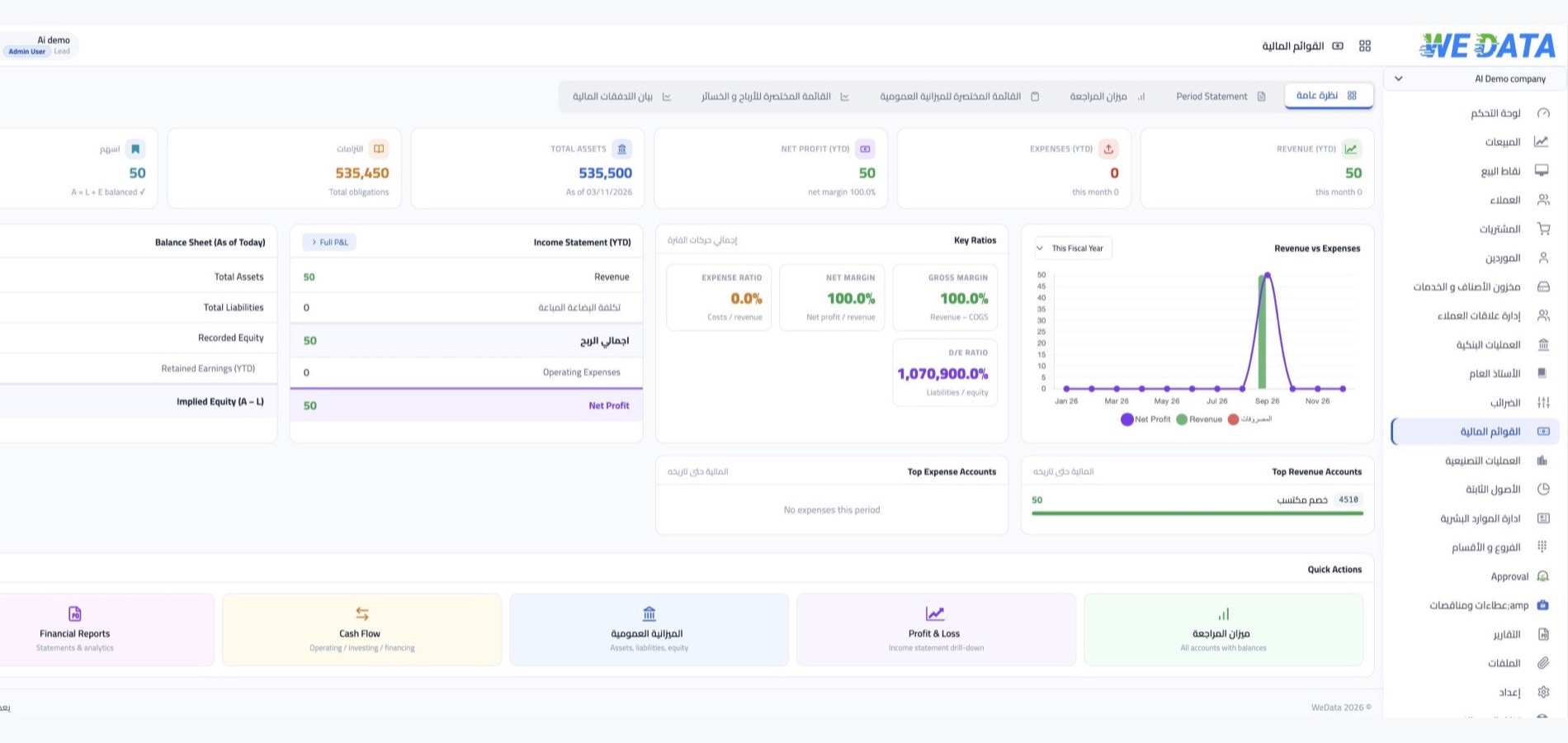
Payment connections
Connect Mada with WEDATA
Review the available setup
Explore how payment information can fit your business workflow. Connection options and compatible systems depend on your WEDATA edition, payment provider and account setup.
-
Payment transaction tracking
-
Settlement and payment reports
FAQ
Frequently asked questions
about Mada payments
Answers about payment connections, transaction records and settlement details. Availability depends on your payment provider and account setup.
-
Which payment methods can I accept through Mada?
Available payment methods depend on your acquiring bank, payment provider and Mada setup. Confirm supported card types, channels and transaction limits with your provider before activation.
-
How do I connect Mada to WEDATA?
Connection steps depend on your acquiring bank, gateway provider and WEDATA edition. Contact your provider for the required credentials and ask WEDATA to confirm compatibility and setup steps for your account.
-
How are Mada payments settled?
Settlement timing and procedures are determined by your acquiring bank and payment provider. Review their settlement schedule and confirm which settlement details are available in your WEDATA account.
-
Can I review payment transactions in WEDATA?
Transaction records and status details depend on your payment integration and account configuration. Check which fields and reports are available in your edition with the WEDATA team.
-
Can payment records appear in reports?
Reporting options depend on your WEDATA edition, payment integration and account setup. Ask the WEDATA team which transaction and settlement reports are available for your business.
Ready to explore Mada for your business?
Contact WEDATA to confirm the payment methods, connection steps and reporting options available for your account.