
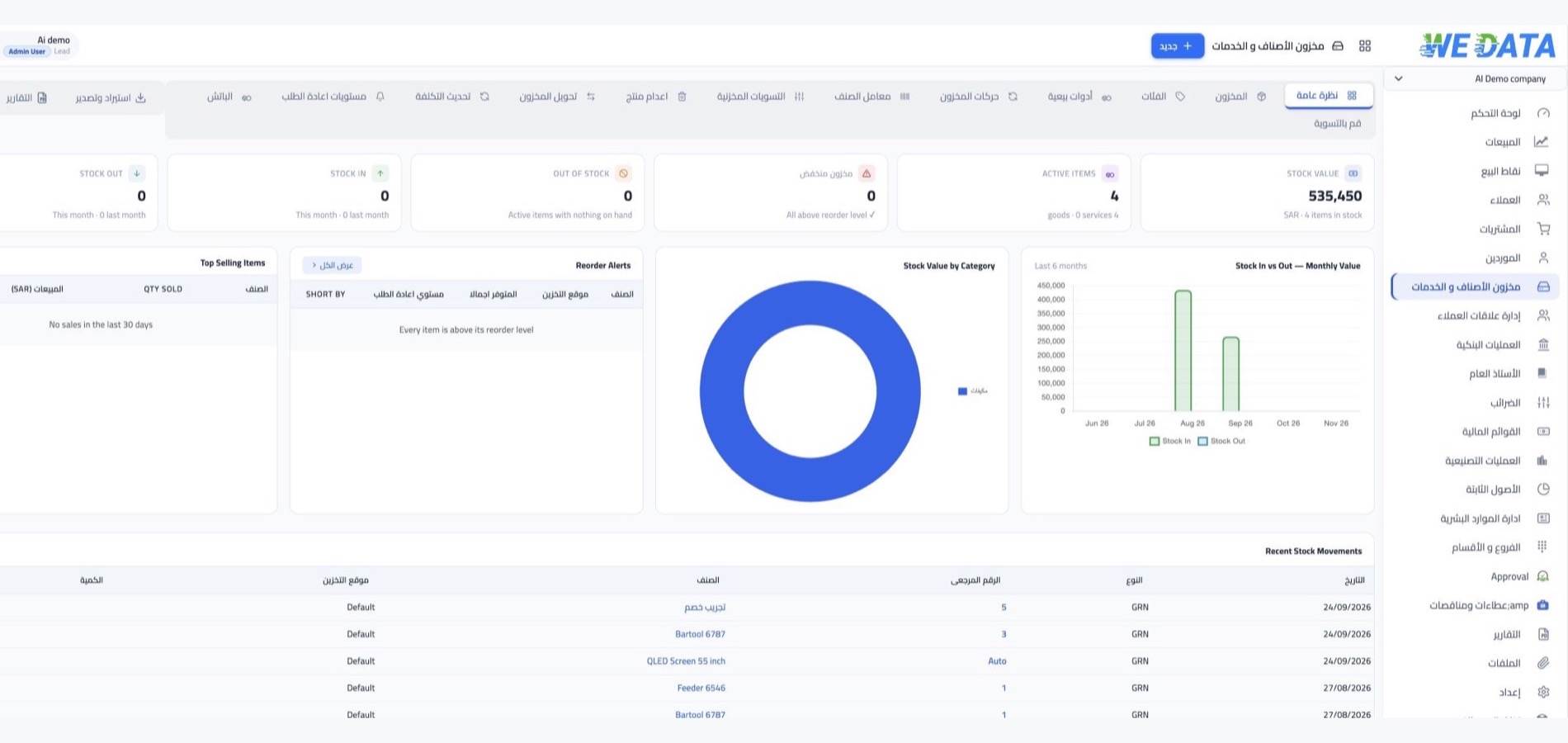



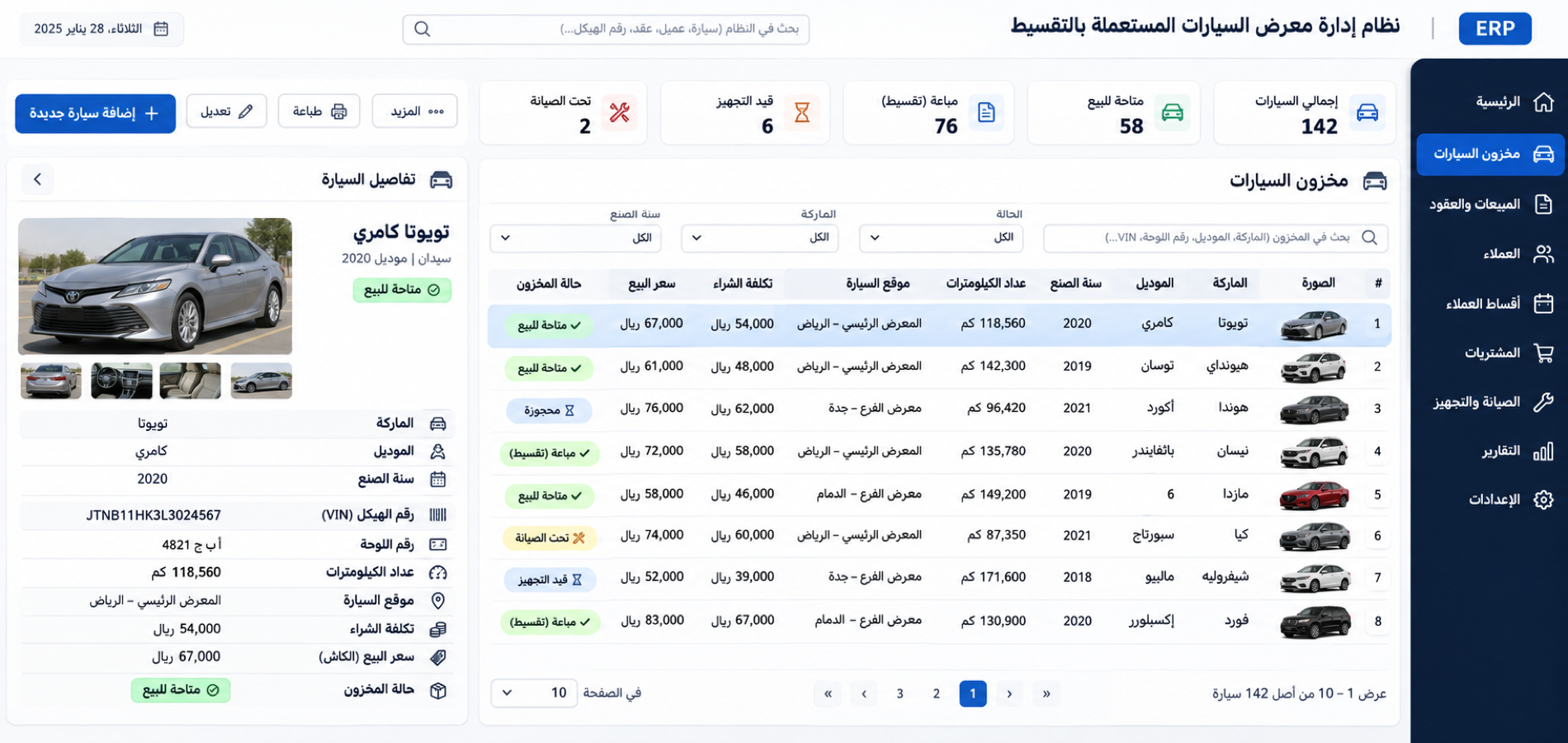
Vehicle records and locations
Create a record for each vehicle with fields such as model, trim, vehicle identifier and location where supported in your edition. Review the vehicle balance, cost and status from the inventory views available to your account.
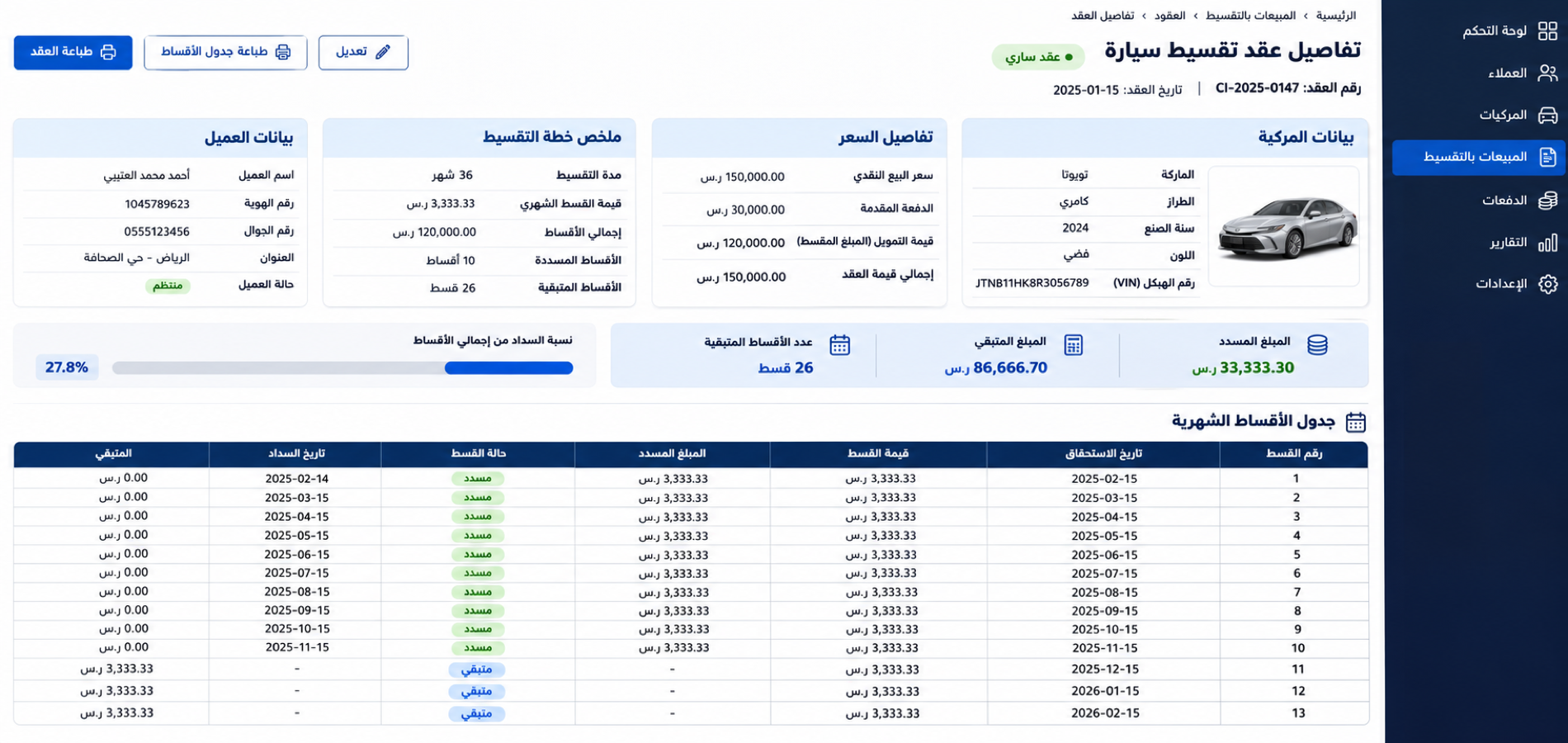
Vehicle movements and payments
Record vehicle receipts, deliveries or transfers using the workflows available in your account. Review the cost and balance linked to each vehicle, and manage installment schedules through your dedicated accounts or payment-tracking system where enabled.
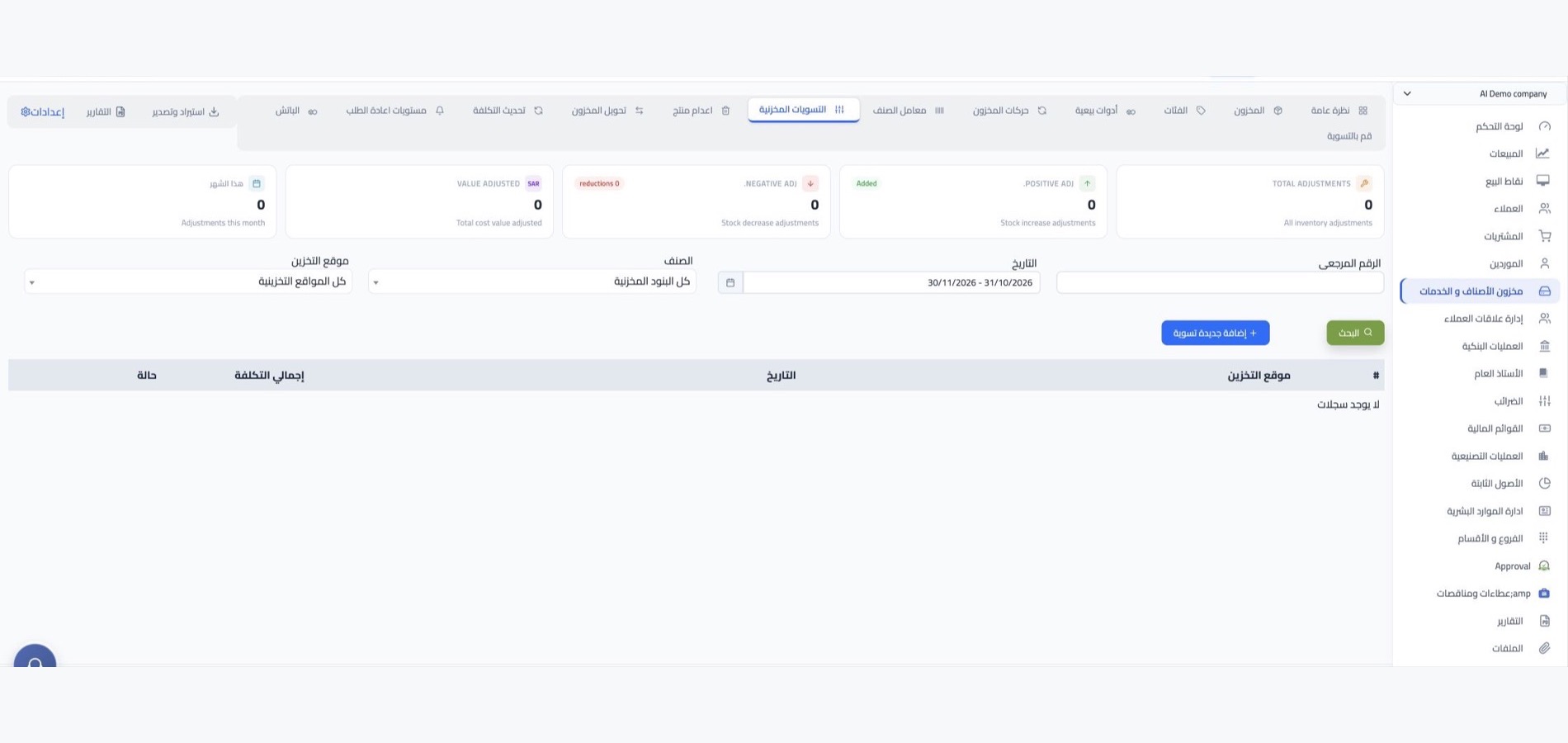
Vehicle counts and opening balances
Compare recorded vehicles with the vehicles on hand, then update balances using the count tools available in your account. When getting started, enter vehicles and opening balances through the workflow supported by your WEDATA edition.
VIN and registration details
Where supported by your WEDATA edition, record a vehicle identification number or registration detail in the available vehicle fields. Keep these identifiers with each vehicle record and review them when recording a movement or completing a handover.


Vehicle status tracking
Use the status fields available in your account to distinguish vehicles ready for sale from those awaiting inspection, pricing or documentation.

Vehicle groups and offers
Group vehicles for a sales offer where this option is available in your account. If not, keep a separate record for each vehicle to make balances and vehicle details easier to review.

Vehicle prices and costs
Record a selling price and acquisition cost for each vehicle, then review the figures before a sale. Pricing options, currencies and tax details depend on the settings available in your account.

Vehicle categories and details
Use available categories to group vehicles by type, model or status. Keep identification fields such as trim and vehicle location consistent across records where supported in your WEDATA edition.

Vehicle follow-up reminders
Set a balance or status threshold for review where this option is available. Use follow-up lists to identify vehicles that need pricing, documents or other details before being offered for installment sale.

Vehicle inventory reports
Review recorded vehicle balances, receipts, deliveries and costs using the reports available in your account. Regular checks help compare your vehicle records with the vehicles on hand.
-
Sales, purchasing and accounts

-
Points of sale and online stores