
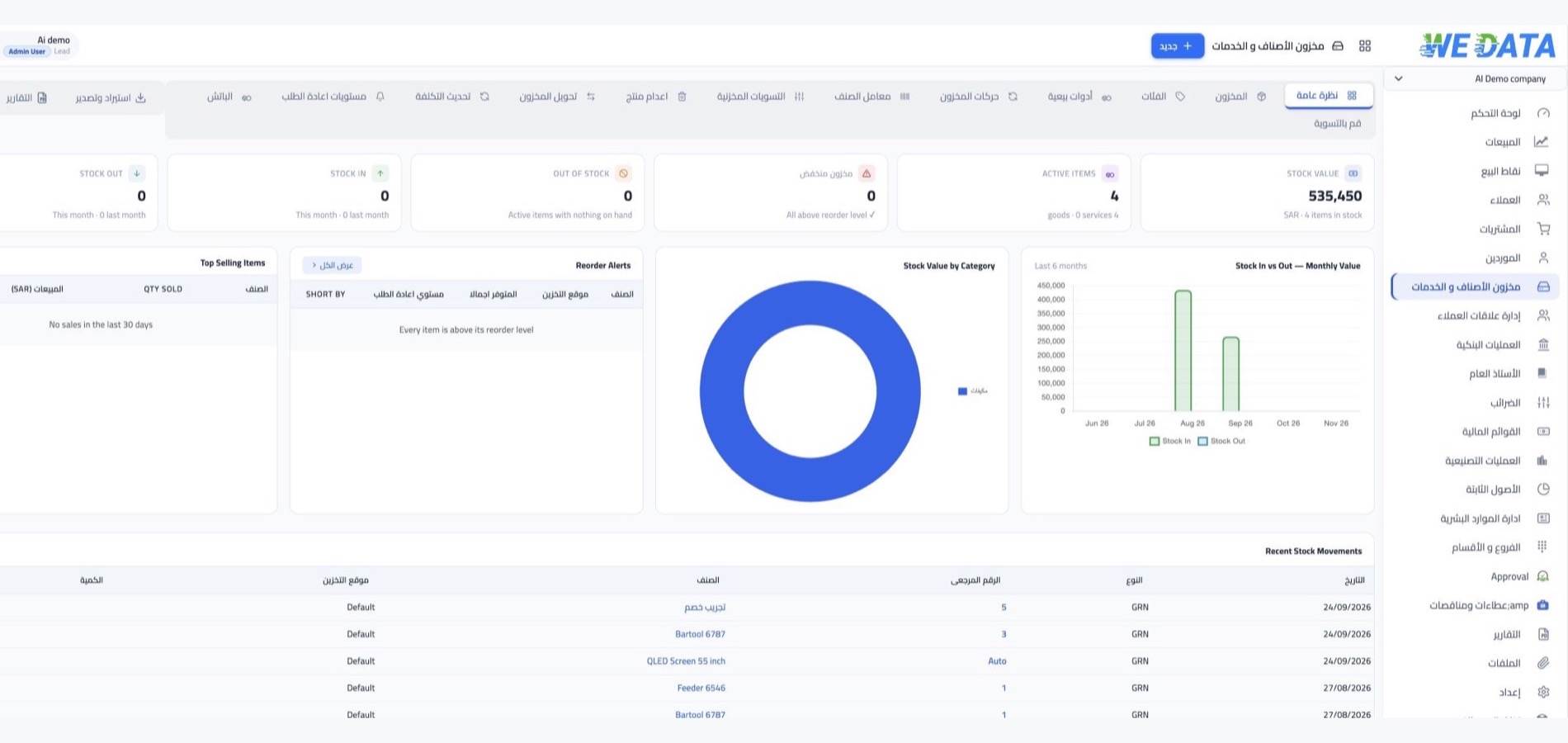
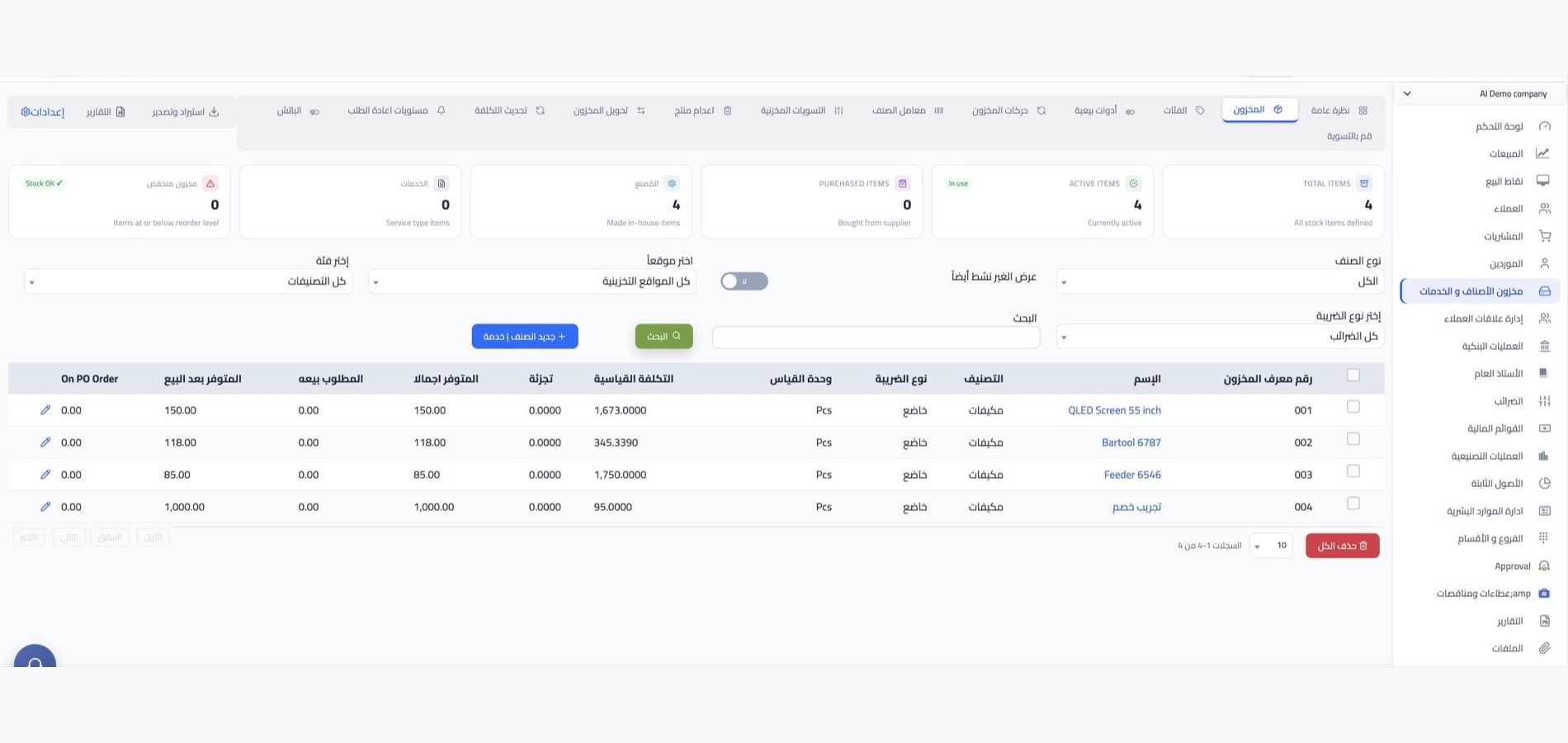
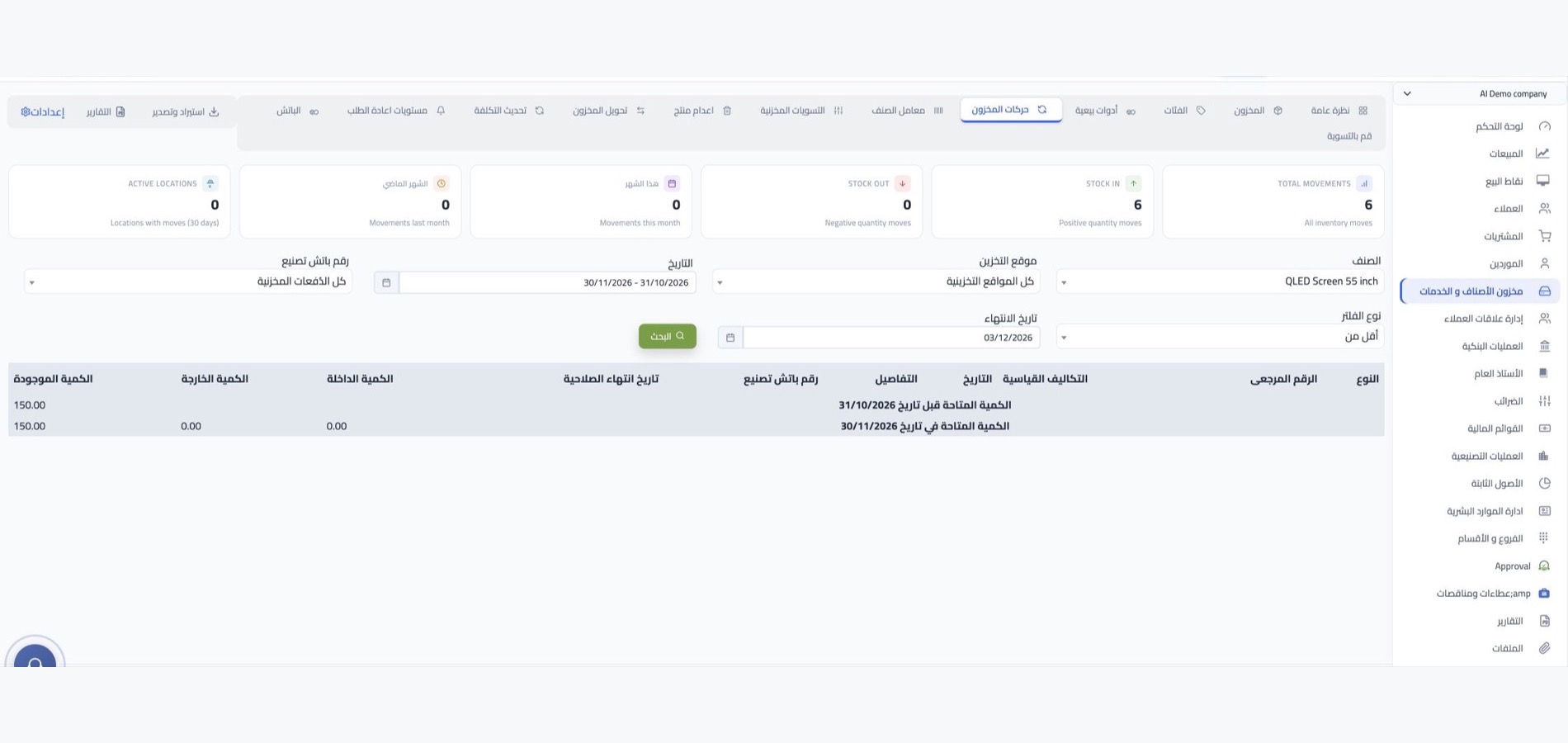
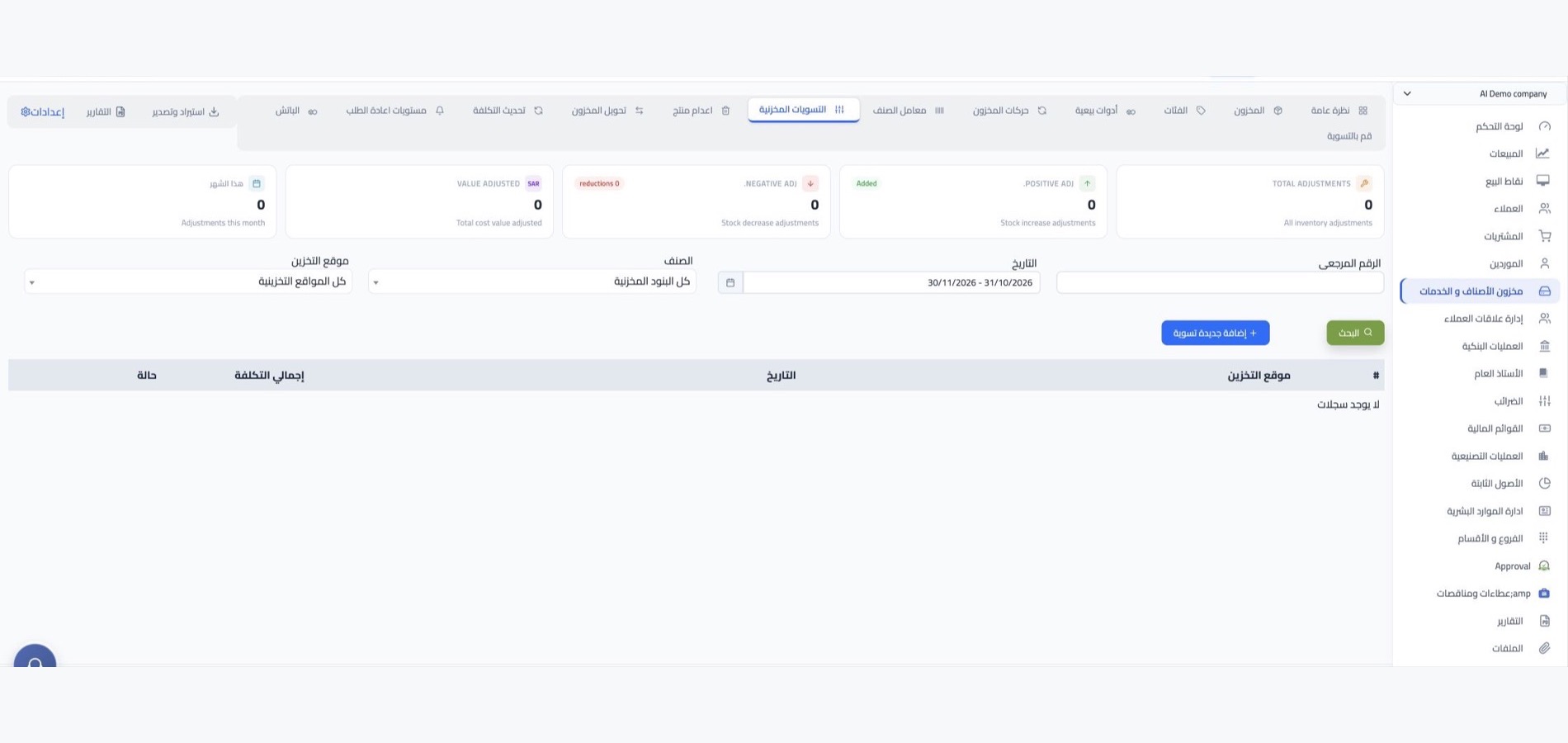
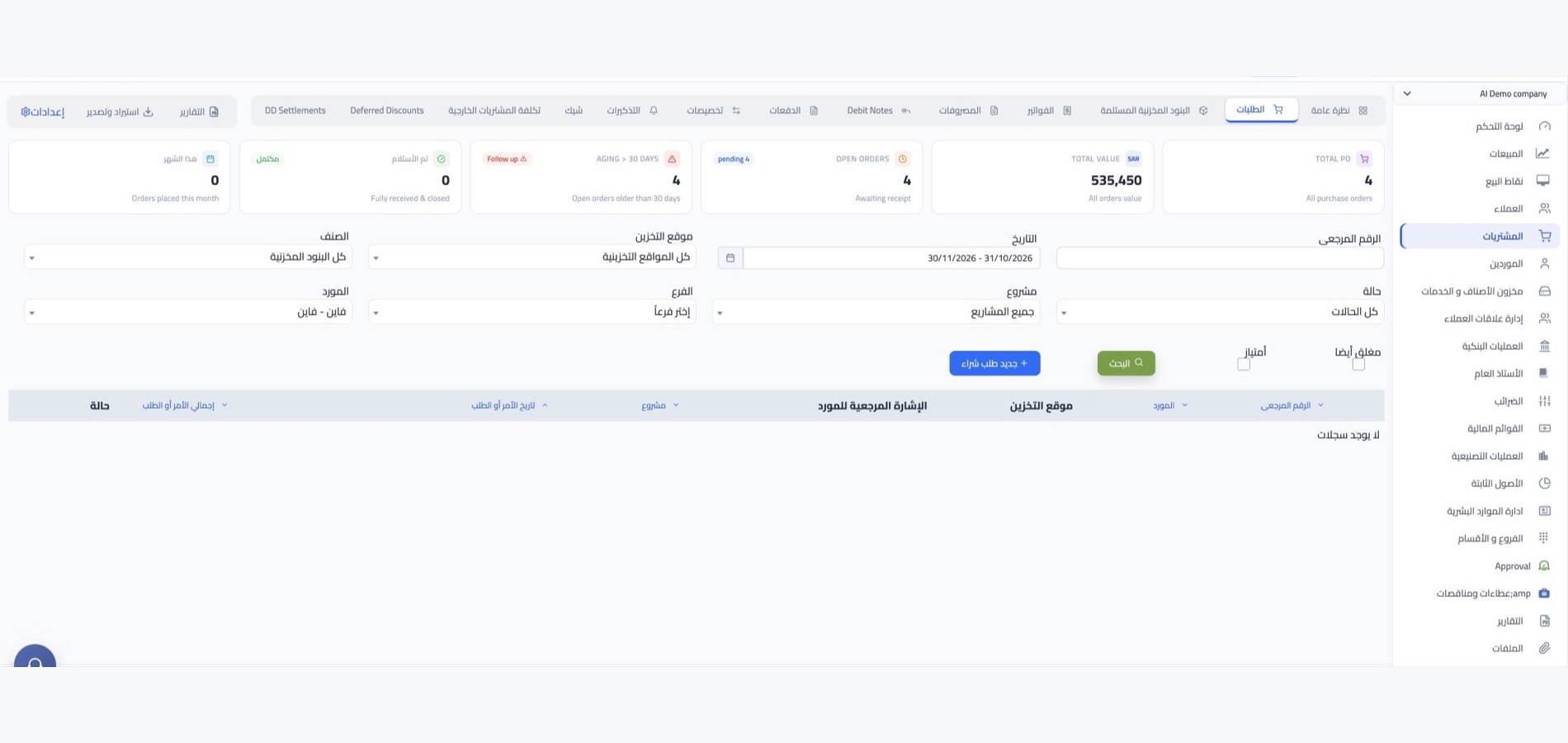

Gold inventory management with WEDATA

From each piece to its balance

Organize gold and jewelry item records, review stock movements and balances, and support stock counts. Record karat, weight and identifying details using fields available in your edition and account setup.

Gold and Jewelry Shops
Inventory management at a glance
Features

Track every gold piece and its balance

from stock entry to reconciliation

Organize jewelry by the details available in your WEDATA account, such as type, karat, weight and identifying number. Review balances, movements and counts using the inventory functions enabled for your edition.

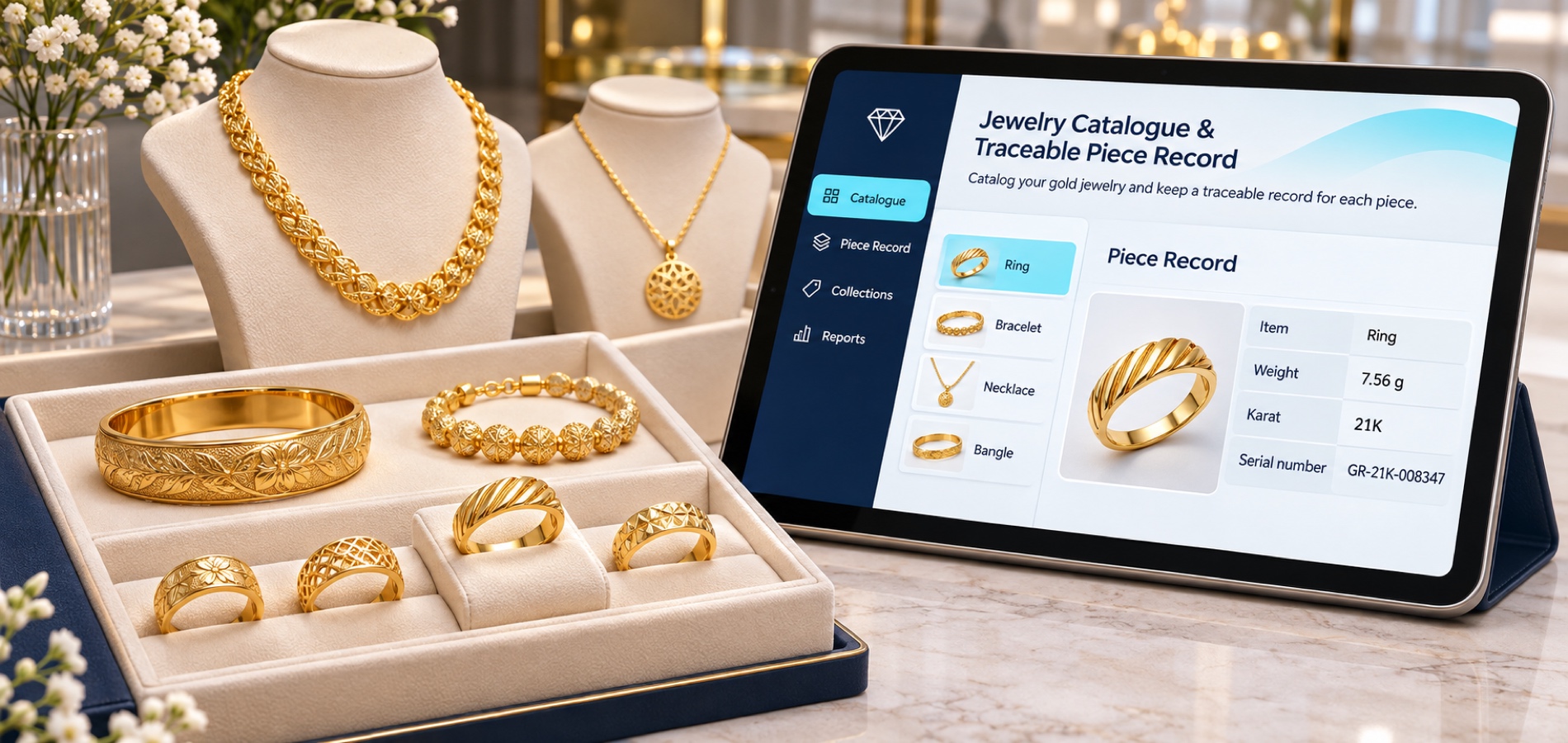
Gold and jewelry item records

Organize pieces by the categories available in your account and record details such as karat, weight and identifying number using fields supported by your edition.
Gold and Jewelry Shops

Gold sales and purchase movements

Record jewelry sales, purchases and other item movements using the workflows available in your account. Review how each transaction affects recorded balances; links between sales and inventory depend on your edition and setup.

Gold and Jewelry Shops

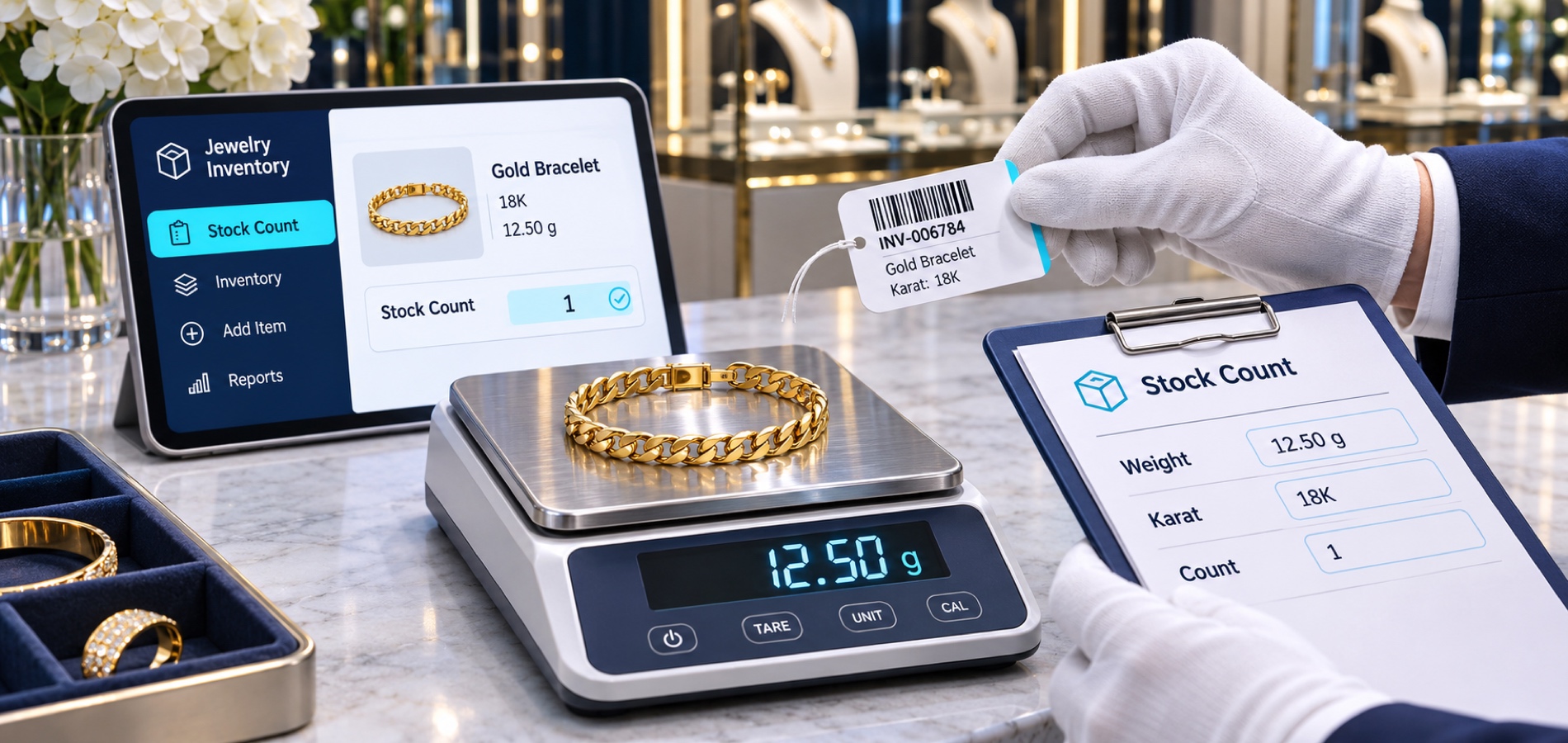
Gold jewelry counts and opening balances

Compare the physical pieces and weights with the balances recorded in your account, then document differences using the count and adjustment options available in your edition. Opening-balance steps vary by setup.
Gold and Jewelry Shops

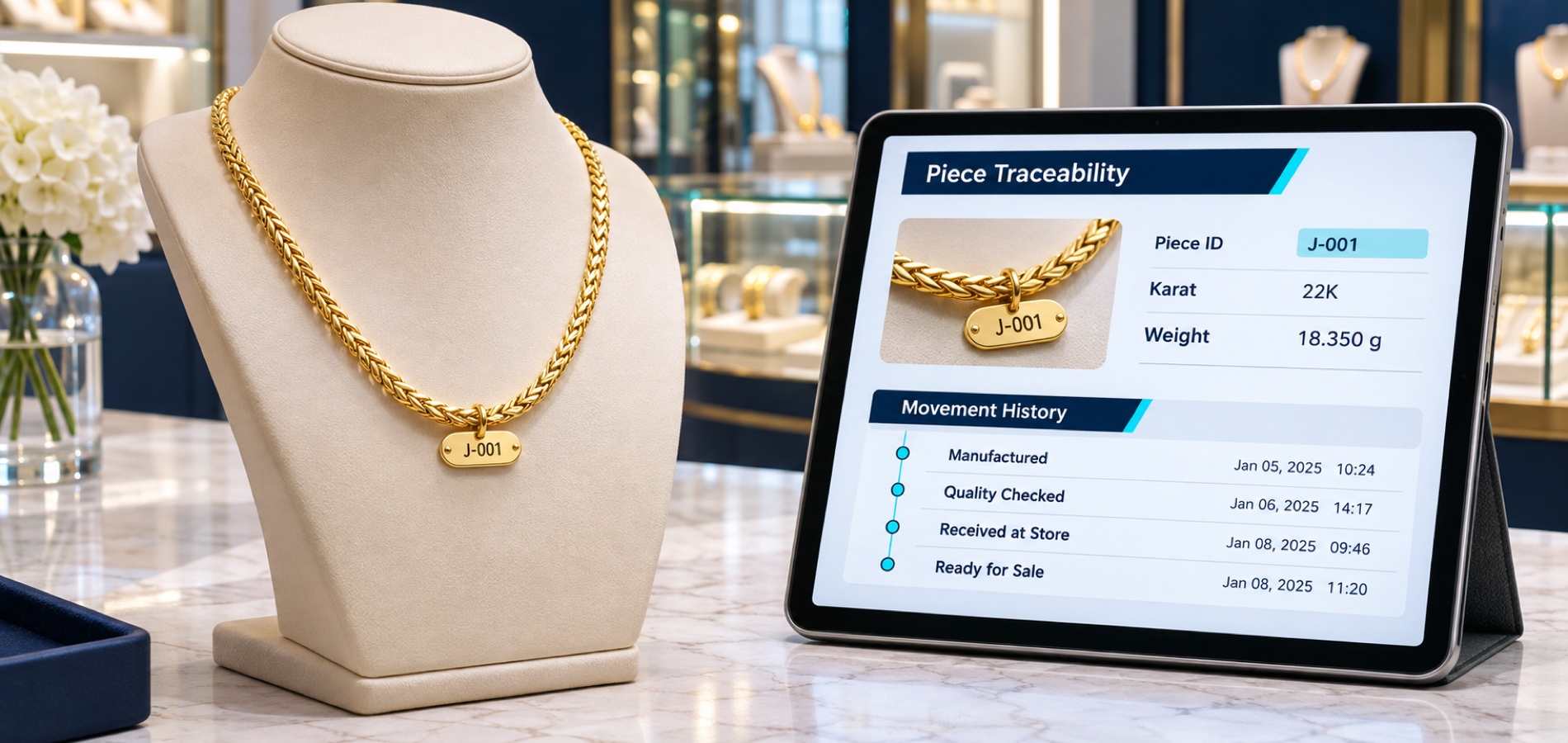
Piece identifiers and traceable details

Record a unique piece number or description using fields supported by your edition. Check available tracking options in your account before relying on them to identify individual jewelry pieces.

Gold and Jewelry Shops
More tools

Organize each jewelry piece's details

and keep balances easy to review

Use the item, classification, pricing and reporting tools available in your account to organize gold and jewelry records. Features vary by WEDATA edition and configuration.

Gold and Jewelry Shops

Manufacturing and repair services

If your edition supports service items, record jewelry manufacturing charges or repair services as separate entries. Check how these services connect to invoices and accounts in your setup.

Gold and Jewelry Shops

Jewelry sets and collections

Group pieces into sets or collections when supported by your edition. Check how grouped items affect individual stock balances before using them in sales workflows.

Gold and Jewelry Shops

Gold prices and item cost

Record sale prices, purchase prices and item costs in the fields available to your account. Any pricing linked to live gold rates depends on the features enabled in your WEDATA edition and setup.

Gold and Jewelry Shops

Jewelry categories and weight units

Classify pieces by type, karat or collection using fields available in your account. Confirm which weight units and conversions your WEDATA edition supports before recording weights.

Gold and Jewelry Shops

Reorder thresholds for gold items

Review each item's balance and any reorder thresholds available in your account. Low-stock alerts and purchase requests vary by WEDATA edition and setup; confirm which options are enabled.

Gold and Jewelry Shops

Gold balances and movement reports

Review item balances and movement reports available in your edition. Use weight or cost details where supported fields and reports are enabled for your account.
Gold and Jewelry Shops
Integrations

Gold inventory in your shop's workflow

Check compatible sales and accounting connections

Gold item and stock workflows may connect with sales, purchasing and accounting functions available in your WEDATA edition. Supported integrations vary by edition and configuration; contact us to confirm what fits your shop.

  • Gold and Jewelry Shops
    Sales, purchasing and accounts
  • Gold and Jewelry Shops
    Points of sale and online stores
FAQ

Frequently asked questions

about gold and jewelry inventory

Answers about recording gold items, karat and weight details, stock balances and counts, based on the functions available in your WEDATA edition and setup.

  • Can I track karat and weight for each gold item?

    Enter karat, weight and item details in the fields available in your WEDATA edition, then review how they appear in inventory records and reports. Available fields and units depend on your account configuration.

  • How can I count gold jewelry and reconcile weights?

    Compare the physical pieces and weights with the recorded balances, then document differences using the stock-count options available in your account. Count and adjustment steps depend on your edition and setup.

  • Can I record a unique number or details for each piece?

    You may be able to record a piece number and identifying details in the fields supported by your edition. Check the available item fields and tracking options before relying on them for jewelry records.

  • How can I identify gold items that need replenishment?

    Review item balances and any reorder thresholds configured for your account. Alerts and purchase-request workflows vary by edition and setup; contact WEDATA to confirm what is available.

  • What happens when stock drops below the minimum?

    How low-stock items are flagged, and whether a purchase request can be created automatically, depends on the reorder controls available in your WEDATA edition and account configuration. Confirm the workflow with WEDATA.

  • How do I add gold items and opening balances?

    Add item records with the fields available in your account, then enter opening balances using the supported process. Import options and templates depend on your WEDATA edition and configuration.

Ready to organize your gold shop's inventory?

Organize gold item details, weights and balances, then review movements and stock counts using the functions available in your WEDATA edition and account setup. Contact us to confirm what fits your shop.

Get started now

Join a global network of top professionals.

  • At least 8 characters

Already have an account?

Choose your role to get started

This helps us set up the right experience for you.

Choose a username

This will be used in your profile and public links. Username can’t be changed later. Please choose carefully.

Reset password

Enter your email address and we'll send you a link to reset your password.

Go back to

تصفّح WEDATA

Browse WEDATA