
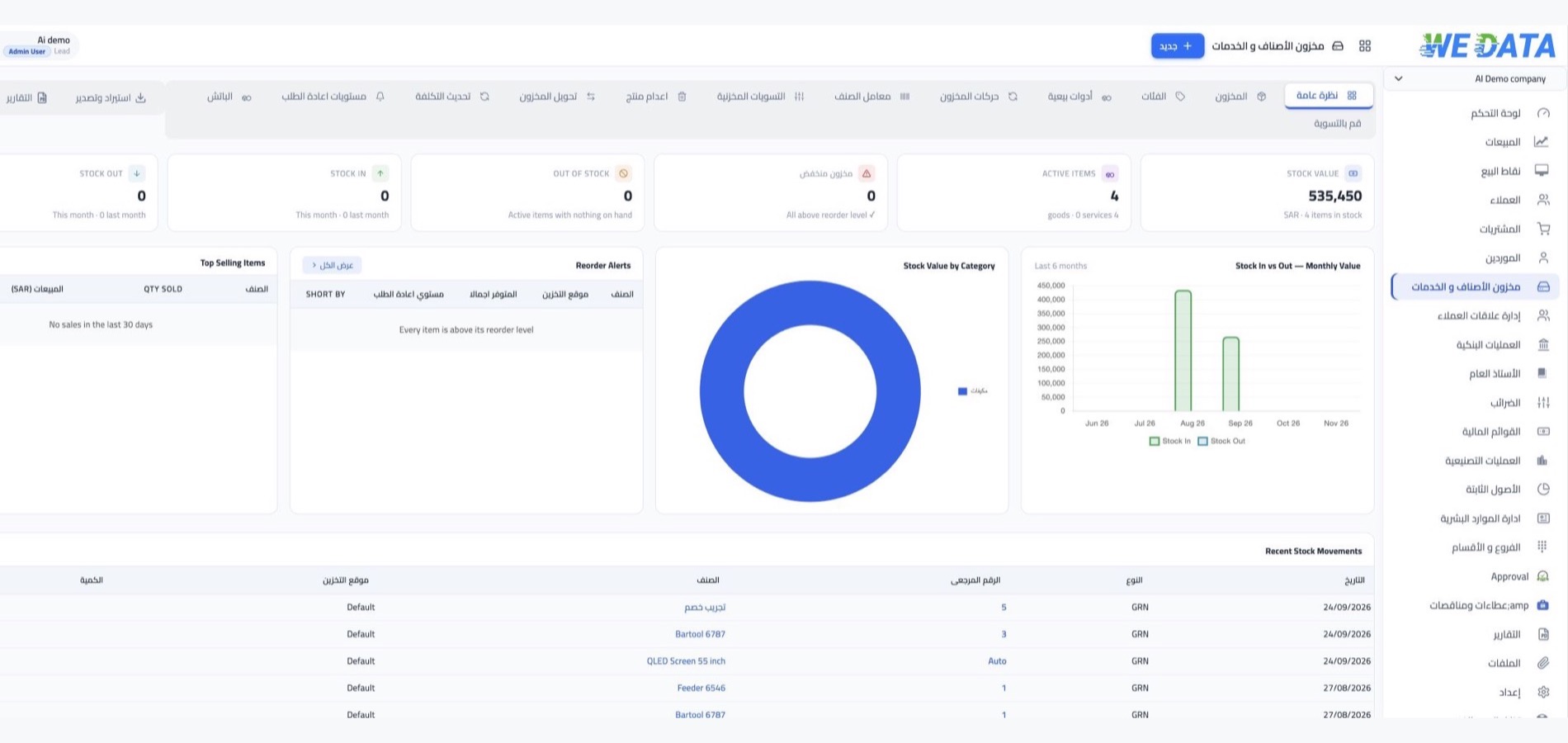

Pharmacy inventory with WEDATA
Organize medicines, supplies and stock
Keep medicine and supply records organized, review stock levels and follow inventory movements using the functions available in your WEDATA edition and account configuration. Contact us to confirm batch and expiry tracking options for your pharmacy.

Inventory management at a glance
Features
An accurate balance for every item
in every warehouse
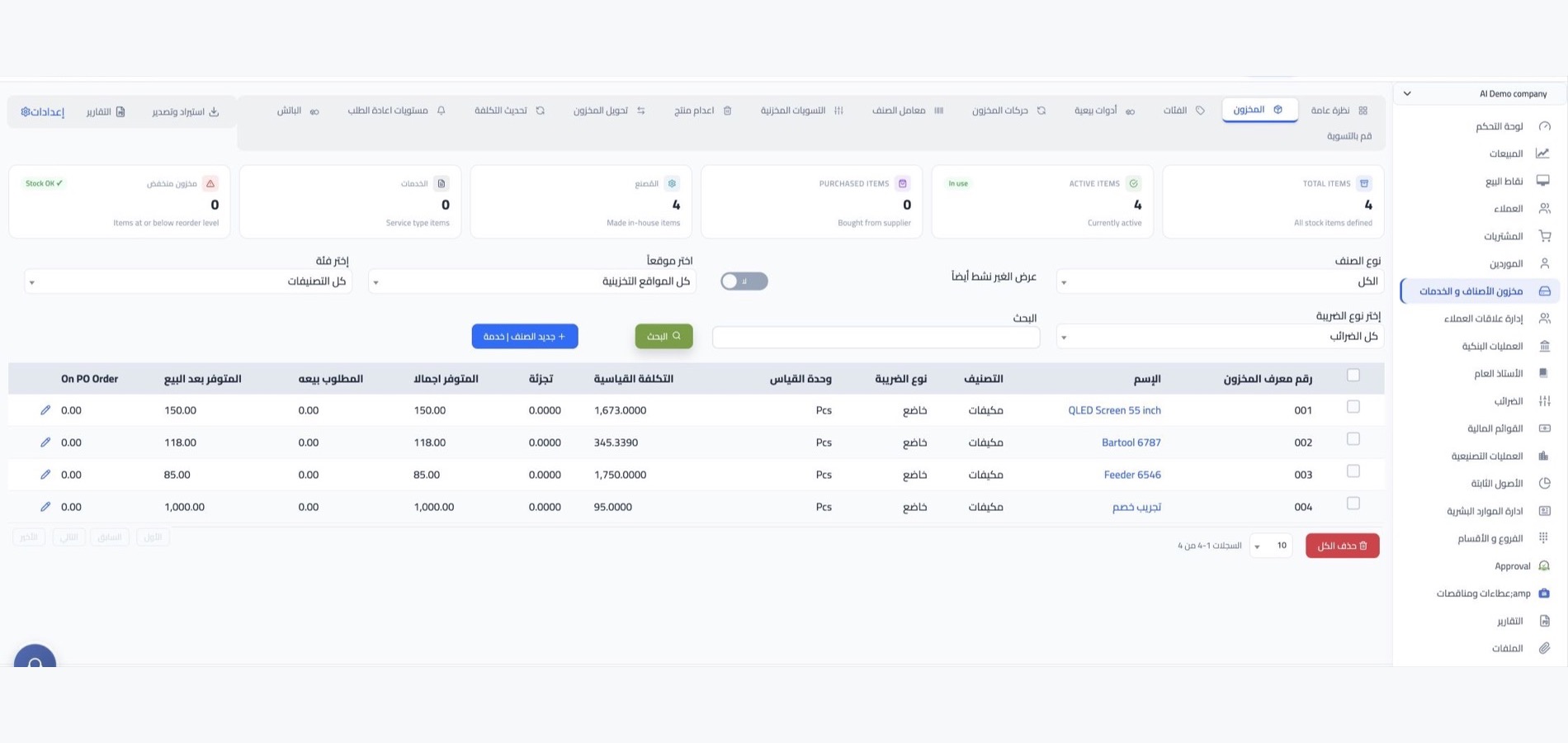
Items and warehouses
Maintain item records and warehouse locations, then review stock balances by location using the inventory views available in your WEDATA edition. Available item fields, attachments and reports depend on your product and account configuration.
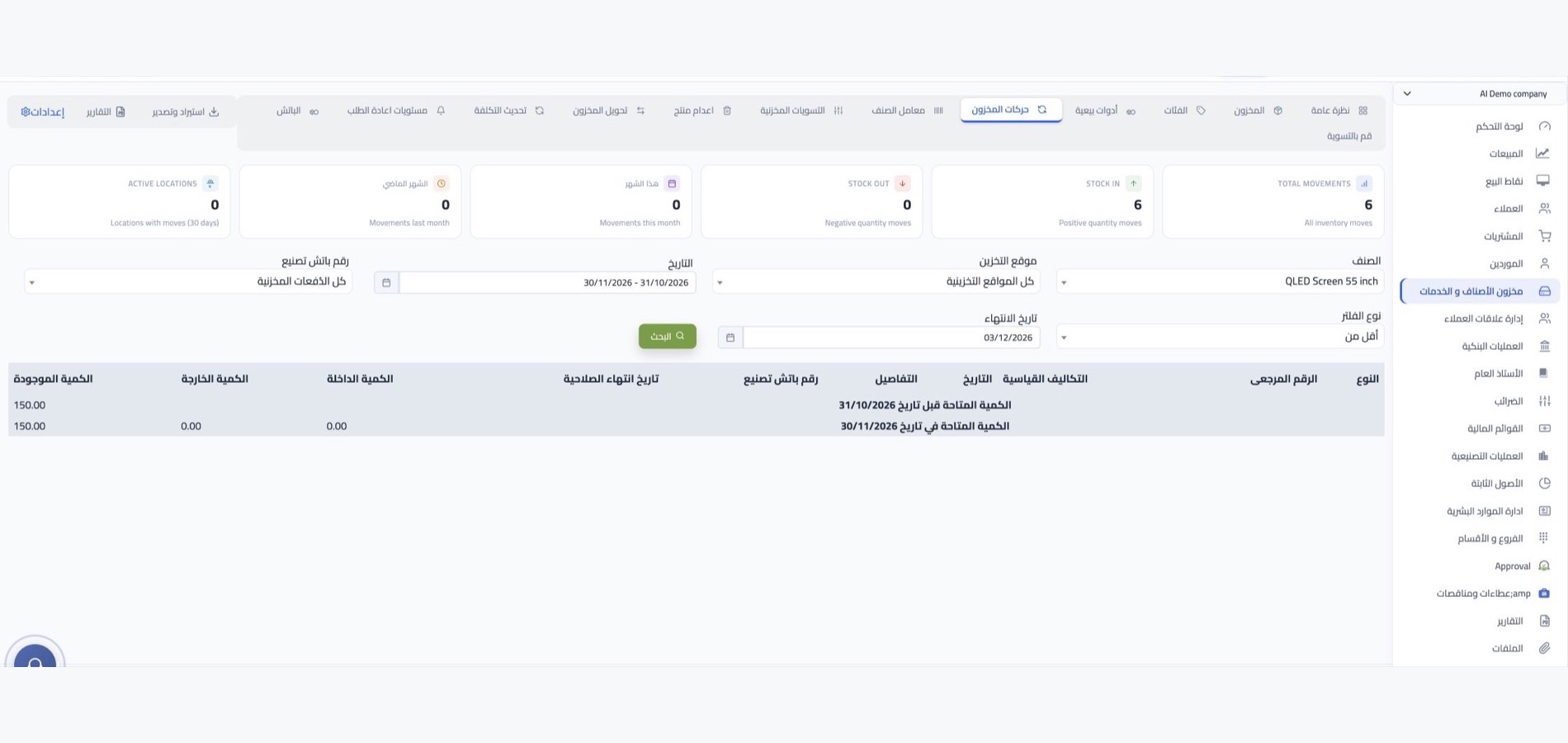
Stock movements and notes
Record receipts, deliveries, transfers and stock adjustments using the inventory workflows available in your WEDATA edition. The fields, validation and movement inquiries can vary by product and configuration; review each entry before saving.
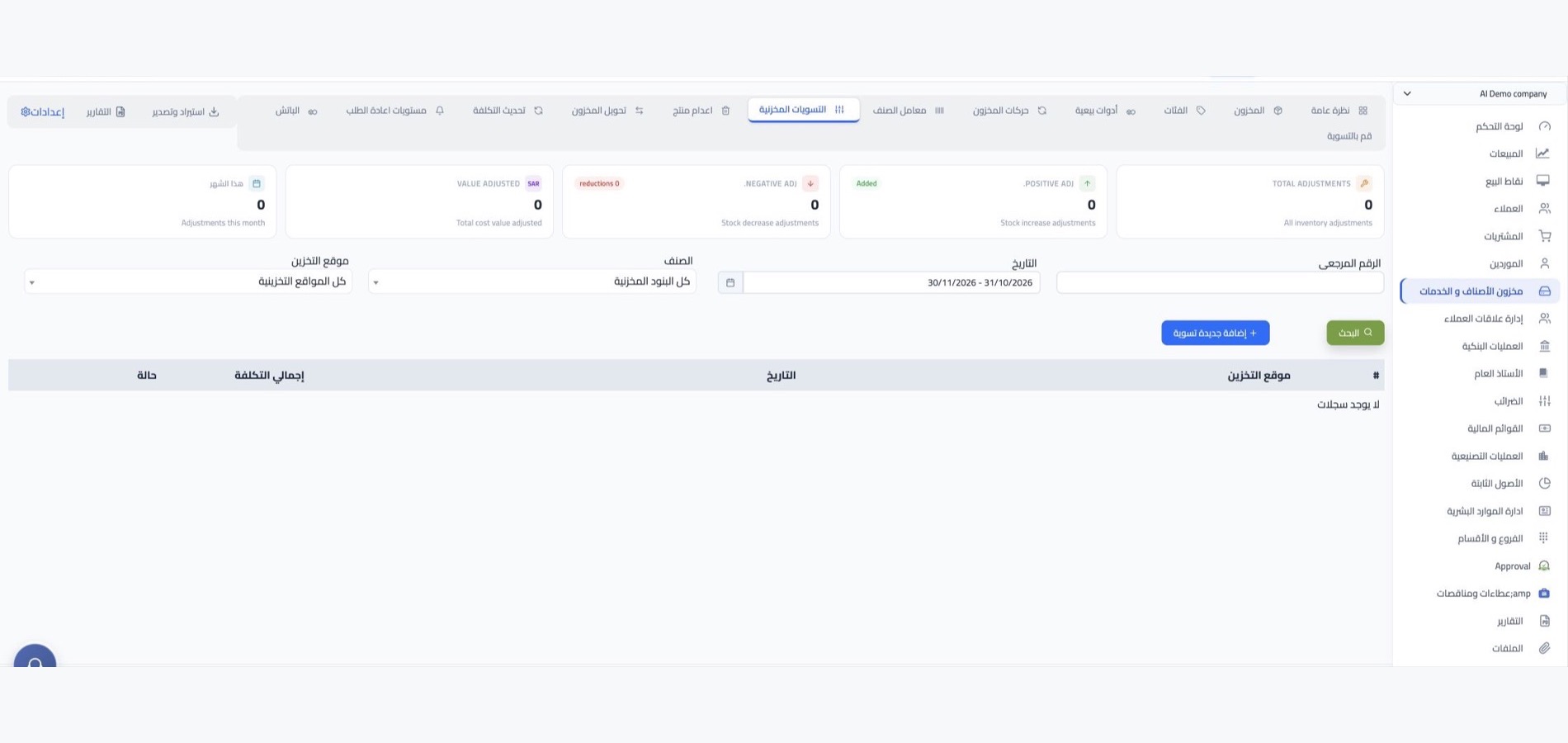
Stock counts and opening balances
Use stock-count and opening-balance workflows where available in your edition. The steps and supported data-entry or import options depend on your configuration; contact WEDATA to confirm the options available to your business.
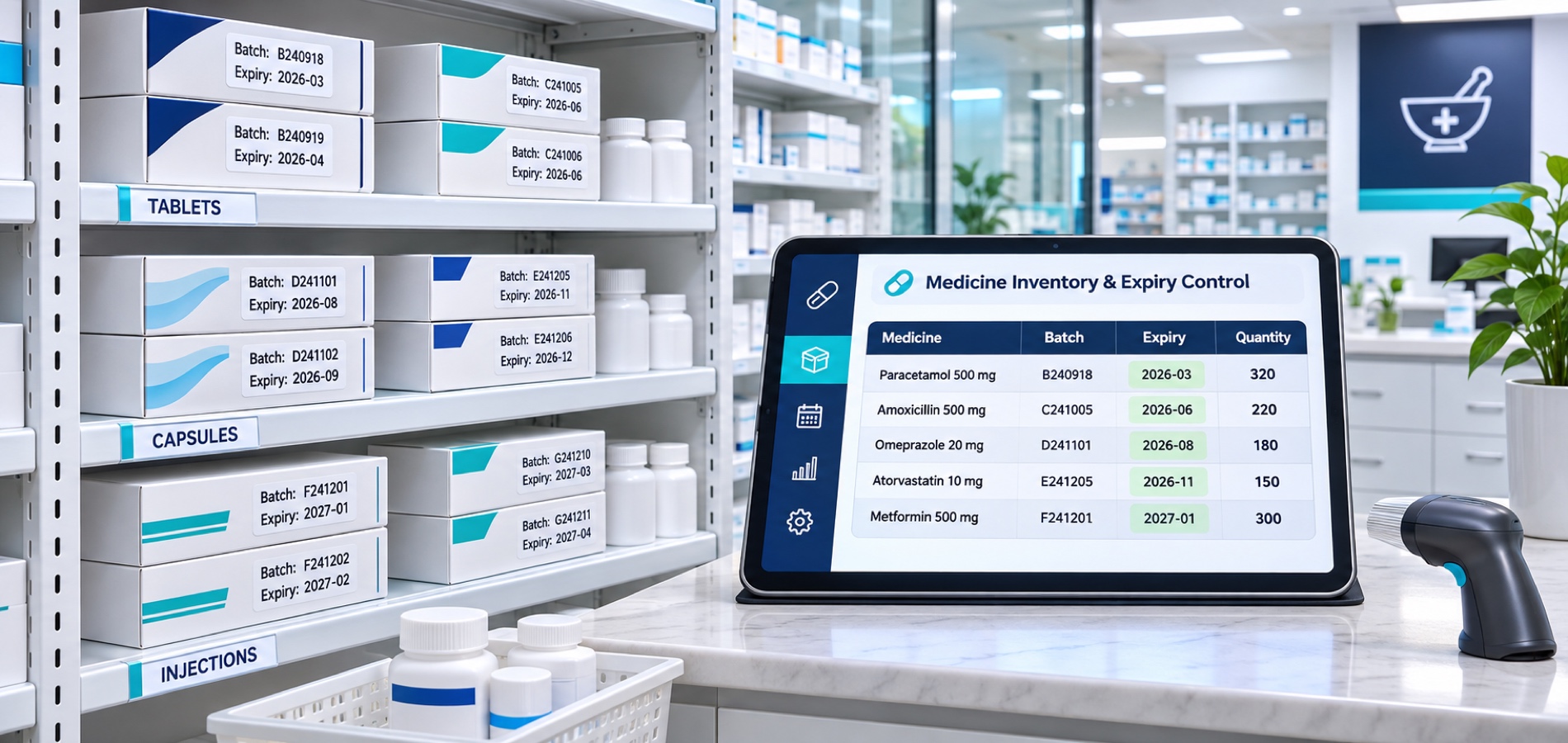
Batches and expiry dates
Where supported by your WEDATA edition, record batch or serial identifiers and expiry dates as part of inventory workflows. Availability and handling details depend on your edition and configuration; contact WEDATA to confirm.

More tools
Everything that makes your stock
more accurate and clearer
Services and virtual items
Service and virtual item handling, including how stock balances behave, depends on your product configuration. Contact WEDATA to confirm which item types and workflows are available in your edition.
Sales kits and bundles
Kit and bundle handling depends on the inventory and sales functions available in your WEDATA edition. Confirm whether component stock updates are supported in your configuration.
Prices and cost
Item pricing and cost fields vary by your WEDATA product and account configuration. Confirm which price lists, currencies and customer-specific options are available for your edition.
Categories and units
Item categories and units depend on the inventory functions available in your WEDATA edition. Confirm whether alternate units and conversions are supported for your account.
Reorder levels
Where configured, set reorder thresholds per item or warehouse. Any alert or purchase-request workflow depends on your edition and setup; confirm availability with WEDATA.
Stock reports
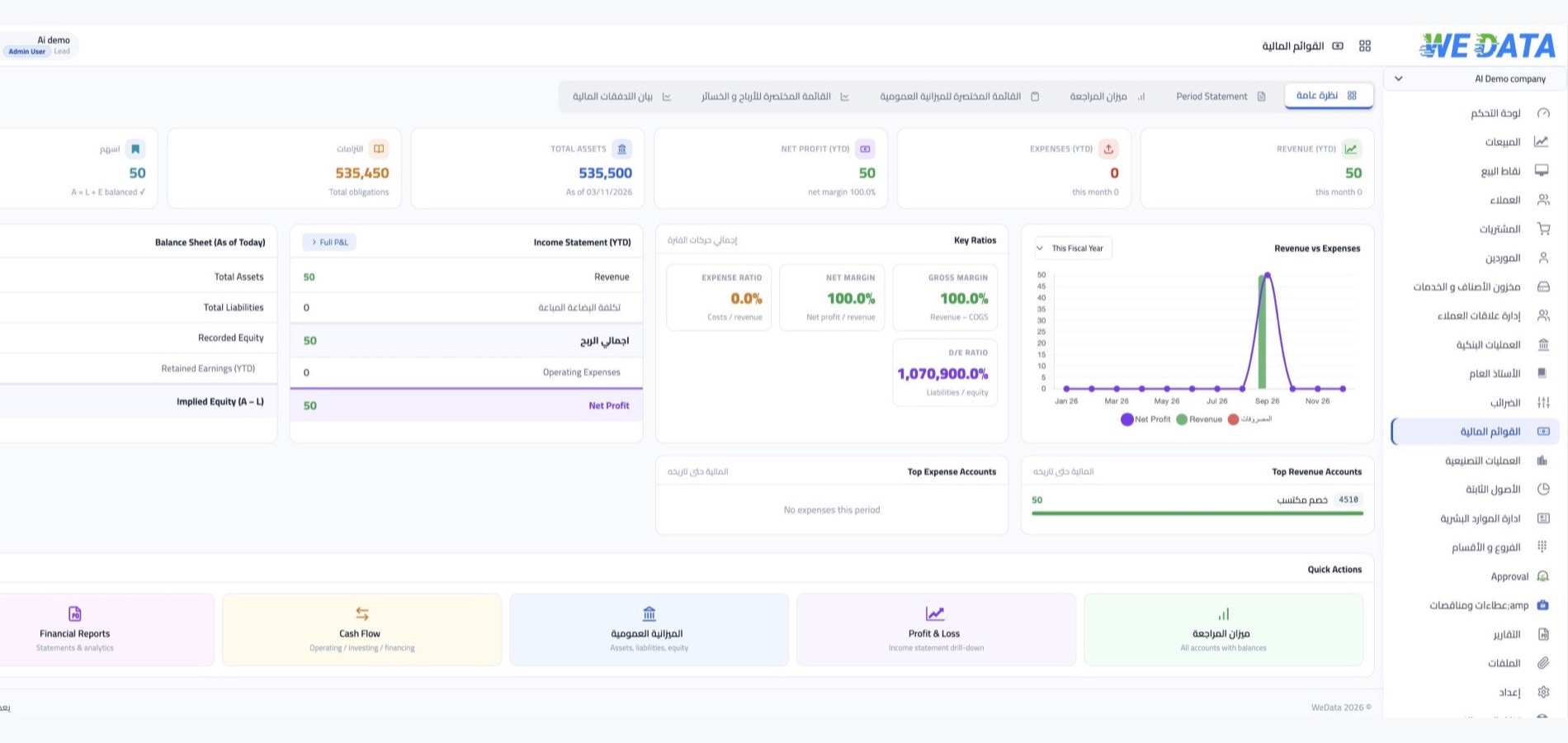
Inventory reports and valuation details vary by WEDATA product and account configuration. Contact us to confirm the reports available to your business.
Integrations
Inventory workflows and integrations
Confirm what your edition supports
Inventory functions and connections to sales, purchasing, point-of-sale or online-store systems vary by WEDATA edition and configuration. Contact us to confirm which workflows and integrations are available for your setup.
-
Sales, purchasing and accounts
-
Points of sale and online stores
FAQ
Frequently asked questions
about pharmacy inventory
Answers about organizing medicines, supplies, batches and stock levels. Available features depend on your WEDATA edition and account configuration.
-
Can I track medicines and supplies across multiple storage locations?
Multiple storage locations and balance views may be available depending on your WEDATA edition and setup. Contact WEDATA to confirm which transfer and reporting options are enabled for your pharmacy.
-
How do I count medicines and supplies in my pharmacy?
Use the stock-count process available in your WEDATA edition to record counted quantities and review differences. How adjustments are recorded and which valuation reports are available depend on your account configuration; confirm the steps with WEDATA.
-
Can my pharmacy track medicine batches and expiry dates?
Batch or serial tracking and expiry dates depend on your WEDATA edition and setup. If available, confirm how these details are recorded and followed across your inventory workflows with WEDATA.
-
How can I identify medicines that need reordering?
How low-stock items are flagged, and whether a purchase request can be created automatically, depends on the reorder controls available in your WEDATA edition and account configuration. Confirm the workflow with WEDATA.
-
How do I add my pharmacy items and opening balances?
Enter your medicine and supply records using the setup options available in your WEDATA edition. Opening-balance entry or imports depend on your configuration; contact WEDATA for the supported process.
Ready to take control of your stock?
Contact WEDATA to learn which inventory features are available in your edition and configuration.