
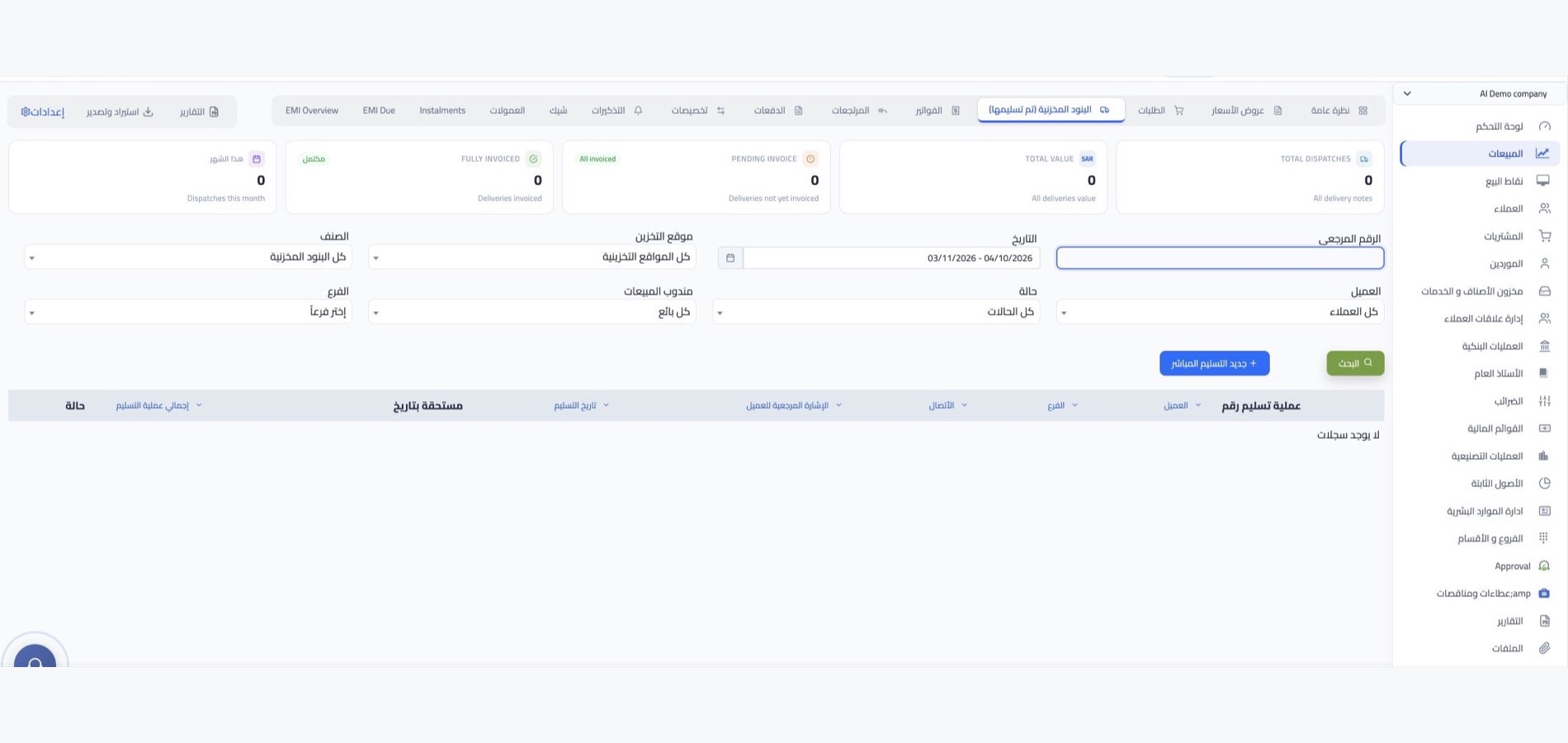

Shipping management with WEDATA

From shipment entry to delivery

Organize customer and shipment records, then review statuses, dates and notes in one place. Tracking, route planning and expense options depend on your WEDATA edition and account setup.

Shipping Company Activities
Shipping activity at a glance
Shipping operations

Follow each shipment

from pickup to delivery

Keep shipment details, movement updates and delivery records together. The tools available depend on your WEDATA edition and setup.

Shipment and customer records

Keep customer details, service information and shipment identifiers organized in the records available in your account. Fields and attachments vary by edition and setup.
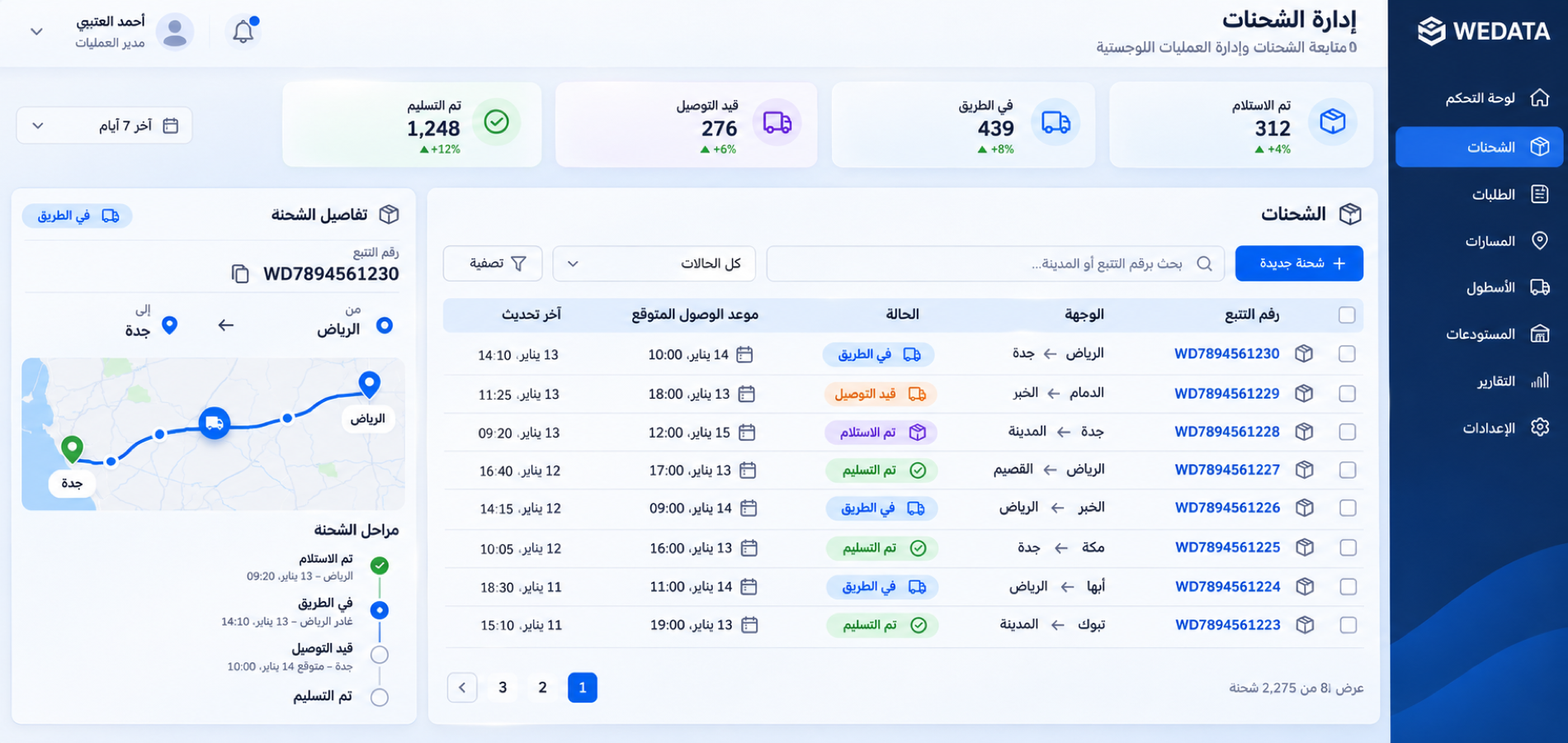
Shipping Company Activities

Shipment status and movement history

Record shipment status changes, dates and notes to review the progress history available in your account. Automatic tracking and alerts depend on edition and configuration.
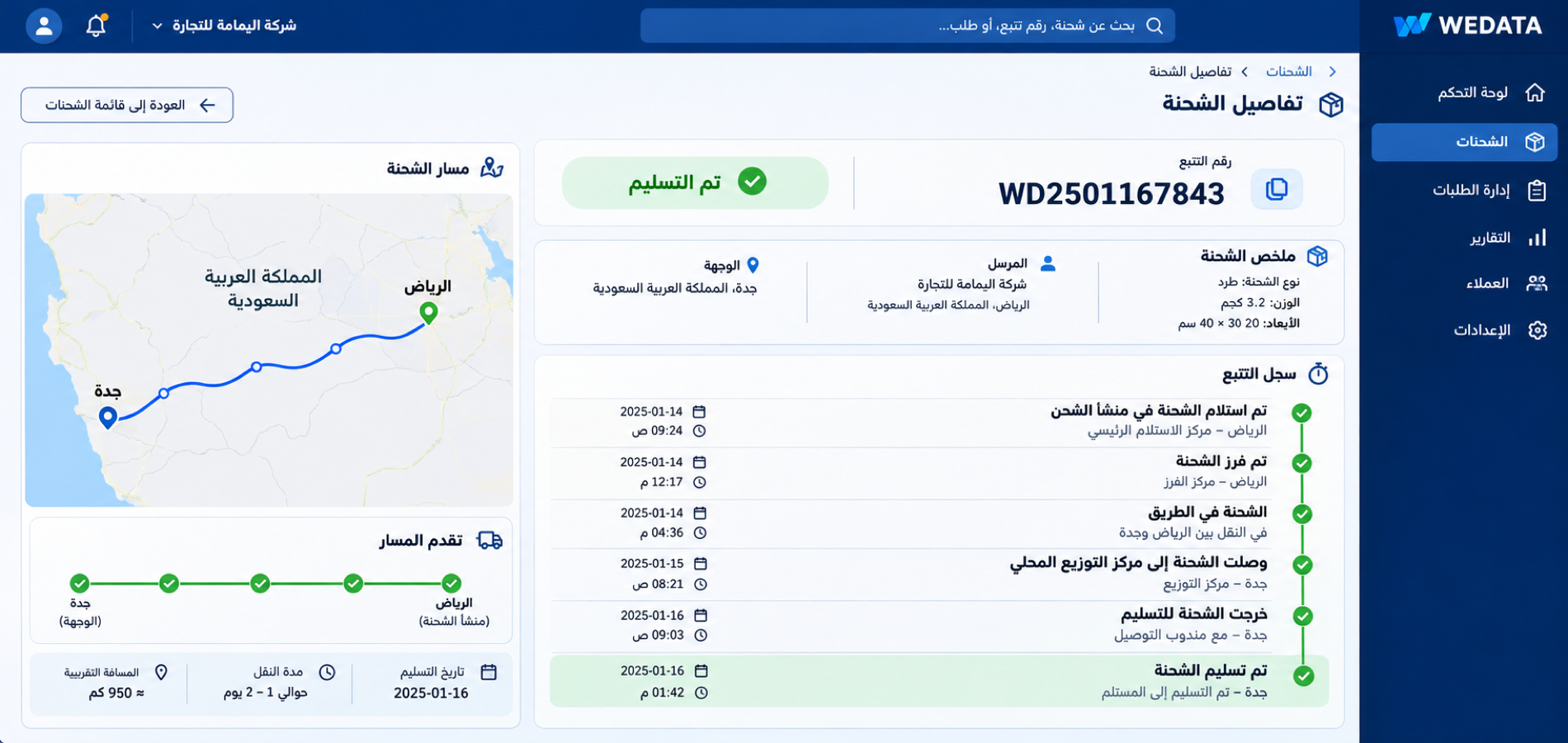
Shipping Company Activities

Routes and shipment points

Organize the route and pickup or delivery points recorded for a shipment. Route-planning features and available location fields depend on your WEDATA edition and account setup.
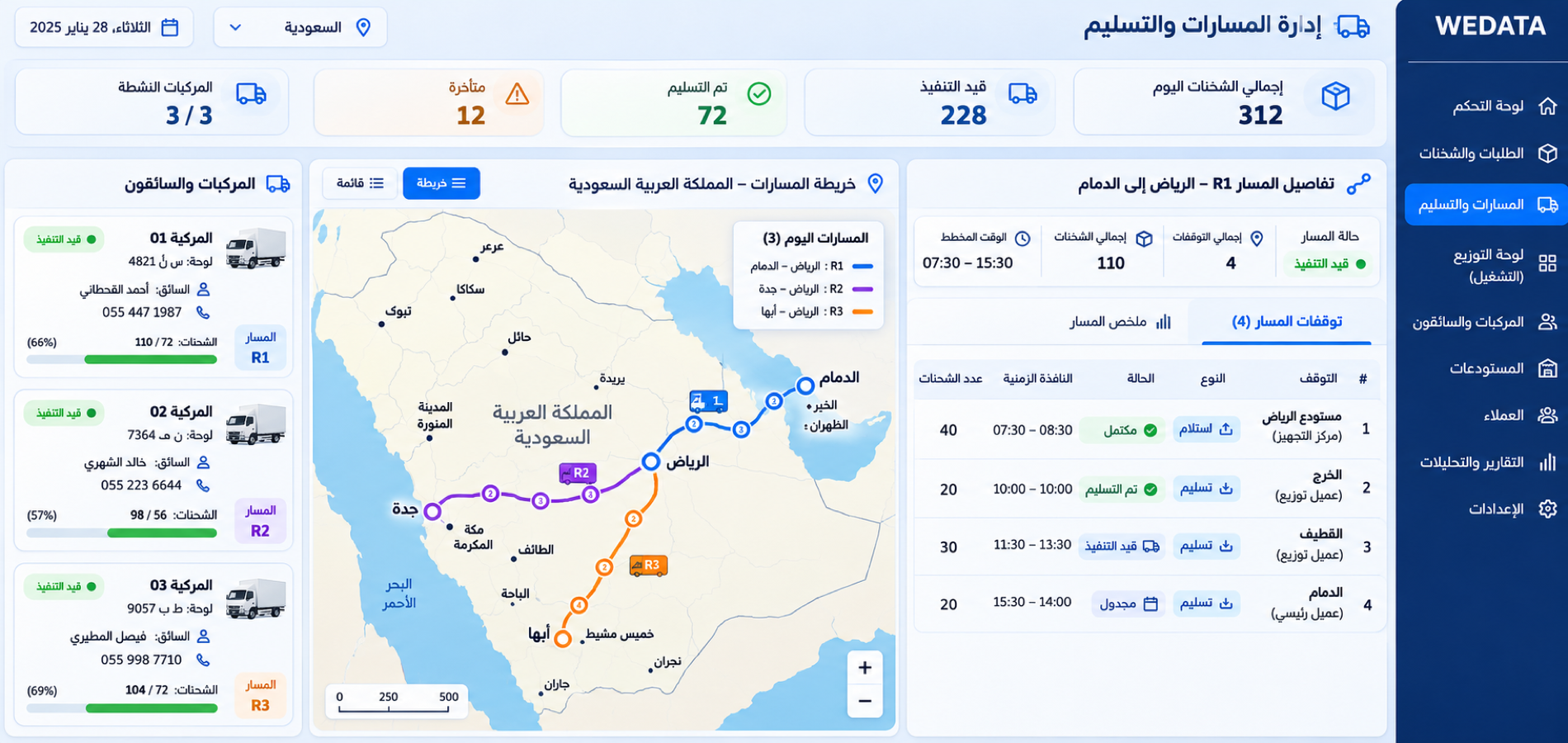
Shipping Company Activities

Delivery confirmation

Record delivery dates and completion notes for each shipment using the fields available in your account. Proof-of-delivery options depend on your edition and configuration.

Shipping Company Activities
Shipping tools

Tools for day-to-day

shipping operations

Use the records, cost tracking, service categories and reporting tools available in your WEDATA edition to keep shipping work organized.

Shipping Company Activities

Shipment records and documents

Keep shipment references, customer details and available documents or notes together. The record fields and attachments depend on your WEDATA edition and setup.

Shipping Company Activities

Customers and shipping services

Organize customer profiles and the shipping services offered using the records available in your account. Service options and customer fields vary by edition and setup.

Shipping Company Activities

Shipping costs and expenses

Document shipping costs in the expense and account records available to your business. Shipment-level cost links and financial reporting depend on your edition and configuration.

Shipping Company Activities

Shipping types and service categories

Group shipments by service type or category using the options available in your account. Supported classifications depend on your WEDATA edition and configuration.

Shipping Company Activities

Shipment stages and status updates

Review shipment progress using the stages and status updates available in your account. Automated alerts and tracking connections vary by WEDATA edition and setup.

Shipping Company Activities

Shipping reports

Review the shipping summaries and performance reports available in your WEDATA edition. Report details and filters depend on your account configuration.

Shipping Company Activities
Shipping connections

Keep shipment information connected

to customer service and accounts

Connections between shipment records, customer service and accounting depend on the WEDATA products and integrations enabled for your account. Contact us to confirm the workflows available for your setup.

  • Shipping Company Activities
    Customer service and shipment records
  • Shipping Company Activities
    Accounts and available invoicing
Shipping FAQ

Frequently asked questions

about shipping management

Answers to common questions about organizing and following shipments with WEDATA.

  • How can I follow a shipment from pickup to delivery?

    Record each shipment’s available identifiers, customer, dates and status in your account. Review the latest entry to see recorded progress. Tracking tools and alerts depend on your WEDATA edition and setup.

  • How do I enter shipment and customer details?

    Start with the customer and service information available in your account, then record the shipment using the fields provided. Attachments and supported details vary by WEDATA edition and configuration.

  • Can I track each shipment’s status and updates?

    Where supported, record status changes and notes to keep a shipment history in your account. Automated tracking, notifications and integrations depend on your edition and configuration.

  • How can I record shipping costs and expenses?

    Use the expense and account records available in your WEDATA setup to document shipping costs. Linking a cost directly to a shipment and the available financial reports depend on your edition and configuration.

  • How do I get started with WEDATA for shipping?

    Review the customer, service and transport details your account supports, then begin recording shipment information. Available setup and data-import options depend on your edition; contact WEDATA to confirm what is included.

Ready to organize your shipping operations?

Contact WEDATA to learn which shipping workflows and tools are available in your edition and account setup.

Get started now

Join a global network of top professionals.

  • At least 8 characters

Already have an account?

Choose your role to get started

This helps us set up the right experience for you.

Choose a username

This will be used in your profile and public links. Username can’t be changed later. Please choose carefully.

Reset password

Enter your email address and we'll send you a link to reset your password.

Go back to

تصفّح WEDATA

Browse WEDATA