
Air conditioning services with WEDATA
From equipment request to installation and maintenance
Organize customer and equipment details, installation and maintenance requests, visit notes and related expenses using the functions available in your WEDATA edition and account setup. Contact us to confirm what is included.

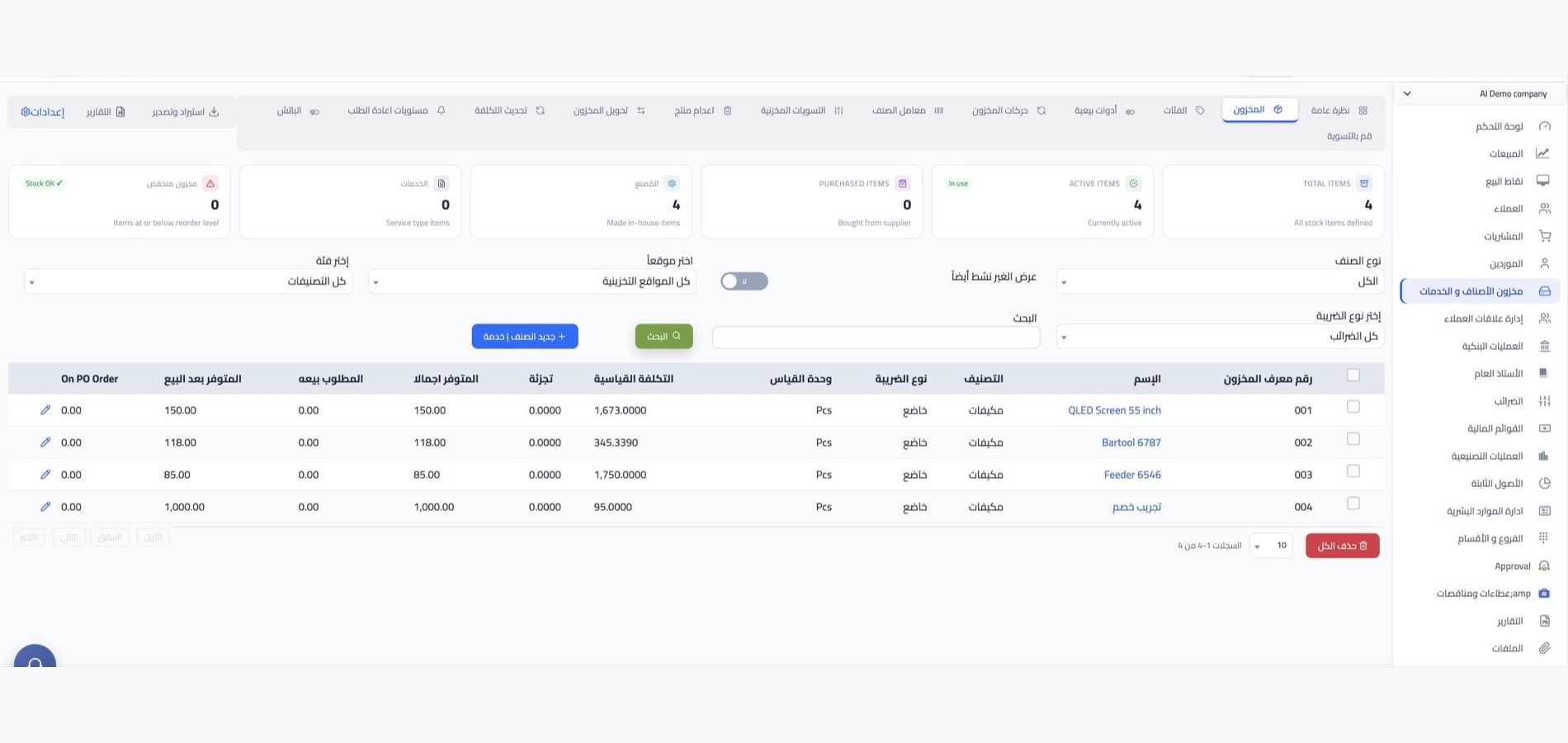
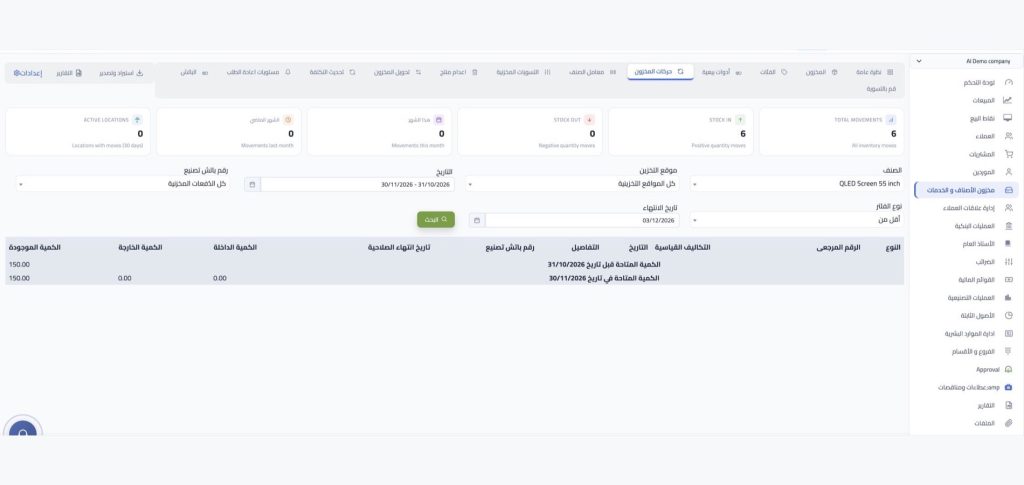
Inventory management at a glance
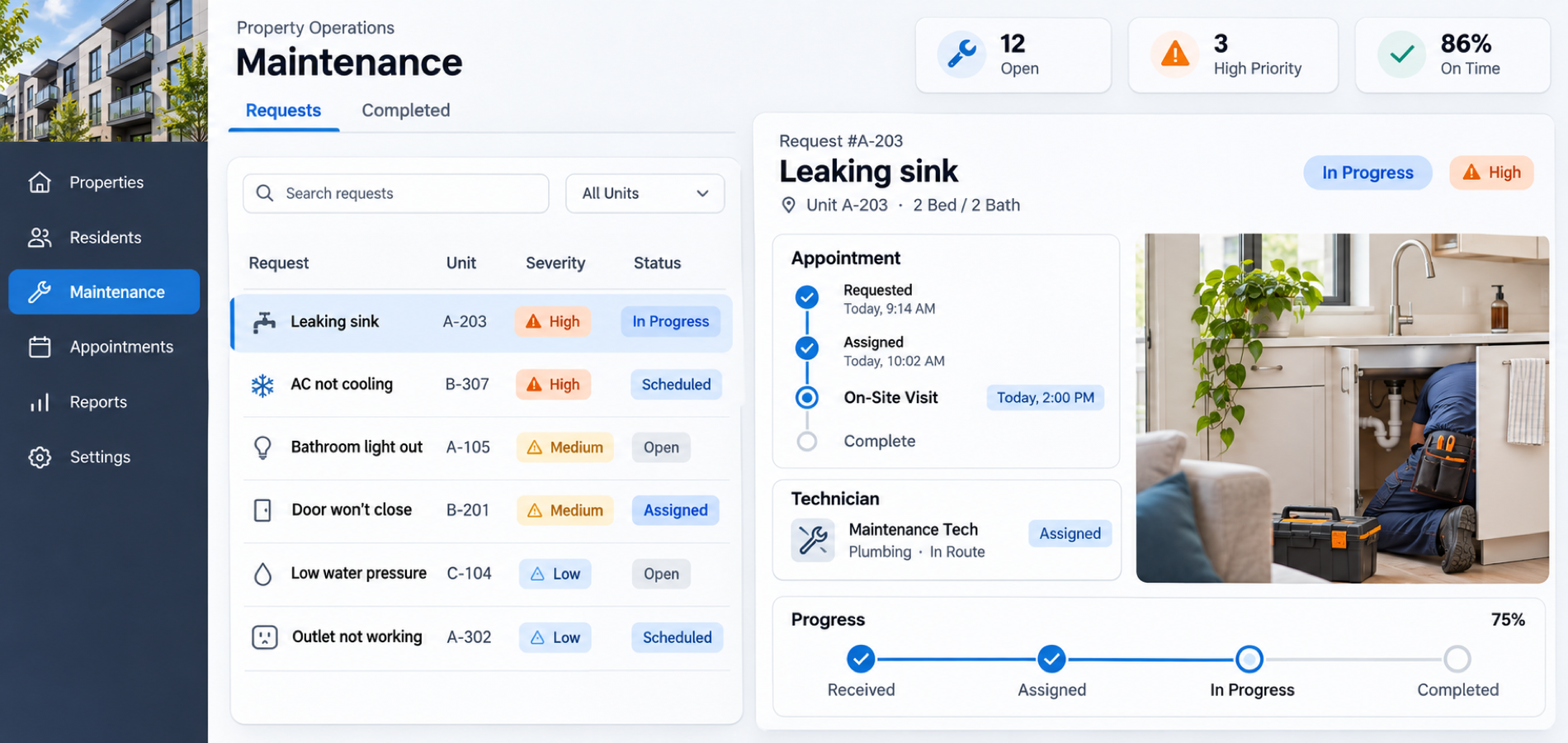
Service management
Organize every
air conditioning service
Manage customer requests, equipment details, installation visits and maintenance notes in one place, using the features available in your WEDATA edition.
Customer and equipment records
Keep customer contact details and record the equipment model, capacity and service type using the fields available in your account.

Installation requests and service stages
Track installation requests, scheduled visits and team notes using the service fields available in your WEDATA account.
Maintenance notes and equipment warranty
Keep a summary of service work, visit dates and warranty details with each request using the fields available in your account.

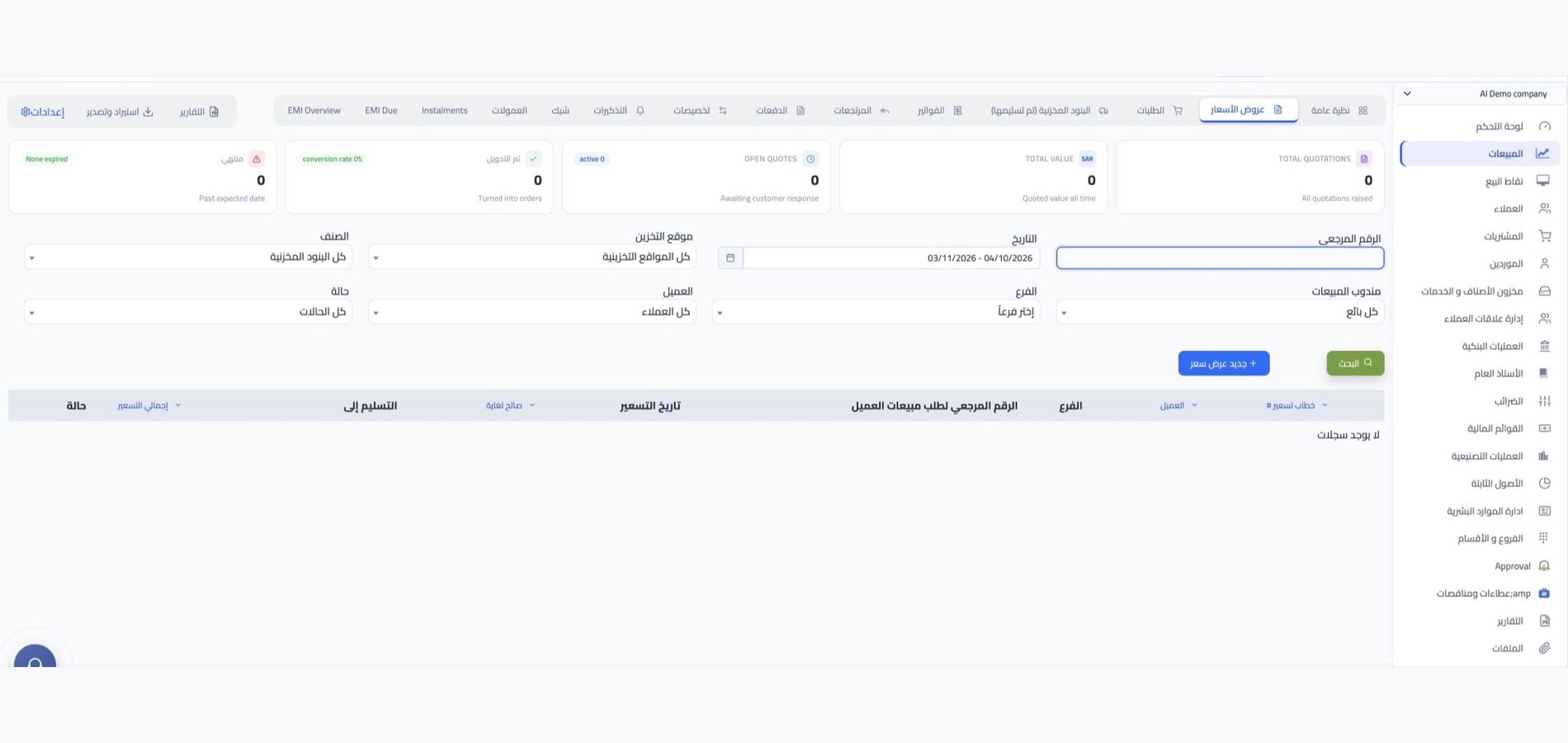
Quotes and service request details
Record the agreed quote, scope of work, required equipment and customer notes with the service request using the fields available in your edition.

Air conditioning tools
Everything to manage
service work clearly
Organize service types, equipment, visits, pricing, expenses and spare parts with the functions available in your WEDATA edition.
Service types and equipment
Classify installation and maintenance services and equipment types to make service requests easier to set up and find.
Installation and maintenance packages
Group installation or maintenance services into packages where your WEDATA edition supports service bundles and related pricing.
Service pricing and expenses
Record service prices and related costs using the pricing and expense options available in your WEDATA edition and account setup.
Service and equipment classifications
Classify air conditioning equipment, installation services and maintenance work to keep requests and records easy to organize.
Visit scheduling and follow-up
Plan customer visits and follow up on installation or maintenance requests using the scheduling options available in your account.
Service request and expense records
Keep service request details and related expenses documented using the record keeping and reporting options available in your WEDATA account.

Service connections
Customer and service workflows
Check the options in your edition
Available connections and workflows depend on your WEDATA edition and account setup. Contact us to confirm which customer, service request, expense and accounting tools are enabled for you.
-
Customer and service request records
-
Expenses and accounting records
Air Conditioning & Installation
Frequently asked questions
about air conditioning services
Answers to common questions about organizing installation requests and following service work in WEDATA.
-
How can I organize air conditioning installation requests?
Record customer and equipment details, describe the requested installation or service, and keep notes and documents with the request using the fields available in your WEDATA edition.
-
Can I track installation and maintenance progress?
You can record request updates and visit notes using the fields available in your account. Workflow stages, reminders and automated updates vary by WEDATA edition and configuration; contact us to confirm what is included.
-
Can I record air conditioner models and capacities?
Yes. Add the model, capacity and equipment type to the item or service details using the fields available in your account, so your team can refer to them when preparing requests.
-
How can I record installation and maintenance costs?
Record expenses linked to the service request using the expense options available in your account. Linking and reporting details depend on your WEDATA edition and configuration.
-
Can I track spare parts and their stock?
If inventory functions are enabled in your WEDATA edition, you can record spare parts and follow their balances and movements. Confirm the relevant inventory and warehouse options for your account.
Ready to organize your air conditioning service requests?
Keep customer and equipment details, service status, visit notes and expenses organized. Contact WEDATA to confirm which functions are available in your edition and account setup.