
Large home appliances with WEDATA
From choosing an appliance to delivery and installation
Organize customer and appliance records, delivery and installation requests, and maintenance notes. Track stock and costs using the functions available in your WEDATA edition and account setup. Contact us to confirm what fits your business.

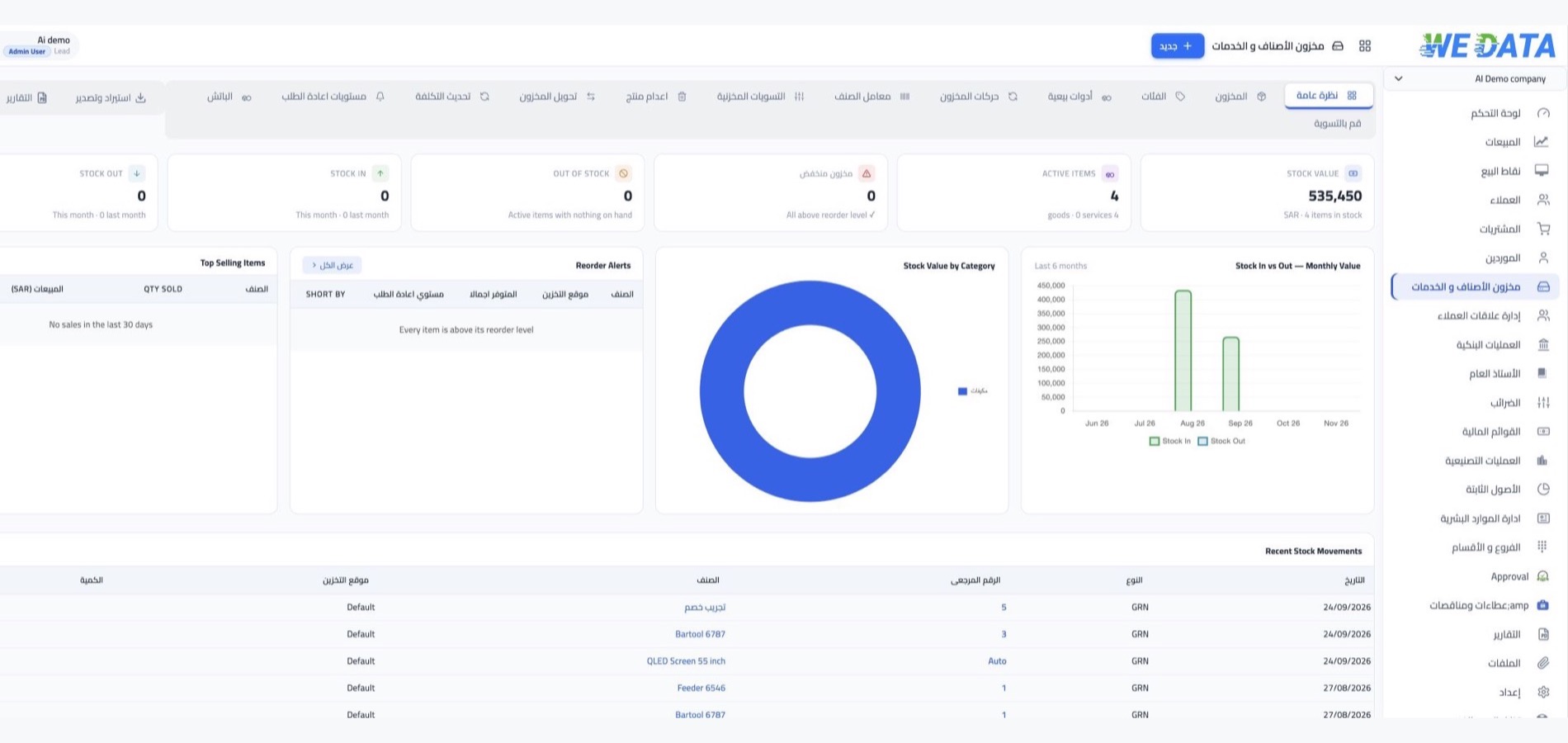
Inventory management at a glance
Large appliance management
From appliance details
to after-sales service
Keep appliance models, delivery and installation requests, warranty details and maintenance notes organized, alongside stock and costs where those features are available in your WEDATA edition and account setup.
Customer and appliance records
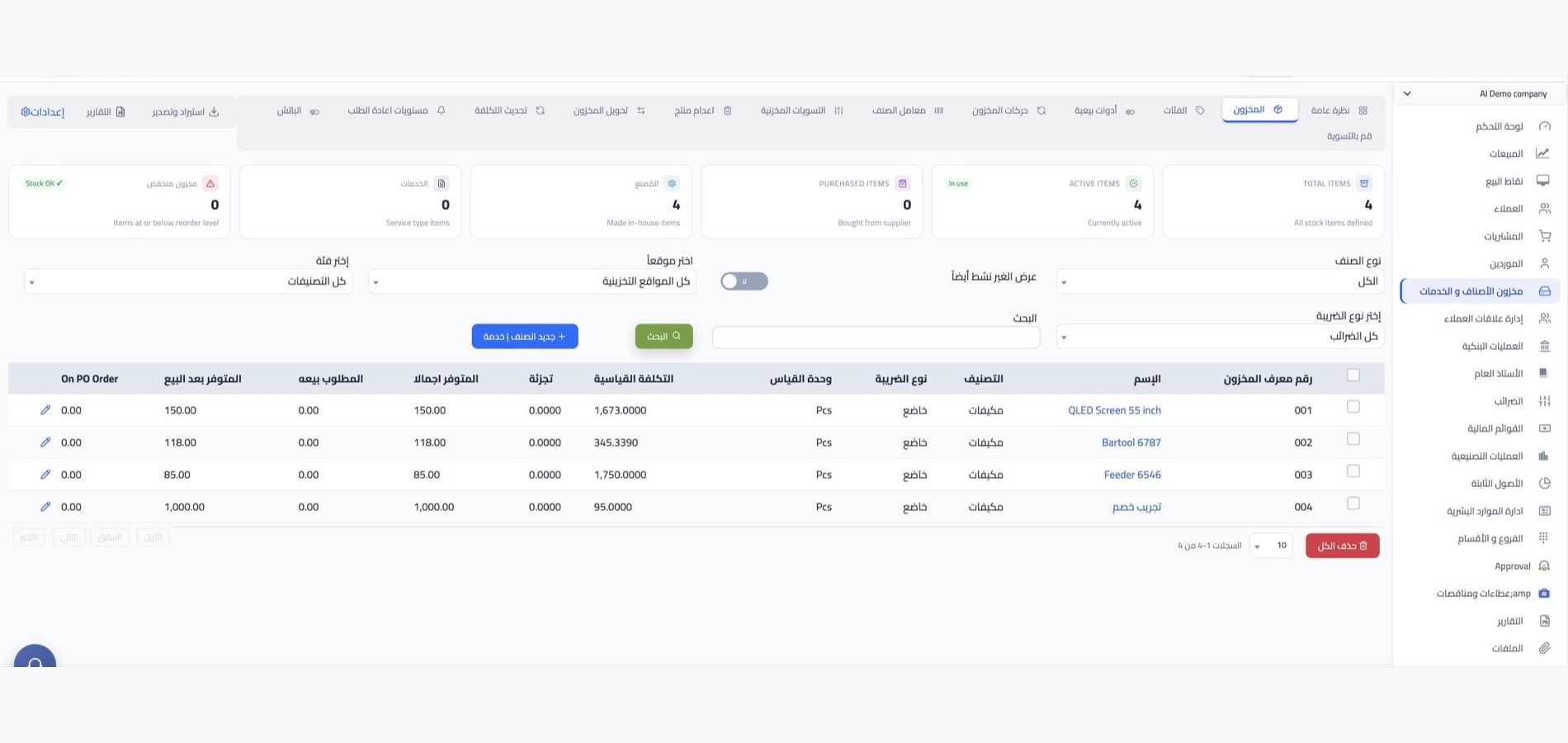
Keep customer details with each appliance model, capacity and serial number, using the fields available in your account.
Delivery and installation requests
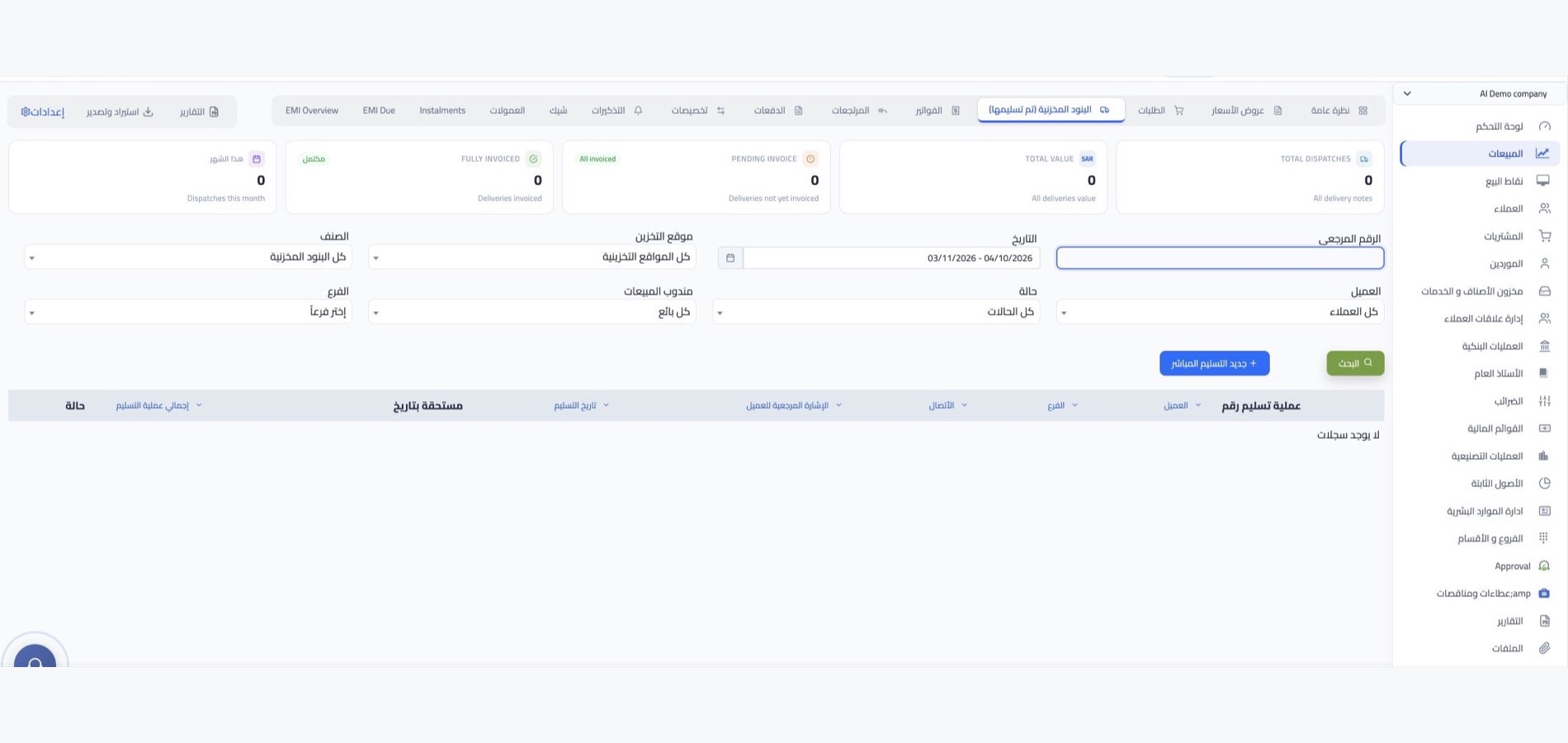
Track customer requests from appliance selection and scheduling through delivery and installation. Record request status and team notes using the workflow available in your account.
Order details and costs
Record the requested appliance, quantity, delivery and installation date, price and related costs in the fields available in your account.
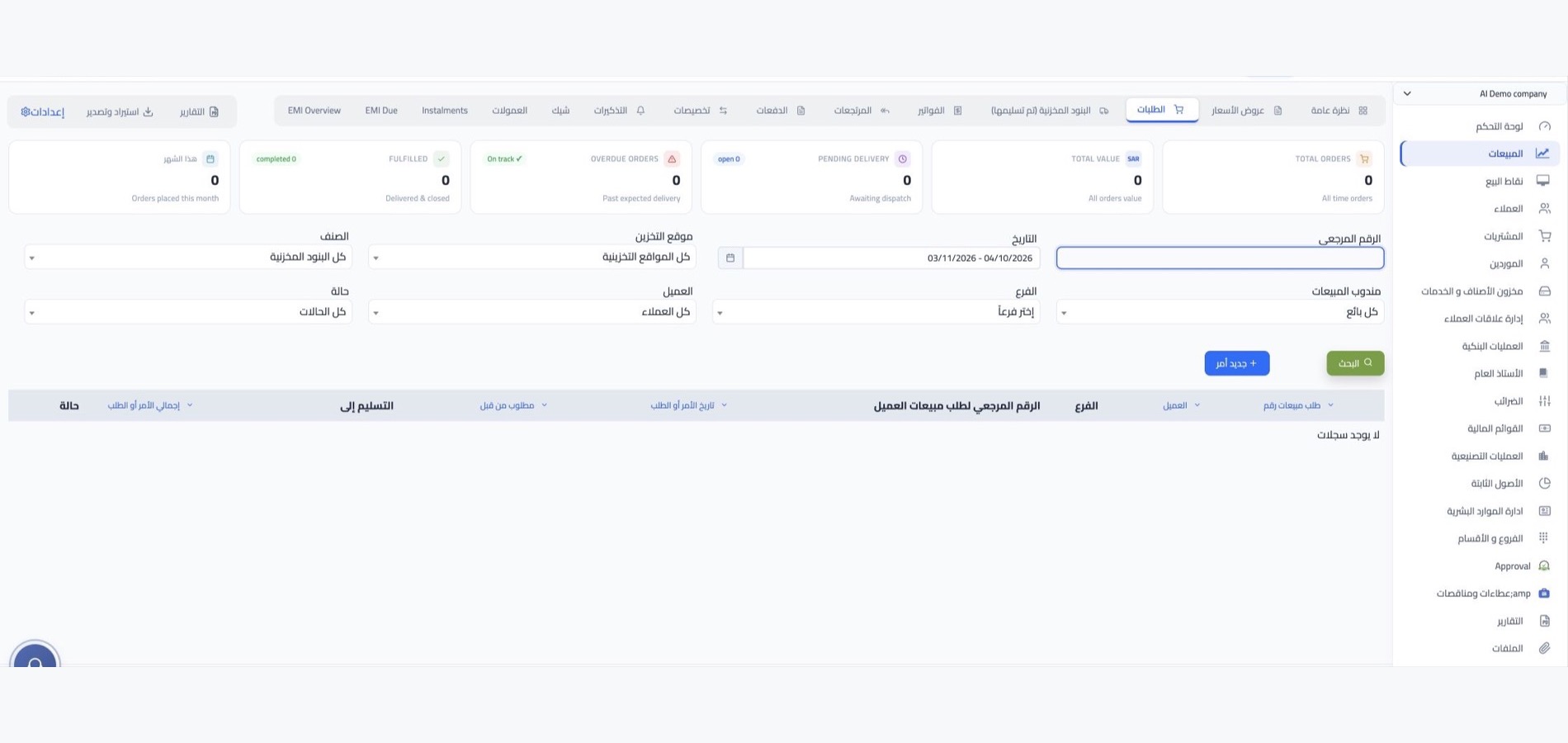
Warranty and maintenance notes
Keep maintenance notes, visit dates and warranty details linked to each appliance. Available fields depend on your WEDATA edition and account setup.

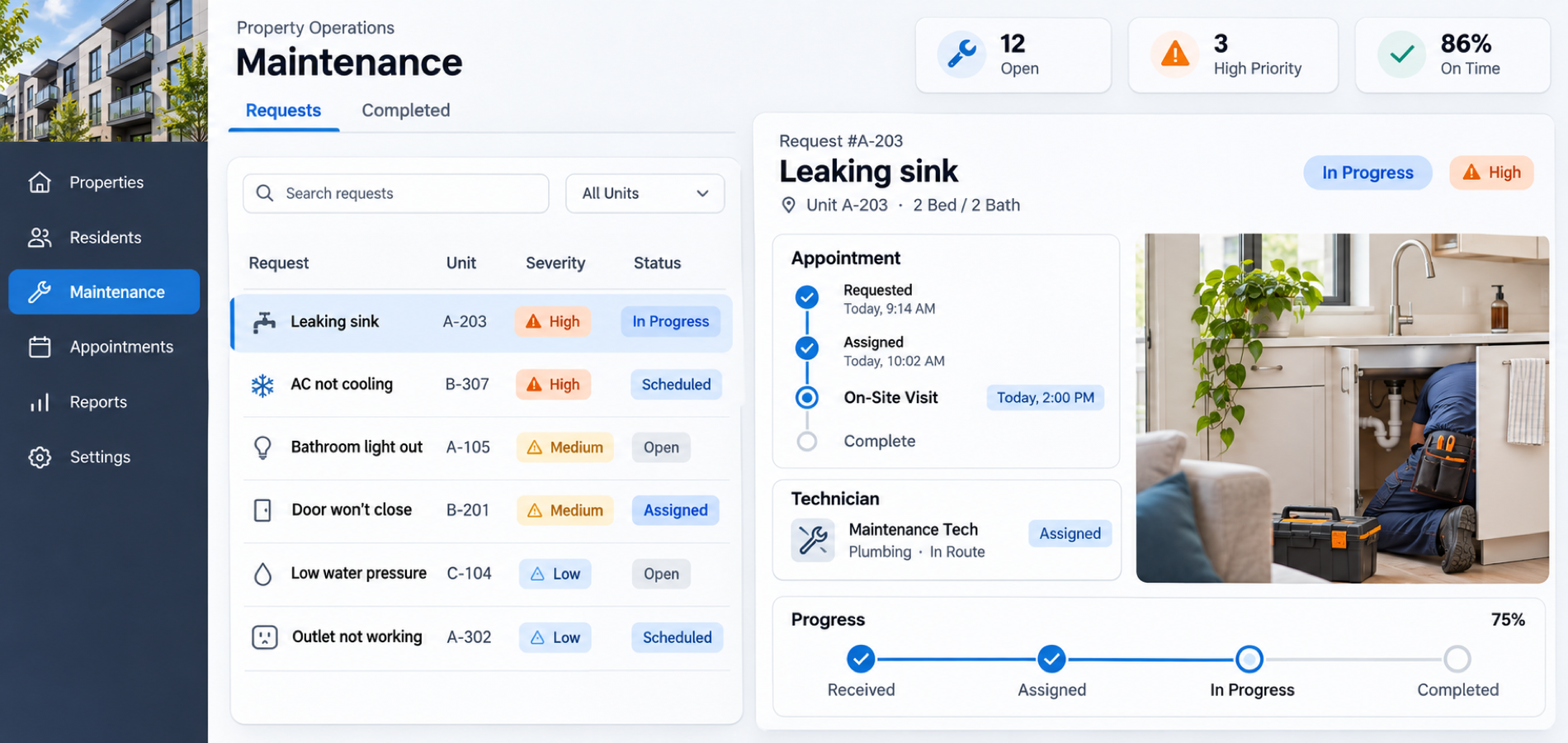
Appliance management tools
Organize each request
and follow every service visit
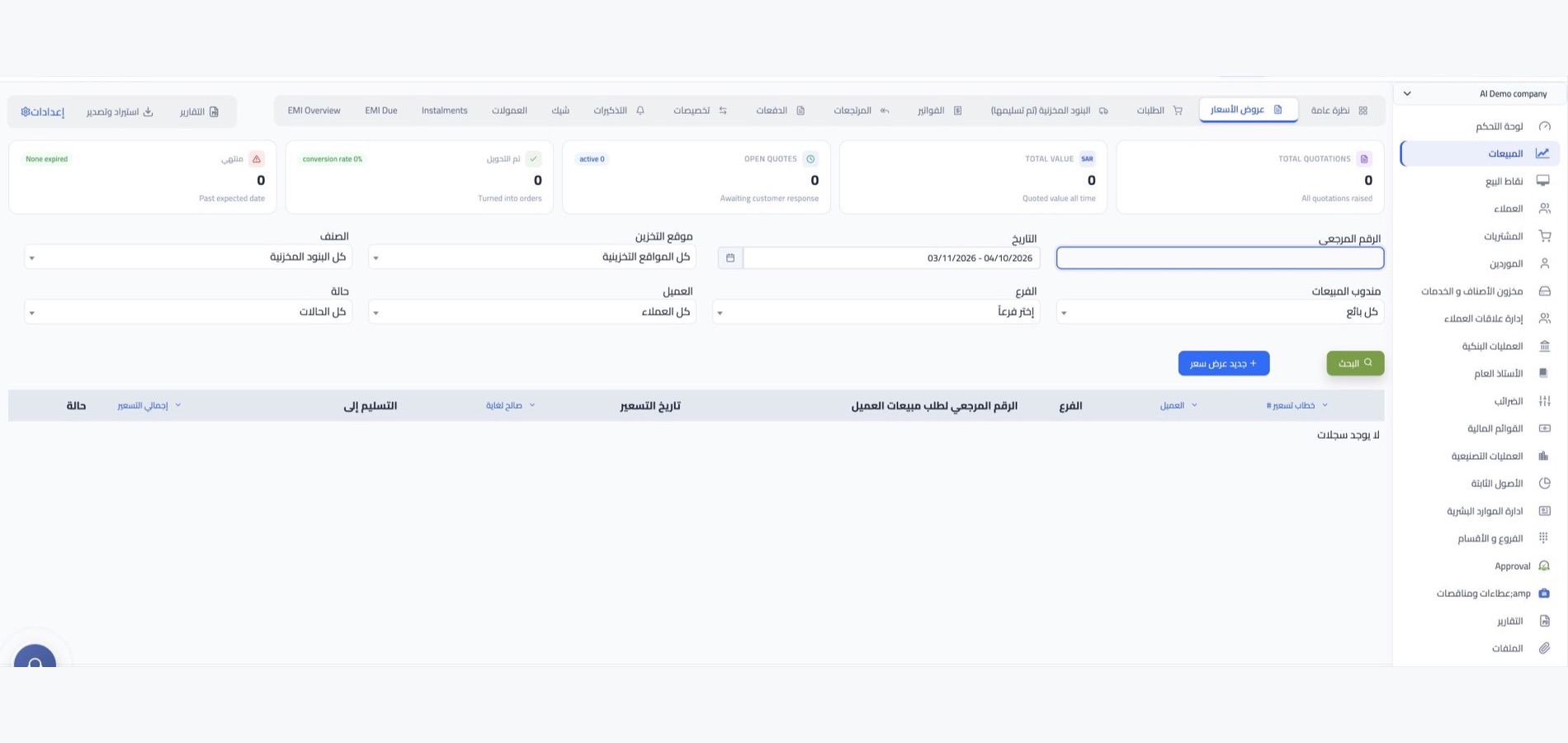
Use the tools available in your WEDATA edition to organize appliance categories, offers, prices, delivery and installation schedules, maintenance visits and order records.
Delivery and maintenance schedules
Organize delivery, installation and service-visit dates, then record visit status and technician notes using the follow-up tools available in your account.
Appliance offers and packages
Organize appliance offers and delivery or installation services into clear packages where bundle and pricing options are available in your edition.
Appliance prices and service costs
Record appliance selling prices and delivery or installation charges using the pricing and accounting options available in your account.
Appliance and service categories
Group appliance models and delivery, installation or maintenance services into clear categories using the classification options available in your account.
Appliance and spare-parts stock
Review appliance and spare-parts balances by location where stock functions are available in your edition. Check which reorder alerts and thresholds your account supports.
Appliance stock reports
Review available stock and cost reports for appliances and spare parts. Report options and valuation details vary by edition and account configuration.

Sales and service connections
Connect appliance records with customer requests
and follow delivery and maintenance
See how customer and appliance requests connect with the sales and service workflows available in WEDATA. Integrations and connected apps vary by edition and setup; contact us to confirm the options for your account.
-
Customer records and appliance requests
-
Sales, service and accounting workflows
Large appliance support
Frequently asked questions
about delivery, installation and maintenance
Answers to common questions about organizing appliance details, customer requests, delivery, installation and after-sales service in WEDATA.
-
How can I track appliance delivery and installation requests?
Record the customer, appliance and requested date, then update the request status and delivery or installation notes using the fields available in your WEDATA edition.
-
Can I organize installation and after-sales maintenance?
You can keep customer and appliance details with service visits, technician notes and maintenance requests, subject to the service and follow-up tools available in your edition and account setup.
-
Can I record appliance models and specifications?
Yes. Add the model, capacity, serial number or relevant specifications to the appliance record when those fields are available in your account.
-
How can I track warranties and maintenance requests?
Record the purchase date, warranty details and service-visit or fault notes with the customer and appliance. Available fields and reminders depend on your WEDATA edition and account setup.
-
How can I follow appliance and spare-parts stock?
Record appliances and spare parts and review their balances where inventory functions are available in your edition. Options vary by plan and account setup.
Ready to organize appliance sales and service?
Track appliance details, delivery and installation requests, and maintenance visits with WEDATA. Contact us to learn which order, service and inventory tools are available in your edition.