
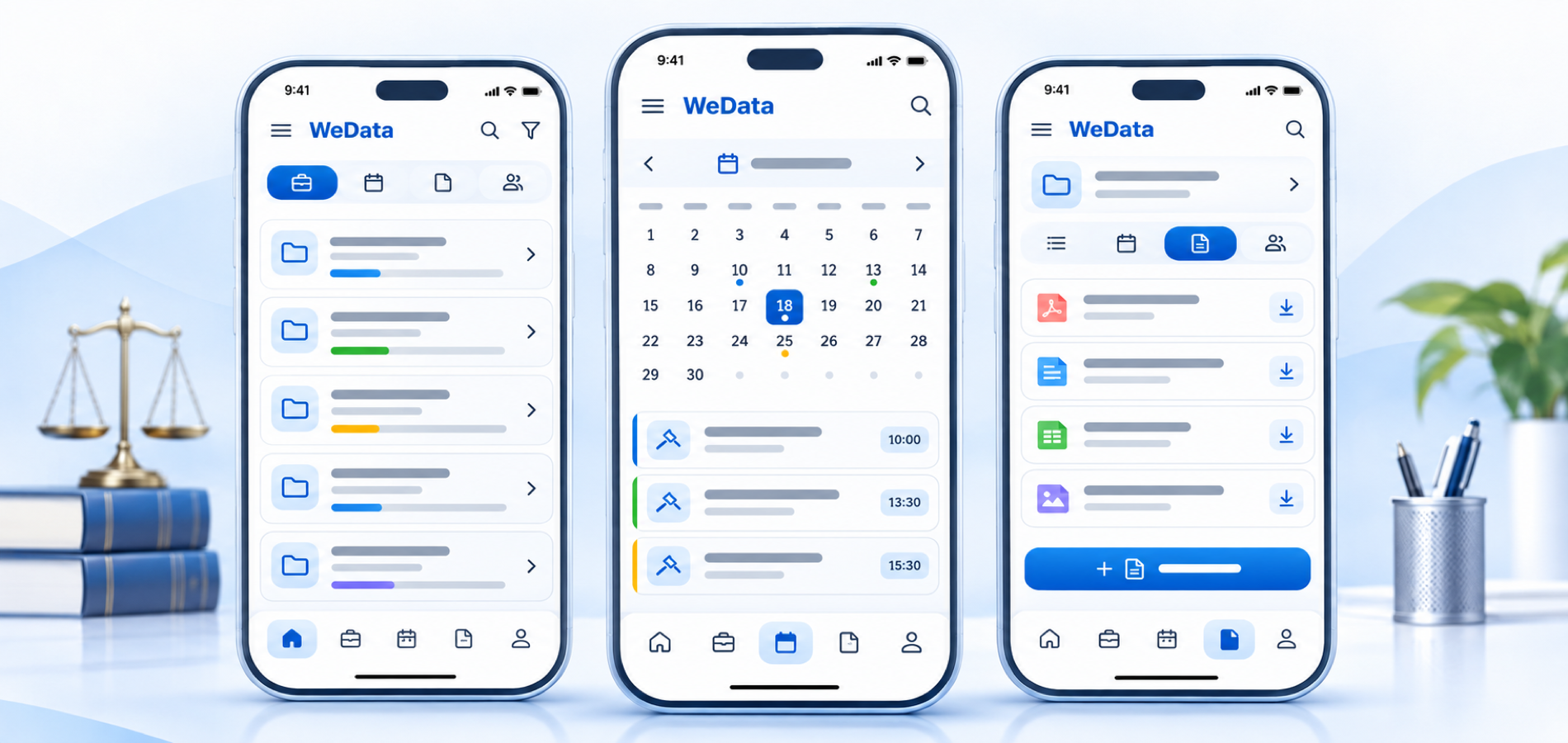

Beecool for legal practices
Organize your law office
from cases to hearing dates
Explore Beecool’s tools for organizing office information and following daily work. Request a demo to see which features are available for your practice.

Legal office workflows at a glance
Beecool features
A clearer view of your practice
from one workspace
Explore tools designed to help organize client cases, office information and daily tasks. Available features depend on your Beecool edition and account setup.
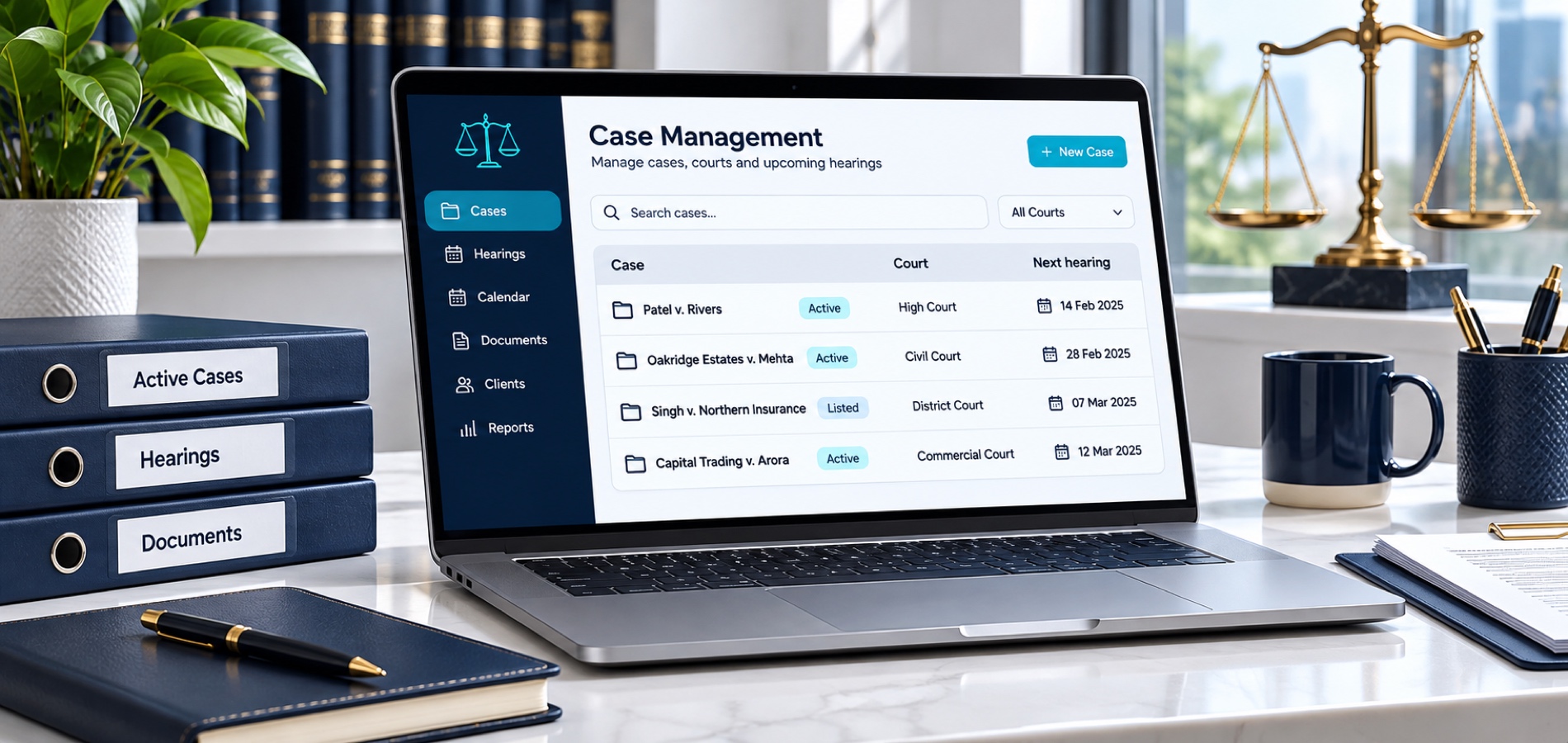
Client and case records
Keep essential case details and client information organized in a clear, accessible workspace. The fields available depend on your Beecool edition and account setup.
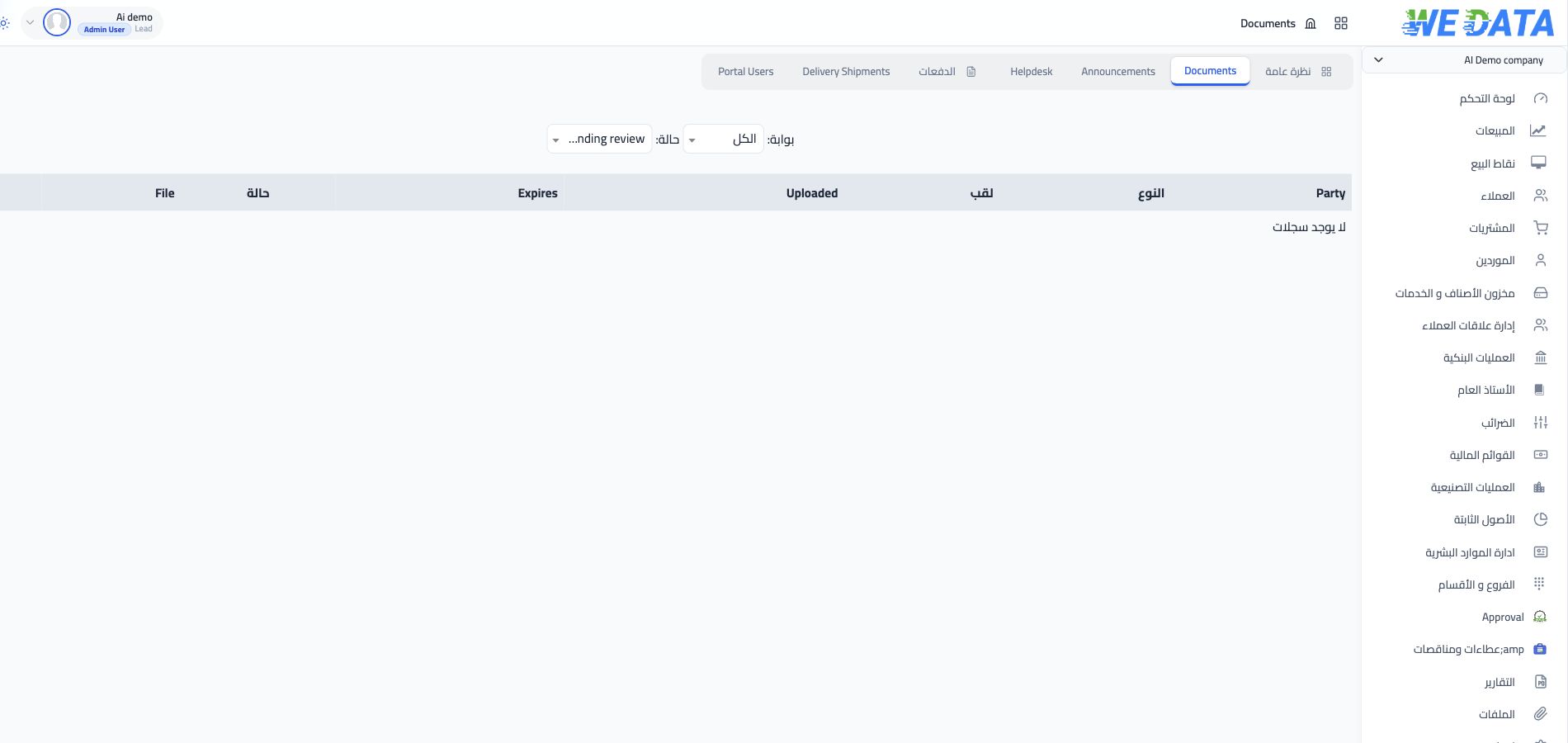
Case documents and notes
Keep relevant documents and notes connected with case information to make them easier to review. Check the storage limits and file options included in your edition.
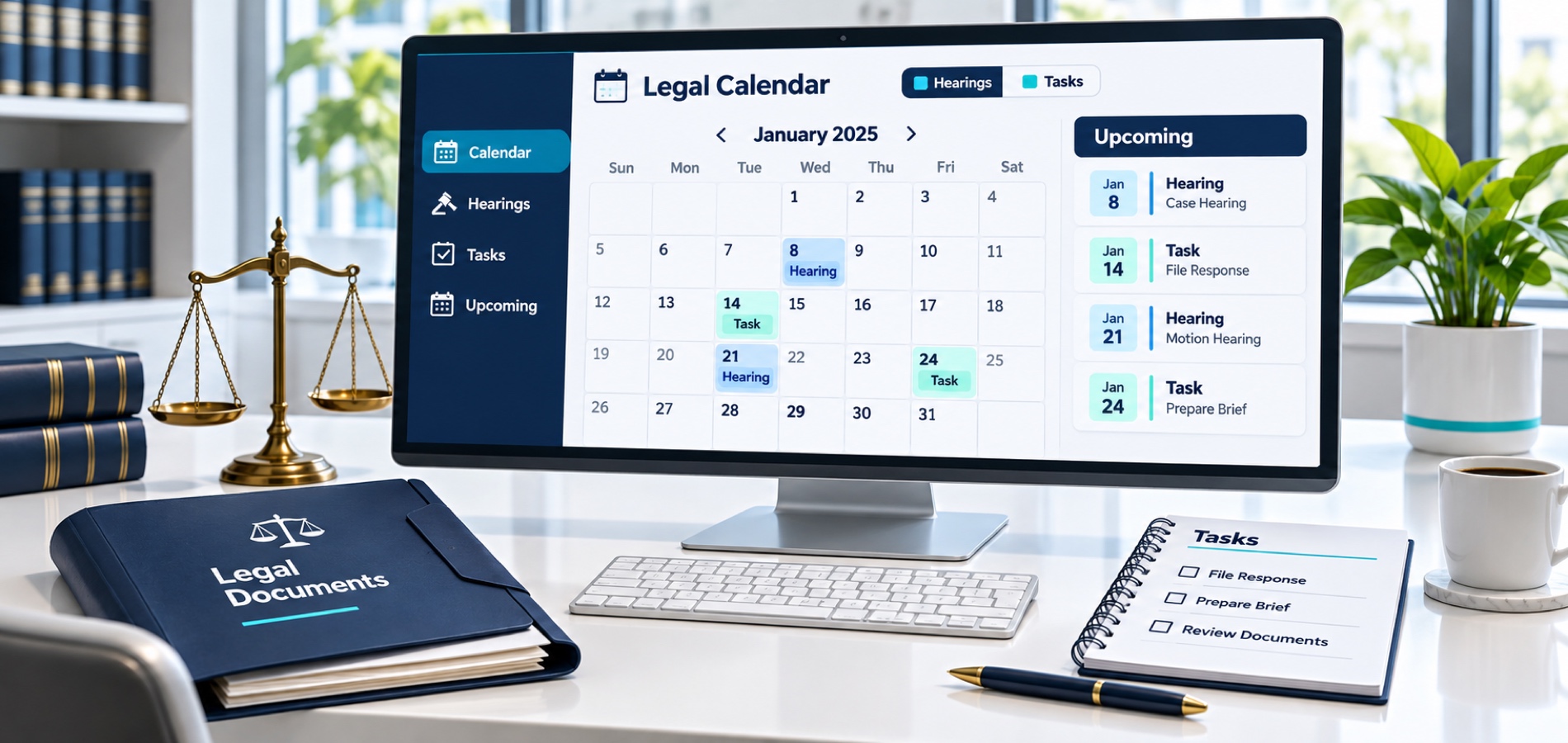
Hearing dates and tasks
Plan hearing dates and related tasks using the calendar and reminder options available in your Beecool edition.
Client information
Keep client contact details and related notes organized alongside office work. Available client-information fields depend on your Beecool edition.

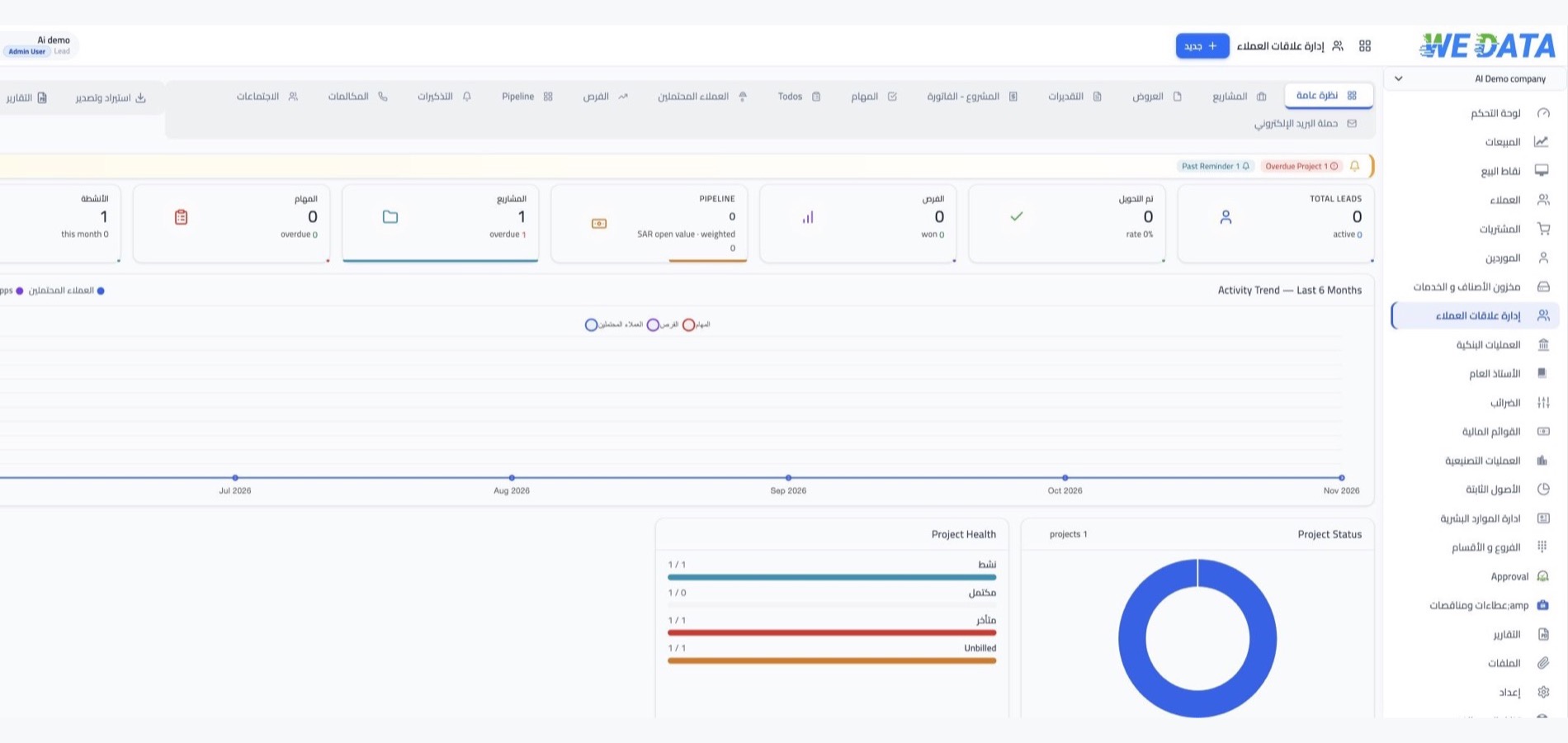
Tools for your practice
Bring daily work together
with clear, connected case information
Explore additional tools in Beecool for organizing cases, client details, schedules and office work.
Case file organization
Keep case details and related information organized so your team can review work more clearly.
Case tasks and follow-up
Review case-related tasks and follow-up details in one place, using the workflow options included in your edition.
Schedules and reminders
Use the calendar and reminder options available in your Beecool edition to plan hearing dates and office tasks.
Client contact details
Keep client contact details and related notes together with case information, using the fields available in your edition.
Case fees and expenses
Review the tools available in your edition for recording case fees and office expenses. Reporting options may vary by account setup.
Office activity overview
Use available summaries and reports to review case progress and office tasks, based on the tools included in your Beecool edition.
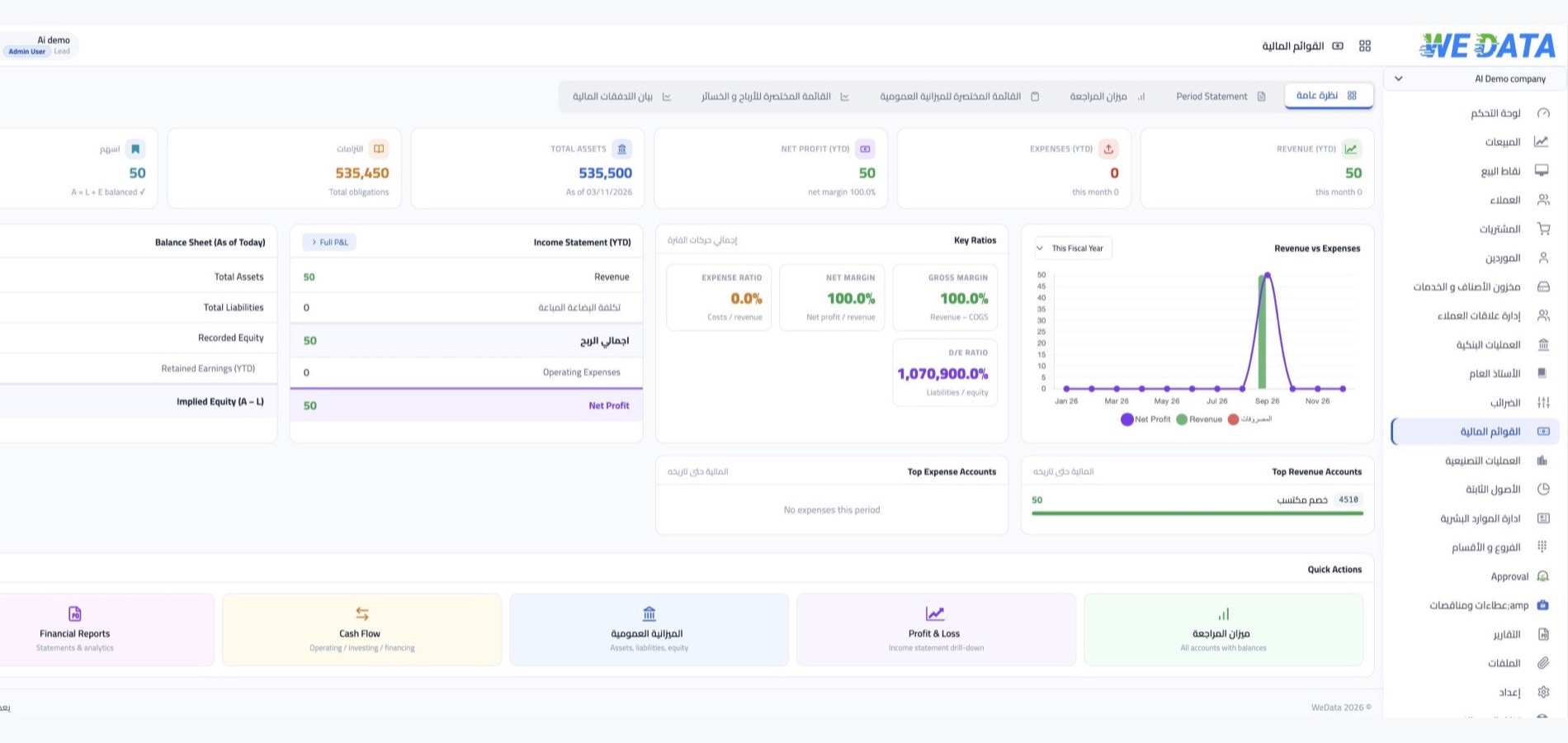
Connections and support
Explore available connections
Confirm the options for your setup
Ask the Beecool team about available services and connections, and confirm compatibility with your practice needs and account configuration.
-
Case management
-
Client and contact records
Beecool App for Lawyers
Questions from legal practices
Cases, documents and office workflows
Quick answers to help you explore Beecool and decide whether it fits the way your practice works.
-
How can Beecool help me organize client cases?
Beecool helps bring case details and related information together so your team can review work more clearly. Available tools depend on your edition and setup; request a demo to see how they fit your practice.
-
Can I store documents related to a case?
Check the document storage and attachment options included in your Beecool edition. Storage limits and supported file types can vary, so contact the team to confirm what is available for your account.
-
How can I keep track of hearing dates and tasks?
Review the calendar and reminder options available in your Beecool edition to plan hearing dates and related tasks. Supported notifications or calendar connections depend on your setup.
-
Can I track case fees and office expenses?
Check which fee, expense and reporting tools are included in your Beecool edition. The available options can vary by setup; request a demo to review what suits your practice.
-
How do I get started with Beecool?
Request a demo to learn how to set up your account and add your office and case information. The Beecool team can help identify the setup steps for your practice.
Beecool App for Lawyers
Organize your legal practice with Beecool
from cases to daily office work
Explore Beecool’s tools for organizing cases, tracking schedules and managing office information. Request a demo to see which features are available in your edition.