

WEDATA · Business Apps
Human Resources App
Employee services for your workplace
A mobile app can give employees access to HR services connected to their organization’s system. Available services depend on system configuration and employer policies; confirm the functions you need before relying on them.

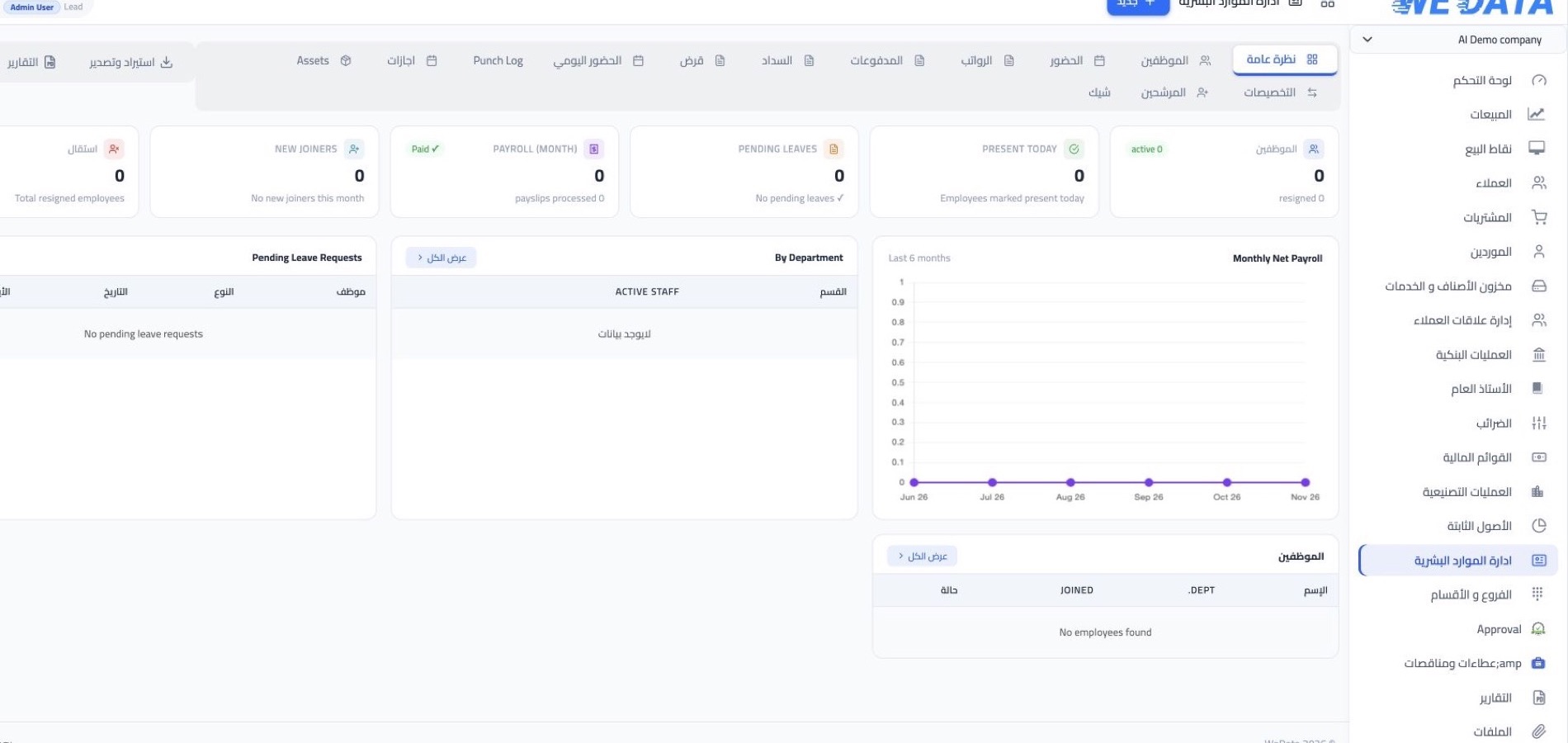
Human resources app overview
HR services
Employee services
for your organization
Employee services
Identify the services employees need to access, then confirm they are available in your app version and organization setup before rollout.
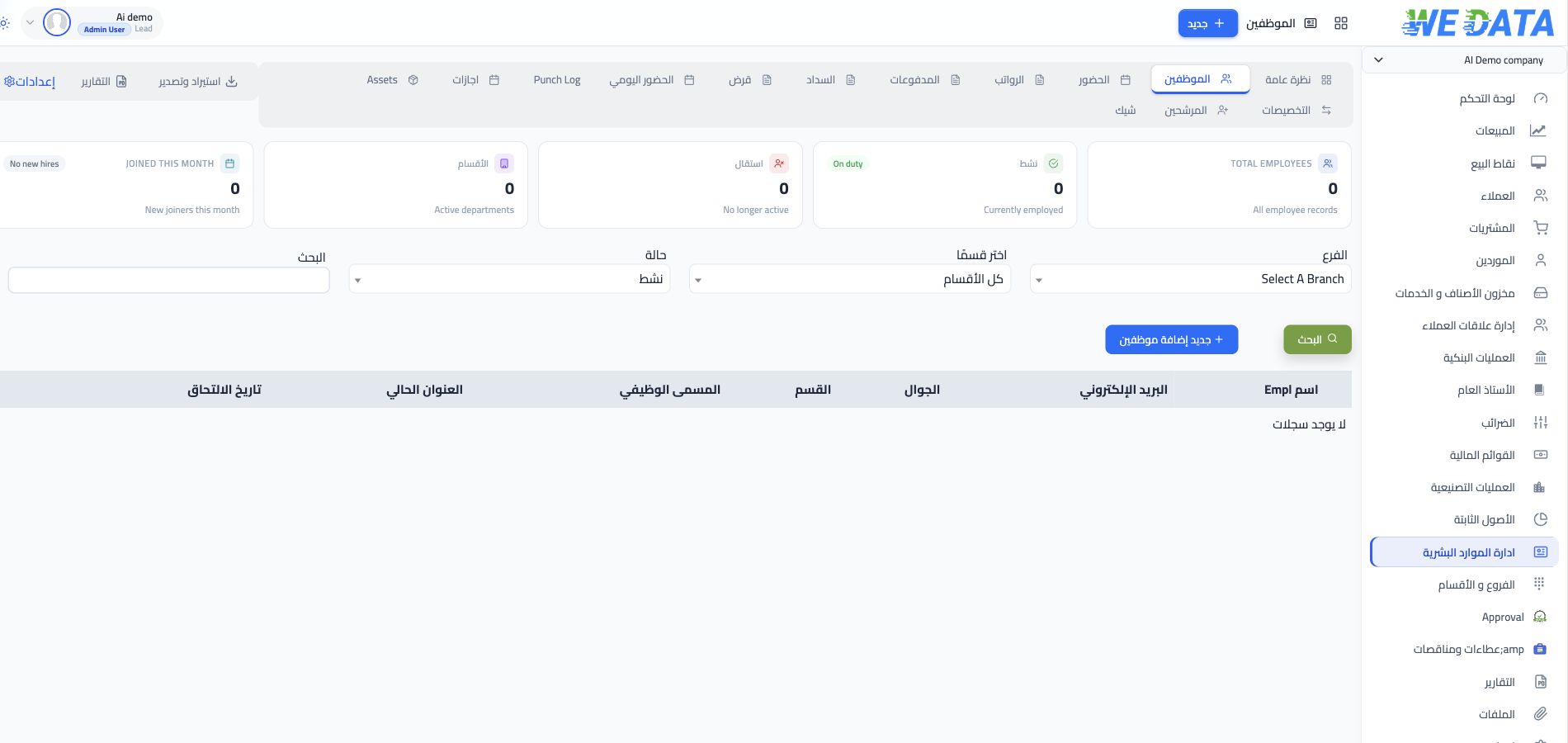
Requests and approvals
Review request and approval steps with your team, and confirm that the available permissions and workflow match your organization’s policies.
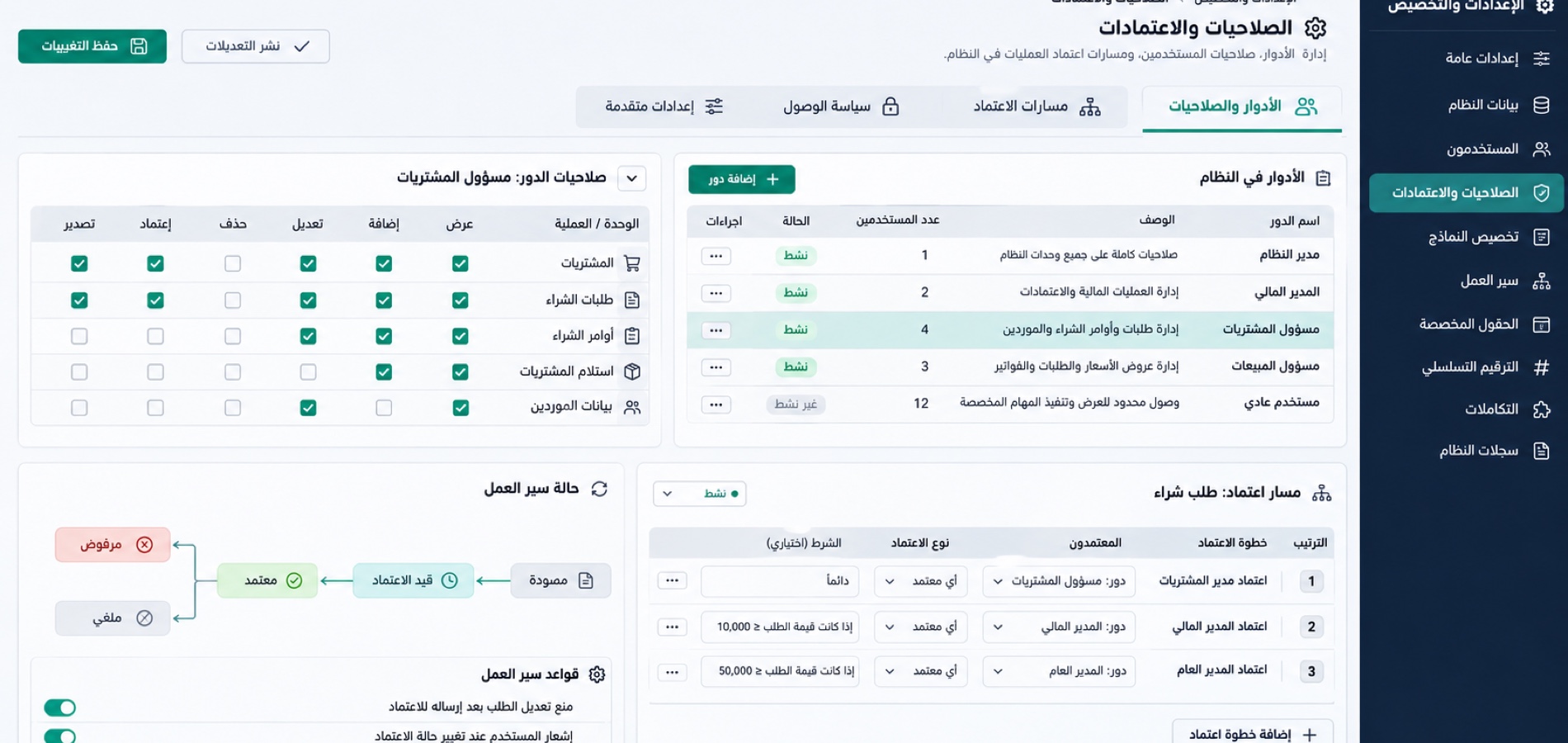
Confirm app scope
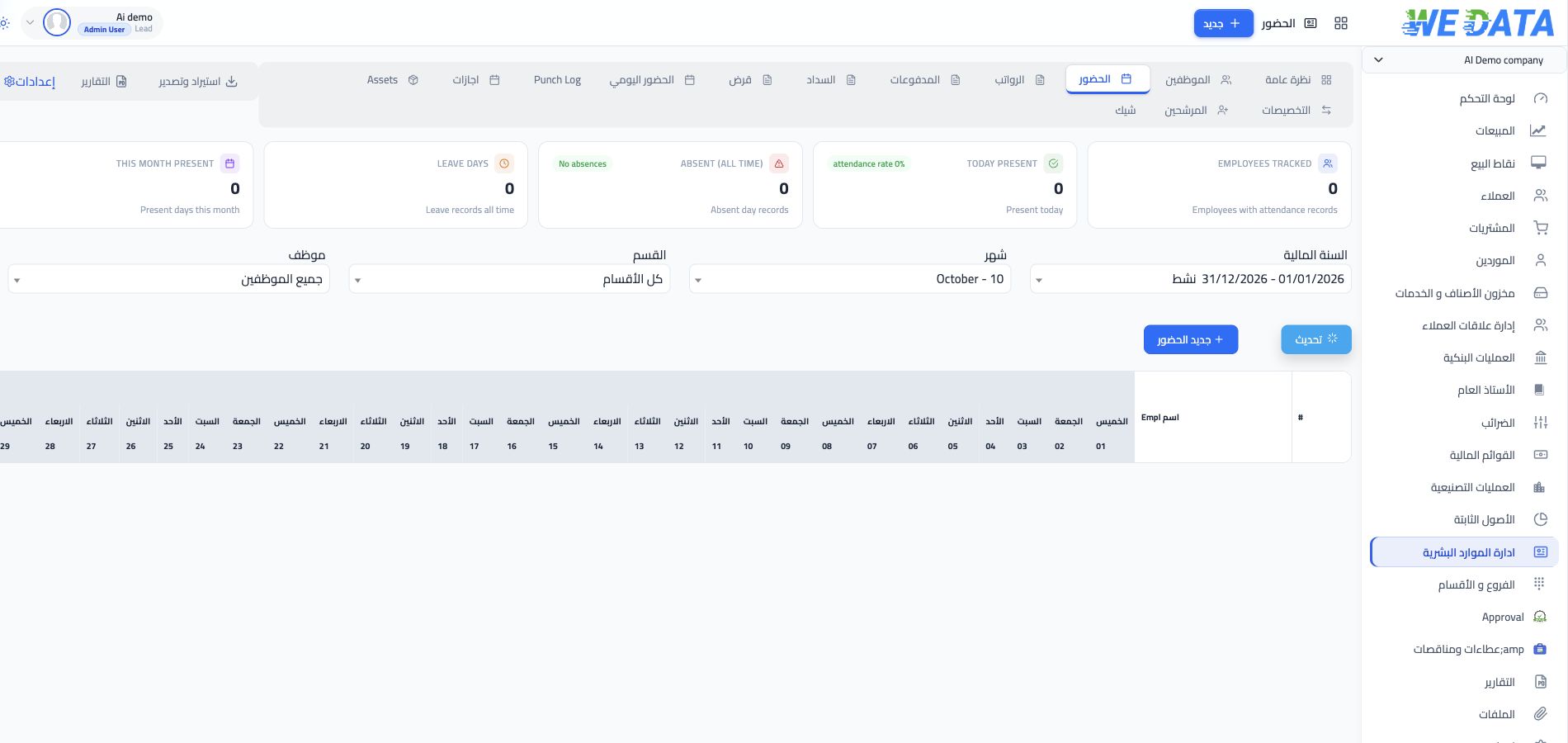
Check which services are available in your edition and employer setup. Do not assume attendance, payroll or leave functions are included without confirmation.
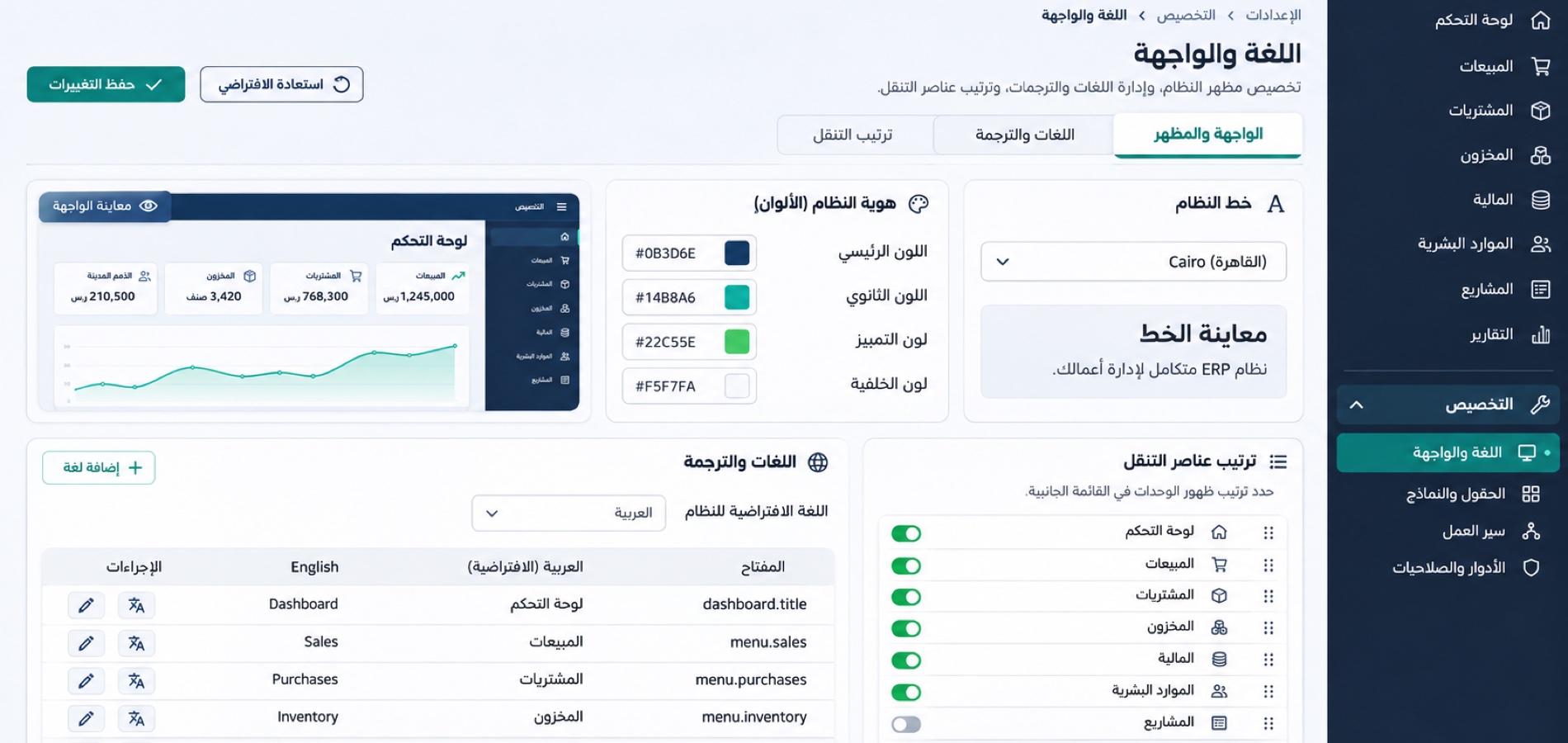
Check employer policies
Review employer policies and permissions before using the app, and confirm that the available services fit your team’s needs.

Before rollout
Review the app scope
before getting started
Employee data and permissions
Confirm which employee details appear in the app and review the organization’s access controls.
Requests and approvals
Review how employees submit requests and how approvals are handled under your organization’s policies.
Attendance and working hours
Ask whether attendance and working-hour features are available in your edition and organization setup before relying on them.
Leave and absence
Confirm your organization’s leave and absence procedures and which functions the app supports.
Payroll and entitlements
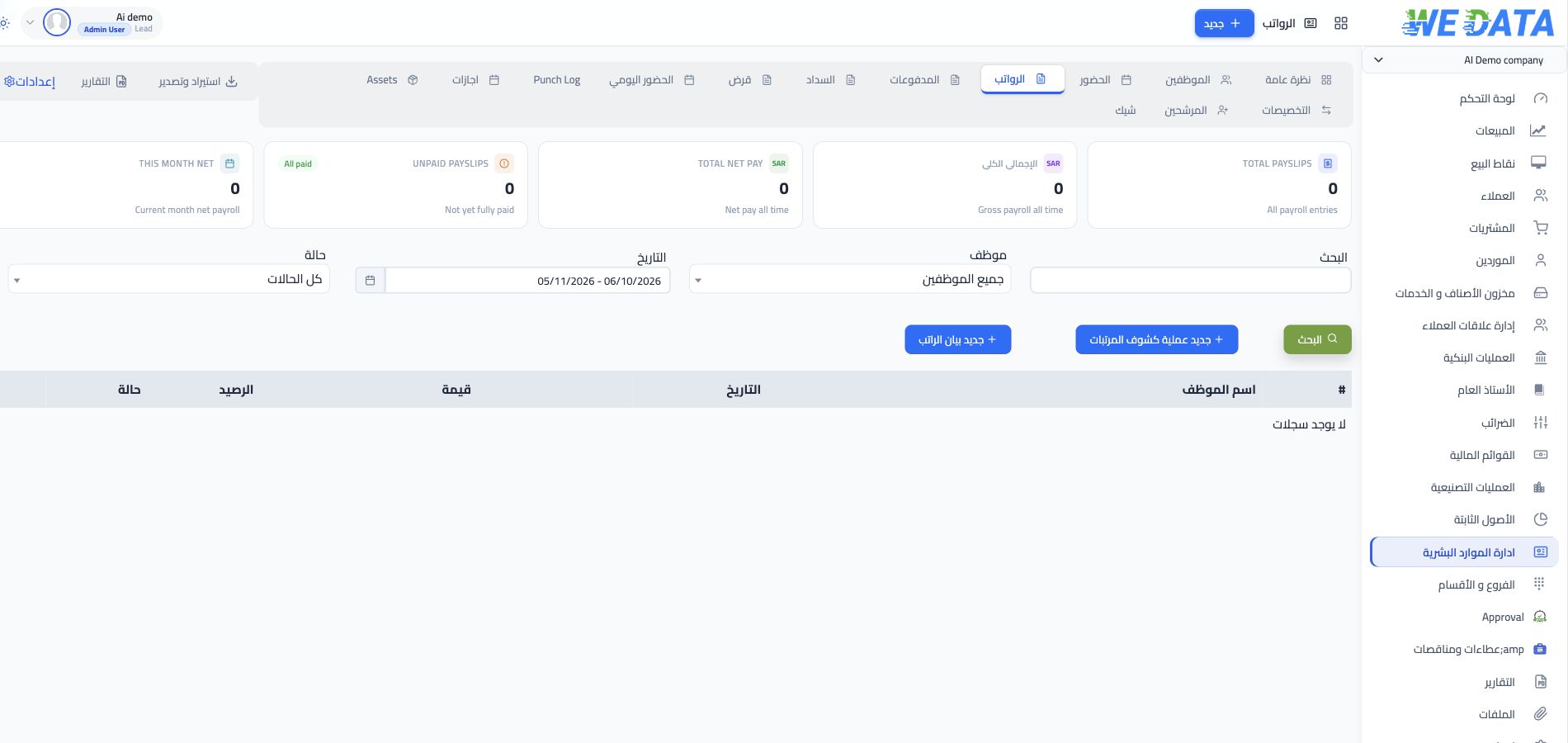
Check whether payroll or entitlement services are included in your edition; do not assume they are available without confirmation.
Notifications and reports
Ask which notifications and reports are available, what information they show, and who can access them.
Configuration
Confirm available services
and organization settings
Check the app edition and the systems connected to it, then confirm which services and permissions are available to your organization.
-
Services available in your edition
-
Organization setup and permissions
FAQ
Frequently asked questions
about the HR app
A few points to review with your organization and WEDATA before relying on app services.
-
Which HR services are available in the app?
Available services depend on your WEDATA app edition and organization setup. Ask WEDATA for the current service list before relying on a specific function.
-
Can employees submit requests and follow approvals?
Request types and approval steps depend on the services enabled for your organization and its policies. Confirm the available workflows with your administrator.
-
Does the app include attendance, working hours or leave services?
These functions are not assumed to be included. Check your app edition and organization setup, and confirm the employee procedures and permissions with your administrator.
-
Can employees view payroll or compensation information?
Access to payroll or compensation information depends on the services enabled and permissions assigned by the organization. Confirm which details are available and who can see them before rollout.
-
How are employee data and app permissions managed?
Ask which employee information appears in the app, how access is assigned, and which controls your organization uses to protect it.
Is the HR app right for your team?
Review the services your team needs and the organization’s policies, then contact WEDATA to confirm what is available in the appropriate edition.